Latest article
New in Mindstamp: Playlist completion emails, Decisions, pop-outs, and more
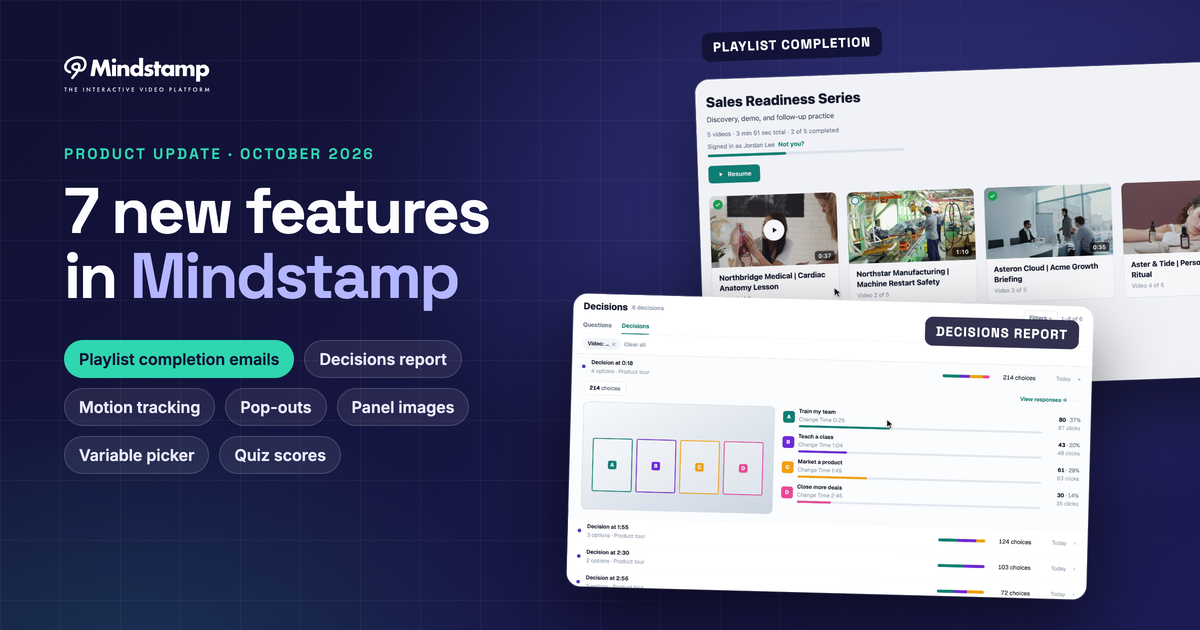
Seven new Mindstamp features: playlist sign-in and completion emails, a Decisions report, motion tracking, variables, pop-outs, panel images, and quiz scores.
Mindstamp blog
Strategy, training, and growth writing on making video do more than play.
Articles
Seven new Mindstamp features: playlist sign-in and completion emails, a Decisions report, motion tracking, variables, pop-outs, panel images, and quiz scores.

Issue verified completion certificates, run interactive video without internet, add a custom soundtrack, and connect Mindstamp to AI assistants such as Claude.
More recent posts
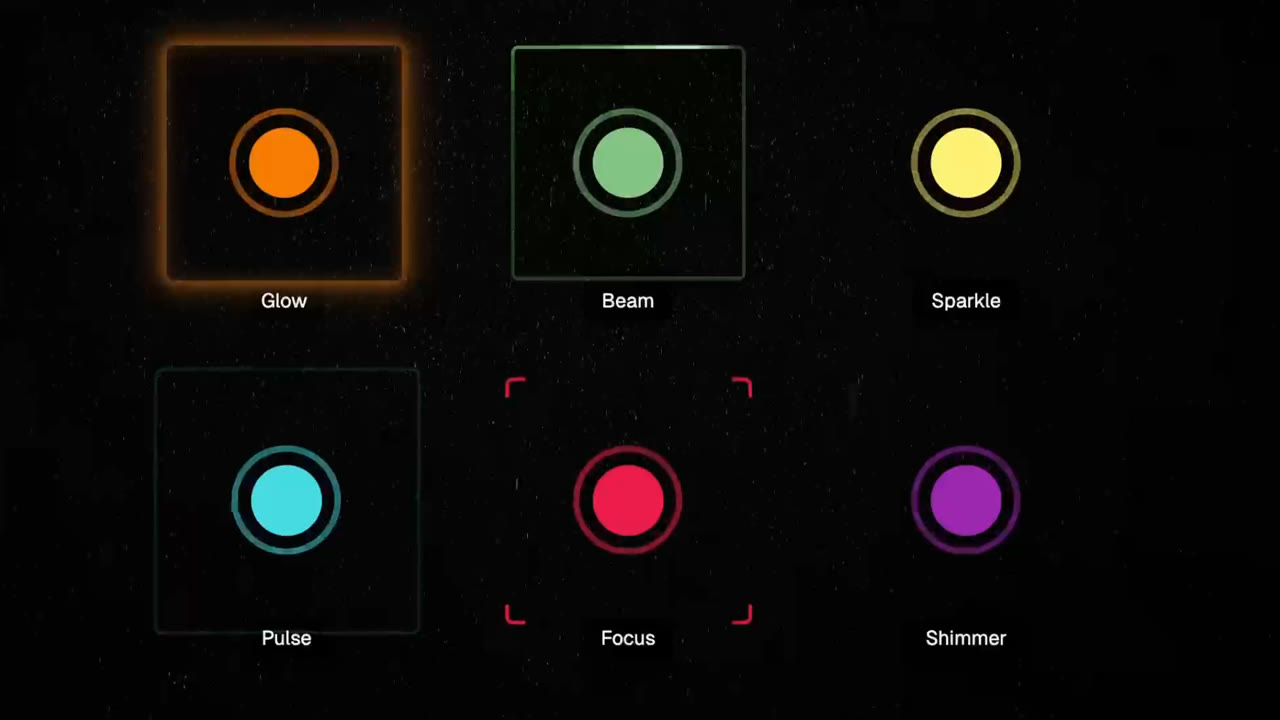
Build clearer interactive videos with Cards, seven animated hotspot effects, Smart Grid alignment, and drag-and-drop interaction timing.
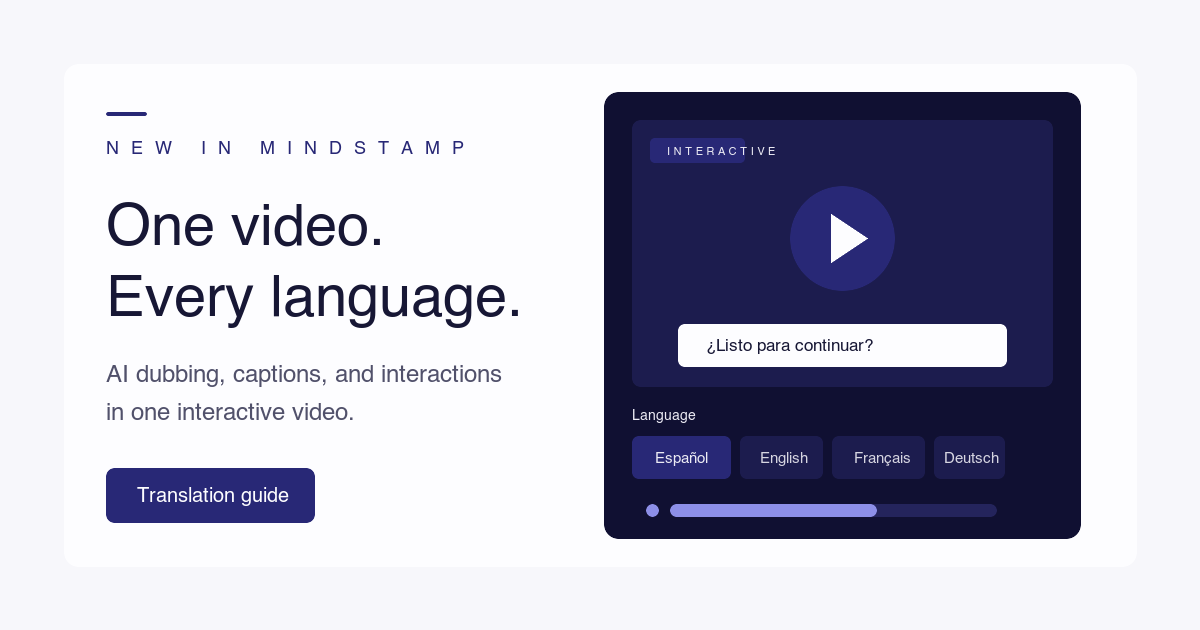
How to translate a video's spoken language, add accurate subtitles, and dub it with AI, including the questions, buttons, and player text of an interactive video.
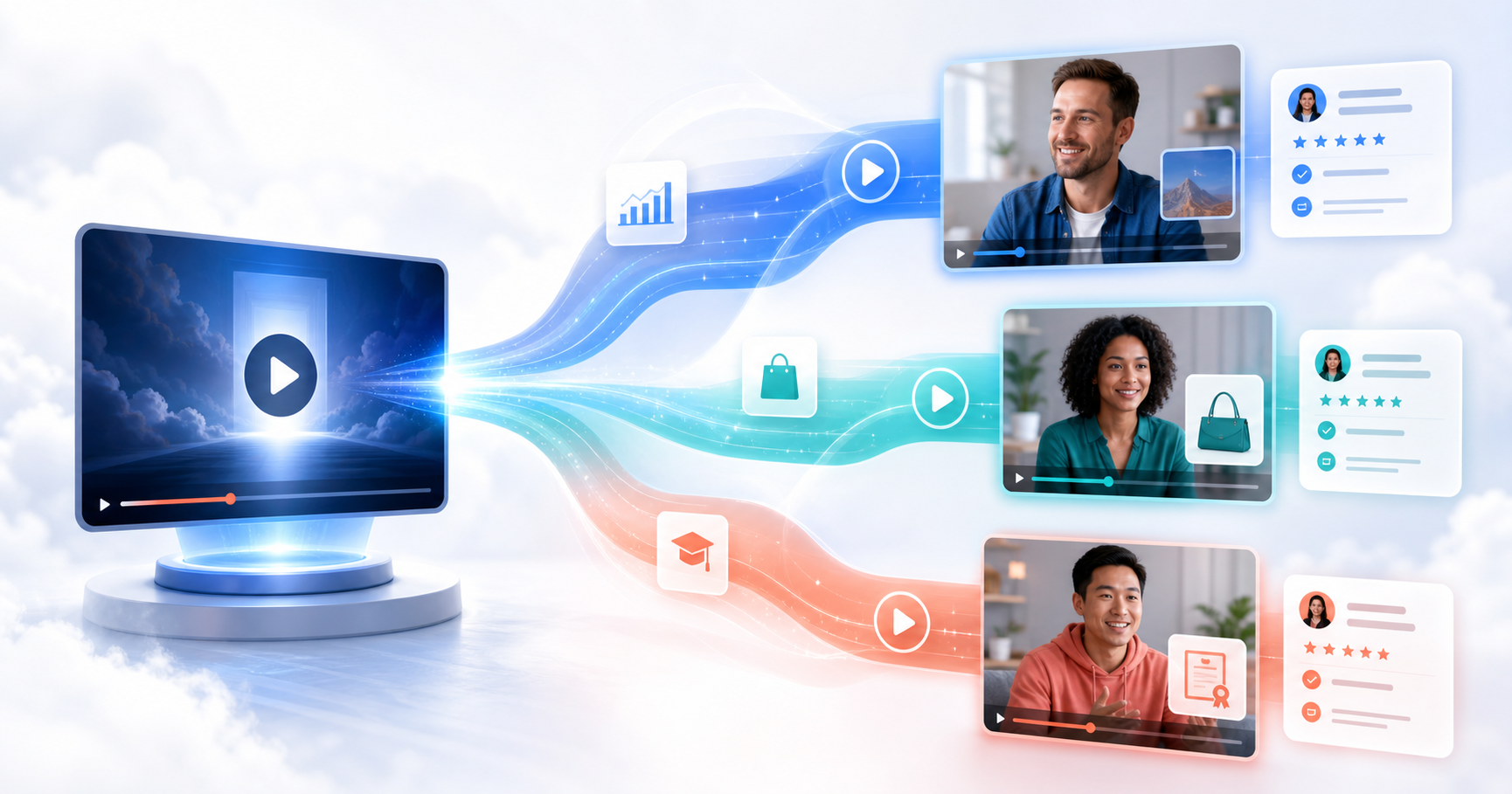
How to write a video sales letter and personalize it for each buyer from one recording, with script and offer guidance, length data, and a build checklist.

A one-page brief for planning an interactive video campaign, six campaign plans with live examples, and the routes that send each viewer's answers to your CRM.
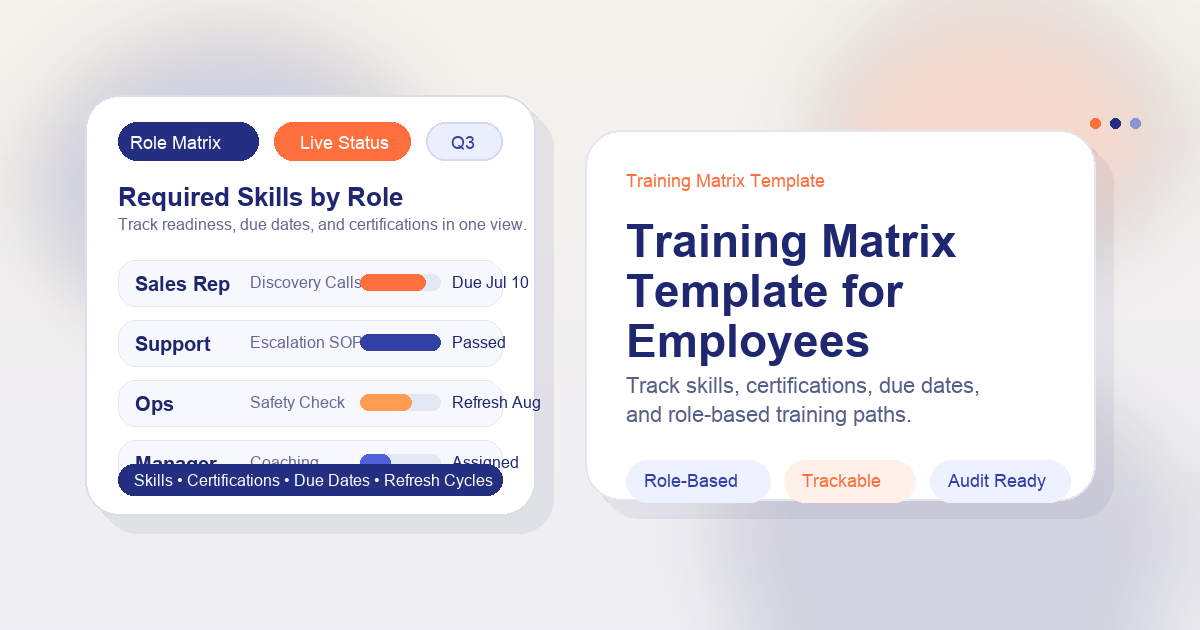
Four training matrix layouts you can copy, what ISO 9001 asks for under competence, and how to keep a role-and-SOP matrix current when procedures change.
A step-by-step method for a corporate training needs assessment, from business result to ranked training plan, with a template, a worked example, and a test for gaps that training cannot fix.

Thumbnail frames, hover tooltips, question breakdowns, completion reports, personalized playlists, and spoken Genie answers: what we shipped in May 2026.

Our April 2026 update: AI voices for questions, folders, a faster uploader, bulk personalized links, design locking, and better AI questions, with notes on what changed since.
Embedding a video means showing a video from YouTube, Vimeo, or another host inside your own page. Learn what the embed code does, how it differs from a link or an upload, and what the host still controls.
Accessible code for image buttons and image links, the size, contrast, and format rules that make them easy to use, and how to add a clickable image to a video.
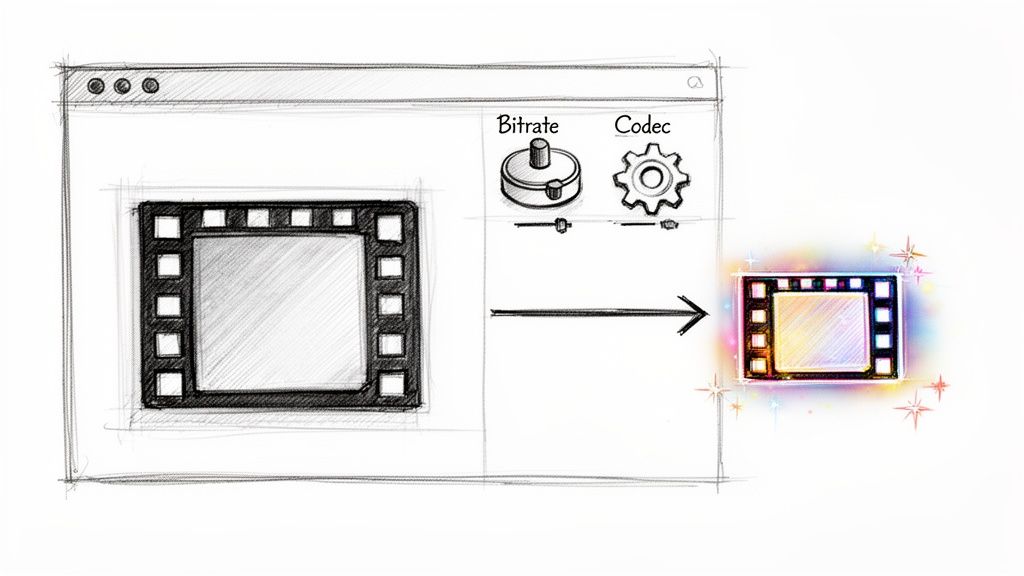
File size is bitrate times length. Here is how to lower each one with free tools, with tested FFmpeg commands and the savings each change gave on a 1080p test clip.
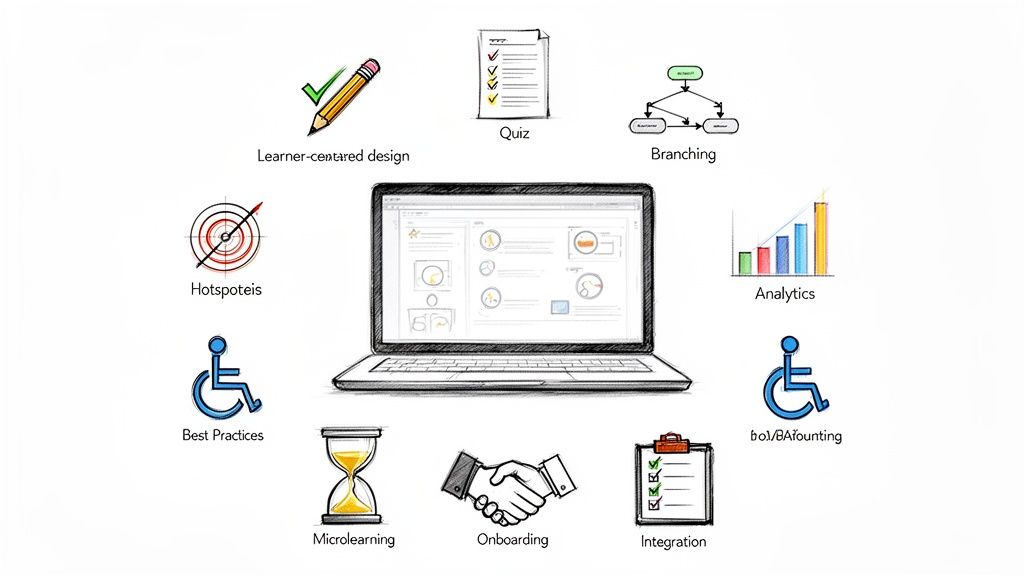
How to plan, run, and follow up on virtual corporate training, with the research behind each practice and a guide for building enablement content without an instructional design background.
Ten LMS platforms for small businesses compared on price, free plans, and best use, with a yearly cost table for 30 learners and a guide to enterprise options.
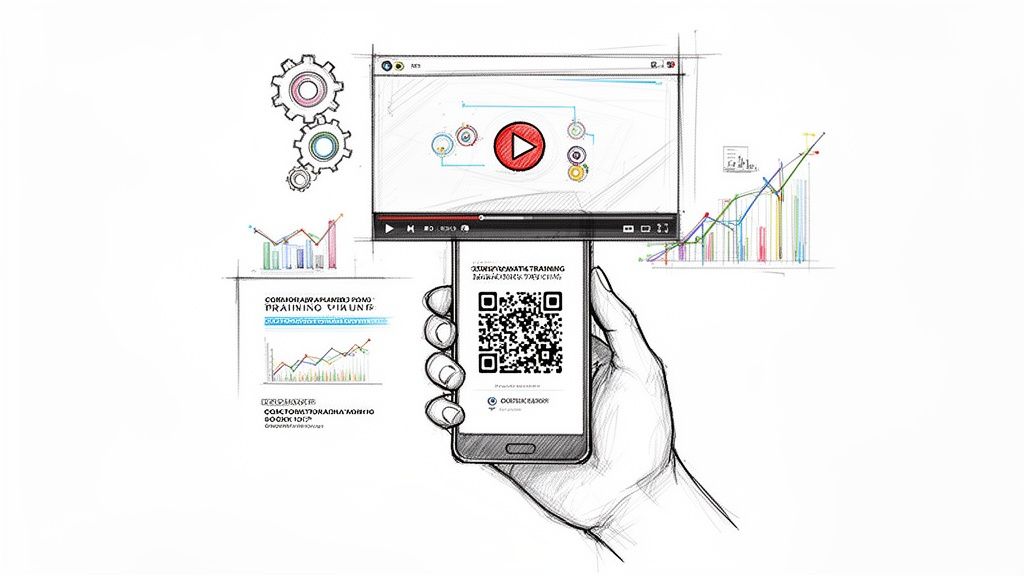
Make the QR code from a share link that plays on a phone and place it where the task happens. Then choose between static and dynamic codes and track who learned what.
Copy-ready code for the HTML video tag and for YouTube and Vimeo iframes, with captions, autoplay, responsive CSS, and a table of fixes for embeds that will not play.
Twelve online assessment tools for teachers, grouped by job: quiz builders, live games, lesson platforms, standards-based tests, video, and paper scanning, with prices checked in October 2026.

Thirteen habits that make corporate training change what people do at work, from checking that training is the right fix to measuring behavior after launch, with the research behind each one.
Ten ways consumer businesses earn contact details and permission to follow up, from quizzes and lead ads to referrals and in-video forms, plus the rules and metrics that keep them working.
How to copy a Vimeo embed code, what each part of the iframe does, which embed settings your plan allows, and how to fix common embed errors.
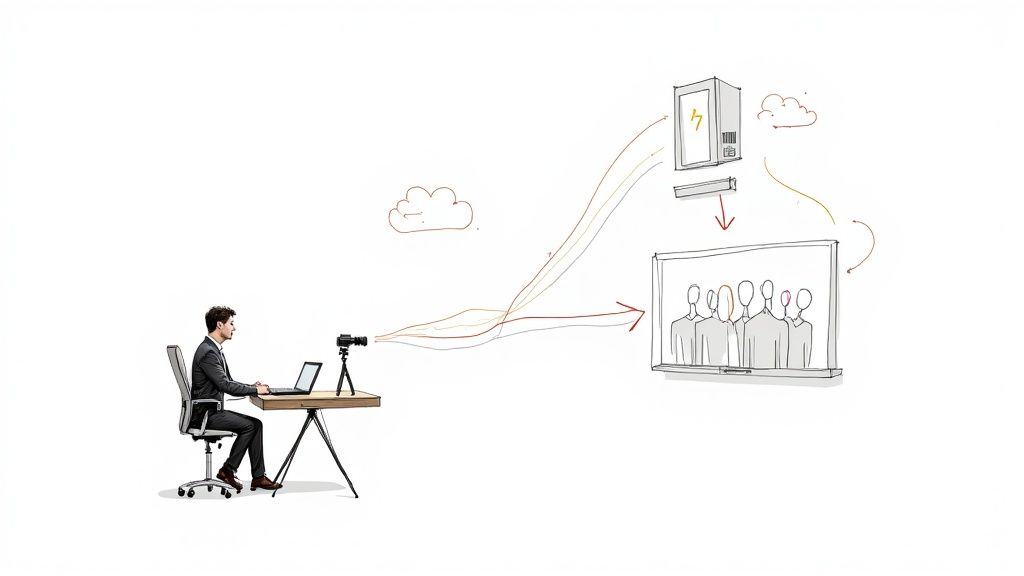
RTMP carries a live feed from your encoder to a streaming platform. Learn how it works, the settings each platform asks for, how to test and secure a stream, and what to do with the recording.
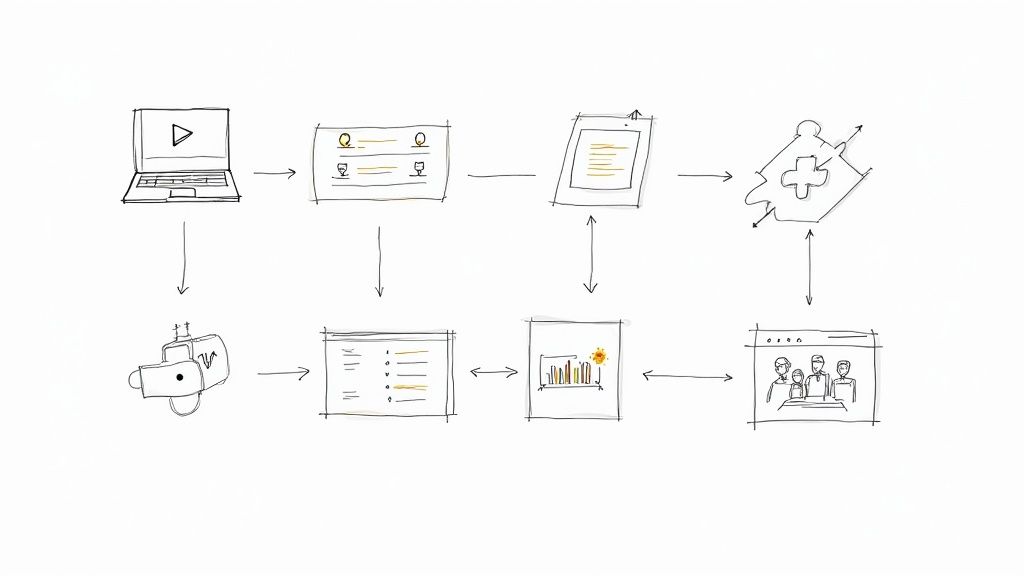
Twelve online teaching and training tools grouped by the job they do, with free plans, list prices, and limits checked on vendor pages in October 2026.
Ten research-backed sales training best practices, a comparison of training methods, a 90-day plan, and what changes for field and global sales teams.
Ten practical ways to improve client engagement, from kickoff to the time between projects, plus the signs of low engagement and how to train the skills behind it.
Match the sales channel to the buyer, price training by seat or license, deliver courses into a company's LMS, and let buyers try a lesson before they pay.
A practical guide to storytelling in corporate training: why stories help learners apply skills, story ideas for common topics, how to write and build a branching training story, and how to measure it.
Seven explainer videos worth studying, including Common Craft's 2007 "RSS in Plain English," three Vyond training series, and a branching support explainer, with what to copy from each and how the main tools compare for L&D teams.
Six steps to build a training quiz that tests the job, a comparison of live quiz tools for workshops, and how to check that learners still remember weeks later.

What formative assessment means, where the idea came from, what the research does and does not show, and how teachers and trainers use it, with examples from classrooms and workplace training.

The research-backed drivers of student engagement in online learning, what an enterprise training platform needs to support them, and a step-by-step plan for an engaging video lesson.

How to write corporate and training video scripts: the two-column A/V format, a template to copy, a training example and a corporate example, timing by word count, and how to script questions and branches.
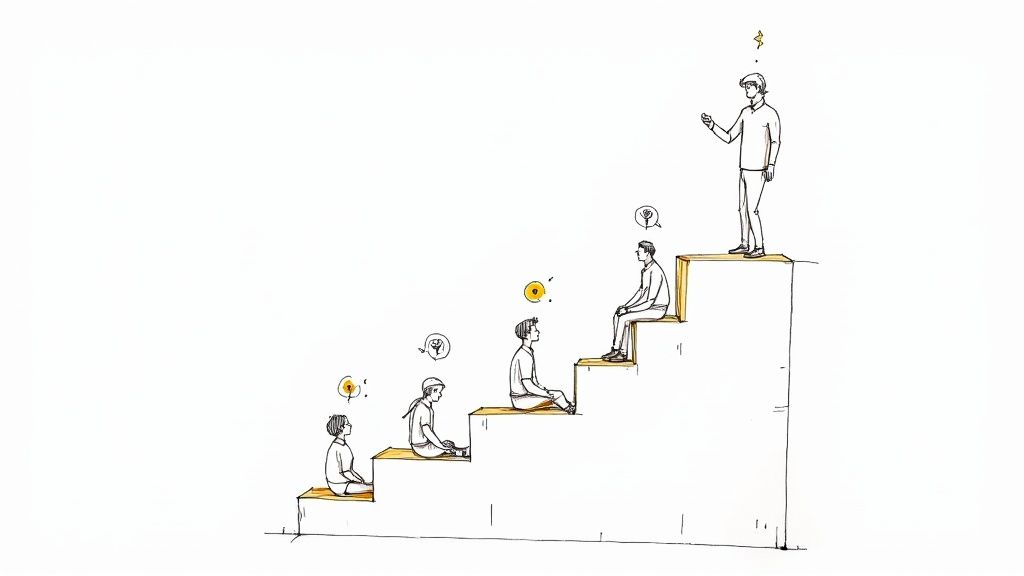
What customer education covers, what research says about when it builds loyalty, and a seven-step plan to find customer barriers, build lessons, place them, and measure the results.
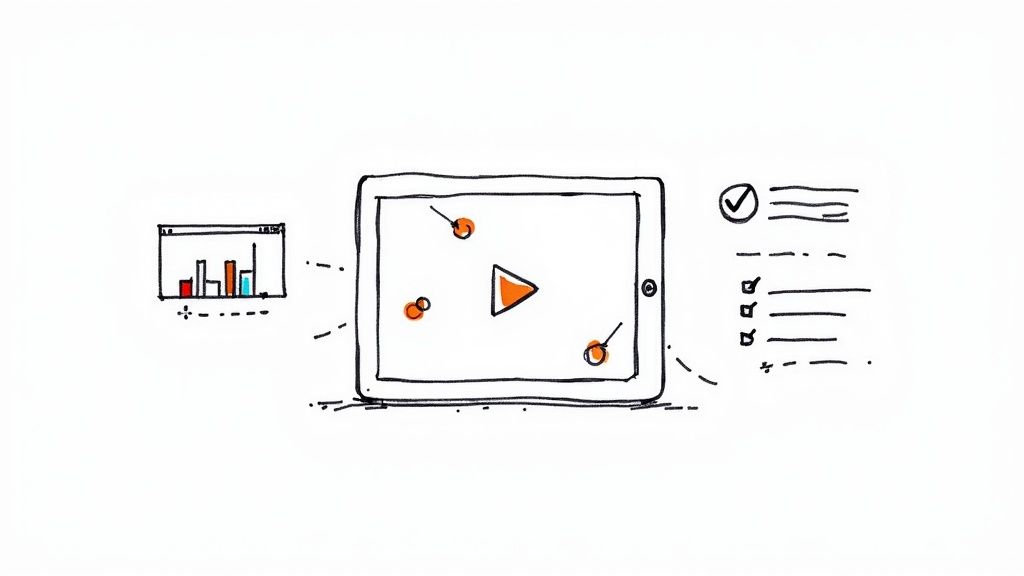
Verified video marketing examples grouped by tactic, from 6-second micro videos to real-time, personalized, interactive, and B2B campaigns, plus ways to promote a training program.
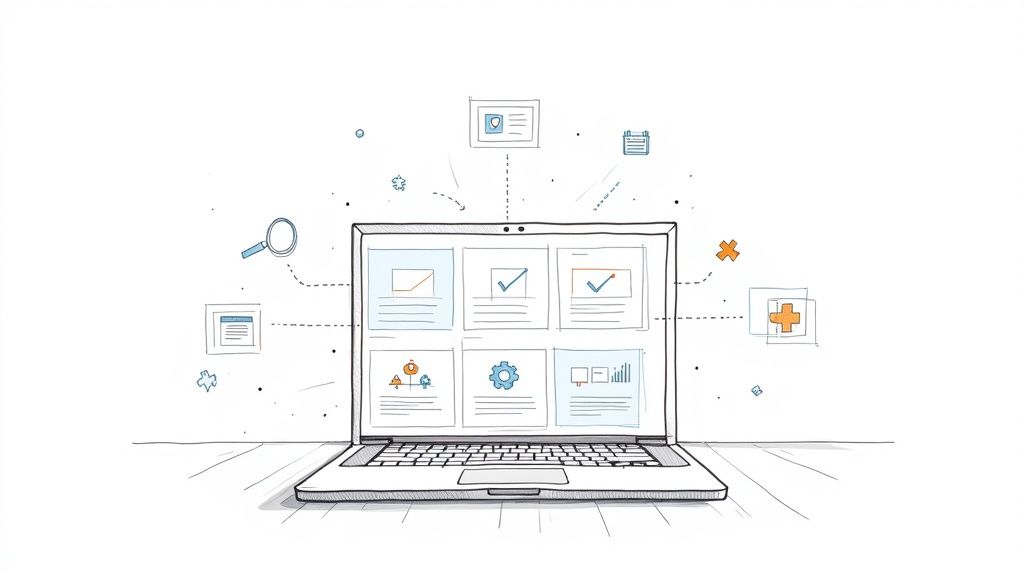
Twelve formative assessment tools grouped by how you teach, from live quizzes and slide platforms to video questions and forms, with what each free plan leaves out and which ones fit workplace training.
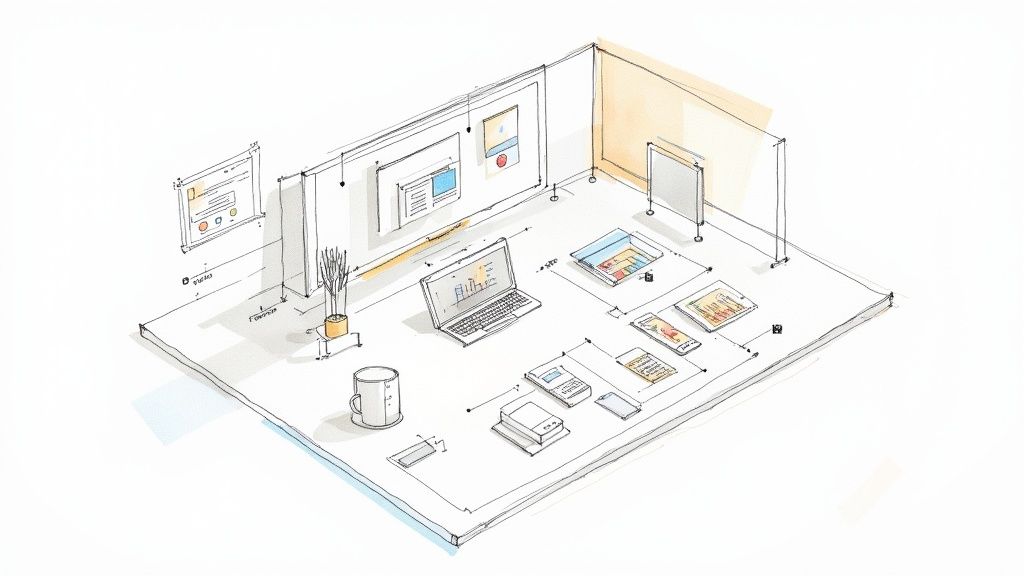
Ten corporate training video examples and what to copy from each, plus how to pick a visual style, how long to make each video, and how to fix the usual problems.
Seven case study video formats, a timed template, interview questions, approval and FTC rules, examples from Slack and Mindstamp customers, and how to make the video interactive.
Seven well-known video ads, the format each one used, and the technique you can copy, plus current specs for YouTube, TikTok, and LinkedIn video ads.

Lead qualification decides which leads get sales time. Learn the stages from MQL to SQL, compare BANT, CHAMP, and MEDDIC, and follow six steps to qualify leads.
Engagement rate is the share of people who took a defined action out of those who could. Learn the formula for social posts, GA4, and training videos, and the four measures that show whether learners engaged.

How to plan, shoot, post, and measure social media video, with each platform's length, shape, and link rules checked in October 2026.
Ten quick checks you can run during workplace training, from pre-assessments to observed practice, with the decision each one supports.
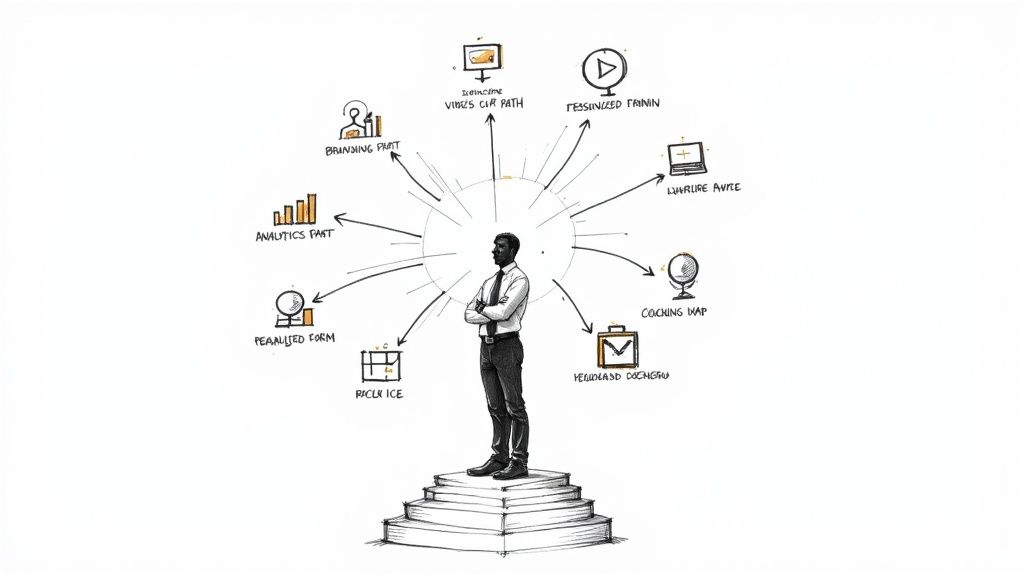
Ten sales enablement strategies with a first step and a metric for each, a 90-day plan to launch or reset enablement, and where interactive practice fits.
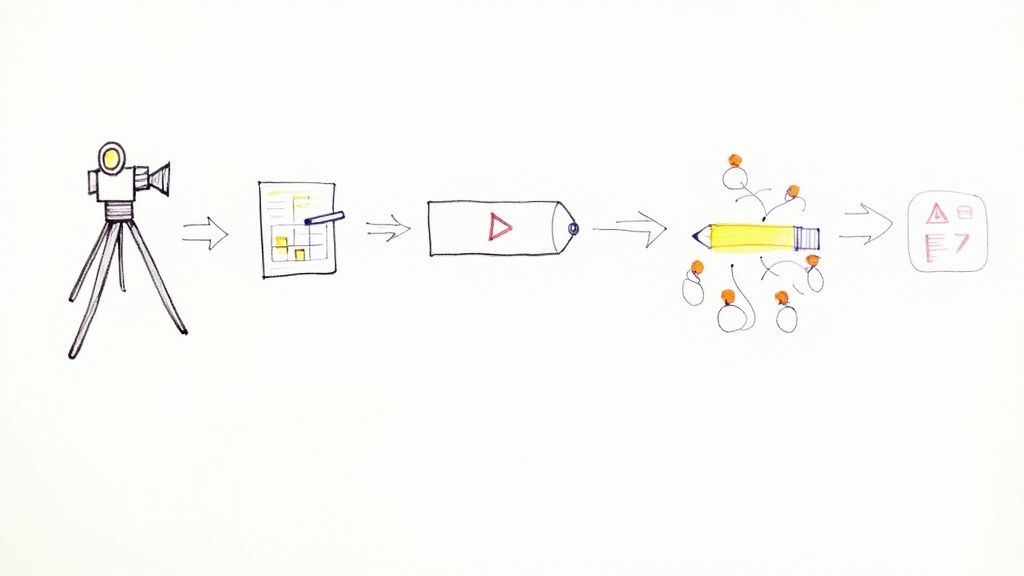
A step-by-step guide to corporate training video production: formats, scripting, recording, in-house versus agency versus AI avatars, scaling, and global distribution.
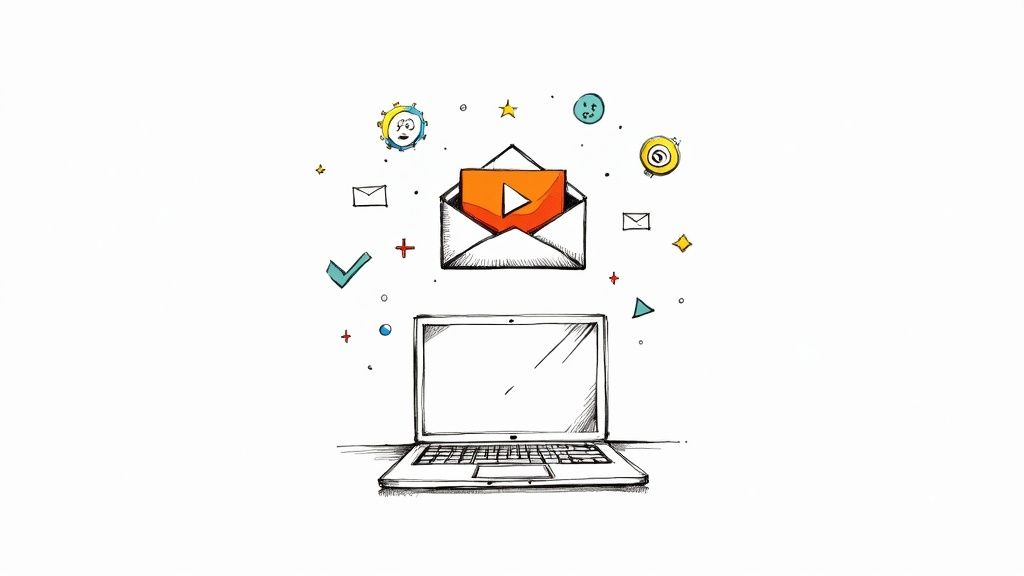
Attach a video only if it fits the 20 MB to 25 MB limit; otherwise send a link. Step-by-step instructions for Gmail, Outlook, iPhone, and Android, plus a linked-thumbnail method and fixes for common problems.
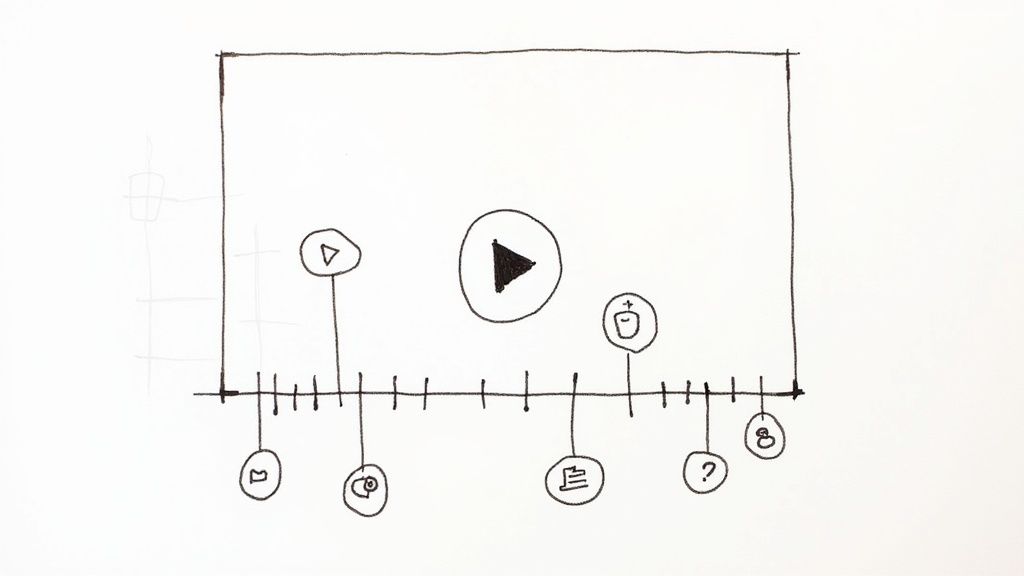
A time stamped video lets viewers jump to the section they need. Add chapters on YouTube, Vimeo, or Mindstamp, link to one moment, and print a date and time on footage.
A video content management system stores and streams your training videos; the LMS assigns and tracks the course. See how Kaltura, Panopto, Vimeo, and Microsoft Stream connect to an LMS and what to check before you buy.
Which user engagement metrics to track, how to calculate them, where to find the data, and how to measure engagement in learning platforms, training videos, self-guided demos, and live workshops.
A documented comparison of Wistia and Mindstamp for nontechnical teams: how setup works, where Wistia's learning curve comes from, and how to test both with your own video.

Sample evaluation questions for program evaluation, training by Kirkpatrick level, and simple session feedback forms, plus a checklist for writing stronger ones.
A practical guide to training support agents with video: the curriculum, the formats, a de-escalation scenario to copy, a four-week rollout, and the metrics that show it worked.
Gmail, Yahoo Mail, and most versions of Outlook will not play video inside an email. See what each app supports and the linked thumbnail method that works in every inbox.
How training and development raise employee engagement: what to teach managers, how to keep employees engaged during training, and which training features help.
Waiting, interruptions, slow tools, and skill gaps each slow a team down in a different way. Learn how to find the real bottleneck and pick the fix that matches it.

A practical guide to moving employee training online: the formats to use, how to train people through a system change, and a first pilot with a number you can measure.

Points and contests can lift sales practice or hurt it. See what field experiments with salespeople found, six drills to build, and contest rules that hold up.
How to market a webinar from six weeks out to a month after: the promotion timeline, channels, reminders, production checklist, platform choice, and the on-demand replay.
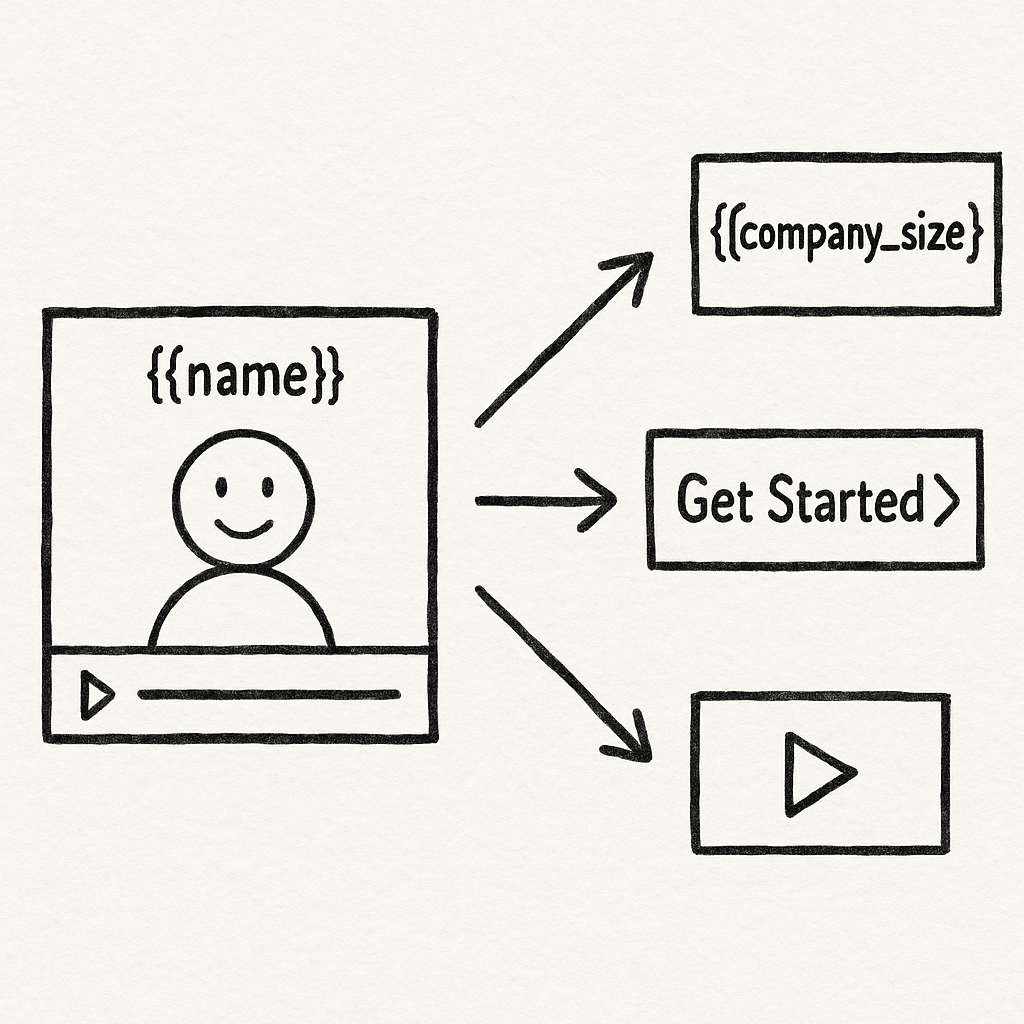
A practical guide to video personalization: name and variable personalization, branching and rules, AI-generated personal video, step-by-step setup, examples by team, and measurement.
Richard Mayer's 15 multimedia learning principles, the evidence and limits behind each, and how to apply them to B2B training videos, demos, and recorded presentations.
Audience engagement strategies for live sessions, webinars, and recorded video, the research behind each one, and the measures that show whether people took part.
Video analytics shows who watched, where they stopped, and what they answered. Learn which metrics matter for training and how video tools compare on reporting.
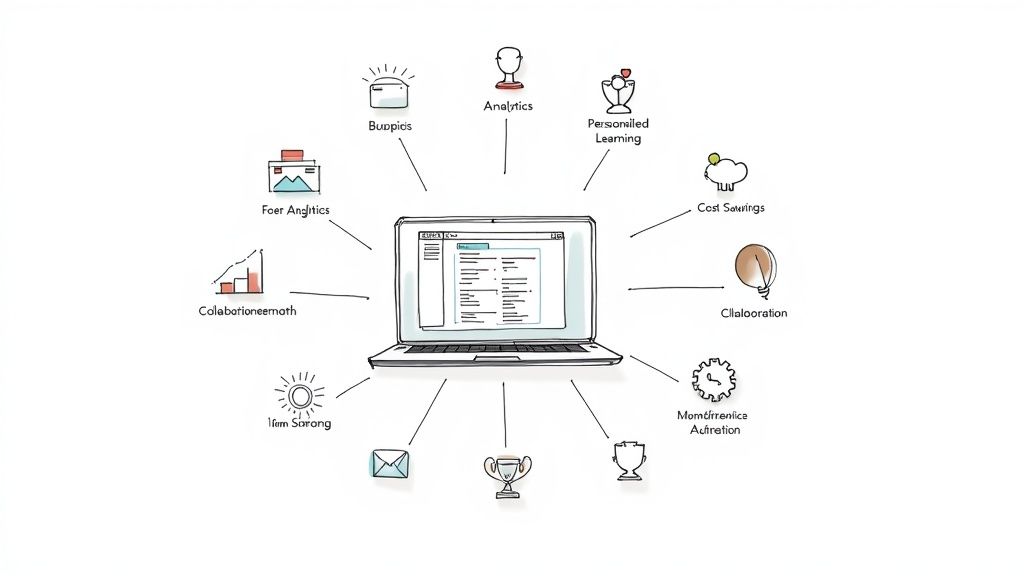
What a learning management system does for an organization and its employees, how to estimate its cost-benefit, and what an LMS record cannot show.

How to measure content marketing ROI: the formula, a worked example, attribution methods, leading indicators, startup and enterprise approaches, repurposing math, and how to present the result.

Data-driven decision making bases a choice on analyzed evidence instead of intuition alone. Learn the six steps, see workplace examples, and compare courses that build the skill.
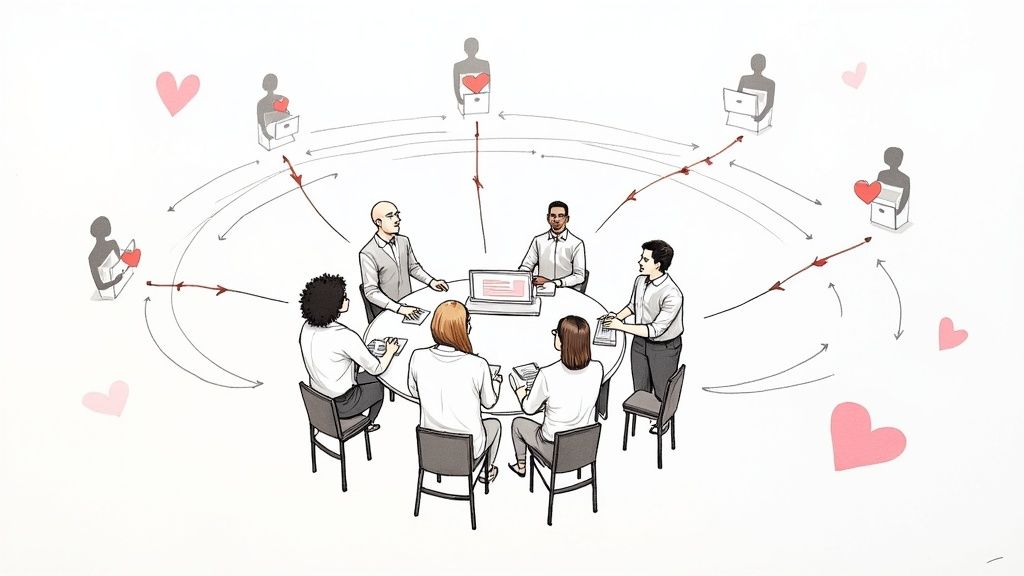
Brand loyalty comes from a promise customers can count on and the people who keep it. Here are seven steps, a training plan for the moments that decide loyalty, and the measures to track.
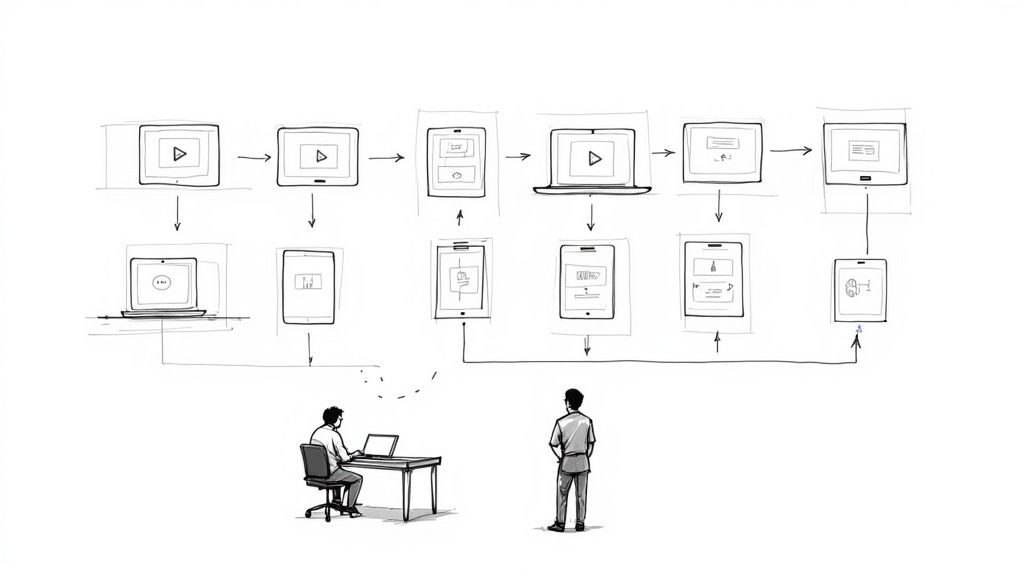
A side-by-side guide to 12 eLearning authoring tools, with who each one suits, the LMS standards it publishes, and the list prices we checked in October 2026.

A practical guide to personalized video messages and personalized training videos: what to change for each learner, how to build it from one recording, and how to measure it.
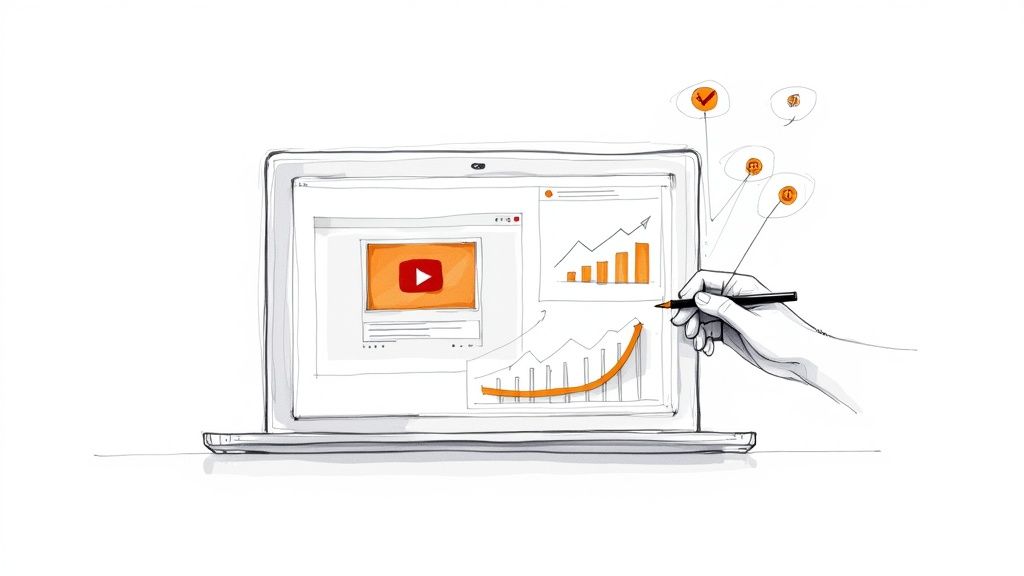
Judge each training asset against the one job it was built to do. Track reach, attention, first-attempt answers, and results at work, and decide in advance what each result will make you change.

A practical guide to employee training videos: the types that work, how to plan, script, and record them on a small budget, where to add questions, and how to measure results.
Research-backed ways to help employees remember training, measure what they still know 30 days later, and keep critical knowledge when experienced people leave.

Match each video to a buyer's question, give it one next step, identify who watched, and measure it by the job it was made for.
Add questions at the moment each idea is taught, set correct answers and feedback, decide what a wrong answer does, then share the quiz and read each viewer's score.
Interactive video responds to the viewer: it asks questions, offers choices, and records what each person does. This guide covers the types, the uses, the evidence, and how to measure results.

What gamification in corporate training is, what the research shows, six gamified module examples, platforms with game features, and a plan to build one.
Eight research-backed ways to teach with visuals in corporate training, including labeled diagrams, concept maps, and hotspot inspection, plus rules for slides and accessibility.
Twelve video assessment tools grouped by the job they do: questions inside training video, scored recordings of skills, and one-way interviews for hiring, with AI features and prices checked in October 2026.
Turn your most costly support tickets into short video scenarios, teach products with hotspots, and see which response each person on your team chooses.
Behavioral analytics turns records of what people do into patterns you can act on. Learn the data, the methods, the tools, and how security and training teams use it.
How to use video to communicate with employees: which messages suit video, how to make announcement and how-to videos, and how to measure who watched and understood.

Which sales videos to record at each deal stage, how to script and send a prospecting video, how to build demos and proposal walkthroughs that buyers forward, and how to measure the results.
Most email apps will not play video, so campaigns link a thumbnail to a video page. Campaign ideas, sales email tips, a sample email, tools, and the metrics that show whether the video worked.

Eleven customer engagement programs from real companies, checked in October 2026, with the part of each you can copy, plus a strategy template, metrics, and a platform comparison.
Video ecommerce covers product page video, shoppable video, swipe-up feeds, live shopping, and video calls. See what each format needs and how to choose a platform.
What a video landing page needs, where the video goes, whether it should autoplay, and how four well-known sites set up their first-screen video.
What it means to retain information, why new material fades so fast, and the methods with research behind them, plus a study routine you can use today.
Ten customer onboarding best practices for SaaS, B2B, and client work, with the metrics to track, the warning signs that call for outreach, and a plan to fix the step where customers stall.
A content creation workflow is the written route from idea to published content. Here are the seven stages, who owns each one, and a template your team can copy.
What interactive advertising is, with 10 examples by format, including Honda's branching film and Amazon's shoppable TV ads, each with its source.
The best way to share a video with each audience: links from Drive, Dropbox, YouTube or Vimeo, phone transfers, email size limits, social posts and embeds.
Ten eLearning best practices with the research behind each one, plus mobile design, completion strategies, and study tips for students and busy adults.
Put the check inside the lesson. Learn which in-video check fits each objective, how scores and retries work, and how to verify that knowledge lasts.

Ten practical ways to make more of the right buyers know and remember your brand, plus how to measure awareness with branded search, direct traffic, mentions, and recall surveys.
What an employee training tracker should record, how to build one in Google Sheets or Excel, how to calculate completion rates, and when a spreadsheet stops being enough.
Practical lead generation best practices for forms, follow-up, scoring, email, LinkedIn Lead Gen Forms, and tracking, with a sample scoring model and a one-page plan.
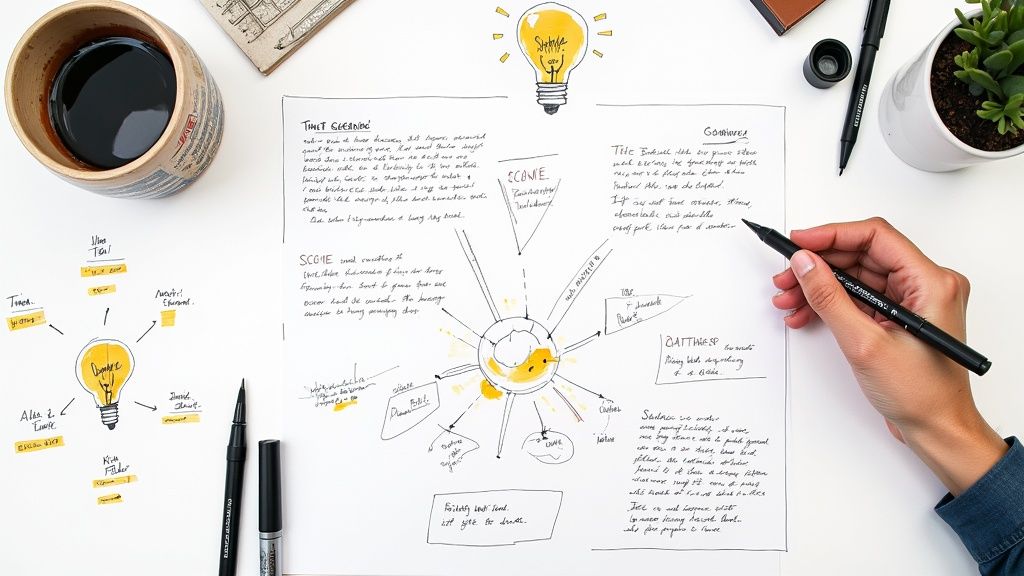
A step-by-step method for writing any script, from a two-minute explainer to a short film, with an example of each format and how to time it.
How to choose and run 11 active learning strategies, from think-pair-share and peer instruction to team-based learning and drawing to learn, with the research behind each.

Use search queries, on-site behavior, sales questions, and video answers to decide what to publish and what to fix. A six-step plan, a brief template, and examples.
A step-by-step guide to making an interactive video, from the goal and structure to placing interactions, testing every path, and reading the report.

How to calculate the ROI on training: the formula, six steps from baseline to a reported range, a worked example, and methods for sales, negotiation, customer, video-based, and LMS programs.
Kirkpatrick, Phillips ROI, CIPP, Kaufman, the Success Case Method, Kraiger, and LTEM side by side, with the techniques and evaluation designs that produce the evidence.
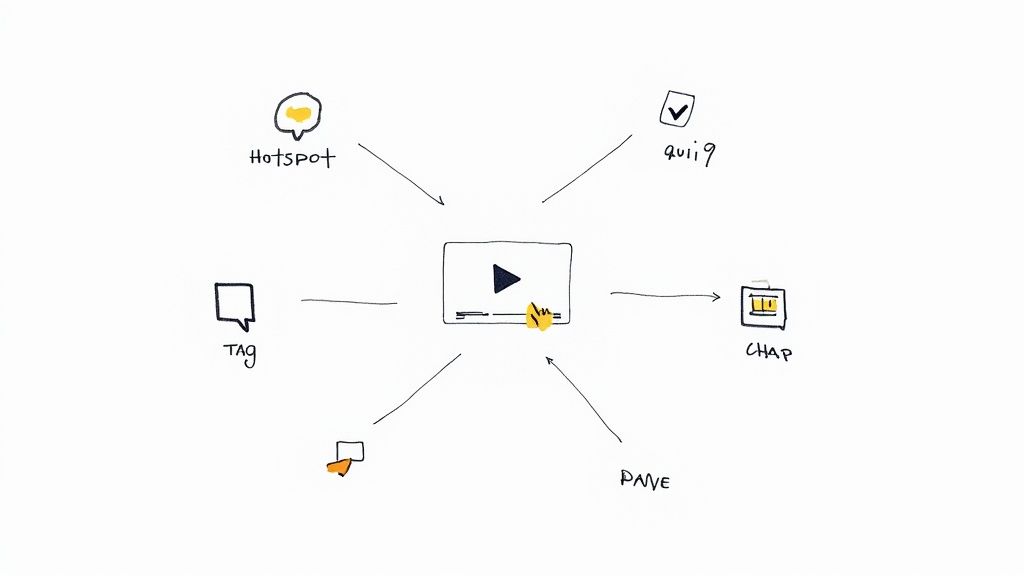
What an interactive video platform does, how marketing, sales, education, and training teams use one, what it costs, and how to choose.

Eight well-known marketing videos, the results we could verify for each, and the lesson you can use, plus the main video types and ideas for your own business.
Seven research-backed microlearning techniques, how to implement them through an LMS or other channels, and what the studies show about results at work.

What instructional design principles are, where they came from, and how to apply them to a course, with Merrill's five first principles and Gagné's nine events.
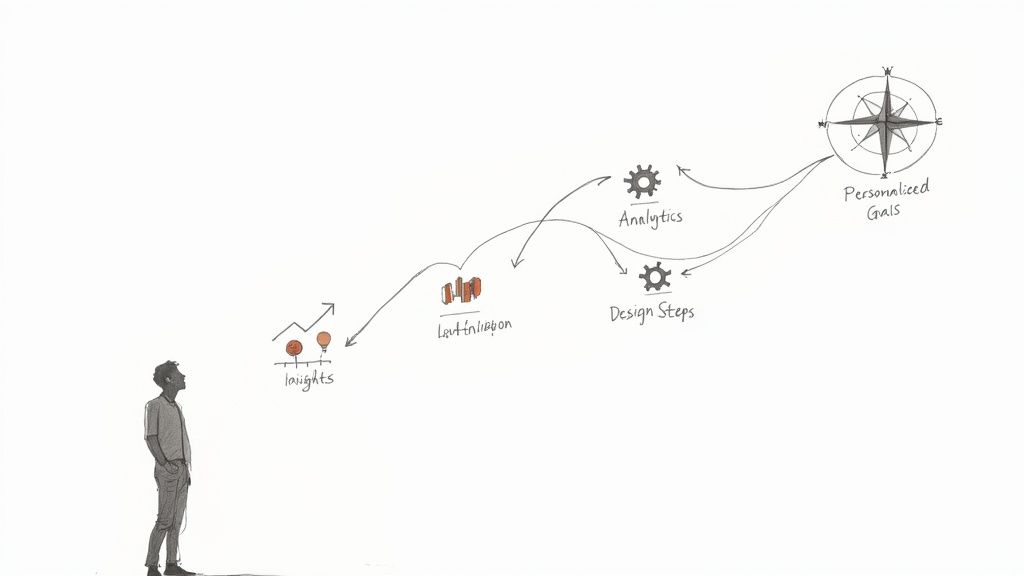
A practical guide to personalized learning and personalized learning paths, with definitions, examples, what the research shows, platform types, and a seven-step build plan.
How interactive video marketing works, the techniques and strategies that fit each stage of the funnel, what the evidence shows, and how to measure and scale it.
How to build a video marketing strategy in seven steps, with 2026 survey data, best practices for every video, and a one-page plan you can copy.
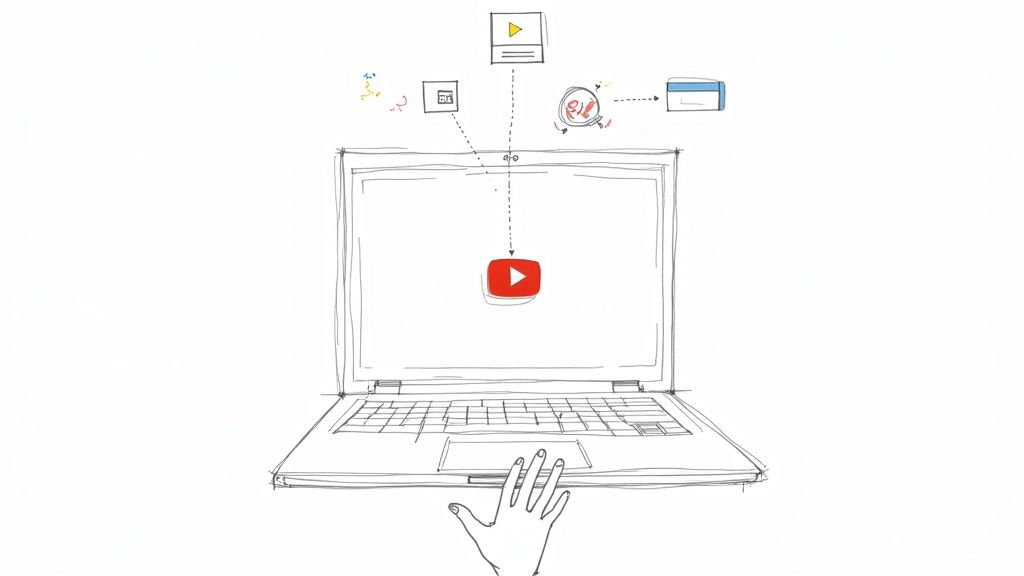
Set up YouTube's interactive features and use them in order, from a Short's Related video link to the end screen, so viewers who find one video keep watching your channel.
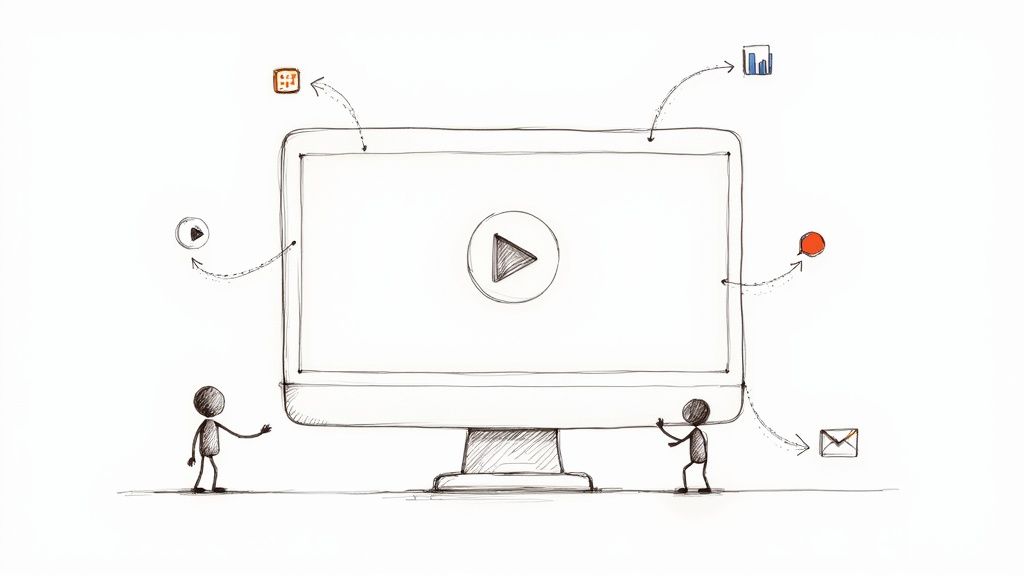
YouTube's own tools can link viewers onward and ask multiple-choice questions. See where they stop and how to add required questions, branches, and per-viewer reports.
The retention ratio formula, a worked Apple example, and the matching formulas for customer retention rate, net revenue retention, and employee retention, with the counting mistakes that skew each one.
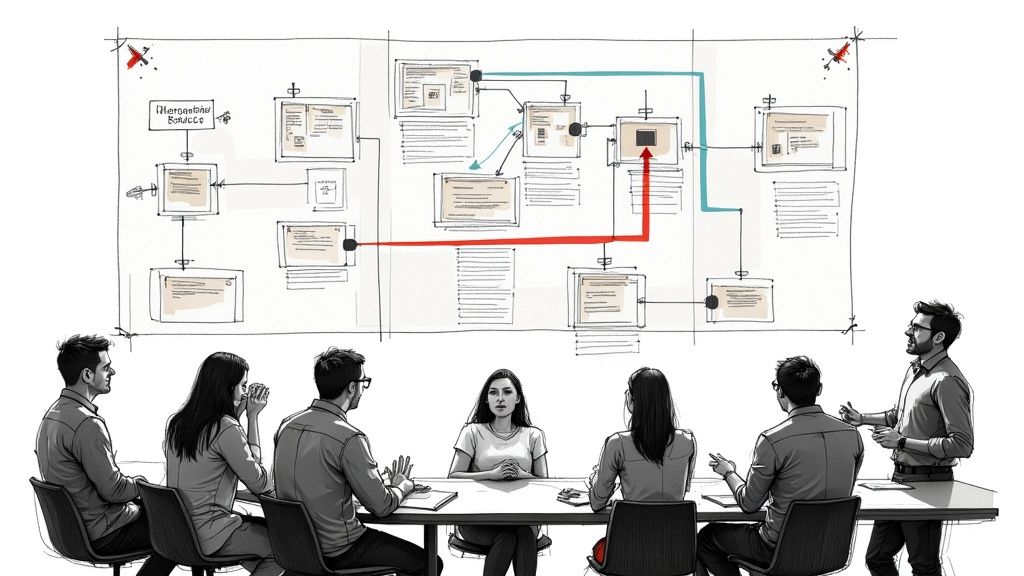
Twenty realistic workplace training scenarios with the setup, the choices, and what a good response looks like, plus how to turn one into a branching video.
A step-by-step guide to planning, filming, and building a choose-your-own-adventure video, with story structures, a Bandersnatch breakdown, and what YouTube can and cannot do.

What separates a good script from a first draft: eight tests to run, four rewrites, a sample one-minute A/V script, and the five revision passes we use for training and product videos.
Four ways to collect leads from video, where to place the form so viewers still see it, how video ads capture leads, and which metrics show real results.
A practical guide to small business video marketing: what to film with the phone you have, where to post it, how to ask for the next step, and how to tell whether a video paid off.
Twelve learning assessment strategies, from diagnostic pre-tests to performance tasks, with examples, a selection table, and assessment best practices for classrooms and corporate training.

A practical guide to measuring student engagement: the three dimensions, indicators with metrics, a weekly class tracker, survey items, and what online and video data can show.

A practical guide to measuring training effectiveness: seven steps, the metrics at each Kirkpatrick level, and how to measure customer, retail, and sales training.
Engagement metrics show whether content held attention and led to action. See which metrics to track in each channel, how to analyze them, and how to connect them to revenue.

The video engagement metrics worth tracking, how to calculate each one, what watch rate to expect, and how to use viewer-level data for follow-ups.
Compare edge, server, and cloud video analytics, see vendor examples checked in October 2026, and run a pilot that counts false alerts on your own cameras.
A practical guide to storytelling in video: the five parts of a story, six structures, eight steps from interview to edit, and examples to copy, including an interactive story you can play.
Practical ways to make online training interactive, from polls and breakout-room role-play in live virtual sessions to questions, branching scenarios, and recorded answers in self-paced courses.
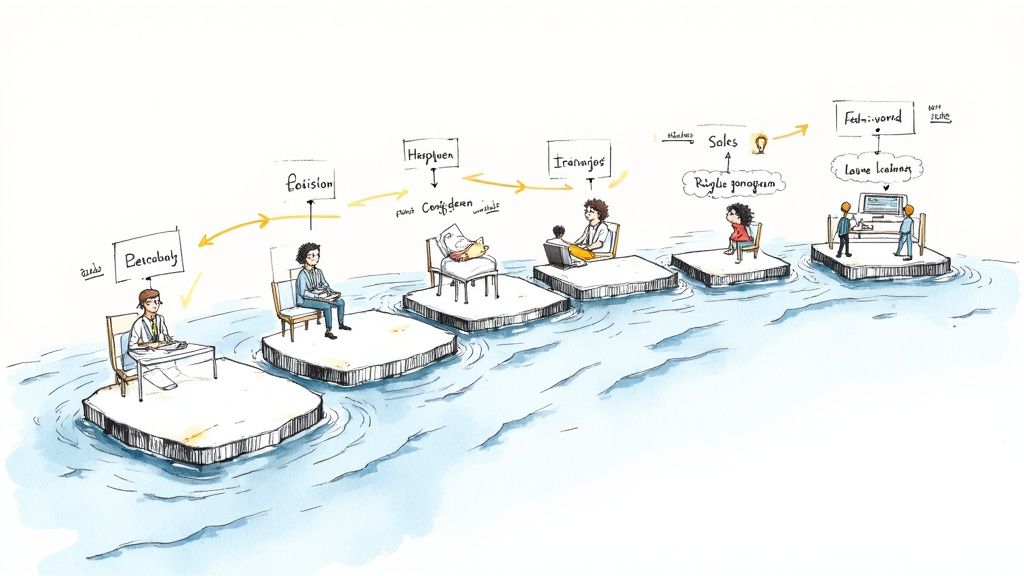
Scenario-based training puts learners in a realistic situation, asks for the decision the job requires, and shows the consequence. Here is the evidence and a step-by-step design method.
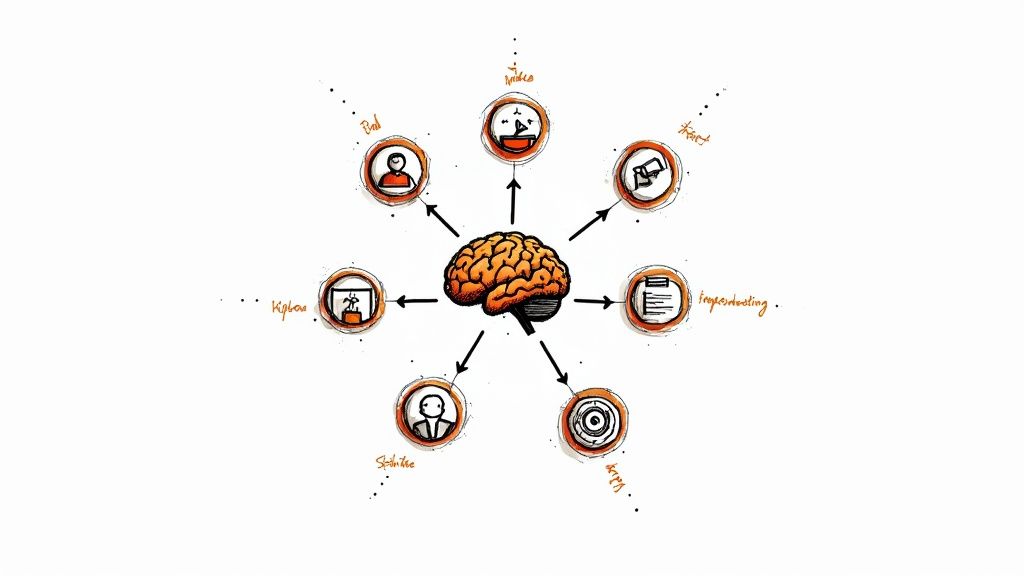
Fourteen adaptive learning platforms for K-12, higher education, language learning, and workplace training, with how each one decides what a learner sees next.
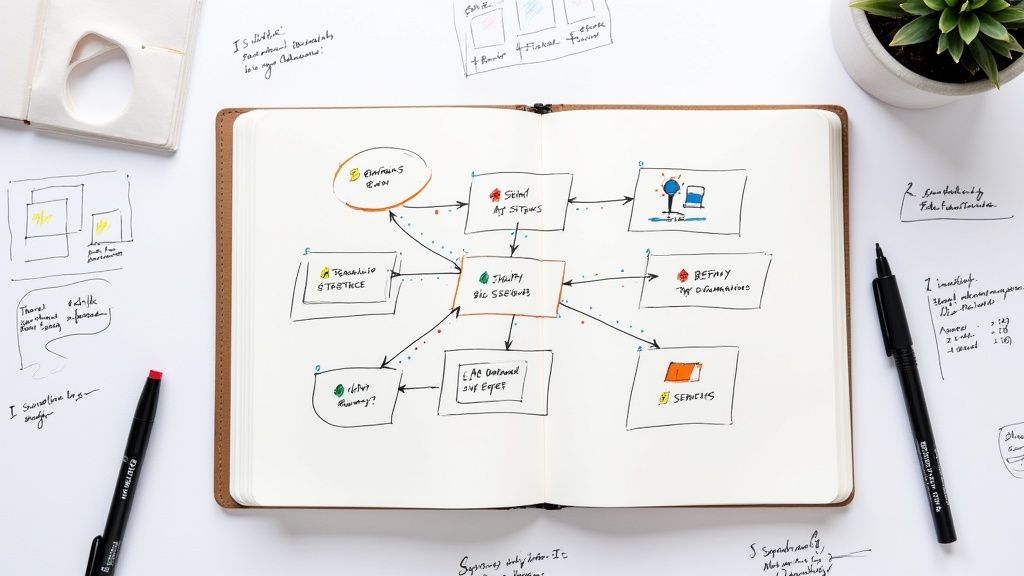
Thirty active learning activities, from think-pair-share and jigsaw to branching scenarios and in-video questions, with what each one looks like in class, online, and at work.
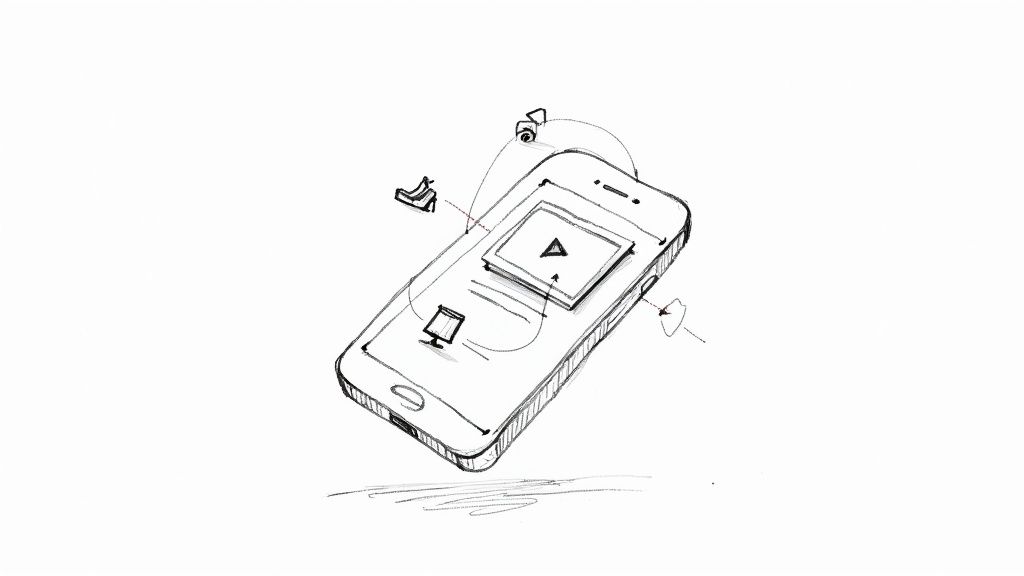
Shoppable video lets viewers act on a product while it plays. Compare in-video checkout options and learn how to build and measure an interactive shoppable video.
How interactive video ads work, where you can run them in 2026, how each platform counts engagement, and what drives the cost to make one.
A practical guide to designing branching videos: branch types, variables and conditional logic, pass and fail routes, branch maps, and path reports.
Interactivity means a product responds to what you do. Here are 10 common examples, what each one is good for, and the accessibility check that applies.
Play 12 live interactive video examples, from training quizzes and branching scenarios to shoppable and personalized videos, with build tips for each.
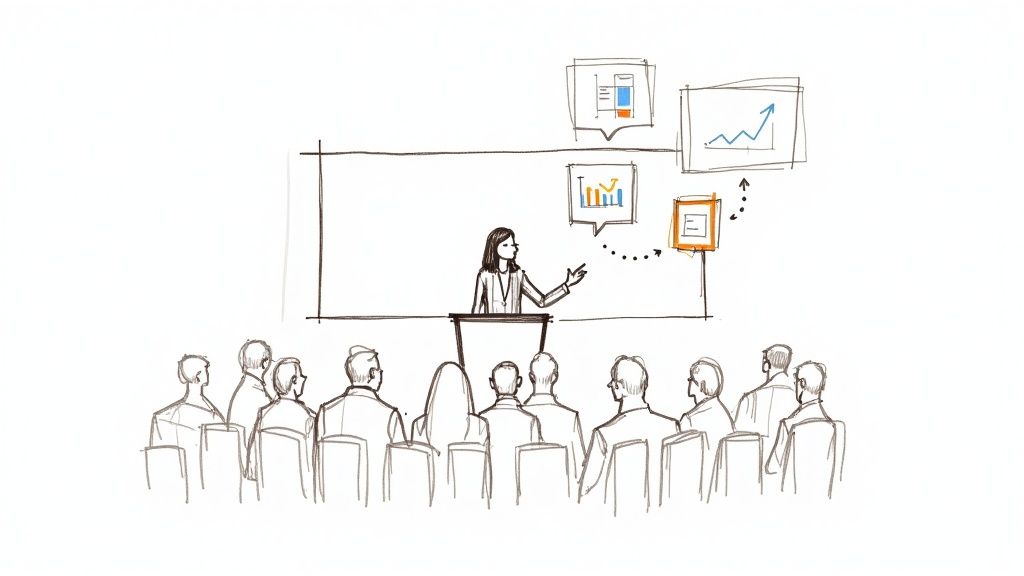
Twenty-seven activities and games that give every person in the audience a task, grouped for large groups, students, group presentations, and virtual sessions, with steps for each.
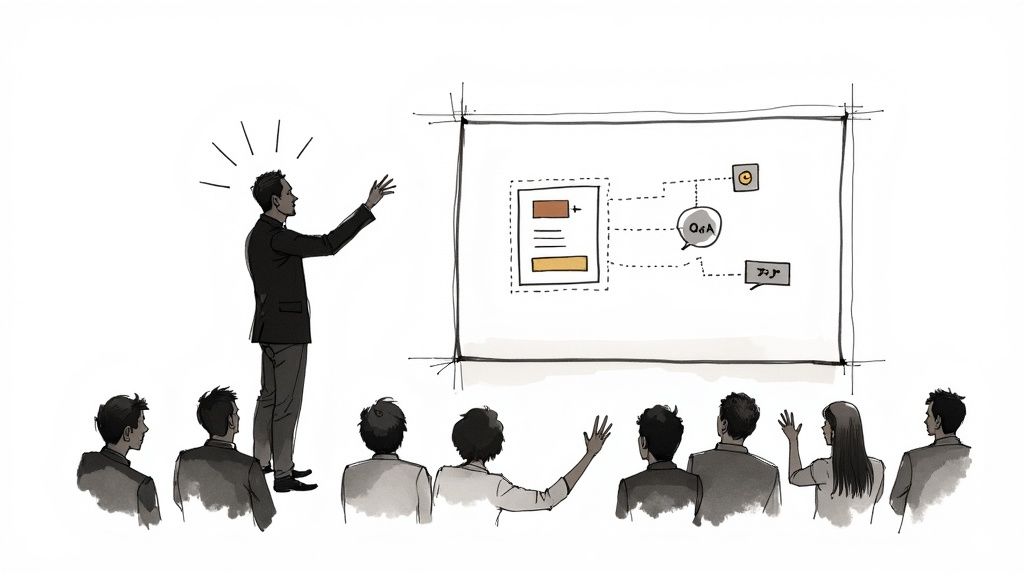
An interactive presentation asks the audience to do something that changes what happens next. Learn the six steps, the PowerPoint features that help, and which tools to use live, online, or on demand.

Send Mindstamp's view, interaction, and lead webhooks to any receiver that can call an AI model, then sort, summarize, and route viewer answers after each session.
Spott.ai still runs as a Publitas brand after its original Belgian company went bankrupt. Learn what changed, what Spott offers today, and how to test an alternative.
A step-by-step workflow that labels what viewers type into an interactive video with an AI model and sends each answer to the team that should act on it, plus three ways to route viewers while they watch.

When anyone can generate a presenter video, yours stands out through knowledge only your team has and a video that responds to each viewer.
Our May 2024 update: Facebook Pixel tracking, Prevent pausing, multi-video upload, the Group Analyst role, and in-video articles, with notes on how each works in October 2026.
Create a transcript, let Mindstamp's AI question builder draft multiple-choice questions through the video, then check and edit each one before viewers answer.

Design each quiz screen in Canva, download the MP4, then add answer hotspots, a running score, and product results in Mindstamp. Includes the skin care quiz's scene map.
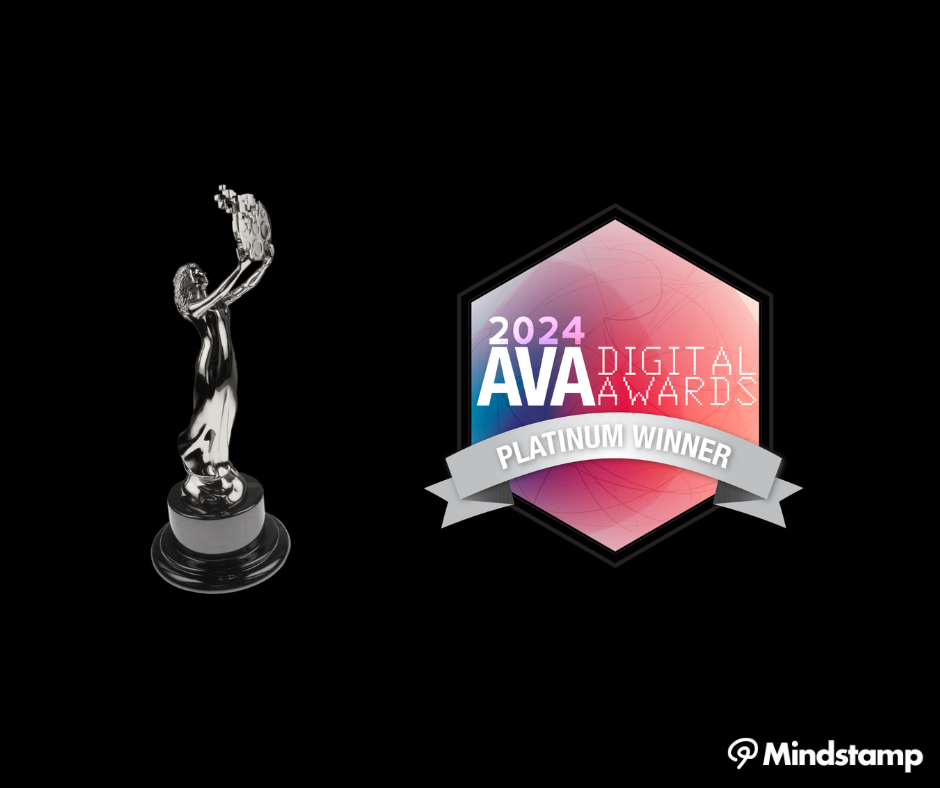
Callaghan Consulting won Platinum at the 2024 AVA Digital Awards for an interactive Dräger hydrogen safety video built on Mindstamp, and the video is still live.
Our January 2024 update added Spotlight Mode, the AI question builder, and Cards. Here is how each feature works in October 2026, and which one we retired.
The 13 question types you can ask in an interactive video, with an example prompt for each, which ones can be scored, and how to choose between them.
What "interactive AI video" means, the seven jobs AI does in an interactive video today, what each still needs from you, and how to add AI to a video you already have.
Our 2023 launch of the Panopto import. Update, October 2026: Mindstamp no longer offers the Panopto import.
Create a transcript, turn on Genie AI, and add the facts your video leaves out. Viewers ask in their own words, and you see every question they asked.
Our 2023 editor redesign put interactions at the center and brought lead capture, Magic Menu, end screens, and chapters to the front. An October 2026 note covers the editor today.
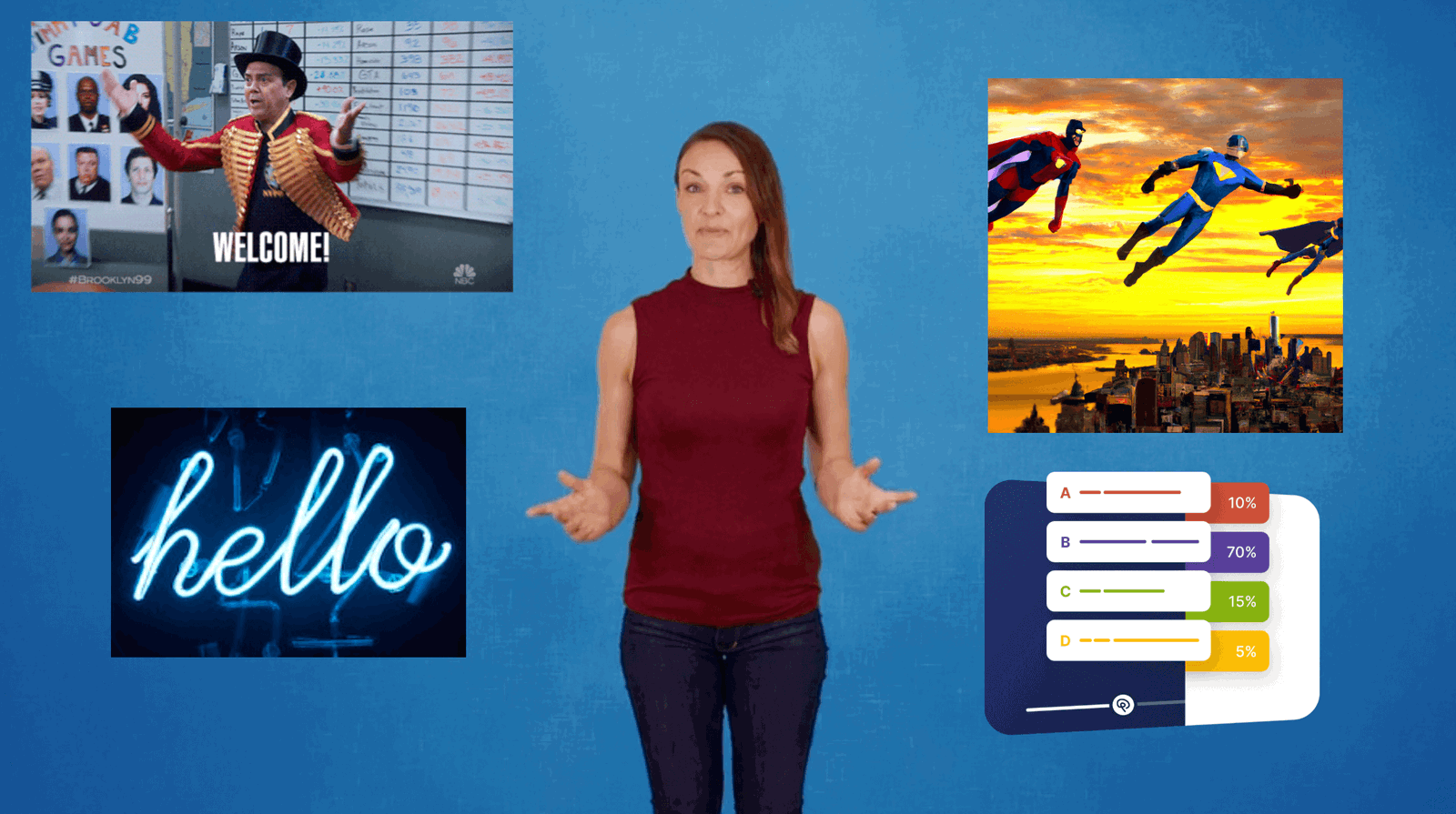
Burn an image into the file or lay it over the video as a clickable overlay. Here is how to add images and GIFs in Mindstamp, where to find ones you may use, and when they help viewers.
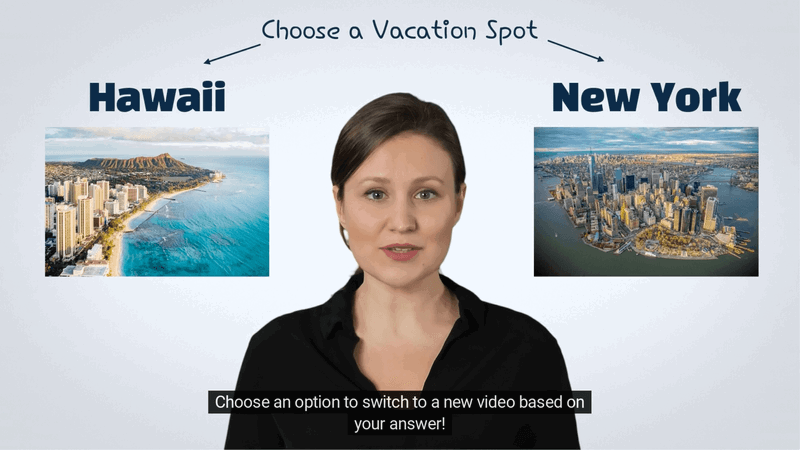
Generative AI makes video faster to produce. See what the tools make and how to add questions, branches, and per-viewer data to the result.
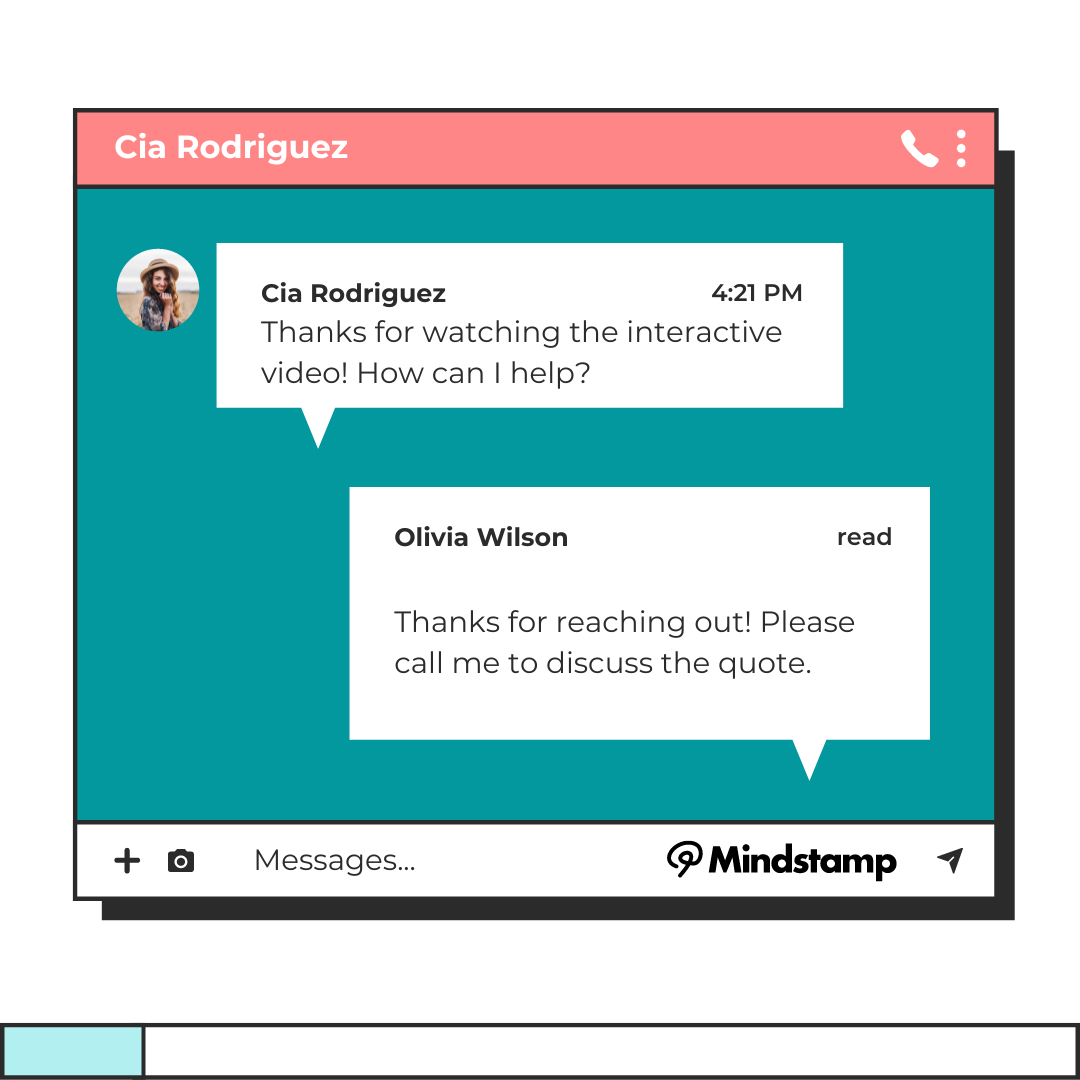
Where to ask for contact details in a video, with ten ideas from gated webinar replays to in-video booking calendars, and what to do with each lead.
Ask ChatGPT, Genie AI, and Mindstamp MCP compared: what each AI feature answers from, who uses it, and when to pick it, updated from our 2023 ChatGPT launch.
Connect a Shopify store to Mindstamp and viewers can add products to a cart inside the video, then check out on your Shopify store. Here is how it works and how to set it up.
Format on-video text, add icons, and embed a form or map with HTML. See which tags Mindstamp keeps, copy working examples, and avoid the common traps.
Most marketing videos on your site, in email, and in sales follow-up should carry at least one interaction. This guide matches each video type to the interaction that fits and names the videos to leave alone.
What AI interactive video training is, what studies of AI presenters found, and eight steps to build an AI-made training video with questions, translations, and LMS tracking.
Slide decks, spec sheets, checklists, and seven more documents viewers want from a video, with where to place each one and how to track who downloads it.
How to choose and add images, video clips, audio, files, and web pages to an interactive video, with the multimedia research that says what to include and what to cut.
Five interactive video experiences that go past the quiz: a mystery film, a job preview, a candidate pre-screen, a personalized loan walkthrough, and an event map, each with a build plan.
Embed an interactive video in a blog post or webpage, with platform-by-platform steps, six formats that fit a page, and how to keep the page fast and measure what readers do.
Show the proof before the promise. How to build trust with ecommerce product videos, sales demos, reviews, and testimonials, and the FTC rules to follow.
Compare uploading a video file with embedding a hosted player, see when each one fits, what Google says about both, and how to embed a video that captures leads.
Why people and ad budgets have moved to video, what the latest figures from DataReportal, Wyzowl, HubSpot, and the IAB show, and how to make marketing videos that hold attention.
Prices for DIY animation tools and per-minute studios, the post-delivery changes that break small budgets, and how an interactive layer keeps one animated video current.
A video CTA tells viewers what to do next. Learn which CTA fits each goal, where to place it so viewers see it, and how to track who clicked.
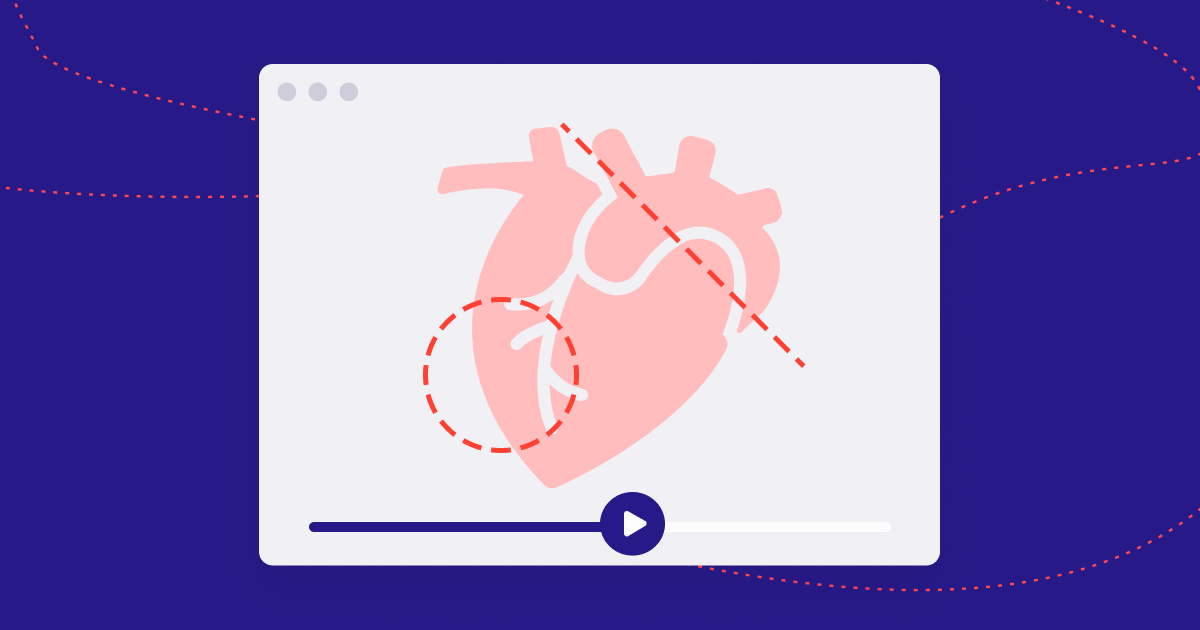
How the UCD Centre for Precision Surgery used drawing questions on operative video to measure surgeon judgment, what the published studies found, and how to build a similar study or teaching module.
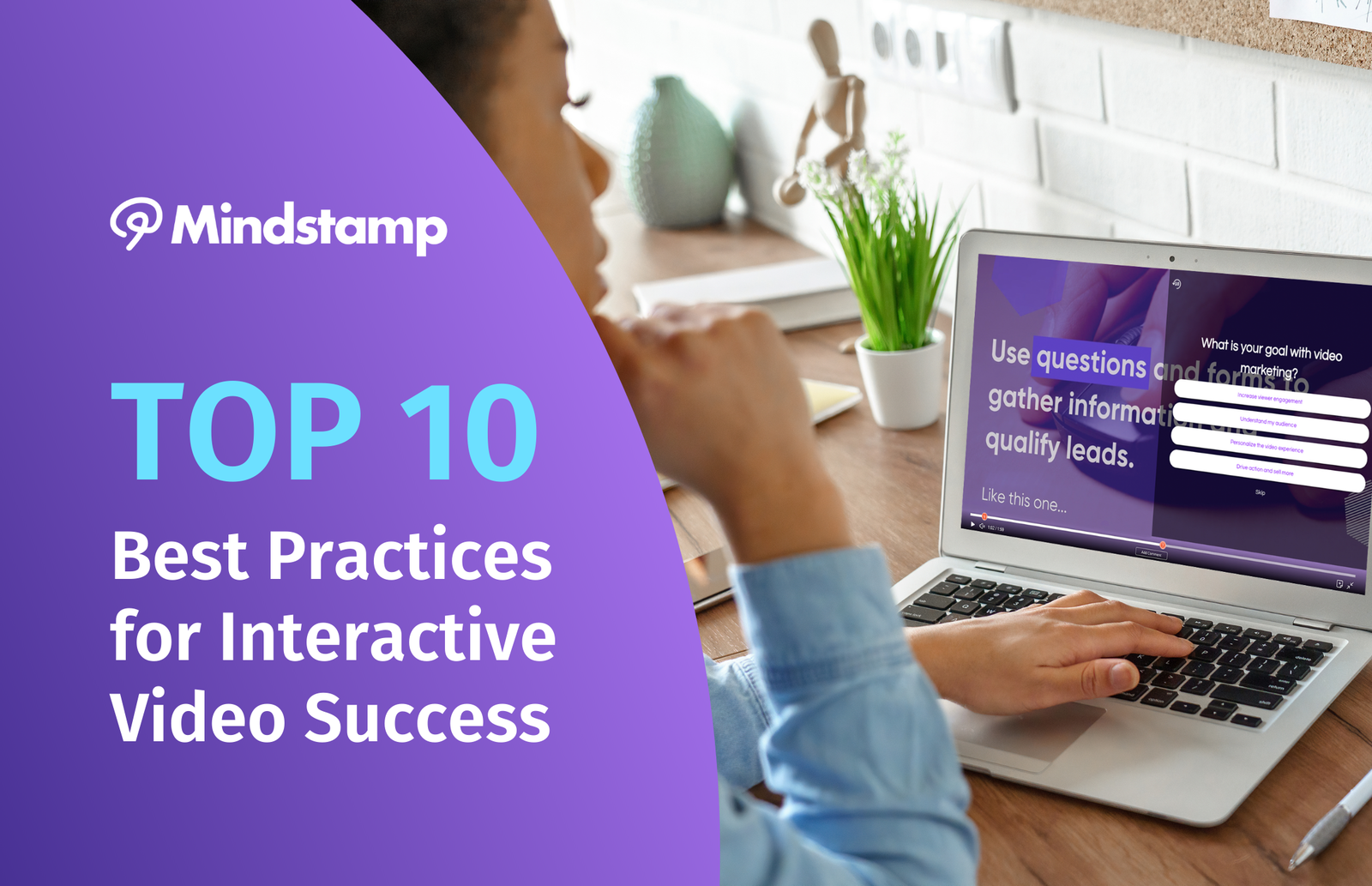
Ten practices for interactive video, from question placement and branching to calls to action, phones, accessibility, and reading results by viewer.
Google Optimize shut down in September 2023. Here is what Google offers for A/B testing now, and how to test the buttons, forms, and questions inside an interactive video.
Capterra named Mindstamp an Emerging Favorite on its 2022 Shortlist for video marketing software. An October 2026 note adds our current Capterra rating.

Put the parts of a video that go out of date in an editable layer on top of the footage. What to move, how to update sales, marketing, and training videos, and when to reshoot.
Ask viewers what they want, offer the matching emails inside the video, and send each new subscriber to your email tool with their interest and consent attached.
A stage-by-stage plan for interactive video in the sales funnel: what each video should ask, how interactive demos nurture leads, and which numbers show progress.
What WCAG 2.2 asks of an interactive training video, how to meet each requirement in Mindstamp, and why questions spread through a video teach more than one quiz at the end.
A newsletter preview, a how-to clip, a replay, or a topic choice gives viewers a reason to subscribe. Put the sign-up where they are still watching, and measure each video.
How to put a Mindstamp interactive video in a Constant Contact email, personalize it with dynamic links, and move each viewer onto the right list.

The benefits of interactive training video that a budget can see, the costs to plan for, how to measure time to value, and a pilot plan that proves the case.
Branching, shoppable, lead capture, training, personalized, and survey videos compared, with a way to choose one, build steps for each, and what to measure.
A video hotspot makes a product in the frame clickable. Learn how to link hotspots to your cart, where to place them, and how to measure clicks and sales.
Vimeo bought WIREWAX in 2021 and sells its interactive editors only on Enterprise plans. See the dated timeline, including Bending Spoons' 2025 purchase of Vimeo, and a checklist for moving interactive projects.

What self-hosting means, what you take on when you host video yourself, how branded hosting options compare, and how to add interactions to a self-hosted file.
Plain product videos give shoppers no way to act and give teams little data. See where shoppable video is heading and what to build first.
GetApp named Mindstamp a Video Marketing Category Leader in 2022 and 2023. See how the ranking is scored, the full 2023 list, and Mindstamp's GetApp rating today.
Export your deck from PowerPoint, Keynote, or Google Slides, then add questions, buttons, and hotspots so each viewer's answers are recorded. Steps for each app, plus setups for training and sales.
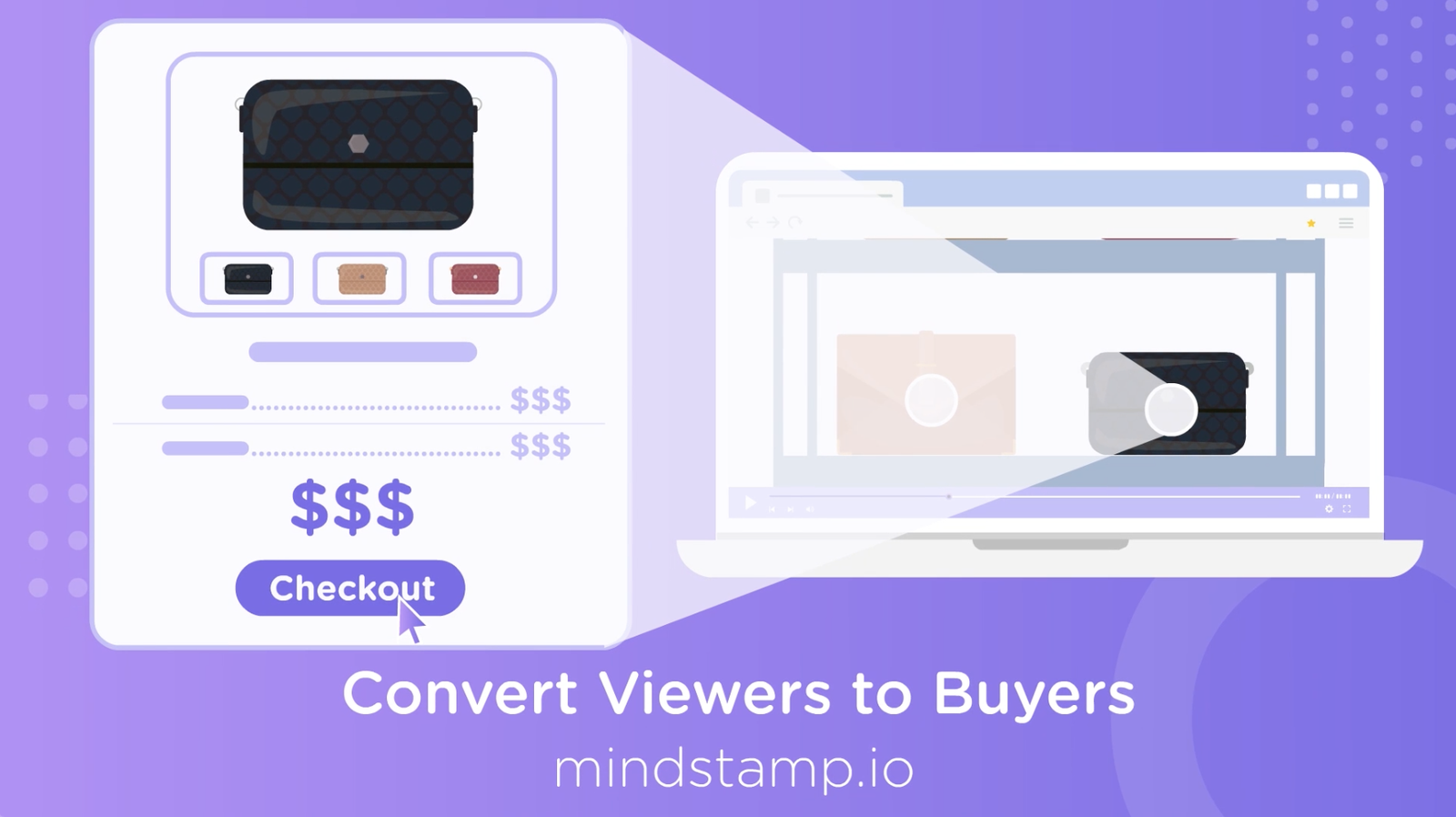
Make a product video respond to each viewer: let them pick a feature, answer their questions in the video, and show the buy action when interest peaks. Then test one change at a time.
Seven ways to get more from a small video marketing budget with interactive video, from turning a webinar into a menu to testing calls to action on the same footage.
Five ways to make content marketing videos show what each viewer wants and give interested viewers a next step, plus where to publish them and how to measure them.
Connect your interactive video to thousands of apps through Zapier. Mindstamp sends views, interactions, and leads that can start your sales, marketing, and training workflows.
Keep the video frame visible while viewers answer. Set the question panel to Fill Frame, lower the background opacity, place the question beside what matters, and check the text over the brightest part of the frame.
How Mindstamp sends interactive video views, answers, and clicks to HubSpot contact records and properties, updated for October 2026.
Mark points of interest in your video with chapters that viewers can search and click to jump to. An October 2026 note covers today's editor and YouTube chapters.
A view count cannot tell you whether viewers saw the part that matters. Name the key moments, check them against watch and drop-off data, and add a checkpoint where it counts.

You can place, resize, and style buttons, hotspots, and images anywhere on your interactive video. An October 2026 note covers motion tracking and hotspot effects.
Loop a section until the viewer chooses, pause until they confirm a key message, send a wrong answer back to the explanation, and switch to another video. Steps for each, with a demo.
What video to send at each stage of the customer lifecycle, the tools that automate and personalize it, and a worked HubSpot example.
Send interactive video views, answers, and clicks to HubSpot contact records, personalize videos with HubSpot data, and use HubSpot workflows to follow up.

A viewer can watch every second and still miss the point. Ask them to use the idea at the moment it is taught, then let the most common wrong answer show you what to fix.

A view count cannot show whether anyone acted. Put the next step inside the video, measure it against the viewers who reached it, and follow each click to the result.
Change the interactive layer instead of the footage, choose tests your views can settle, and work out what each extra click is worth.
In 2021 we predicted cheaper video, more video, interactive video for everyone, and personalized viewing. Here is the 2026 scorecard, what we expect next, and how to prepare.
Read your retention graph, find where viewers leave, and apply the fix for that moment, with benchmarks by video length from 8.07 million Mindstamp video views.
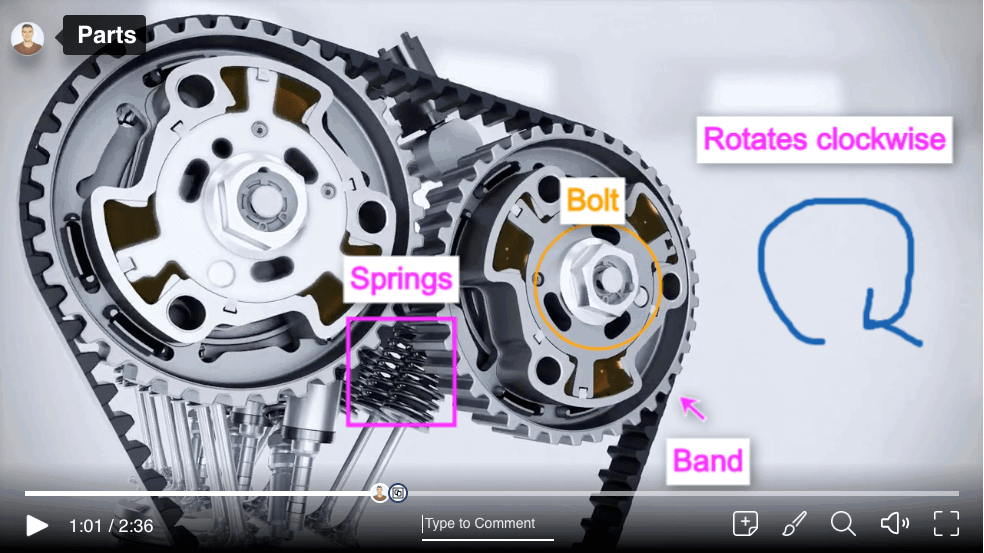
Burn marks in with a video editor, draw live while you record, or layer them over the video so you can change them later. Steps for each method, and how to make marks viewers can read.
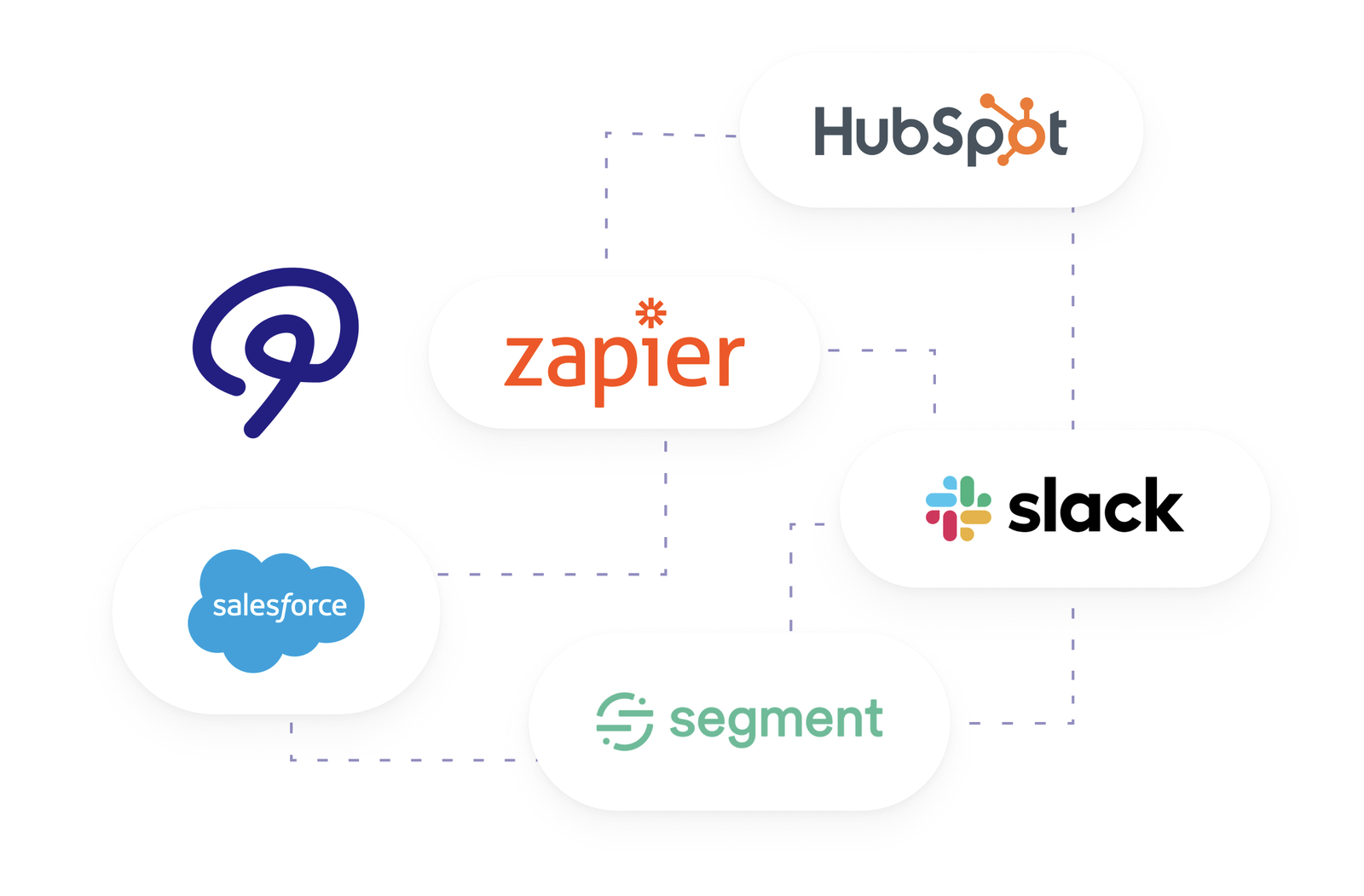
Which interactive video data to send to your CRM, how to connect HubSpot, Zapier, webhooks, the API, or Salesforce, and five marketing workflows that use viewer answers.
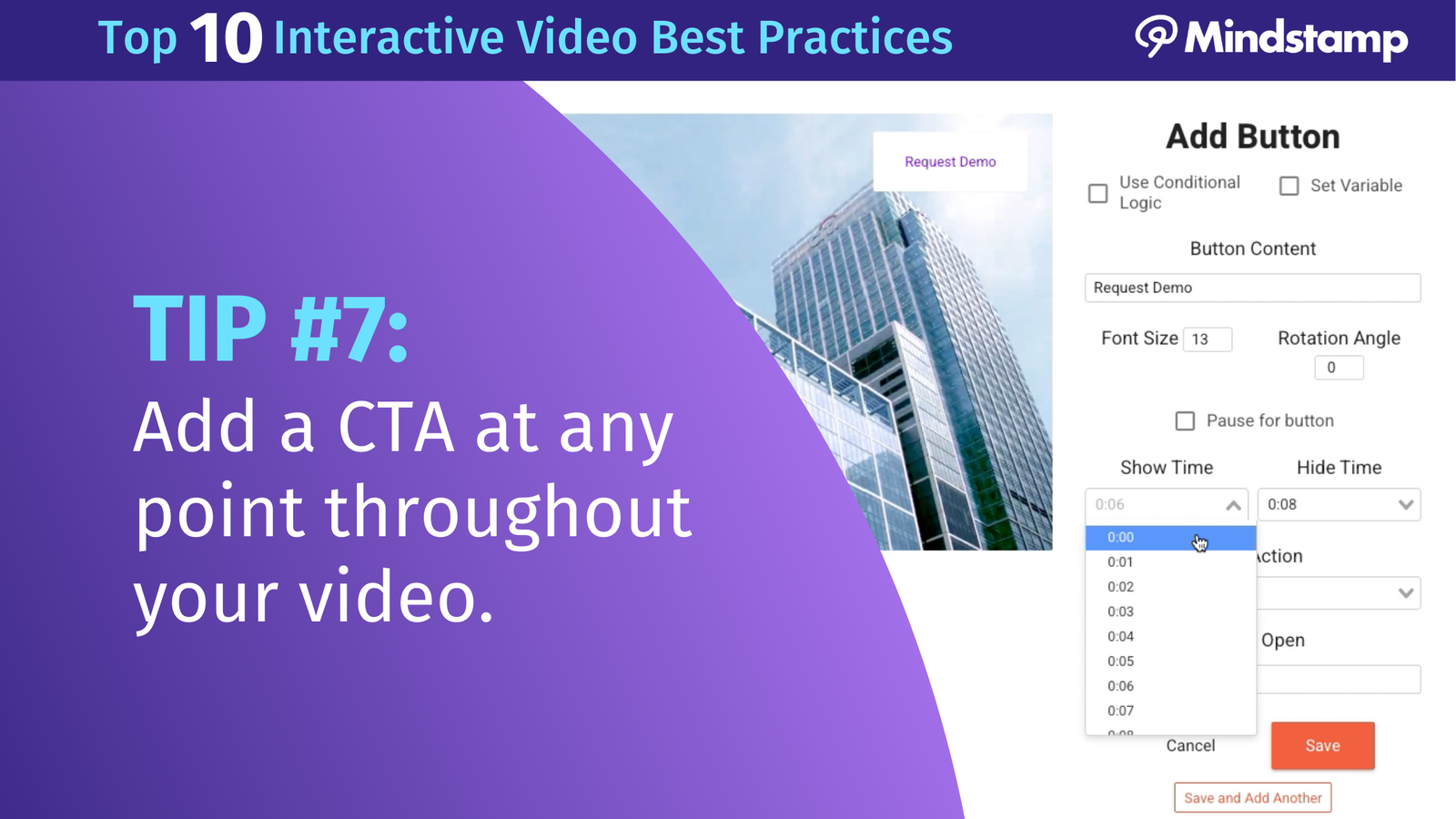
Add a clickable CTA to any video: place a button at the right second in an interactive player, or use YouTube, Vimeo, Wistia, and WordPress tools, with steps for each.

The 8-second attention span has no study behind it. Here is what research on video watching does show, and seven ways to win attention and turn it into action.
A video button can jump the timeline, switch videos, or open a calendar over the player. See every click action, how to add a button, and how to measure clicks.
The three kinds of video survey, how to build one in Mindstamp in eight steps, and how the main video survey tools compare, checked October 2026.
A call button on the video lets a viewer on a phone reach you with one tap. Here is how to set it up, format the number, and handle viewers at a computer.
Our 2020 launch of searchable video transcripts, updated for October 2026: learners search the spoken text and jump to the moment, now on every plan.
Our October 2020 launch of Groups, with a note on how groups work today: Core and higher plans, Viewer, Analyst, and Admin roles, and a group Reporting tab.
Interactive video training asks learners to answer, choose, and click while the video plays. See the research on why it works for training and education, and how to build your first module.
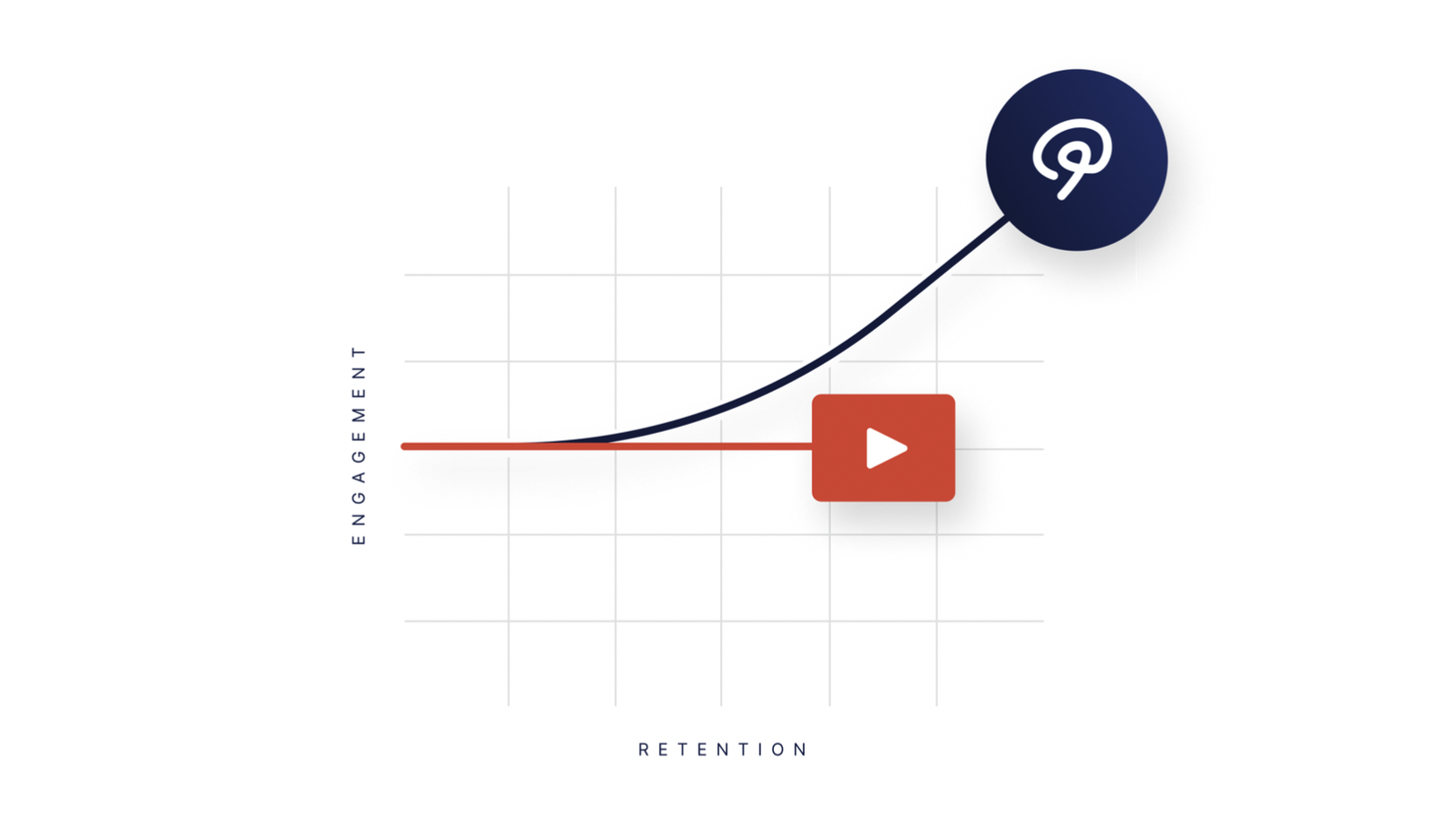
What the Mindstamp Insights dashboard measures today, how to read its totals and charts, and how to export, print, and act on what you see.
Compare nine interactive video tools for training by in-video questions, branching, learner records, and published prices. Includes a trial checklist and the current status of older platforms.
Viewers are ready to act at different moments. A resource tray keeps your main asks one click away for the whole video, so a timed CTA is not your only chance.

Training video holds attention when learners answer, choose, and practice during the video. Here is which kinds of software do what, ten methods to use, and how to compare their analytics.
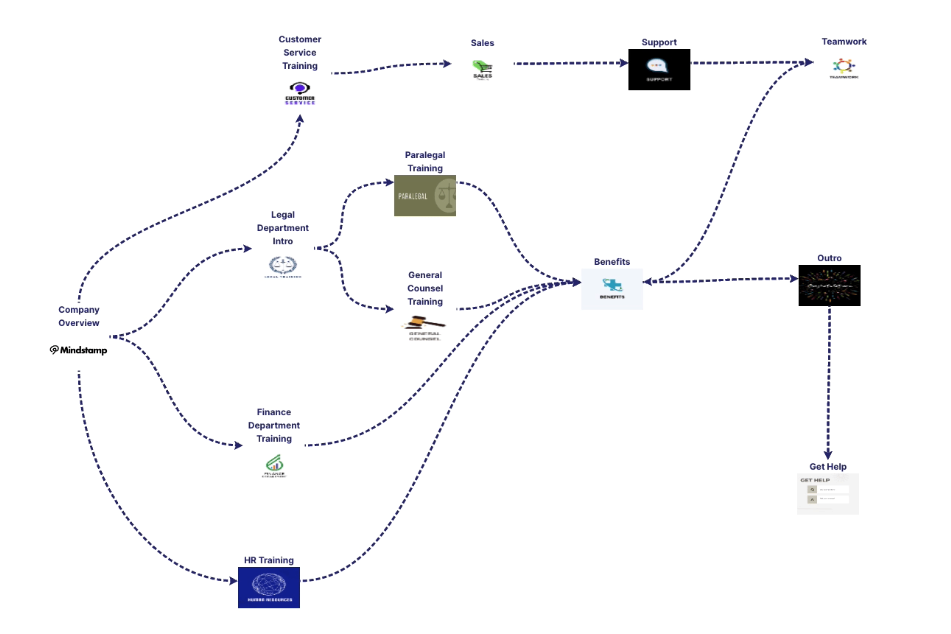
Interactive video records every answer, click, and branch choice by viewer. Learn what the data includes, how to plan for it, and where to send it.
What Mindstamp adds to a training video, how to build a module, how sales teams use click-through scenarios, and how reports show who completed and who answered correctly.
Plan and build an interactive product demo video in Mindstamp: what to include, ten build tips, and how buyers can choose their own path through the demo.
How to choose the screen viewers see when your video ends, and how to build it in Mindstamp with a button, an automatic action, quiz results, or a custom screen.
What the Mindstamp HubSpot integration sends to HubSpot today, and how teams use interactive video data to personalize, automate, and score leads.
A video paywall asks viewers to pay before they watch or partway through. Compare paywall services, choose where to put the payment step, and set one up in Mindstamp.
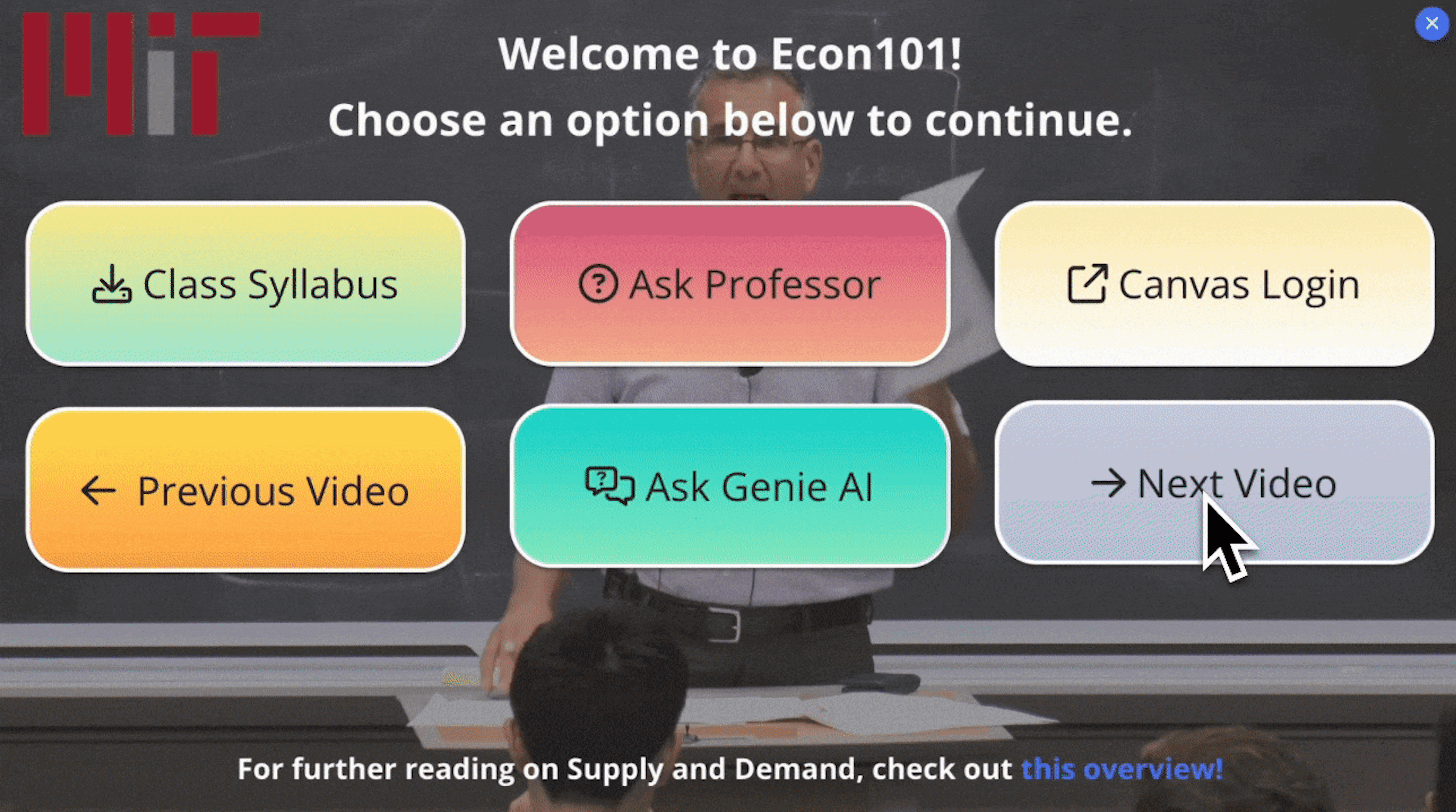
An interactive video menu lets viewers jump to a section, switch videos, or open a resource without leaving the player. Learn when to add one and how to build it.
Mindstamp was an Emerging Favorite in Capterra's 2023 Shortlist for video marketing software, for the second year in a row. Its Capterra rating was 4.9 out of 5 in October 2026.
Our October 2022 recap of 16 new Mindstamp features, with an October 2026 note on what changed and where each feature lives now.
VR production covers 360 and 180-degree filming, stitching, spatial audio, and metadata. Here is the process, how virtual production differs, and how interactive video works alongside it.
Six video trends for 2026, from Shorts and AI avatars to shoppable pages and caption rules, with the one interaction that fits each and what to measure.
How SaaS teams use interactive video after the sale: onboarding by goal, check-ins with quiet accounts, support triage, renewal reviews, and CRM sync.
A video overlay is text, an image, or a clickable element shown on top of the footage. Learn how overlays work in editing and four ways to put a price on a video.
Interactive video earns its place when a video must check understanding, route each viewer, or turn a view into an action. The evidence by team, and when to skip it.
Try it yourself
Add questions, branching, and a call to action to a video you already have.