Brett Lindenberg
Gamification in corporate training means adding game elements such as points, levels, badges, leaderboards, and scored challenges to workplace learning, so employees practice more and can see their own progress. It works best when each point rewards a job skill the learner just showed, like reporting a phishing email or picking the safe first step on a forklift, and when employees choose to take part. Research reviews find small to medium gains in learning, but workplace field studies show the same mechanics can lower engagement in teams that did not want them. The short challenge below shows the core loop of gamified training: a decision with instant feedback, then a result the system records.
What is gamification in training?
A widely cited definition comes from Sebastian Deterding and colleagues, who in 2011 described gamification as "the use of game design elements in non-game contexts" (Deterding et al., 2011). In training, the non-game context is the course. The game elements are the parts people recognize from games: a goal, rules, a score, levels, feedback, and sometimes a story. The lesson content stays the same, and the structure around it changes.
Two related approaches often get the same label. Teams usually mix all three, so it helps to know which one you are building.
| Approach | What it is | Corporate example |
|---|---|---|
| Gamification | Game elements added to ordinary training content | Points and a progress bar on a compliance course |
| Game-based learning | Learners play a game built to teach the content | A product trivia game, or a budgeting board game for new managers |
| Simulation | A model of the real task where choices have realistic results | A branching customer call where each reply changes the next scene |
Does gamification work in employee training?
On average it helps, by a modest amount, and the result depends on design and on whether employees want to play. Much of the controlled research comes from classrooms. The workplace studies are fewer, and they show the risks more clearly.
What the research reviews found
- A meta-analysis by Michael Sailer and Lisa Homner in Educational Psychology Review (2019) found small positive effects on knowledge (Hedges' g of 0.49), motivation (g of 0.36), and behavior (g of 0.25). The knowledge effect held up in the most rigorous studies. The motivation and behavior effects were less stable. Two design choices helped behavior most: a story that gives the learner a role, and competition combined with collaboration (Sailer and Homner).
- A 2020 meta-analysis by Shurui Bai, Khe Foon Hew, and Biyun Huang pooled 30 interventions with 3,202 participants and found a medium effect on academic performance (g of 0.504) in favor of gamified courses (Educational Research Review).
What happened in workplace studies
- Ryan Buell, Wei Cai, and Tatiana Sandino ran a field experiment with a gamified training platform in a professional services firm. Across the firm, the platform had no statistically significant effect on performance. In offices with high employee engagement, each extra minute of average platform use per employee went with 0.28 more new clients per month. In offices with low engagement, it went with 0.78 fewer new clients per month (working paper).
- Wafa Hammedi and colleagues studied gamified work, not training, with frontline employees in retail and telemarketing. In two field experiments, gamification lowered engagement and well-being, and employees who were willing to take part saw less of that harm (Journal of Business Research, 2021).
The reward research explains part of this. In a review of 128 experiments, Edward Deci, Richard Koestner, and Richard Ryan found that expected tangible rewards reduced intrinsic motivation, meaning how much people chose to keep doing a task on their own. Rewards for doing the task at all had the largest effect (d of -0.40), and rewards for performance had a smaller one (d of -0.28). Positive feedback had the opposite effect (d of 0.33) (Psychological Bulletin, 1999). For training design, a point should work as feedback that tells the learner they got something right. A prize for logging in teaches people to log in.
Where the "90% of employees" statistics come from
Many articles on this topic open with figures such as "90% of employees say gamification makes them more productive." Statistics roundups copy these numbers from other blogs. The productivity figure goes back to TalentLMS's 2019 Gamification at Work survey. TalentLMS asked almost 900 employees whether they had noticed game elements in software at work, removed the 374 who said no, and found that 89% of the rest said gamification made them feel more productive (TalentLMS, 2019). That is a self-reported opinion from people who already use gamified tools, gathered by an LMS vendor that sells gamification. It shows that many employees like the idea. For effects on performance, rely on the controlled studies above.
Game elements and when to use each one
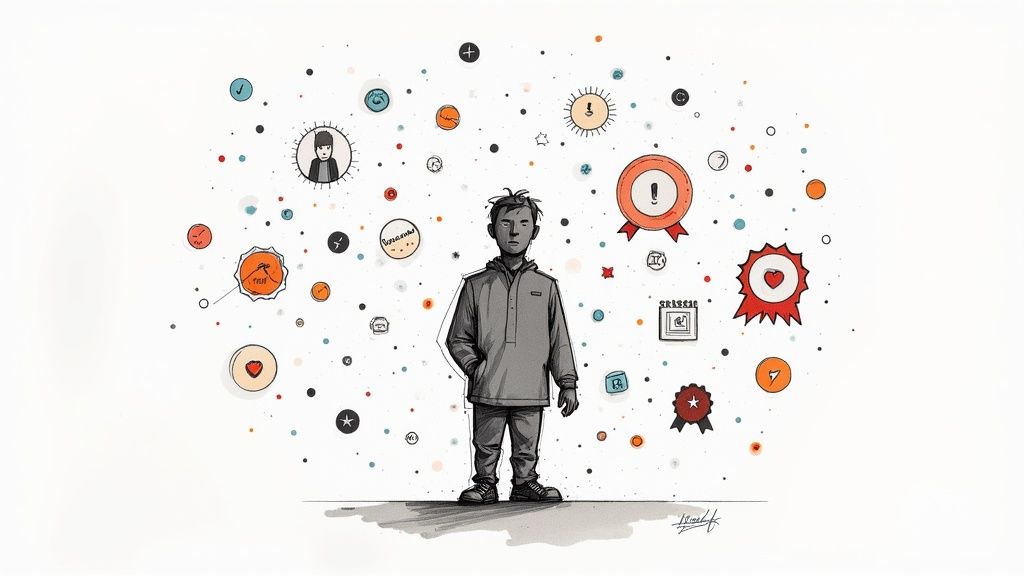
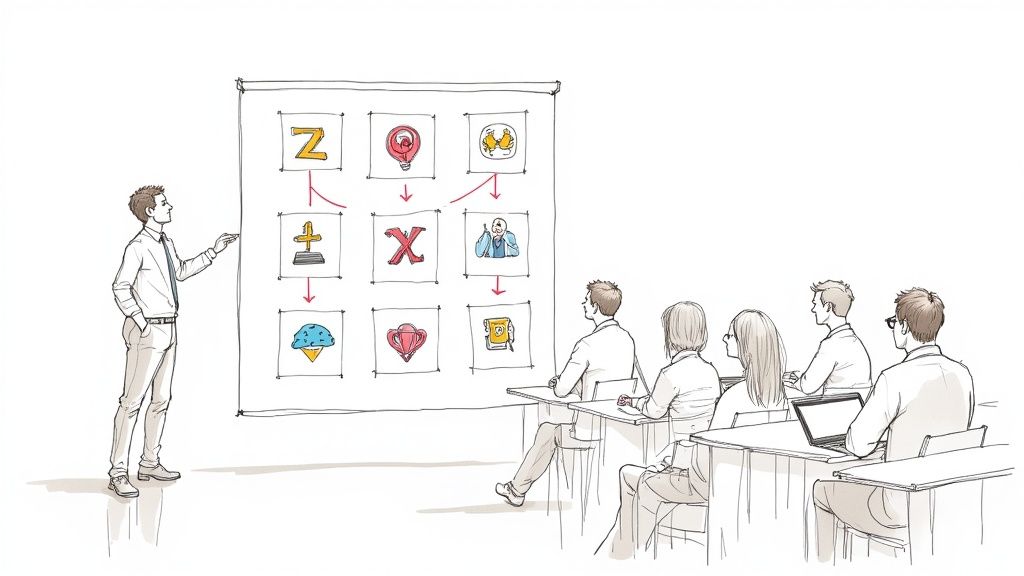
Match each element to the behavior you want. A leaderboard on a course that teaches a careful procedure rewards speed, which is the wrong lesson.
| Element | What it gives the learner | Good fit | Watch for |
|---|---|---|---|
| Points or score | An immediate signal that an answer or step was right | Knowledge checks, procedure steps | Points for clicks or time spent teach people to click and wait |
| Levels and progress | A view of what is done and what comes next | Onboarding paths, certification ladders | Levels that count only completions are a checklist with a new name |
| Badges | A visible record of a skill | Certifications, skill milestones | A badge for every module stops meaning anything |
| Leaderboards | Comparison with peers | Short, opt-in contests among people at a similar level | Ranking new hires against veterans, or naming people who did not agree to it |
| Challenges with consequences | Practice on a decision, with the result shown right away | Safety, security, customer conversations | Unrealistic consequences teach the wrong lesson |
| Story or role | A reason the task matters | Compliance, security awareness | A theme that delays the content learners came for |
| Team goals | A shared target and a reason to coach each other | Sales and support teams | One strong player can carry the team |
| Timers | Pressure like the real job | Tasks that are timed at work, such as triage | Learners who need more time, including people using assistive technology |
Examples of gamified training modules for corporate teams
Each module below scores one behavior, so you can compare the result with job data. Most link to a published interactive example you can play.
Phishing response challenge
A suspicious invoice reaches the learner's inbox. They can report it, reply for details, or open the attachment, and each choice plays its own consequence. Reporting earns the point. Track the share of learners who report on the first try, then compare it with your phishing simulation report rate. Play the suspicious invoice drill.
Hazard hunt
Freeze a frame from your own site and make each hazard a clickable hotspot. The video waits until the learner finds every one, and each find changes color so they can see what is left. Score the hunt by hazards found, and use a scene from the actual floor so the skill transfers. See how hotspots work, or try the pressure-drop diagram.
Safe first step
A pallet blocks the marked forklift lane. The learner picks the operator's first move and sees the result of that choice before the next scene. One decision per clip keeps the module short enough to run at a shift start. Try the forklift decision.
Product knowledge ladder
Group product questions into levels, and open the next level only after the learner answers the current one correctly. Sales and support teams can run it as a team contest where the team average counts, so strong reps have a reason to coach. Our guide to gamification in sales training covers contests and quotas in more detail.
Customer conversation branch
The learner chooses how an agent opens a difficult call, and the customer reacts to that choice. Score the reply against your service standard and show the coaching note right after it. Play the customer response practice, and read our guide to scenario-based training for how to write the branches.
Weekly recall round
After the main course, send a two-question round each week on the points people most often miss. A review of 317 experiments on spaced practice found that the best gap between study sessions grows with how long people need to remember the material (Cepeda et al., 2006). A streak for completed rounds gives the habit a visible count. Our guide on how to retain information better explains spacing and retrieval practice.
Corporate training platforms with gamification features
Check what you already own first. Many learning management systems include points, badges, and leaderboards, and you may only need better challenges inside the lessons. The table lists features as each vendor describes them on its own site.
| Platform | Type | Game elements the vendor lists |
|---|---|---|
| TalentLMS | Learning management system | Points and levels, badges, leaderboards that admins can turn on or off, rewards, and gamification reports |
| Docebo | Learning platform | Challenges, rewards, leaderboards, and badges, plus 11 game templates such as Trivia, Scenarios, and Sort-It |
| Axonify | Frontline training app | Leaderboards, points, and rewards, with adaptive reinforcement |
| Mindstamp | Interactive video | Scored questions that pause the video, retries, branching consequences, a running score variable, and certificates. No leaderboards or badges. |
Choose by where the practice happens. An LMS tracks points and badges across a whole catalog. Interactive video handles the decision inside a lesson. Many teams use both: Mindstamp scores the challenge and sends completion and a score to the LMS in a SCORM package, and the LMS awards the badge. If you are still choosing an LMS, see our comparison of the best LMS platforms for small businesses.
How to build a gamified training program
1. Pick one behavior and one metric
Write the behavior as something a manager could observe, such as "reports suspicious invoices the same day." Choose the job metric that shows it, and record a baseline before launch. Without a baseline, you cannot tell a better course from a better quarter.
2. Match the mechanic to the behavior
A decision needs a consequence the learner can see. Recall needs question rounds spaced over weeks, and a procedure needs its steps required in order. Use the element table above, and leave out any mechanic that does not support the behavior.
3. Make points mean competence
Award points for correct decisions and first-try accuracy. Show the reason after every answer, right or wrong. Do not award points for logins, time on page, or completed slides.
4. Make it voluntary and fair
Both workplace studies above found that results depend on whether employees want to play. Let people opt out of public rankings, compare people with similar tenure, and prefer team boards to individual ones. Check with HR or legal before you publish names or scores, especially where a works council or privacy law applies.
5. Pilot with a comparison group
Run the gamified version with one team for a full training cycle and compare it with a similar team on the current course. Buell and colleagues found opposite effects in different offices of one firm, so a company-wide average can hide a split.
6. Keep what moves the metric
Compare scores and the job metric for both groups, and retire mechanics that nobody uses. Our guide on how to measure training effectiveness walks through the evaluation levels and the data each one needs.
How to gamify training videos with Mindstamp
Mindstamp adds interactions to a training video you already have. These are the settings we use to build game mechanics, with the pages that explain each one:
- A question with a correct answer pauses the video and scores the reply. The player keeps the running percent correct in a variable named cScore, which you can show on screen as {{cScore}} on plans with personalization variables. See video quizzes.
- For retries, Repeat Until Correct shows Try Again after a wrong answer, with no attempt limit, and the report keeps every attempt. To send the learner back to the lesson instead, set the wrong answer's action to Change Time. See passing scores and retries.
- Answer buttons that switch to a different clip let each choice play its own consequence, as in the data-safety challenge above. See video branching.
- For a hunt, give several hotspots Require Click and the same hide time, and the video waits until the learner has clicked all of them. A post-click state hides, disables, or recolors each find. See required clicks.
- On Pro and higher plans, conditional logic reads cScore and can show a different ending, or send the learner back, when the score is below your pass mark.
- A learner who meets the watched percentage, the passing score, or both can download a completion certificate with a public verification link.
- Every answer and attempt is stored against the learner, and you can export training records for an audit.
Two details catch first-time builders. The Mindstamp report score counts every attempt, so a learner who misses once and then answers correctly scores 50% on that question. By default, the score in a SCORM package counts only the first answer to each question. Decide which number your pass mark uses before launch, and test the full module as a learner in a private browser window.
Common questions
How do you gamify compliance training without making it trivial?
Score the decisions the policy exists to change. A data-handling module should ask what the learner does with an open customer file and then show what that choice exposes, instead of asking them to recall the policy's wording. Keep the facts exact, and set the pass mark where a wrong answer would cause harm on the job.
Should leaderboards show employee names?
Only when people opt in and the comparison is fair. Team boards, boards limited to people at the same level, and boards that show each learner only their own rank all reduce public comparison. Give each contest a clear end date, so a slow first week does not follow someone all year.
Can you gamify training without an LMS?
Yes, for a single course. Scored questions with retries, plus a certificate at the end, cover the basic loop inside an interactive video. To track a learner across several modules, you need a consistent identity, such as an email or employee ID, on every video. Our help page on how to track a training course shows the setup.
What should sit under the game layer?
Sound course design. Short segments, questions inside the lesson, and spaced review carry the learning, and game elements make progress visible. Our online learning best practices cover that foundation.
To start, pick the behavior with the clearest job metric, build one scored decision around it, and run it with one team for a cycle. If the metric moves, add the next module. You can build the first challenge on a training video you already have during a 14-day Mindstamp trial, which needs no payment card. See how teams use interactive video for training.