Examples
Interactive video examples you can click.
136 live examples for training, marketing, and sales. Press play and try each one.

Training
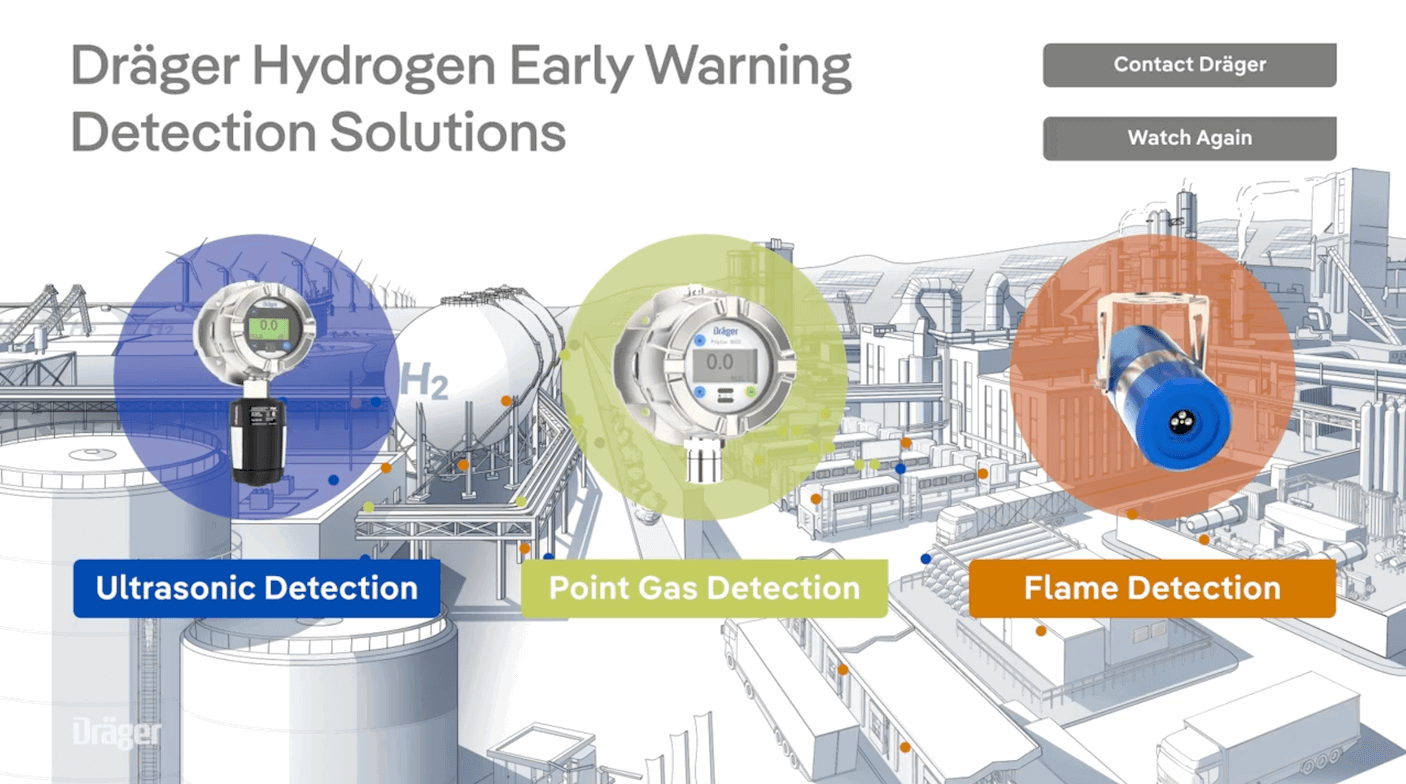
Branching safety training
See how Dräger uses hotspots, branching, and downloads to let viewers explore hydrogen detection solutions in one interactive video.
Watch →
Sales
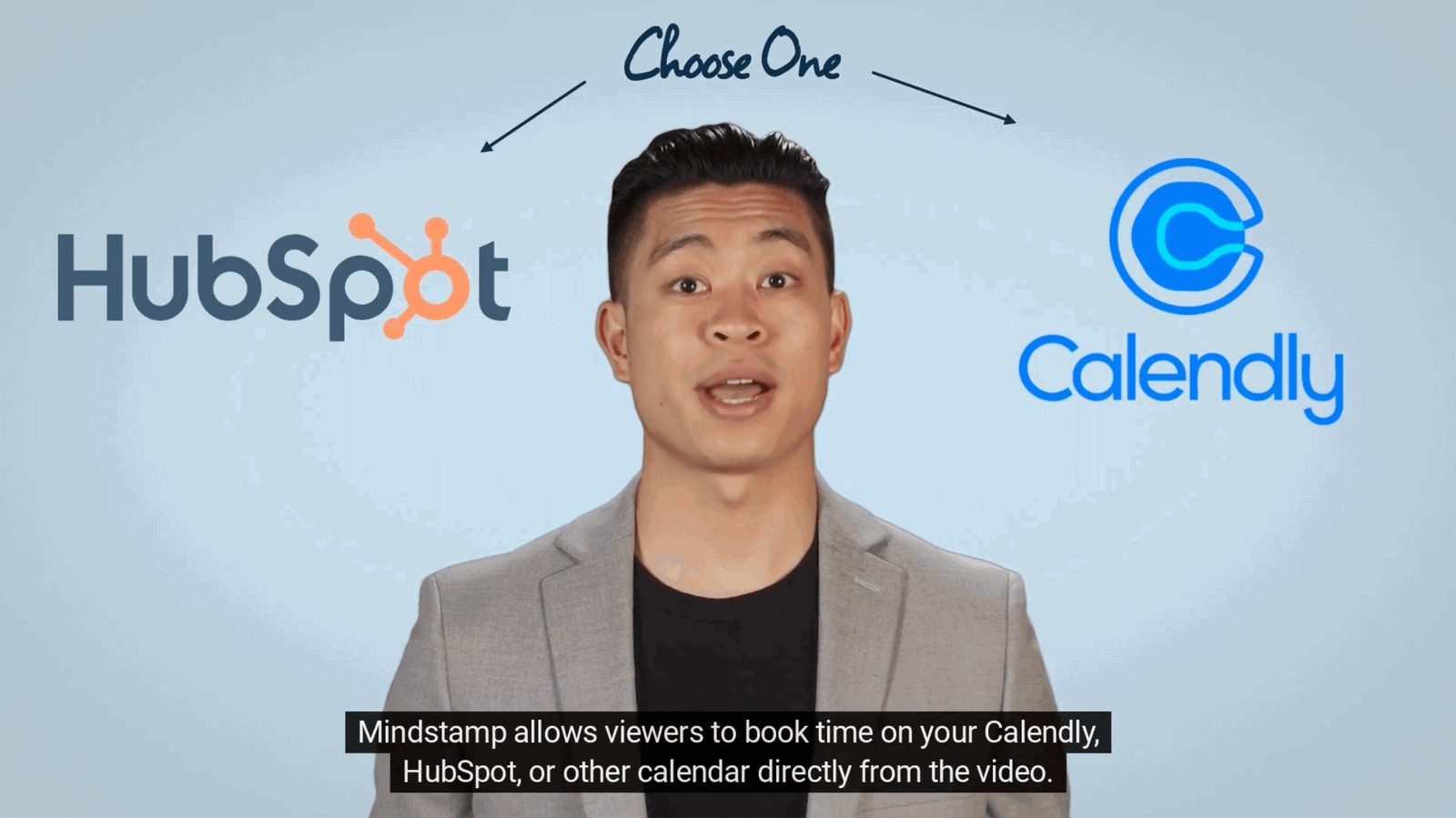
Calendar booking
Get more appointments by letting your audience book on your calendar directly from within the video.
Watch →
Recruiting
Career recruiting
A Swiss recruiting firm lets candidates explore different career paths, then leave their details.
Watch →
Entertainment
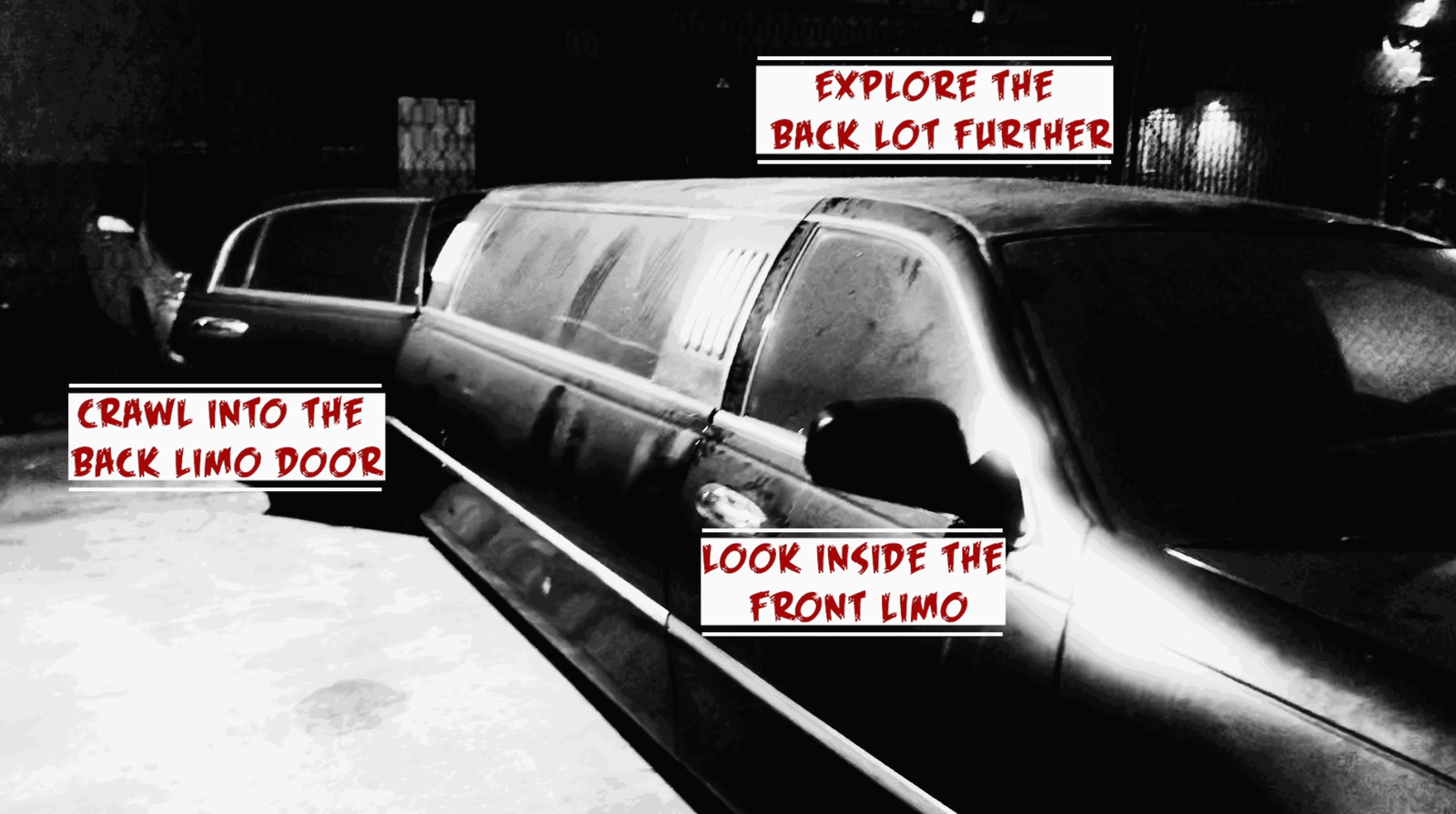
Choose-your-own-adventure film
An interactive horror film by The Count’s Den. Viewers choose what happens next.
Watch →
Marketing
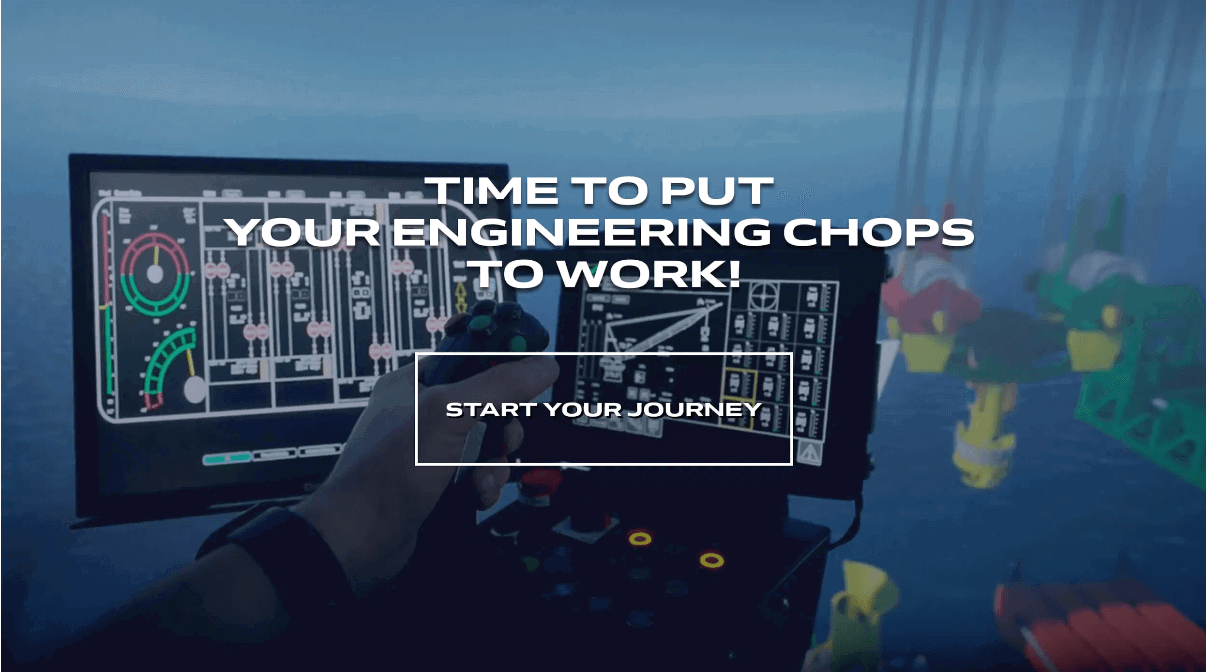
Choose your own journey
A branching story. Each choice the viewer makes changes the next scene.
Watch →
Real estate
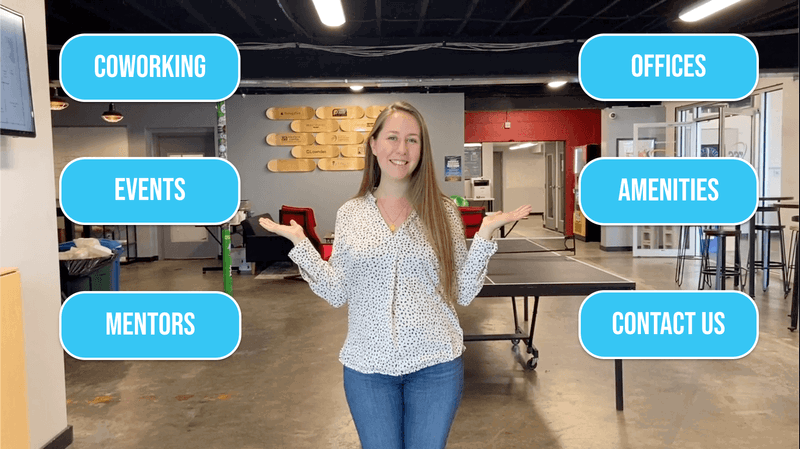
Coworking space tour
Groundswell Startups gives a co-working tour where viewers pick the parts of the space they want to see.
Watch →
Tourism
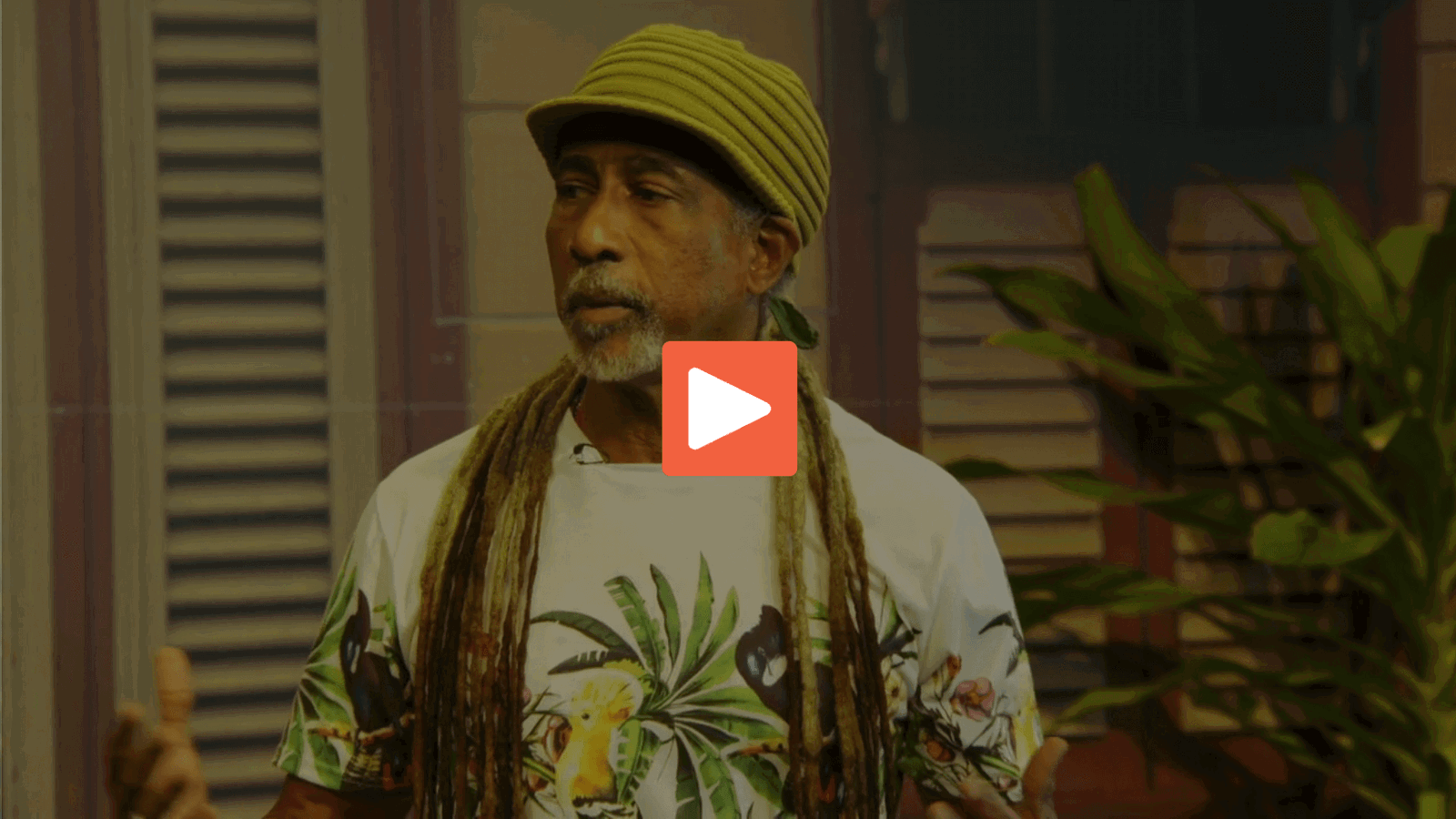
Interactive village tour
A village tour in Barbados. Viewers click hotspots and choose where to go next.
Watch →
Marketing
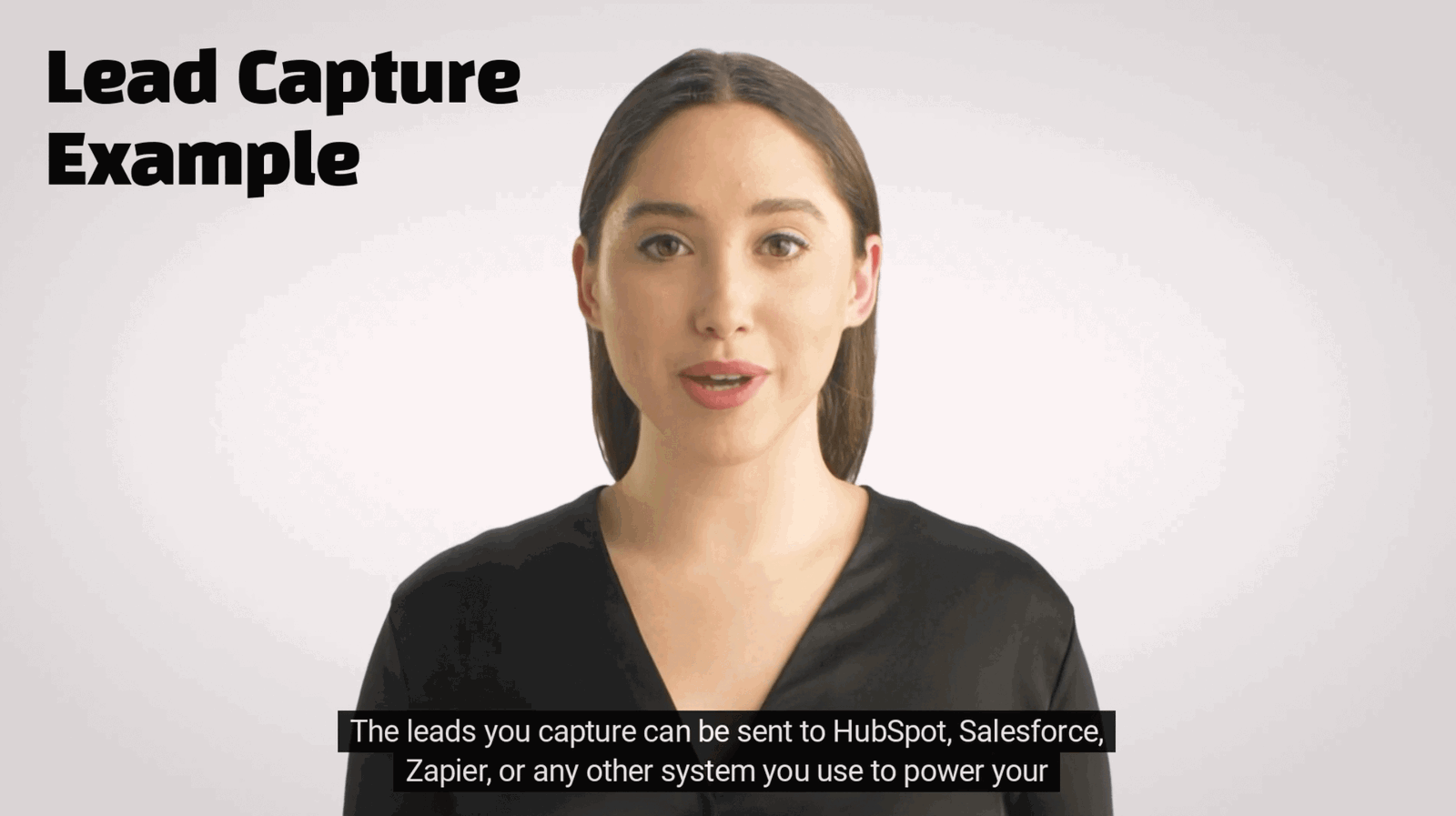
Lead capture
Collect a viewer’s name, email, phone number, or custom ID before the video or at a point you choose.
Watch →
Sales
Lead pre-qualification
Qualify your leads through interactive video by capturing contact information and asking questions throughout their experience.
Watch →

Commerce
Product quiz
A skin care quiz asks a few questions, then recommends one product from the answers.
Watch →
Events
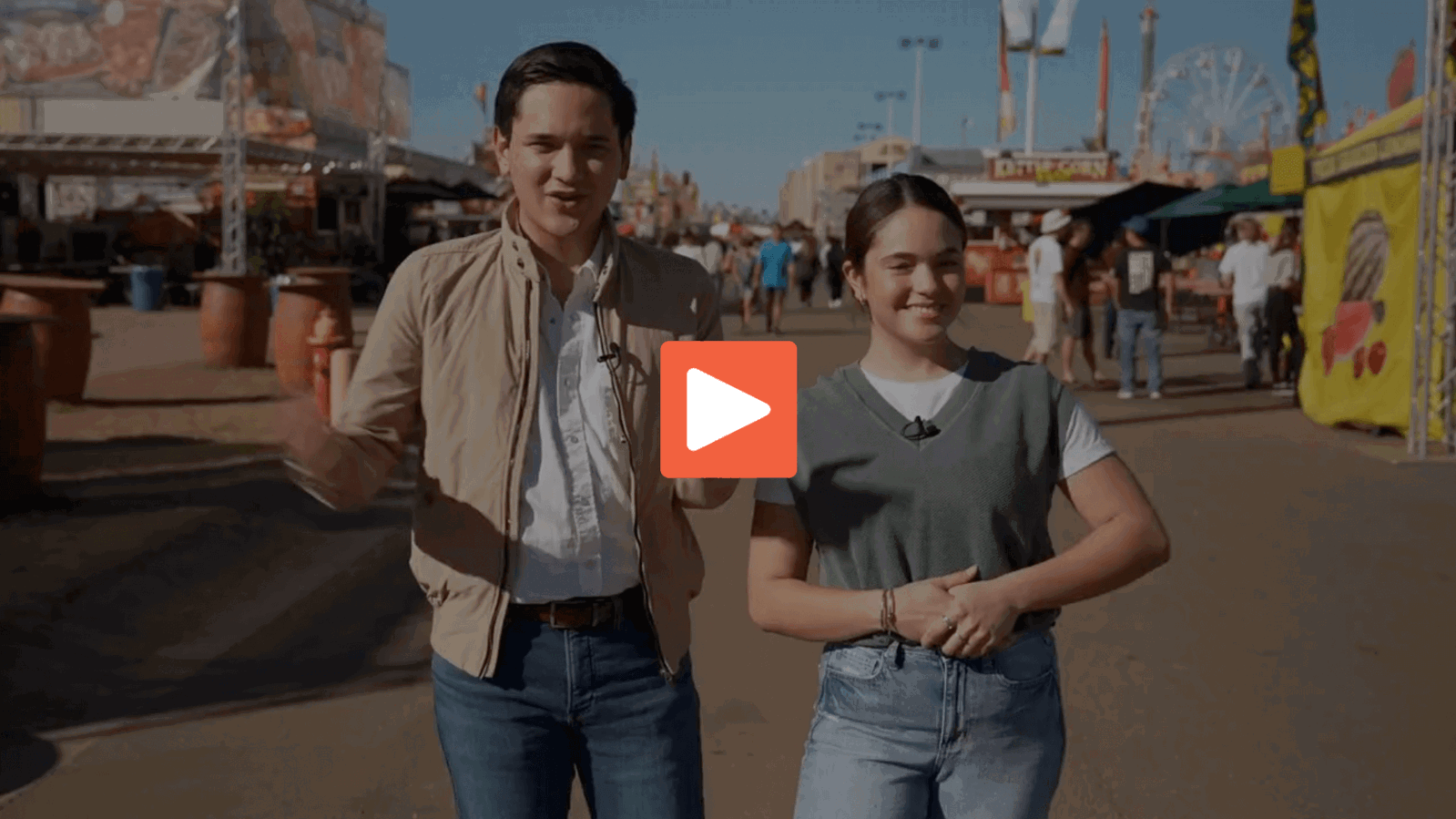
State fair marketing
The Arizona State Fair promotes its event with a branching video and clickable hotspots.
Watch →
Tourism
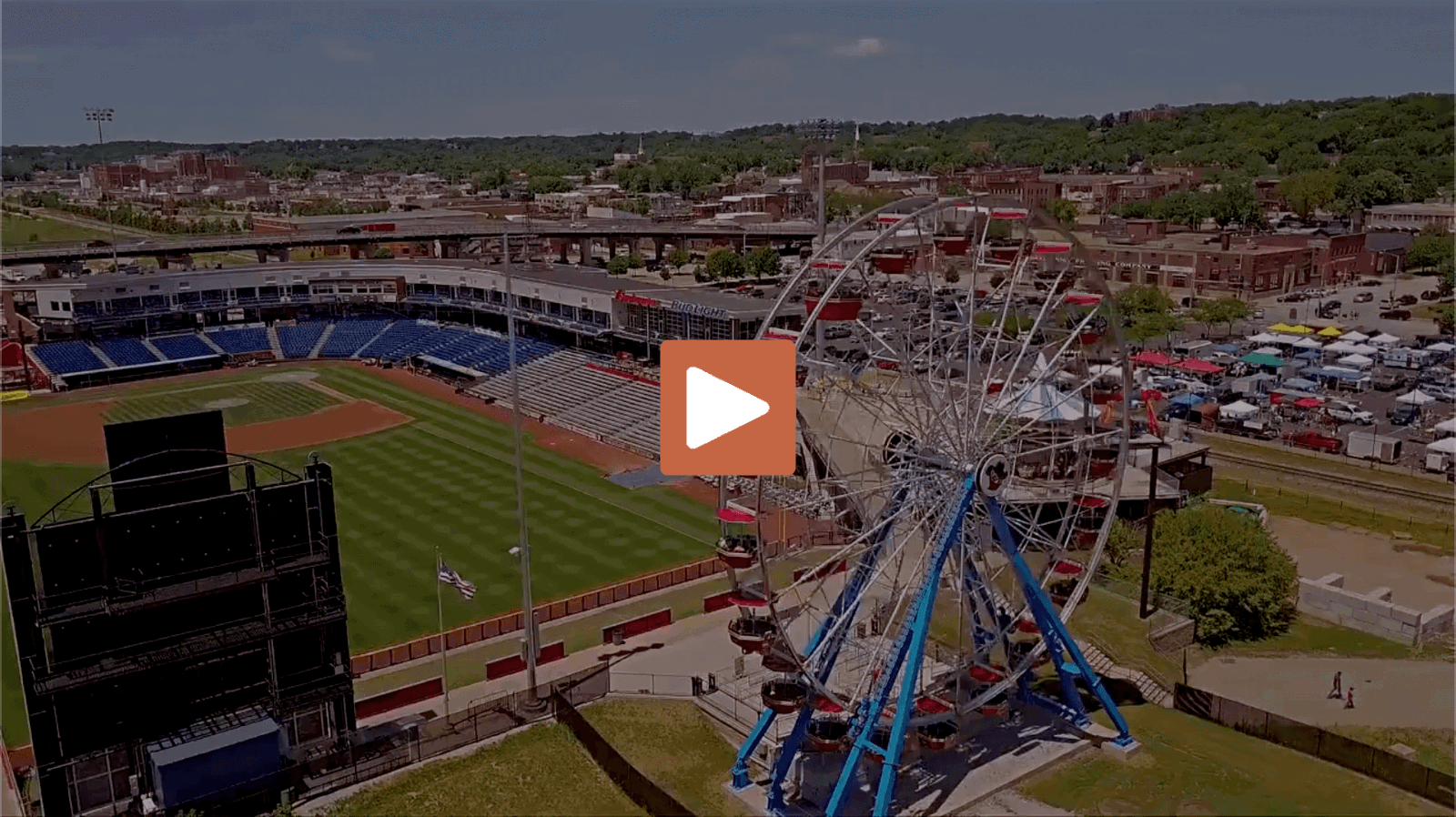
Tourism promotion
See how an event-promotion video uses hotspots, branching, and open links to help viewers explore what interests them.
Watch →
Product demo
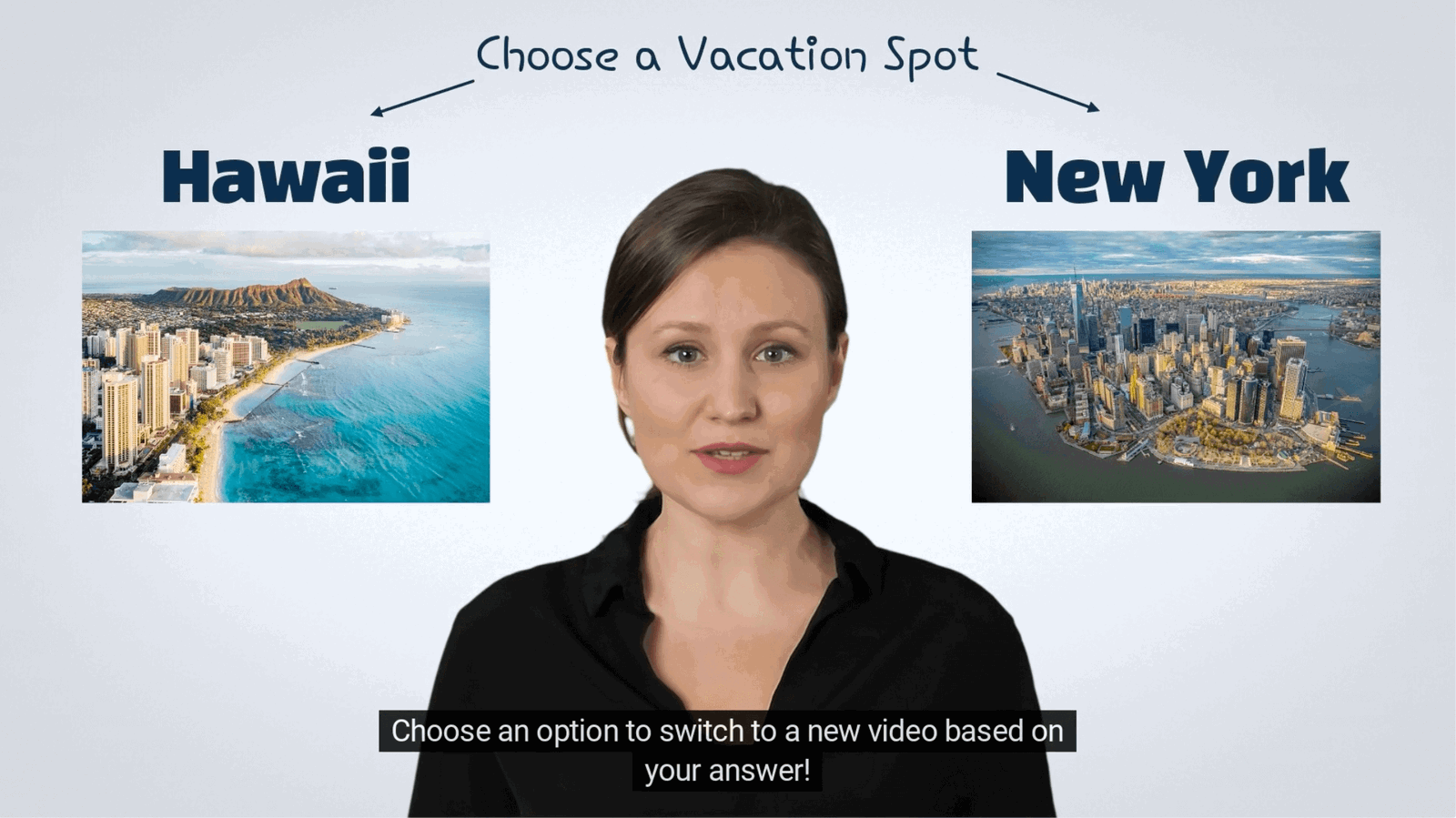
Video branching
Allow viewers to choose their own path through your content with video branching, also known as "Choose Your Own Adventure" experiences.
Watch →
Training
Video quiz
Creating a video quiz allows you to measure learner knowledge and comprehension when they are most engaged. Mindstamp makes it simple.
Watch →
Education
Visual arts instruction
The School of Visual Philosophy teaches art with drawing responses and in-video questions.
Watch →
Training
Warehouse safety skill router
Choose where a heavy box belongs. The answer sends the learner to a refresher, guided comparison, or harder load example before a follow-up question.
Watch →
Marketing
Trail shoe ad route
Choose a city loop, rocky ridge, or wet trail. The product story changes to match the route.
Watch →
Product demo
Clickable lamp cutaway
Select the shade, arm, or base to inspect the lamp one part at a time.
Watch →
Training
Choose an evaluation lens
Select Kirkpatrick Level 3, Phillips ROI, or the Success Case Method and see the evidence each approach needs.
Watch →
Marketing
Choose the next trail step
After a water test, choose waterproof construction, trail fit, or a rock-grip test.
Watch →
Training
Suspicious invoice drill
A suspicious invoice reaches the inbox. Report it, reply for details, or open the attachment and see the consequence.
Watch →
Training
Run the handoff case
Review a customer handoff and choose whether to confirm ownership, send a generic article, or wait.
Watch →
Product demo
YouTube layer choice
Choose whether the next interaction opens another video, asks a scored question, or follows a branch.
Watch →
Product demo
Progressive disclosure desk
Choose to write a draft, review changes, or publish and see only the information needed for that action.
Watch →
Marketing
Landing page intent split
Choose fewer payroll errors, faster setup, or a team comparison and see the message that matches that intent.
Watch →
Training
Phishing ad decision
A vendor asks for new bank details. Choose how to respond and see the result before the message ends.
Watch →
Marketing
Campaign mechanic remix
Choose product education, service trust, or local sharing and see how the campaign structure changes.
Watch →
Training
Training video format selector
Choose controls, policy exceptions, or the 30-day rule and receive the training format suited to that problem.
Watch →
Customer service
Service update preference
Choose outage status, a bill explanation, or energy-saving help and open the update that matters now.
Watch →
Customer support
Password reset explainer fork
Choose whether you are locked out, signed in, or helping a team member. The video opens the correct reset process and checks the next action.
Watch →
Training
Shift handoff micro-lesson
Review a shift note and choose the detail that matters most for the next operator.
Watch →
Lead generation
Security guide qualifier
Choose phishing reports, access reviews, or vendor risk and receive a matching resource preview before the next step.
Watch →
Analytics
Read the viewer trail
Compare a selected route, an 82 percent watch rate, and raw views. Choose the signal that gives the team the best follow-up context.
Watch →
Training
One lesson, three entry paths
Choose review, practice, or extension content, then answer a follow-up decision inside that route.
Watch →
Marketing
Product tour CTA stack
Choose a setup guide, a tailored demo, or a trial checklist at the end of a fictional product tour.
Watch →
Presentation
Cast the quarterly priority vote
Vote for shorter customer wait time, fewer release defects, or faster new-hire onboarding and open the related discussion prompt.
Watch →
Training
Choose the right evaluation question
Choose learner reaction, workplace behavior, or a business result and open a sample question for that goal.
Watch →
Training
Run the active recall check
Read a three-part service brief, then recall the detail that controls entry after the brief clears.
Watch →
Training
Find the pressure drop
Select the part of a fictional pressure system that best explains the drop after the filter.
Watch →
Education
Try an in-video assessment
Make one applied choice, receive immediate feedback, and review the recorded answer without leaving the video.
Watch →
Training
Resolve the damaged delivery
Choose the first response to a damaged delivery and watch the next scene change with the decision.
Watch →
Training
Calibrate the support response
Review a short support-call transcript and select the cue that should guide the next response.
Watch →
Product demo
Inspect the espresso station
Select a visible machine part and open a focused overlay without changing the source footage.
Watch →
Product demo
Choose your first interaction
Choose training, product exploration, or lead qualification and see which interaction to add first.
Watch →
Training
Test the training feature mix
Choose the result the training team needs and open the feature set that supports that result.
Watch →
Training
Earn the data-safety point
Choose how to handle a fictional data request and see the point result and explanation inside the video.
Watch →
Product demo
First-value onboarding fork
Choose a project, teammate, or deadline goal. The video opens one focused setup task and records the result.
Watch →
Training
Assessment method matcher
Choose misconception, procedure, or confidence evidence and open the assessment method that fits the objective.
Watch →
Product demo
YouTube interaction map
Compare a related-video link, knowledge check, and section choice in one source-video example.
Watch →
Product demo
Packable jacket hotspots
Select the hood adjustment, pack pocket, or sealed fabric and open a focused feature view.
Watch →
Education
Student engagement evidence sort
Classify one observable sign as cognitive, behavioral, or emotional engagement and review the evidence boundary.
Watch →
Training
Fire door knowledge check
Identify the fire door condition that needs action, then complete a true-or-false follow-up.
Watch →
Training
Interactive script decision beat
Choose the line that sets up a vehicle-safety decision and see why it gives the learner a clear action.
Watch →Training
Forklift training tracker check
Inspect three fictional records and choose the one with the evidence needed for a forklift shift.
Watch →
Training
Training platform role selector
Match a training assessment job to an interactive video platform, support desk, or marketing CRM.
Watch →
Marketing
Demo intent qualifier
Choose a workflow tour, team-control comparison, or rollout checklist and open the matching next step.
Watch →
Sales
Discovery call response drill
Answer a buyer objection and see the reaction and coaching cue for the selected line.
Watch →
Training
Pick the learning move
Review pre-class responses and select peer instruction, just-in-time teaching, or problem-based learning.
Watch →
Training
Interleaved troubleshooting round
Use the symptom pattern to choose the right first check from a mixed set of printer problems.
Watch →
Training
Build the evidence chain
Choose the measure that links an observable work behavior with an operational result.
Watch →
Training
Returns desk pathway
Handle a return without a receipt and follow a policy review, guided practice, or exception case.
Watch →
Marketing
Quarterly review participation map
Choose whether a quarterly review slide should invite a prediction, chart inspection, or deeper route.
Watch →
Training
Fix the overloaded scene
Choose which control to remove or simplify so the learner can see the next action.
Watch →
Training
Cognitive load repair
Compare three edits to a crowded machine-startup lesson and choose the first change.
Watch →
Marketing
Separate source media from the overlay
Distinguish the 360 source production from the buttons, questions, and branches added in the web player.
Watch →
Marketing
Share route selector
Compare a public feed, controlled portal, and personal link for one video master.
Watch →
Product demo
Run the Platform Fit Check
A feature list is useful only after you name the job. Run this fit check for a compliance team.
Watch →
Training
Illustrative ROI Case
Use the stated cost and benefit figures. Which calculation gives the correct ROI?
Watch →
Training
Schedule the Reinforcement
Microlearning works when the follow-up matches the gap and the moment. Choose the next reinforcement.
Watch →
Product demo
AI Video Differentiation Pass
A generic AI-presenter clip explains three product areas. Choose the change that would make it useful for one viewer.
Watch →
Training
Turn Watching into Practice
Use one existing scene to let the learner practice, choose, and receive feedback.
Watch →
Product demo
Vimeo Embed Troubleshooter
A Vimeo embed can fail in several ways. Select the symptom to find the first check.
Watch →
Product demo
Branch-Ready Support Script
Choose the customer's issue. The script card reveals the exact line, shot, and branch marker needed before filming.
Watch →
Marketing
Diagnose the Content Signal
Start with the question, then choose the metric. Diagnose this content path.
Watch →
Product demo
Accessible Callout Builder
Choose what the callout needs to communicate. The video returns a small HTML pattern and a plain-text fallback.
Watch →
Training
Choose the Consequence
A viewer choice matters when the story shows its consequence. Decide what Mara does at the blocked aisle.
Watch →
Training
Backward Design Mini-Plan
Start with the objective, then select the evidence that proves it.
Watch →
Marketing
One-Day Bakery Video Plan
Pick the bakery's most urgent goal. The video creates a small shoot plan that can be finished in one working day.
Watch →
Product demo
Take the Tour You Need
Choose what you need to evaluate, then use the feature inside that tour chapter.
Watch →
Training
Camera Alert Triage
Three camera alerts need review. Which one belongs in the urgent queue?
Watch →
Training
Respond to the Pulse
Employee feedback needs an observable response. Choose the first action for this career-growth signal.
Watch →
Training
Training Trigger Rule
A behavior signal should lead to a focused response. Which event should open a review?
Watch →
Marketing
Case Study Evidence Builder
Choose the strongest evidence you have. The video builds a case-study format around that evidence.
Watch →
Product demo
Scope the Video Assistant
A video assistant needs clear source boundaries. Decide how it should answer a question the transcript cannot settle.
Watch →
Training
Forklift Obstruction Map
A pallet blocks the marked forklift lane. What should the operator do first?
Watch →
Product demo
Inventory Demo by Role
Choose your role and use the demo instead of watching a fixed feature tour.
Watch →
Product demo
Build Your Commuter-Bike View
Choose what matters on your commute, then inspect that part of the fictional Alder Fold bicycle.
Watch →
Training
Policy Update Pulse
Try the policy update pulse example. Which part affects your work?
Watch →
Training
LMS and Video Evidence Split
A reviewer asks four audit questions. Choose the record they need and see where it comes from.
Watch →
Training
Adaptive De-escalation Practice
Adaptive learning changes the next task from evidence the learner just supplied. Answer the first call, review targeted teaching, and try a new case.
Watch →
Training
Compliance Video Before and After
Try the compliance video before and after example. Which container should you move first?
Watch →
Training
Clinic Escalation Scenario
A caller asks for a patient update and claims to be family. Choose the front-desk response.
Watch →
Marketing
Turn Viewer Questions into a Brief
Viewer choices can supply better research than a raw play count. Turn this evidence into a content brief.
Watch →Marketing
Email Thumbnail Route
Try the email thumbnail route example. How should the email open the video?
Watch →
Product demo
Live-to-On-Demand Handoff
Choose when the learner must respond. The diagram separates the live event from the interactive replay.
Watch →
Training
Choose the Training Revision
Data-driven training means choosing an action the evidence can support. Decide what to test next.
Watch →
Training
Customer Retention Formula Check
Try the customer retention formula check example. What is the customer retention rate?
Watch →
Marketing
Trend-to-Interaction Workshop
Choose the source format. The video adds one interaction that serves its job.
Watch →
Marketing
Offer the Right Follow-Up
Lead capture works better when the offer fits the moment. Choose the follow-up for this viewer path.
Watch →
Product demo
Router Setup Troubleshooter
Try the router setup troubleshooter example. Which light state do you see?
Watch →
Product demo
Dialogue Table Read
Read the manager's goal, then choose the line that reveals pressure and invites a useful answer.
Watch →
Product demo
Route the Free Response
Contextual orchestration needs a visible route and a safe fallback. Classify this sample response.
Watch →
Marketing
Camera Bag Feature Ad
Try the camera bag feature ad example. Where does the bag need to work?
Watch →
Training
Respectful Onboarding Router
Choose a role in a fictional help desk. The lesson explains why it asks and opens the matching task.
Watch →
Product demo
Open the Needed Chapter
Use the video as a reference instead of replaying it from the start. Choose the Northstar task you need.
Watch →
Product demo
Expense Workflow Demo
Try the expense workflow demo example. Which task should the demo show?
Watch →
Training
Question Configuration Clinic
Choose the question that best checks whether a learner can find the required storage temperature.
Watch →
Marketing
Close the Client Feedback Loop
Client engagement improves when a team acts on repeated questions. Close this feedback loop.
Watch →
Training
Coaching Conversation Story
A manager must respond to a missed deadline. Choose the first line in the coaching conversation.
Watch →
Training
Exit Ticket to Next Lesson
Choose the privacy decision that still feels unclear. The exit ticket opens a matching worked example.
Watch →
Product demo
Find the First Authoring Action
A new author needs a clear first result. Choose the first interaction for this existing safety video.
Watch →
Product demo
AI Workflow Readiness Gate
Choose the outcome this AI workflow should support.
Watch →
Product demo
Hosting Responsibility Sort
Choose the requirement. The diagram highlights the system that owns it.
Watch →
Training
Role-Based Sales Practice
Choose your sales role, then respond to the customer moment built for that job.
Watch →
Product demo
Responsive Embed Fit Check
Select a page width and watch one embedded training player keep its aspect ratio.
Watch →
Marketing
Shop the Pan in the Recipe
The product should become clickable when the story gives it a reason to matter. Shop the cookware used in this recipe.
Watch →
Training
Remote Customer Escalation Drill
A customer reports a duplicate charge during a remote training module. Choose the first response.
Watch →
Marketing
Match the Lead Magnet to Intent
A useful lead magnet answers the next question created by the content. Match this offer to the viewer’s goal.
Watch →
Product demo
Dishwasher Drain Branch
Choose the dishwasher symptom you can see, then follow its safe check.
Watch →
Training
Kirkpatrick Evidence Desk
Select one piece of evidence from a software rollout. The desk will file it at the level it can support.
Watch →
Training
Find the Knowledge Gap
Video analytics can show where to inspect, even when it cannot explain why by itself. Find the likely knowledge gap.
Watch →
Training
Implementation Milestone Rescue
A client is late on an onboarding milestone. Choose the first item for the onboarding lead to check.
Watch →
Product demo
Compression Tradeoff Viewer
Choose an encode for a fictional screen-recording lesson. Inspect the file size and the smallest label.
Watch →
Product demo
Run a First-Task Usability Test
“Easy to use” needs a task and evidence. Define the test for a new trainer.
Watch →
Training
Discount Request Assessment
A buyer asks for a larger discount than the visible policy allows. Choose the salesperson's first response.
Watch →
Marketing
On-Demand Webinar Navigator
Use the replay menu to enter the part of a fictional accessibility webinar you need.
Watch →
Training
Work the Retention Formula
Use the fixed cohort values to calculate retention. The example keeps acquisition separate from retention.
Watch →
Marketing
Drop-Off Diagnosis
Viewer evidence points to a problem near 04:20. Choose the first part of the lesson to inspect.
Watch →
Training
Camera Setup Spot Check
Choose the camera setup for a close hand procedure. The result shows what the learner can and cannot see.
Watch →
Training
Plan the Branch Before Filming
Interactive training starts in the shoot plan. Add the footage this forklift-lane branch requires.
Watch →
Training
Support Role Matrix Builder
Choose the first observable behavior to add to a support role matrix.
Watch →
Marketing
Neighborhood Trail Poll
Choose the trail issue you want the local shop to cover at its next cleanup.
Watch →
Marketing
Define a Valid Video Test
Google Optimize is no longer the operating path, but the experiment design problem remains. Define a clean CTA test.
Watch →
Marketing
End CTA Match
Choose the CTA that matches the task the viewer just completed.
Watch →
Marketing
Buyer-Stage Product Tour
Choose what you need from a scheduling tool. The tour opens the proof that matches your stage.
Watch →
Marketing
Connect Learning to Client Impact
Client engagement metrics are useful when they connect to the client’s task. Build the chain for role configuration.
Watch →Guided personalization demo
See one video adapt before and during playback.
Share a first name and two quick preferences, then watch the same reusable video change around your choices.
Build your experience →What you are looking at
Real experiences, not mockups
- Published examples
- Press play and use each interactive experience on its detail page.
- Built on ordinary video
- Each project starts with a source video, then adds native Mindstamp interactions.
- Choose a viewer action
- Try a question, follow a branch, or select a hotspot to see how the video responds.
Make your own
Build an interactive video for your project
Start with your own recording in the free trial, or bring an example from this page to a demo. We can help you plan the questions, choices, and next steps for your viewers.