Direct attention
Mark the exact control, hazard, or detail on the frame.
Direct attention
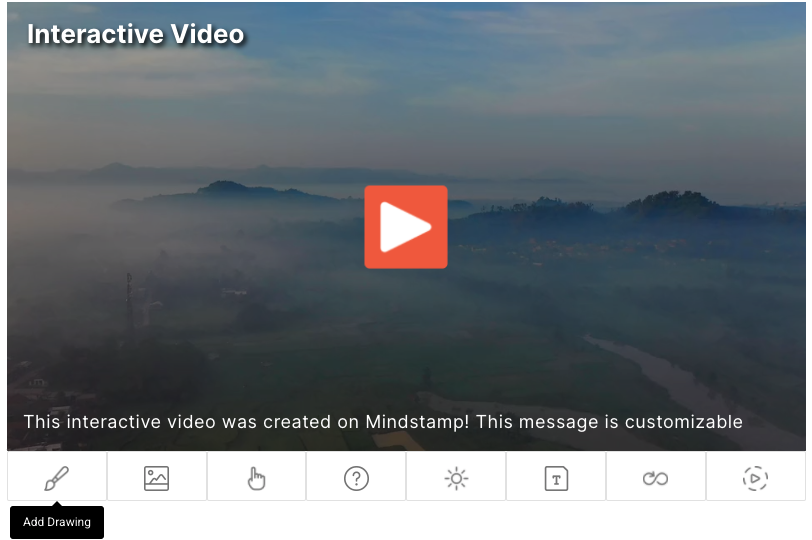
Circle, highlight, or point to part of the frame so viewers know where to look.
What it does
A mark on the frame gives viewers a precise visual reference.
Mark the exact control, hazard, or detail on the frame.
Keep an annotation on screen while it is relevant, then let it go.
Annotations sit on top of the existing recording. The source file stays unchanged.
In practice
Dense screens, complex equipment, and detailed visuals.
What gets reported
Every interaction on the timeline is recorded against the viewer who used it.
Standard video analytics
412 plays
A play count does not tell you who watched, or what they did at this moment in the video.
Viewer report · Drawing412 viewers
+ 409 more viewers
Related
These combine on one timeline. Most videos use three or four together.
Open a full image over the video when the frame is too small to carry a diagram, chart, or document.
Drop recorded audio onto the timeline to explain, correct, or localize without re-recording the video.
Control colors, logo, and player styling so the interactive experience matches your product.
Open a Calendly or HubSpot calendar as an interaction, so the meeting is taken at the moment the buyer decides.
Ask for contact details before the video starts, at a chosen moment, or after a specific interaction. The viewer stays on the video page.
Generate a certificate when a viewer completes the video and meets its passing score.
Questions
No. This is you annotating the video; drawing responses are the viewer drawing their answer.
No. Annotations sit on top of the existing file.
Try it on one video
Circle a hard-to-find button and measure the change in support questions.