Comparable across viewers
One scale, one question, so responses aggregate into something worth putting on a slide.
Ask a question
Ask viewers to rate something on a scale inside the video, and read the distribution per segment afterwards.
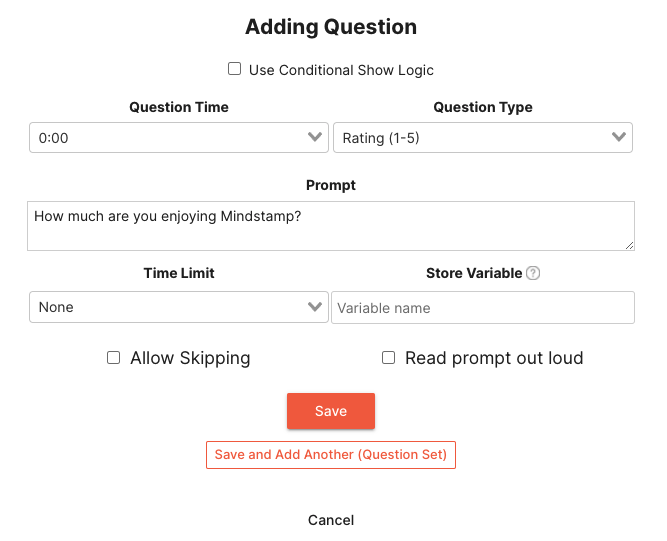
What it does
A rating turns an opinion into something you can compare across audiences and over time.
One scale, one question, so responses aggregate into something worth putting on a slide.
Rate the thing while it is on screen, not from memory at the end.
Send a low rating to a follow-up question and a high one straight to the next step.
In practice
Measure confidence, clarity, and interest during the video.
What gets reported
Every interaction on the timeline is recorded against the viewer who used it.
Standard video analytics
412 plays
A play count does not tell you who watched, or what they did at this moment in the video.
Viewer report · Rating questions412 viewers
+ 409 more viewers
Related
These combine on one timeline. Most videos use three or four together.
Let viewers select each option that applies, then score the full response set.
Set the correct response on any question so Mindstamp scores it automatically and reports who passed.
Collect a real date from the viewer inside the video, in a format that stays usable downstream.
Ask viewers to circle, mark, or annotate directly on the frame, and keep the drawing as their submitted answer.
Give viewers a dropdown when there are too many options to show as buttons, and keep the frame clean.
Ask an open question inside the video and collect typed answers against each viewer, no form page required.
Questions
Yes. Set the range and the labels so the question matches how your team already reports.
Responses are exportable per viewer with timestamps, so before-and-after comparisons are straightforward.
Try it on one video
One question, one scale, and a distribution you can act on.