Lower effort to answer
Speaking takes seconds where typing a considered answer takes minutes, so more people respond.
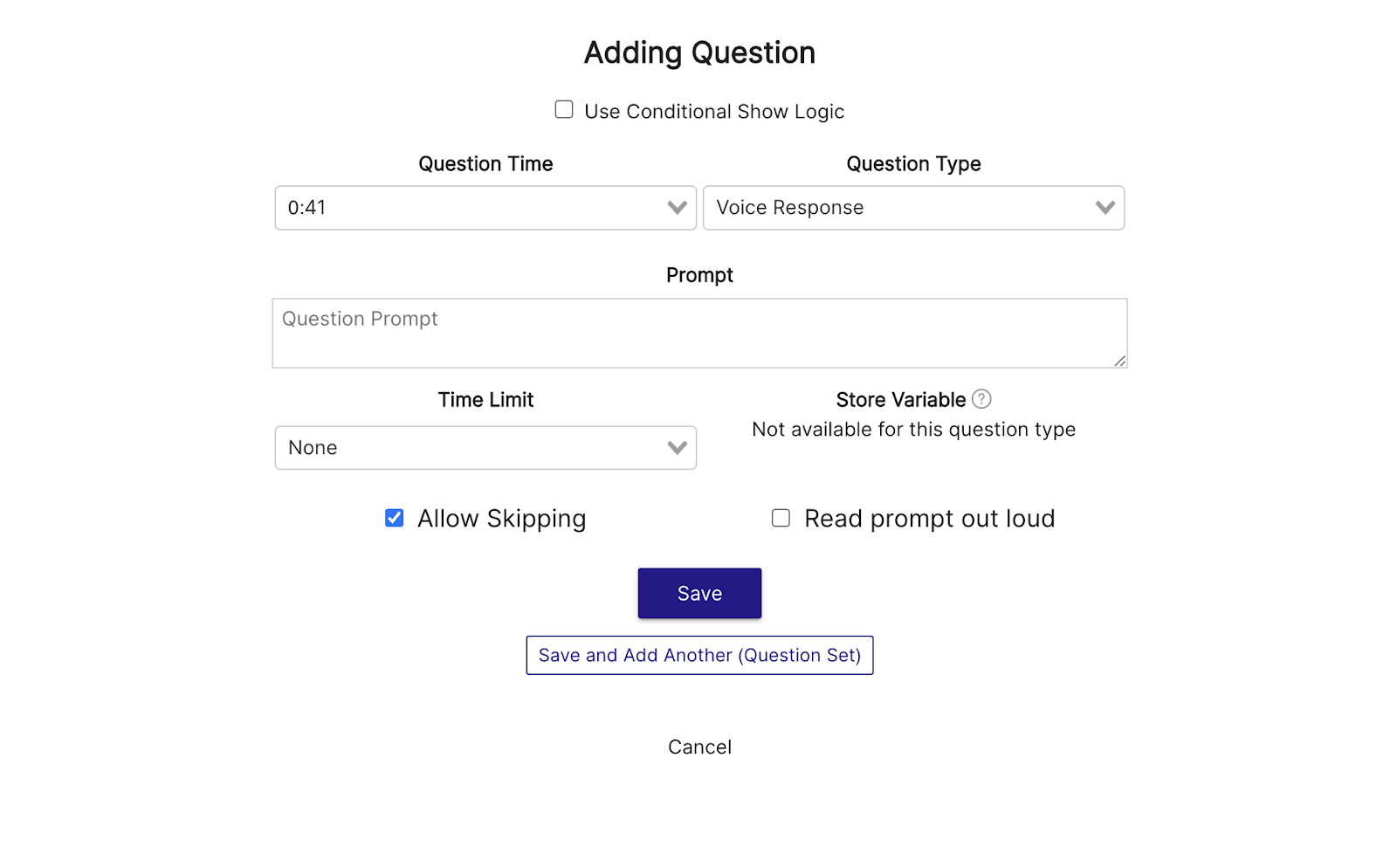
Ask a question
Collect spoken answers inside the video when what matters is pronunciation, phrasing, or confidence.
What it does
Audio is faster for the respondent than typing and tells you more than a written answer.
Speaking takes seconds where typing a considered answer takes minutes, so more people respond.
For language work, the spoken answer is the only answer that means anything.
Each clip is stored against the person, ready to review in sequence.
In practice
Language labs, sales practice, and open feedback people will not type.
What gets reported
Every interaction on the timeline is recorded against the viewer who used it.
Standard video analytics
412 plays
A play count does not tell you who watched, or what they did at this moment in the video.
Viewer report · Voice questions412 viewers
+ 409 more viewers
Related
These combine on one timeline. Most videos use three or four together.
Let viewers select each option that applies, then score the full response set.
Set the correct response on any question so Mindstamp scores it automatically and reports who passed.
Collect a real date from the viewer inside the video, in a format that stays usable downstream.
Ask viewers to circle, mark, or annotate directly on the frame, and keep the drawing as their submitted answer.
Give viewers a dropdown when there are too many options to show as buttons, and keep the frame clean.
Ask an open question inside the video and collect typed answers against each viewer, no form page required.
Questions
Yes. The browser asks once, and recording works without an install.
Yes. Responses are listed per viewer and exportable alongside the rest of their answers.
Try it on one video
One spoken response tells you what three written ones would not.