Preview then pay
Let viewers watch a preview before you ask them to pay.
Capture and convert
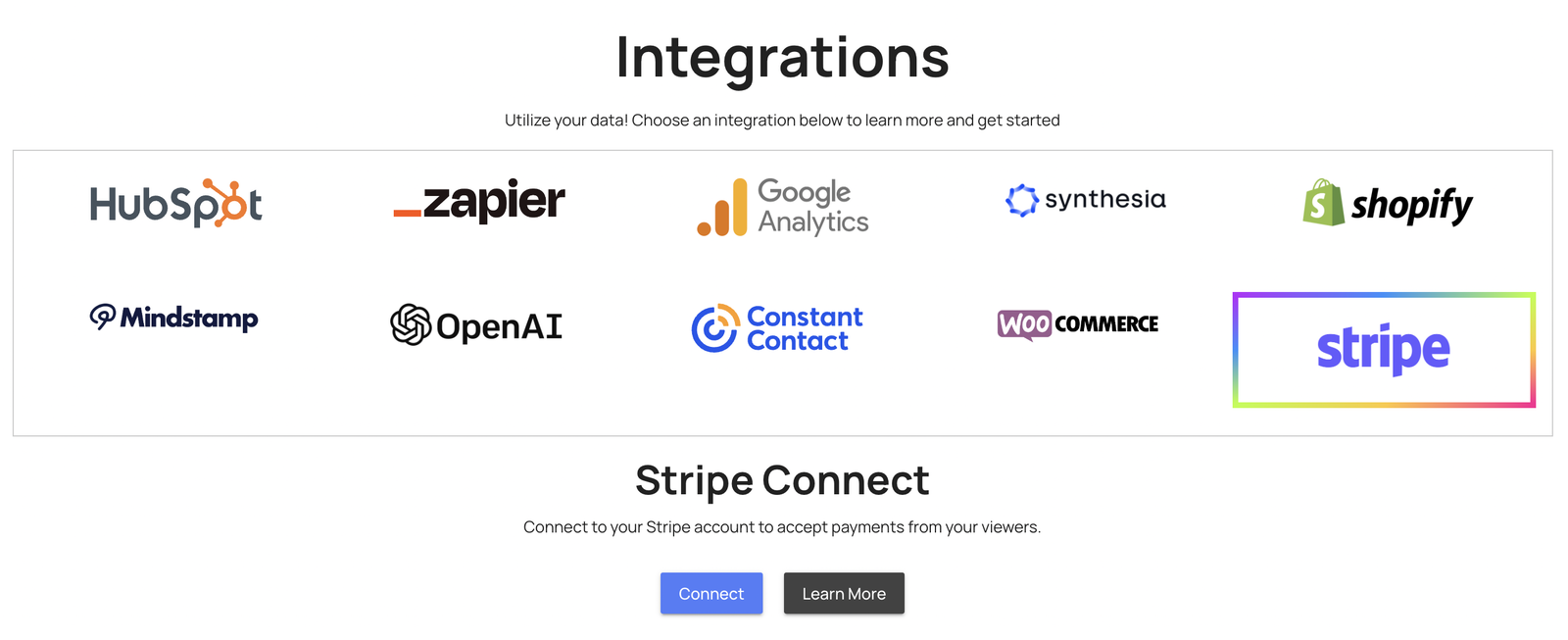
Ask viewers to pay before they watch or continue. Connect Stripe, choose where the payment step appears, and offer a preview if you want one.
What it does
Set up the payment step alongside the video, then test the experience as a viewer.
Let viewers watch a preview before you ask them to pay.
Connect your Stripe account and configure the payment step for the video.
You can see who paid, who watched, and how far they got.
In practice
Content where the video is the product, not the marketing for it.
What gets reported
Every interaction on the timeline is recorded against the viewer who used it.
Standard video analytics
412 plays
A play count does not tell you who watched, or what they did at this moment in the video.
Viewer report · Video paywall412 viewers
+ 409 more viewers
Related
These combine on one timeline. Most videos use three or four together.
Open a Calendly or HubSpot calendar as an interaction, so the meeting is taken at the moment the buyer decides.
Ask for contact details before the video starts, at a chosen moment, or after a specific interaction. The viewer stays on the video page.
Open any URL from a button or hotspot in a new tab, the same tab, or a window over the video. The video pauses while the viewer follows the link.
Let a viewer start an email to your team from inside the video, with the subject and recipient already set.
Add a tap-to-call action so a viewer on a phone can reach your team without copying a number.
Control colors, logo, and player styling so the interactive experience matches your product.
Questions
Yes. Put the payment step partway through the video so viewers can watch the opening section before they pay to continue.
Connect your Stripe account and configure the paywall in Mindstamp. Follow the setup tutorial and check the payment settings before sharing the video.
Confirm your Mindstamp plan and payment requirements. Preview the video, test the payment step, and check how a paying viewer returns to the content. A demo can help you review these steps for your project.
Try it on one video
Try the setup with your own recording, or book a demo to discuss payment and access before you start selling.