The next step is outside the video
The prospect must leave the player to find a calendar, request a document, or open another page.
Interactive video for sales
Ask what prospects need, show the relevant content, and put a booking link or other next step inside the video.
What a play misses
Standard video analytics show that a prospect opened the video. They do not show what the prospect chose, revisited, or clicked.
The prospect must leave the player to find a calendar, request a document, or open another page.
One fixed recording makes every prospect watch sections that do not apply to their role or question.
The rep cannot see which sections the prospect watched, skipped, or opened again.
Inside the video
Use questions, branching, personalized content, and buttons inside one sales video.
Guided paths
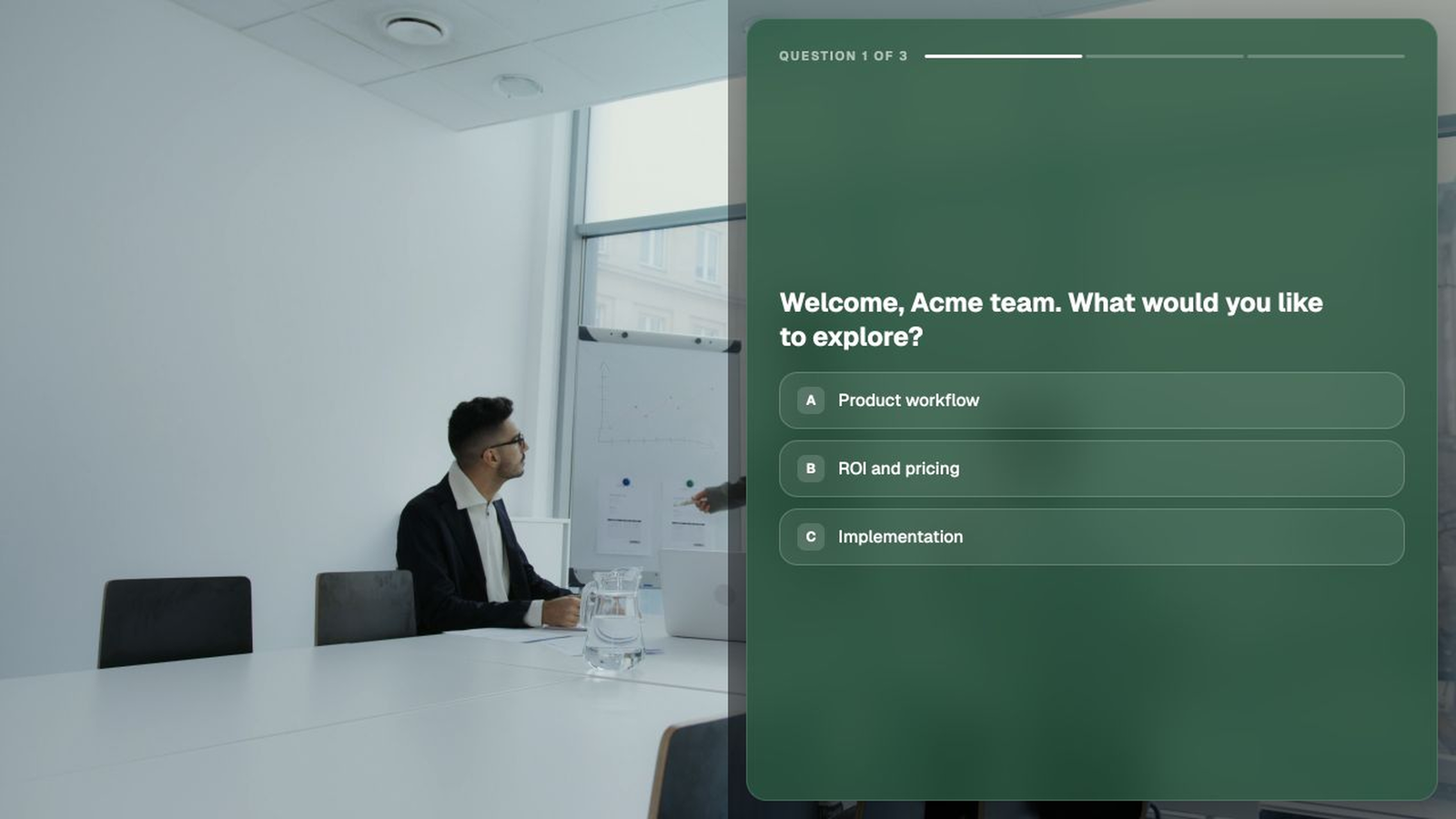
Let each prospect select a use case, product, or topic and send them to that part of the video.
Questions
Place discovery questions in the video and attach each answer to the prospect record.
Next step
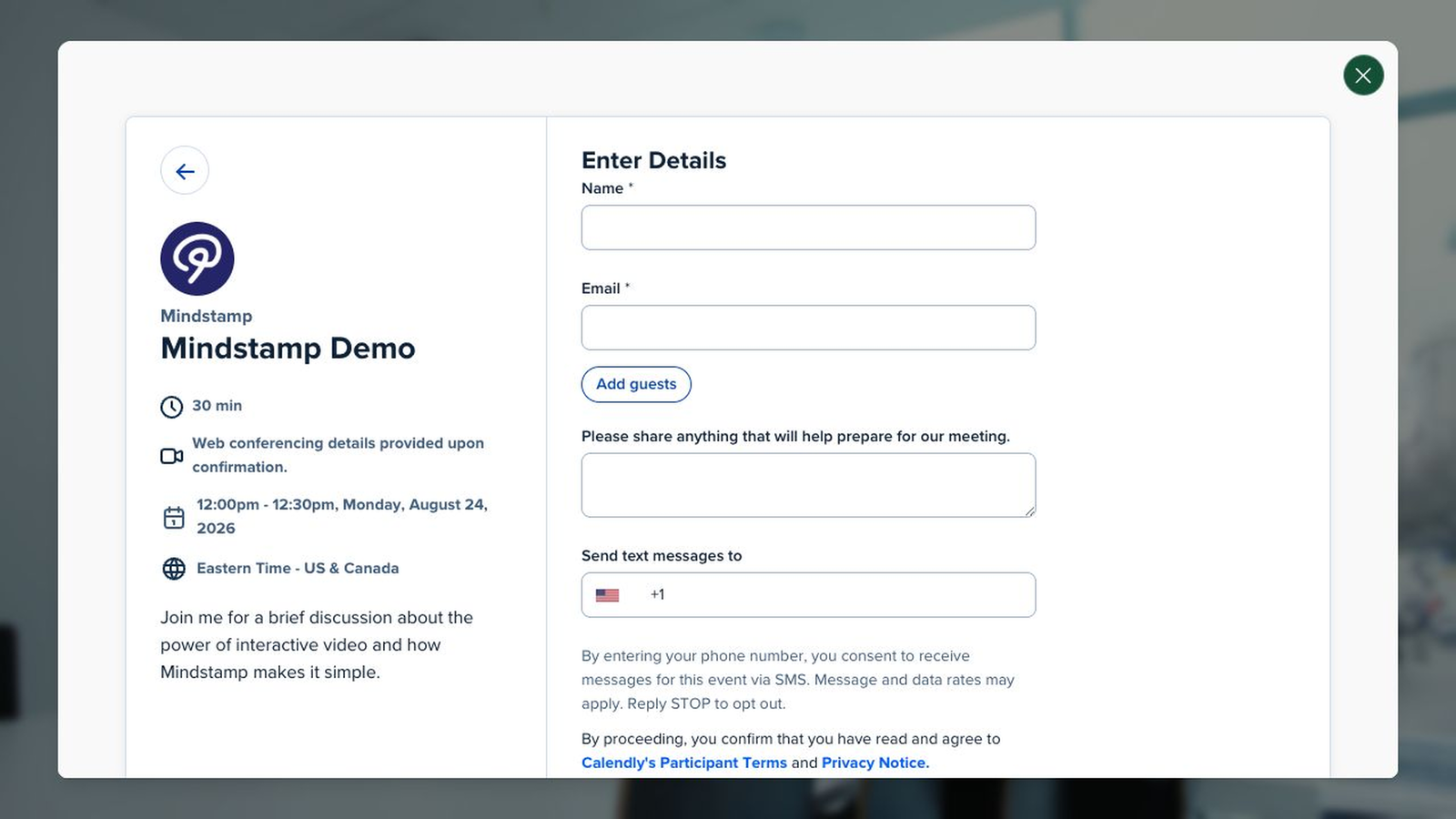
Open a calendar, document, form, or page from a button inside the player.
The report
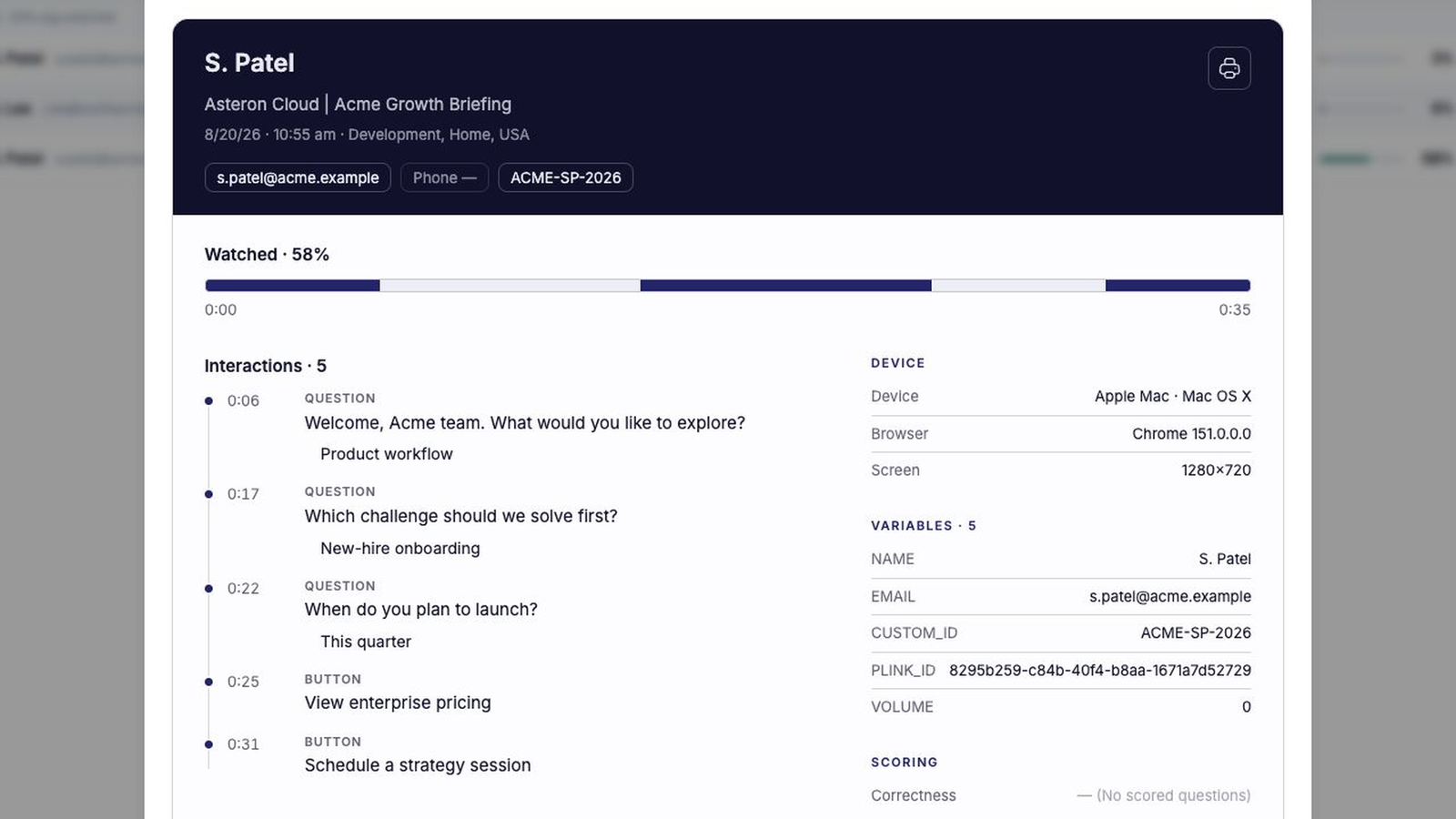
See what prospects watched, skipped, revisited, and clicked before you follow up.
Standard video analytics
1 view
You know someone at the account opened the video. You do not know what interested them or what they did next.
Mindstamp viewer report3 stakeholders
Example
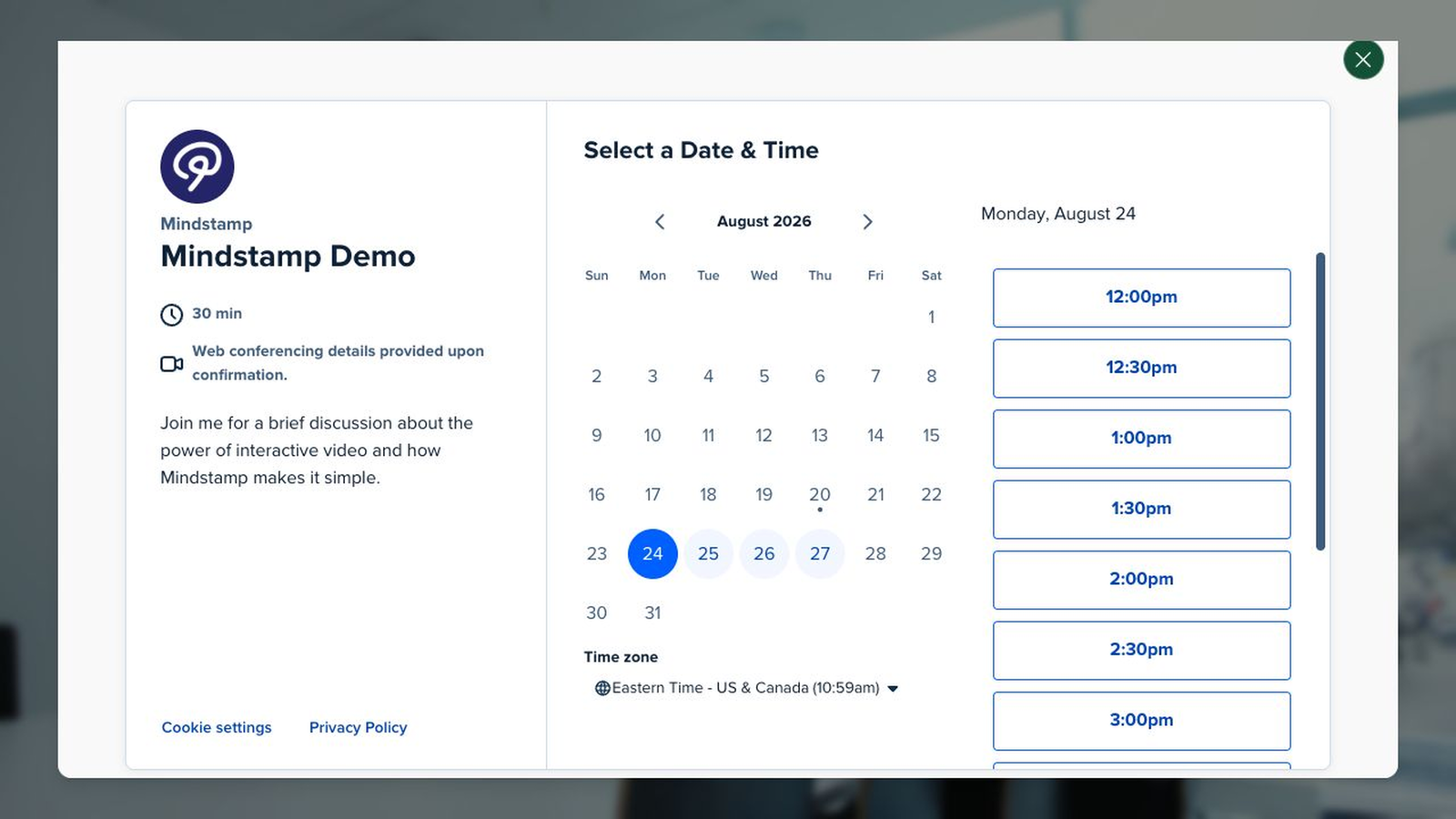
A HubSpot or Calendly calendar opens in the player when the prospect clicks the booking button.
Sales use case directory
Explore personalized outreach, discovery questions, calendars, proposals, prospecting, and sales training.
Render prospect names, companies, and CRM fields in one recording.
Explore →Open a HubSpot or Calendly calendar inside the player.
Explore →Ask prospects what they need and show the next path from their answer.
Explore →Send a short interactive recording with one clear question.
Explore →Walk buyers through pricing and scope with expandable detail and an approval step.
Explore →Test rep product mastery on branching objection scenarios before live calls.
Explore →Sales FAQ
How calendars, personalization, viewer reports, CRM data, and sales training work.
Yes. A Calendly or HubSpot calendar opens as an interaction in the player, and the booking is reported against that video.
Yes. Names, companies, and CRM fields render into the frame at play time, so a single recording covers a list without a separate take.
The report identifies the contact and shows how far they watched, what they answered, what they clicked, and what they watched again.
Yes. The video is a link or an embed, so it drops into your existing sequences, and the events pass back to the CRM.
Yes. The same branching is used to test reps on objection handling and product knowledge before they take live calls.
Start with one recording
Add a Calendly or HubSpot calendar to an existing sales video and track who clicks it.