 Brett Lindenberg
The best tools for online teaching and training cover five jobs: running live sessions, keeping courses and records in one place, making lessons interactive, creating materials, and making the teacher easy to see and hear. For most trainers and teachers that means the meeting tool your organization already pays for (Zoom, Microsoft Teams, or Google Meet), a learning management system such as Canvas or MoodleCloud, an interactive layer such as Nearpod for live lessons or Mindstamp for video, a content tool such as Canva or ScreenPal, and a decent microphone, webcam, and light. Choose by job, and start with what your organization already licenses.
Mindstamp publishes this guide, and Mindstamp is one of the tools in it. We checked the features, free plans, and list prices below on each vendor's own pages on October 1, 2026. Canva's and B&H Photo Video's sites blocked our automated check that day, so those two entries rely on their pages as captured for the first version of this guide in December 2025. Vendors change plans often, so confirm a price on the vendor's page before you buy.
Online teaching tools compared
| Tool | Job | Best fit | Free option | Public paid pricing |
|---|---|---|---|---|
| Zoom Workplace | Live sessions | Live workshops and webinars | Basic plan: 40 minutes and 100 participants per meeting | Education plans through Zoom sales |
| Microsoft Teams | Live sessions and class teams | Organizations on Microsoft 365 | Teams for Education, free with a valid school email | Part of Microsoft 365 business and education plans |
| Google Workspace (Classroom and Meet) | Classes, assignments, and live sessions | Schools and companies on Google Workspace | Education Fundamentals, free for qualifying institutions | Paid education editions; Classroom also works in business editions |
| Canvas | Full LMS | Schools, universities, and formal workforce programs | Canvas Lite for individual educators | Quote |
| MoodleCloud | Hosted LMS | Small teams and growing organizations | Free trial of the Starter plan | Plans listed on MoodleCloud |
| Nearpod | Interactive live lessons | K-12 teachers | Silver: 300 MB storage, 40 student joins per lesson | Gold $159 per year; Platinum $397 per year; district quote |
| Mindstamp (our product) | Interactive training video | Trainers and teachers who teach with video | 14-day trial, no payment card | Listed on the Mindstamp pricing page |
| ScreenPal | Screen recording, video quizzes, and hosting | Software tutorials and quick how-to videos | 15-minute recordings, 10 hosted videos, 5 video quizzes | Deluxe $4 and Max $10 per month, billed annually; Team Business $8 per user per month |
| Canva | Slides, handouts, and short videos | Anyone who makes visual materials | Free for teachers and students at eligible schools | See Canva's pricing page |
| TPT (Teachers Pay Teachers) | Ready-made lessons | PreK-12 teachers | Check each listing | Priced per resource by each seller |
| Amazon and Amazon Business | Webcams, microphones, and lights | Quick purchases and company buying | Not applicable | Product prices vary |
| B&H Photo Video | Professional audio, video, and lighting | Buyers who want specialist gear | Not applicable | Product prices vary |
How to choose online teaching tools
Answer four questions before you compare features:
- Will most teaching happen live, on demand, or both? Live teaching needs a meeting tool with breakout rooms and polls. On-demand teaching needs a place to host lessons and a way to check understanding without you in the room.
- Do you need a record of who completed what? Compliance training, certification, and graded courses do. That points to an LMS, or at least a training tracker, plus tools that send results to it.
- What does your organization already license? A company on Microsoft 365 already has Teams, and a school on Google Workspace for Education already has Classroom and Meet. Use those before you add a second meeting tool.
- Are you eligible for education pricing? Many "for Education" plans, including Google Workspace for Education, Teams for Education, and Canva for Education, are for schools and their staff and students. A corporate training team buys the business versions.
If you are moving a company's whole training program online, read our guide to corporate digital training and digital transformation in L&D first, then come back for the tools.
Virtual training tools for live sessions
1. Zoom Workplace
Zoom Workplace for Education covers live classes with breakout rooms, a whiteboard, and polls. It connects to Canvas, Moodle, Blackboard, D2L Brightspace, and Schoology through LTI 1.1 and 1.3, so teachers can schedule and open meetings from inside the course. Zoom's Clips feature records short on-demand lessons with captions and AI summaries.
The free Basic plan limits each meeting to 40 minutes and 100 participants, so a longer workshop needs a paid plan. Education pricing goes through Zoom's sales team, and companies buy Zoom Workplace business plans. Zoom fits trainers who run live workshops, coaching sessions, and webinars, especially when participants come from outside the organization.
Tip: record each session and post it with a short summary for people in other time zones. Our virtual training best practices cover how to plan breakout activities.
2. Microsoft Teams
Microsoft Teams comes with Microsoft 365 business plans, so many companies already have it. According to Microsoft's documentation (checked October 2026), Microsoft 365 Business Basic, Business Standard, Business Premium, and Teams Essentials plans host meetings of up to 300 people, and Enterprise plans such as E3 and E5 raise that to 1,000. Meetings can run up to 30 hours, and breakout rooms work in meetings of up to 1,000 attendees.
Schools get extra class features. Microsoft Education says Teams for Education is free with a valid, active institution email address, and it builds video calls, chat, assignments, class materials, and notes into one app. Class teams with the Assignments app support up to 1,000 members, and a OneNote Class Notebook supports up to 300; class teams require an Office 365 Education license. Teams fits any organization that already lives in Microsoft 365, because learners do not need another login.
3. Google Workspace: Classroom and Meet
Google Workspace for Education Fundamentals is free for qualifying institutions. It includes Google Classroom for classes and assignments and Google Meet for live sessions with up to 100 participants and up to 24 hours per meeting; paid editions such as Education Plus raise the Meet limit to 1,000 participants. Google's help center says Classroom is also available in every Google Workspace edition except Workspace Essentials, and to people over 13 with a personal Google Account, so a company on Google Workspace can run training classes in Classroom too.
Classroom is quick to learn: you create a class, invite people, and post materials and assignments. It suits cohort-based courses. If HR needs completion records across many courses for audits, check that Classroom's reports meet that need before you rely on it.
Tools that hold courses and records
A learning management system enrolls learners, organizes lessons into courses, and keeps completions and grades. Our guide to LMS benefits explains when you need one, and our comparison of LMS platforms for small businesses covers workplace options in more depth.
4. Canvas
Canvas by Instructure serves K-12 schools, higher education, and businesses and government agencies. Canvas Career is the version for skills-based, non-degree, and professional learning. Instructure lists more than 1,000 external tools that connect to Canvas, Zoom among them.
A teacher who wants to try it can use Canvas Lite, Instructure's free account for individual educators, tutors, and homeschool teachers. It covers modules and pages, grading with SpeedGrader and rubrics, announcements, and discussions. Instructure does not publish prices for full Canvas, so ask its sales team. Canvas fits schools and organizations with formal courses, grades, or credentials; plan for more setup time than Classroom needs.
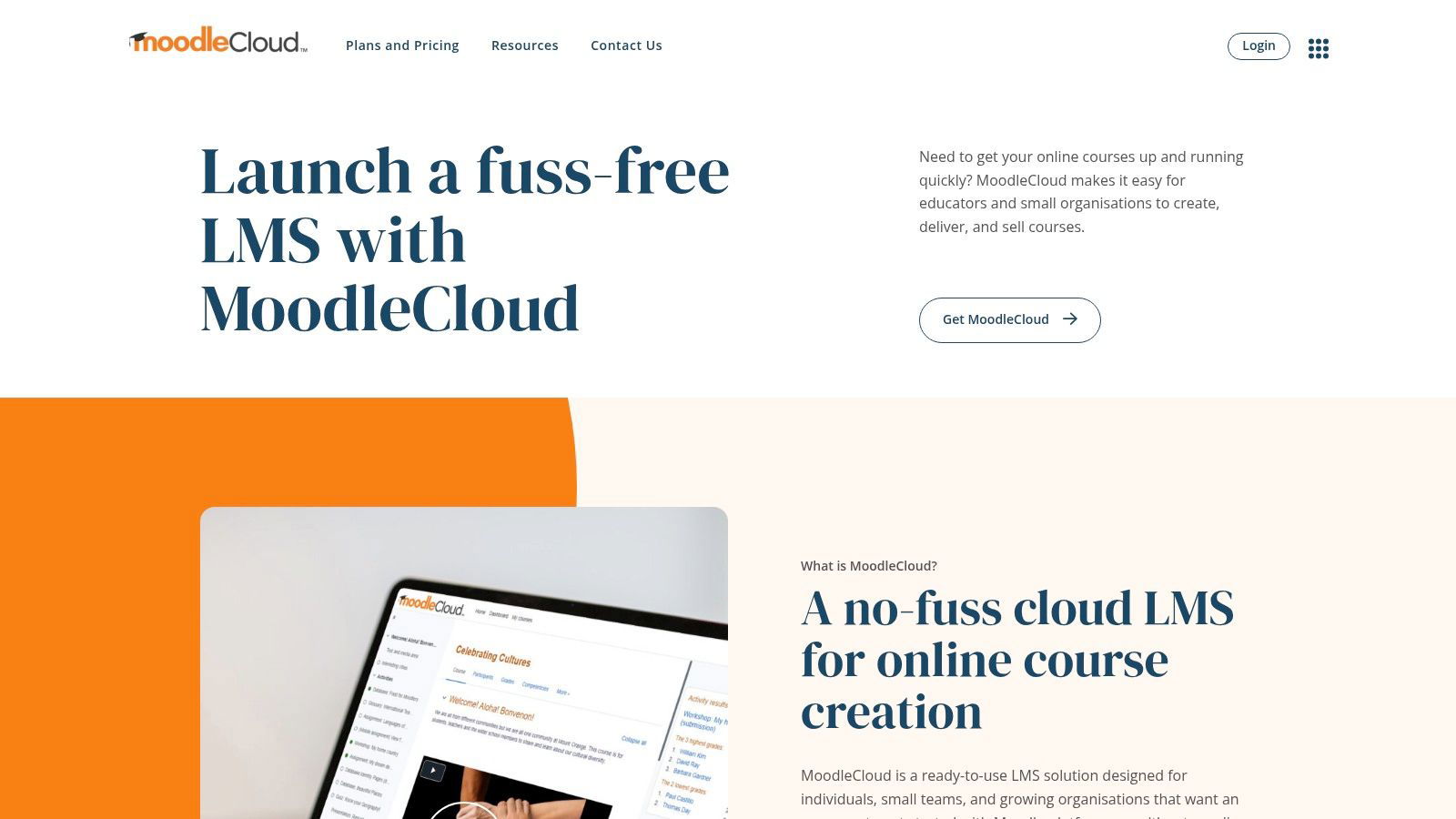
5. MoodleCloud
MoodleCloud is the hosted version of Moodle, run by Moodle itself. Moodle describes it as a ready-to-use LMS for individuals, small teams, and growing organizations that want Moodle without technical setup or server management. Plans include video conferencing for up to 100 users, and you can try the Starter plan free before you pay.
You give up some control for that simplicity. MoodleCloud does not allow plugin installs, so a team that needs a specific Moodle plugin needs another way to host Moodle. For a small organization that wants courses, quizzes, and completion records without an IT project, MoodleCloud removes the server work.
Tools that make lessons interactive
With these tools, learners answer questions or make choices during the lesson, and you see the results. For more options in this category, see our roundup of online assessment tools for teachers.
6. Nearpod
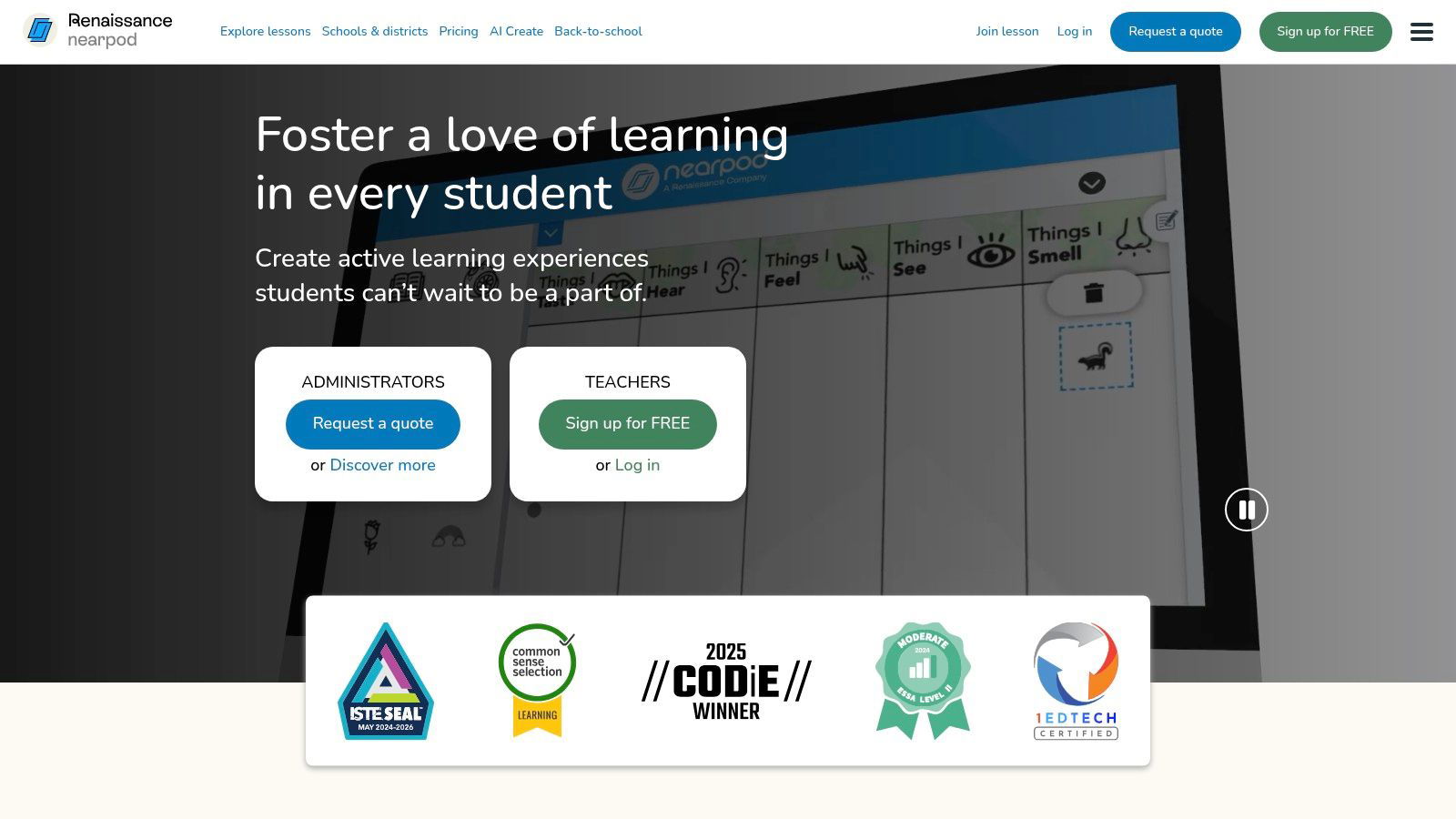
Nearpod, a Renaissance company, adds polls, quizzes, and interactive video to slide lessons. Teachers can sync every student's screen to a live lesson or assign the same lesson as self-paced work, and Nearpod says live lessons work with any conferencing tool. It integrates with Canvas, Schoology, Google Classroom, Microsoft Teams, and Blackboard.
The free Silver plan includes 300 MB of storage and 40 student joins per lesson, more than 20 formative assessment types, and a library of more than 22,000 resources. Gold costs $159 per year (1 GB and 75 joins), Platinum costs $397 per year (5 GB and 90 joins), and school and district licenses are quoted with up to 250 joins per lesson. Nearpod is built for K-12 classrooms, and its library reflects that. Corporate trainers can get live polls from their meeting tool instead.
7. Mindstamp (our product)
Mindstamp, our product, adds questions, branching, and clickable buttons to a video you already have, whether you upload it or link it from a host such as Vimeo or Wistia. Questions pause the video. You can require an answer before the video continues and stop learners from skipping past required questions. The reports show each learner's answers, score, how much they watched, and the path they took.
Mindstamp is not an LMS. On supported plans it exports SCORM 1.2, SCORM 2004 3rd edition, and SCORM 2004 4th edition packages that send completion and score to a compatible LMS such as Canvas or Moodle (LMS compatibility). It fits trainers who already teach with video, for onboarding, safety, and software training, and teachers who flip a class with pre-class video. The free trial lasts 14 days and needs no payment card, and schools and nonprofits can ask for a discount. See how teachers use it on our education page.
Tools for creating materials
8. ScreenPal
ScreenPal (formerly Screencast-O-Matic) records your screen, webcam, or both, and its editor adds captions, overlays, and cuts. Quizzes with multiple-choice, true/false, and short-answer questions sit inside the video, and you can see each respondent's answers, adjust scores, and export results to a spreadsheet. Paid plans host unlimited videos in channels protected by SSO or a password, and the analytics show individual viewers. ScreenPal lists integrations with Canvas, Google Classroom, Moodle, Schoology, D2L Brightspace, Blackboard, Microsoft Teams, and Zoom, and it says its education product is COPPA and FERPA compliant.
The free plan allows 15-minute recordings, 10 hosted videos, and 5 video quizzes. Deluxe costs $4 per month and Max costs $10 per month, both billed annually, and Max adds unlimited quizzes and polls. Team Business costs $8 per user per month, billed annually, with a 3-creator minimum and SSO including SAML. Use it for software walkthroughs and quick how-to videos.
9. Canva
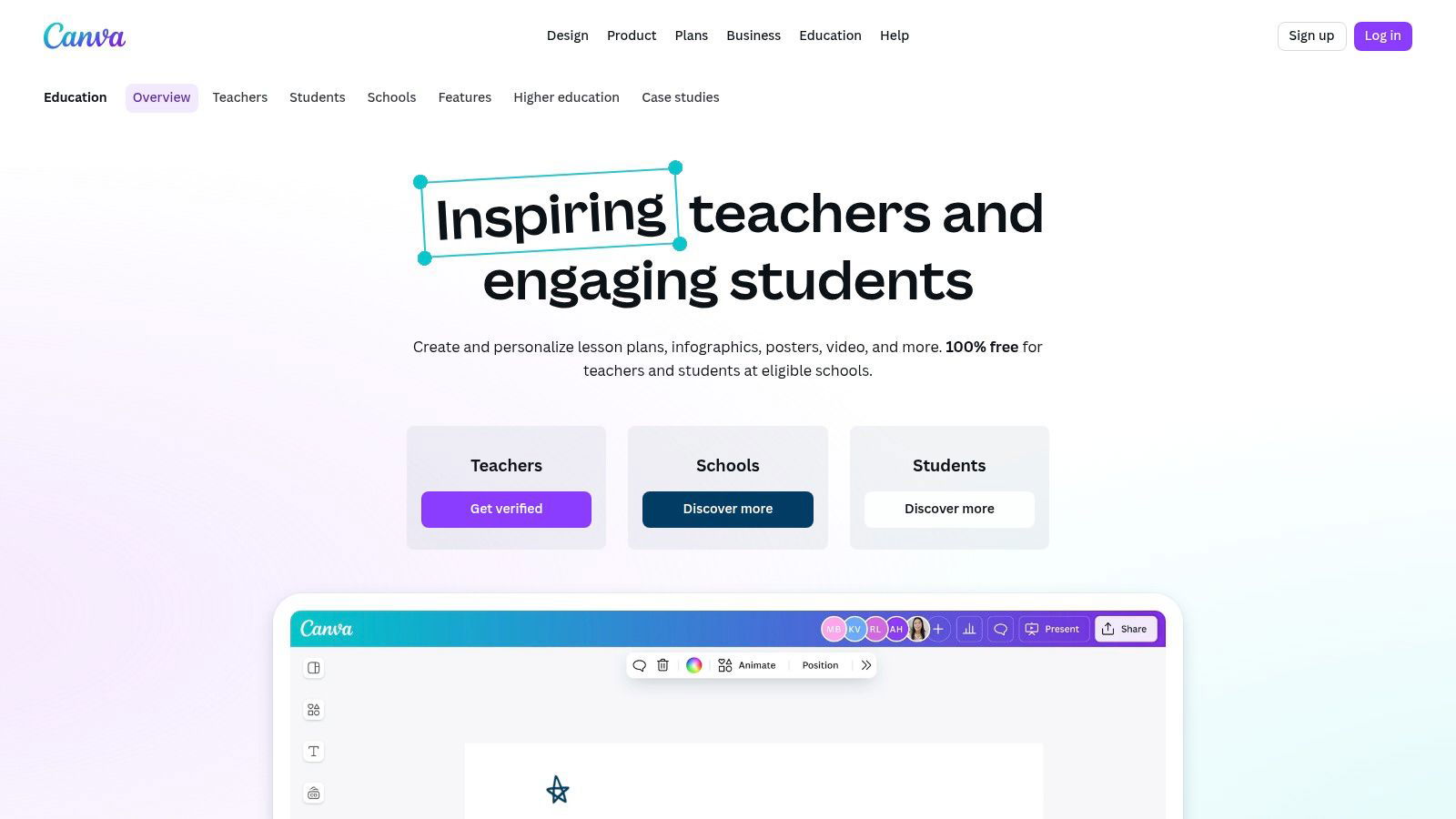
Canva makes slides, handouts, infographics, and short videos from templates. Its education page said in December 2025 that Canva is "100% free for teachers and students at eligible schools." Companies do not qualify for the education offer, so check Canva's pricing page for business plans. Canva's site blocked our automated check in October 2026, so confirm eligibility and plan details there.
Canva fits anyone who builds the visual side of a lesson: a slide deck for a live session, a one-page job aid, or a title card for a training video. For ideas on making slides interactive, see our guide to interactive presentations.
10. TPT (Teachers Pay Teachers)
TPT describes itself as the largest marketplace for PreK-12 resources, with more than 7 million teacher-created lessons. Teachers sell their own worksheets, slide decks, and activities, and each seller sets the price. Schools can buy through TPT School Access. TPT also lists an adult education category, but most of the catalog is written for school students. Read the preview and reviews before you buy, and expect to adapt a resource before you use it with adults.
Gear for teaching on camera
Fix audio first: buy a USB microphone or a headset with a boom microphone, then a light that faces you, then a webcam if your laptop camera looks grainy. Test the setup with a short recording before your first session.
11. Amazon and Amazon Business
Amazon is the quickest place to buy common webcams, microphones, headsets, and lights, and its reviews help you compare models. For a training team that equips several presenters, Amazon Business adds users, permissions, buying groups, and purchasing rules that require approval.
12. B&H Photo Video
B&H Photo Video, a New York retailer, sells cameras, lighting, professional audio, and computers. Its site menu showed separate buying options for business, government, and student customers when we captured it in December 2025. B&H is a good source when you build a small recording studio and need gear such as XLR microphones, audio interfaces, or capture cards.
Recommended kits
Tools for corporate trainers
- Live sessions: Teams or Zoom, whichever your company already licenses.
- Records: your company's LMS, or MoodleCloud if you have none. A small team can start with an employee training tracker.
- On-demand lessons: ScreenPal for software walkthroughs, and Mindstamp to add required questions to training video and send scores to the LMS.
- Visuals and gear: Canva on a business plan, plus a headset or USB microphone and a light.
For courses built from scratch, compare eLearning authoring tools as well.
For a K-12 teacher
- Classes: Google Classroom or Teams for Education, whichever your school uses.
- Live lessons: Nearpod on top of your slides.
- Materials: Canva for Education and selected TPT resources.
- Video lessons: ScreenPal or Mindstamp, so students answer questions while they watch.
For staff training in a school, preschool, clinic, or small business
- One place for records: MoodleCloud, Canvas, or a training tracker.
- Short videos with required questions for each policy or procedure.
- A recorded live session for anyone who missed it, with a few questions so you know they watched it.
Common questions
Is ScreenPal's video hosting enough to distribute employee training without a separate LMS?
It depends on what you must prove. ScreenPal's paid plans host unlimited videos in channels, control access with SSO or passwords, run quizzes with individual results you can export, and show analytics for individual viewers. For a small team sharing how-to videos, that can be enough. If you must assign training to named employees, set due dates, send reminders, or keep completion records for an audit, we did not find those features on ScreenPal's business, quizzing, and video management pages (checked October 2026). Most compliance programs keep those records in an LMS or a training tracker. Mindstamp has the same boundary: it records answers per learner and sends completion and score to an LMS through SCORM, and the LMS keeps the official record.
Which active learning tools integrate with Zoom and Microsoft Teams?
Start with what is built in: Zoom and Teams both include polls, whiteboards, and breakout rooms. Nearpod integrates with Microsoft Teams and says its live lessons work with any conferencing tool, so students answer on their own devices during the call. ScreenPal imports Zoom and Teams recordings so you can trim them, add quiz questions, and share them. To check understanding after a live session, upload the recording to Mindstamp and add questions at the key moments, so people who missed the session can catch up and you can see what they understood.
What are the best options for online staff training?
Start with the record you need to keep. For required topics such as safety, safeguarding, or health and hygiene, use short videos with questions that staff must answer, and keep one record per person in an LMS or a tracker. If your staff need training hours approved by a licensing body, ask that body whether in-house online training counts before you build it. For the delivery itself, the kits above work for schools, preschools, and small businesses.
Which online learning platforms let you organize classes without a lot of onboarding?
Google Classroom and Microsoft Teams class teams are the quickest if your organization already uses Google Workspace or Microsoft 365, because learners already have accounts. For one teacher without a school license, Canvas Lite is free. For a small organization without IT support, MoodleCloud gives you a hosted LMS without server work.
What is the best LMS for a flipped classroom?
Any LMS that can post a video and an assignment works, including Canvas, Google Classroom, and Moodle. The pre-class video matters more than the LMS: add a few questions to it so you know who watched and which ideas to revisit in class. Our flipped classroom page shows how teachers set this up with Mindstamp.
Where should I start?
List the tools your organization already licenses, then fill one gap at a time. If you teach with on-demand video, start by checking understanding: take one existing training video and add three questions at the points where people usually make mistakes.
Sources and further reading
- Microsoft Learn: limits and specifications for Microsoft Teams, including meeting size by plan and class team limits.
- Google for Education: compare Google Workspace for Education editions, and the Google Classroom FAQ on who can use Classroom.
- Moodle: MoodleCloud overview.
- Nearpod: plans and pricing.