One article, many situations
A single page has to cover multiple plans and platforms, so the customer reads sections that do not apply.
Interactive video for support
Turn the questions your team retypes each week into guided video that asks what the customer is stuck on and routes them to the fix.
The deflection gap
Most tickets are a question the documentation already answers, in a section the customer could not tell applied to them.
A single page has to cover multiple plans and platforms, so the customer reads sections that do not apply.
A recorded walkthrough shows the successful path and stops before the customer’s problem appears.
Ticket counts omit the customers who read the page and then opened a ticket.
What changes
Add triage, guided steps, and response data to the video timeline.
Triage
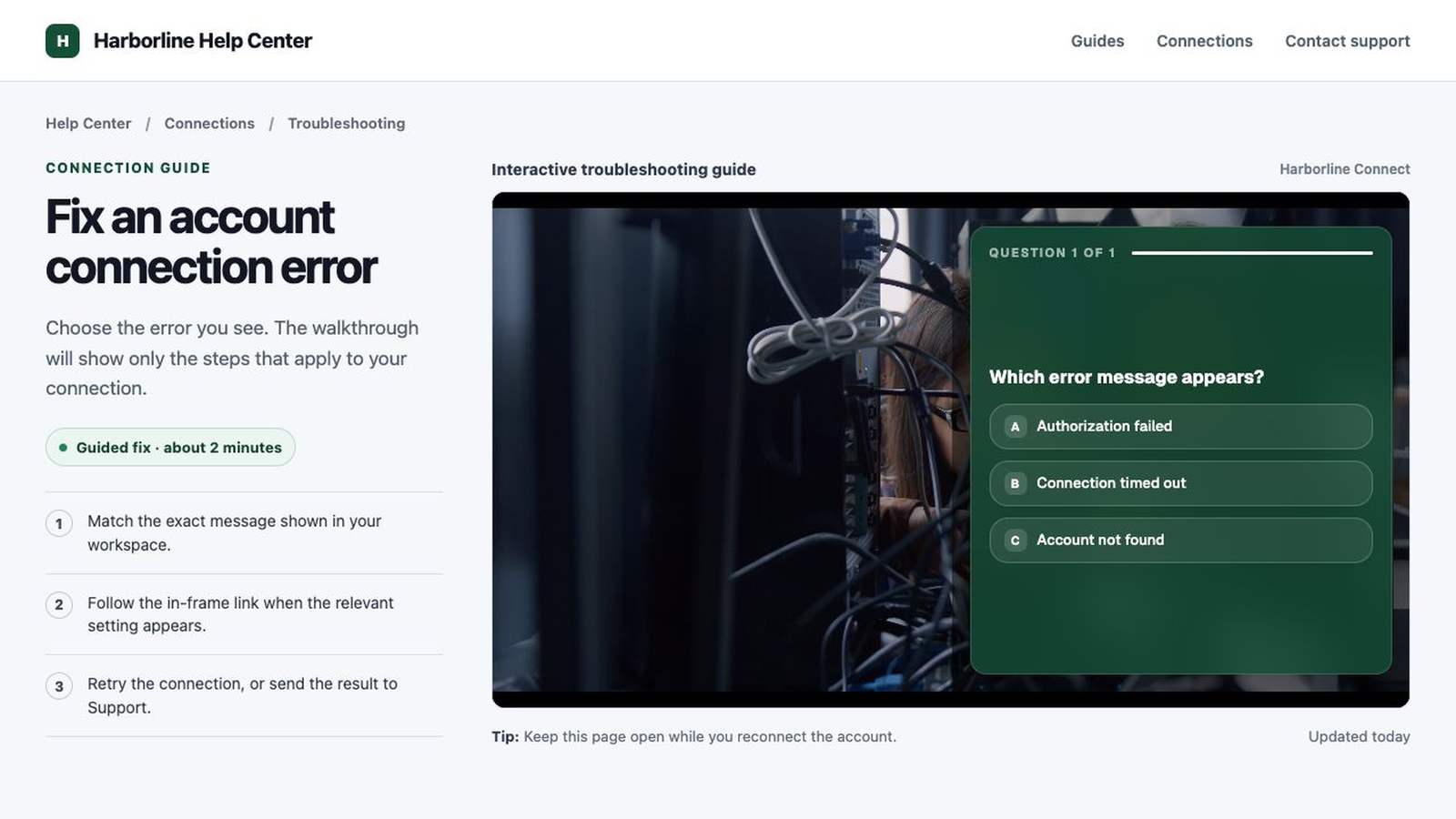
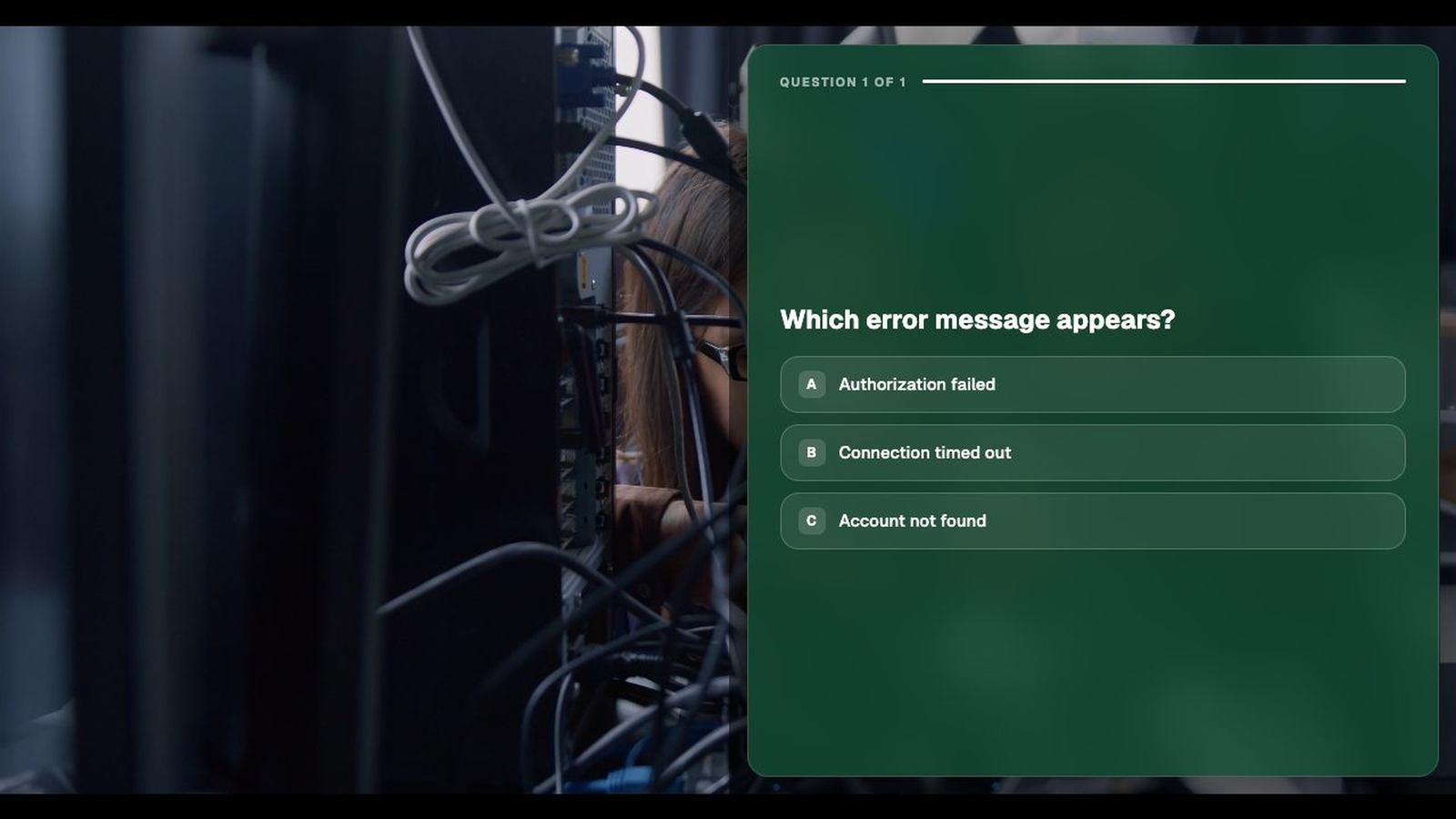
Open with the question an agent would ask first, and show only the branch that matches the answer.
Resolution
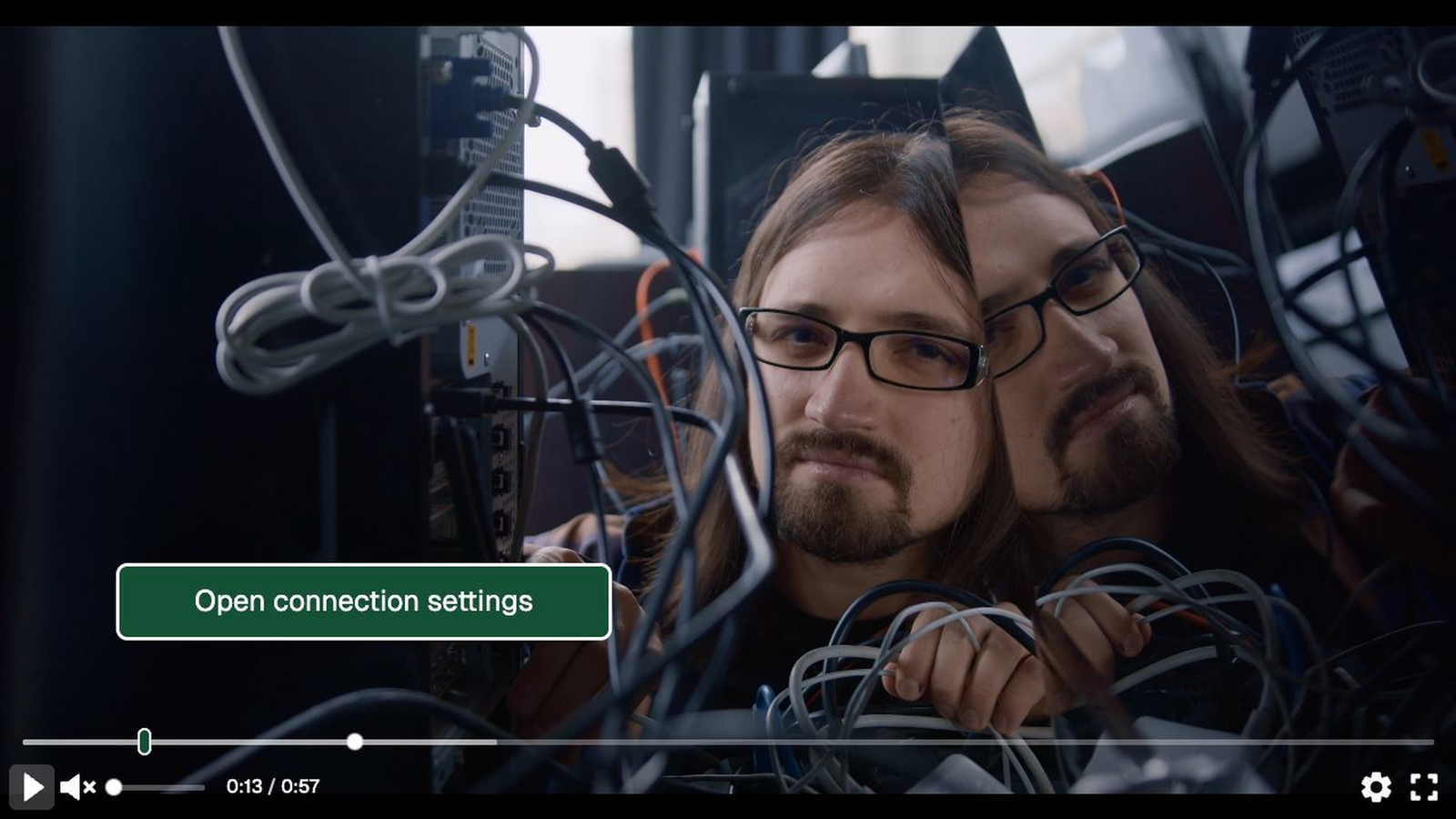
Put the link, download, and setting beside the step that needs it.
Signal
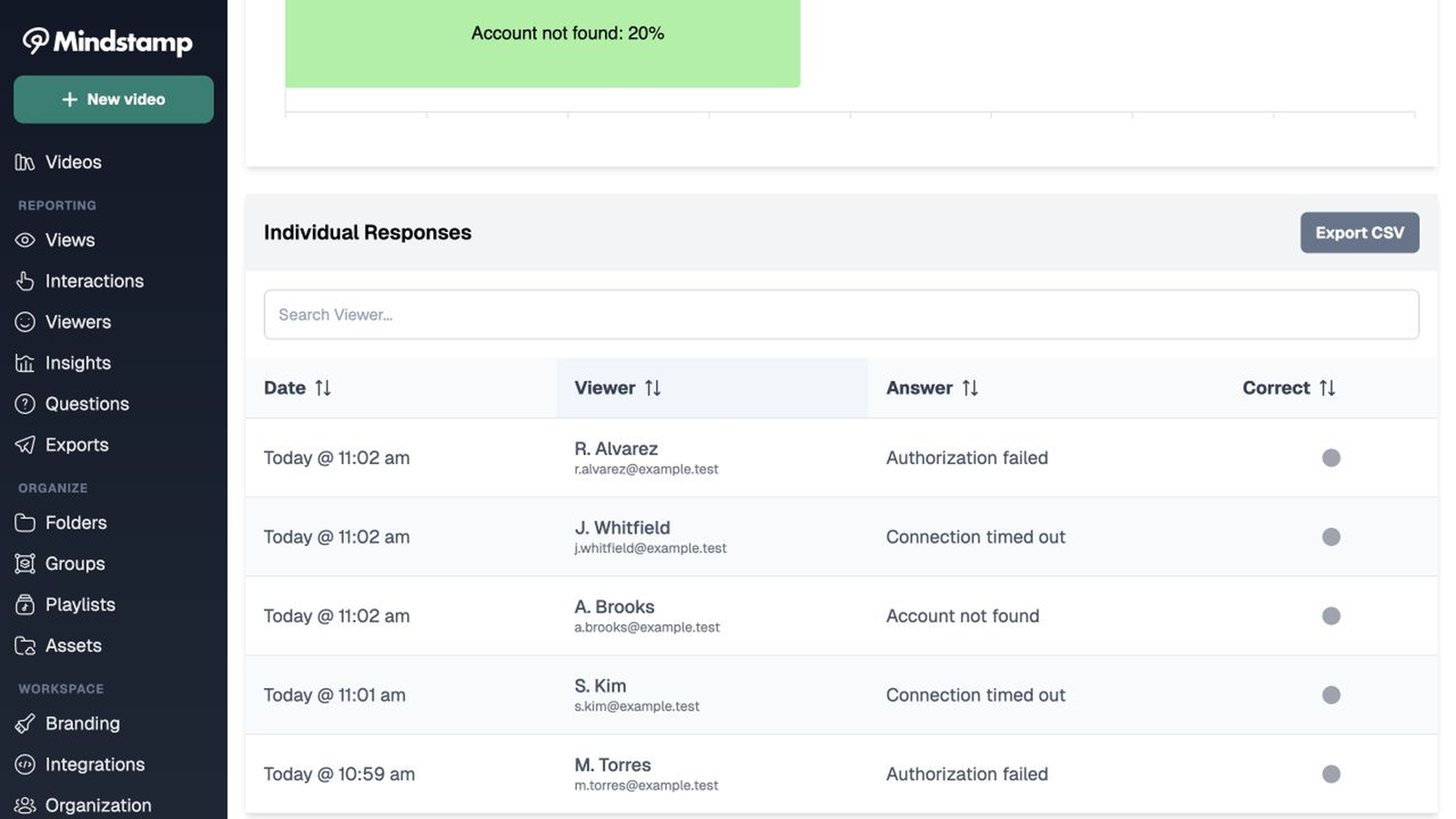
Read the branch customers take and the step they abandon, which is the paragraph the article gets wrong.
The report
What the help video reports
6,412 views
Views increased all quarter. The report gave no data about failed instructions.
Mindstamp viewer report6,412 viewers
+ 6,409 more viewers, one row each
Example walkthrough
The walkthrough opens by asking which message the customer is seeing, then plays only the branch that resolves it, with the settings link attached to the step.
Support use case directory
Each of these is a different moment in the support conversation.
Guide new accounts through first-run setup with a checkpoint at each step.
Explore →Fork the walkthrough on the error the customer sees.
Explore →Replace the static screenshot strip in your articles with a guided path.
Explore →Send a branching walkthrough from the ticket and stop retyping the steps.
Explore →Show what changed and let customers jump to the change that affects them.
Explore →Test agents on real cases with branching scenarios before they take queue.
Explore →Support FAQ
Common questions from support teams, answered in plain language.
Yes. The walkthrough is a link or an embed, so it drops into Zendesk, Intercom, HubSpot, or your own documentation.
You can see who finished a branch, who abandoned it, and who went on to open a contact form, which is the closest honest measure of deflection.
No. Customers open a link. You only collect an identity where you place an interaction that asks for one.
Not automatically. Mindstamp does not connect to help desk tools. Store each answer in a variable and turn on Append variables when opening links, and your contact form receives the answers as link parameters. Webhooks and Zapier can also send the answers to your other systems.
Start with one article
Take the page that still generates tickets and see which branch customers need.