Brett Lindenberg
Mindstamp first brought ChatGPT into interactive video in April 2023 with Ask ChatGPT, a click action that opens a ChatGPT window inside the player so a viewer can ask a question without leaving the video. Ask ChatGPT still works today, with no OpenAI account needed, but it knows nothing about your video. For answers about the video itself, we announced Genie AI in October 2023. Genie answers viewer questions only from the video's transcript and the notes you add, and it keeps a list of every question. Since September 2026, ChatGPT can also connect to your Mindstamp account through Mindstamp MCP to read your videos and build interactions for you.
What we launched in April 2023
Our April 7, 2023 announcement added the Ask ChatGPT click action. You connected an OpenAI account to Mindstamp, gave a button or hotspot the Ask ChatGPT action, and wrote the prompt the window would show. When a viewer clicked, the video paused and a ChatGPT box opened over it. In the launch clip below, the prompt asks "What formula would you like to see?" and the viewer types a request.
The 2023 post also described the feature as a world first. We found no primary source that confirms that, so this update drops the claim. The same post promised insight into what viewers ask. Today that job belongs to Genie AI, which records each question and its answer.
Ask ChatGPT, Genie AI, and Mindstamp MCP compared
| Feature | Who talks to the AI | What the AI answers from | Typical use |
|---|---|---|---|
| Ask ChatGPT click action | A viewer, after clicking a button, hotspot, image, or text | ChatGPT's general knowledge. It knows nothing about your video. | A formula or a definition beside the lesson |
| Ask ChatGPT navigation | Nobody types. It runs at a time you set. | A prompt you write, which can include variables. The answer goes into a variable. | A personalized line of text for each viewer |
| Genie AI | A viewer, from the Genie button or an Open Genie AI interaction | The video's transcript and your supplemental notes only | Questions about the video and your own prices or policies |
| Mindstamp MCP | You or your team, in ChatGPT, Claude, or another MCP client | Your Mindstamp account: videos, transcripts, interactions, and results | Building interactions and reading results without opening the editor |
Genie AI: the assistant that answers from your video
A viewer asks about the video in their own words and gets an answer inside the player. Genie sends the question, the transcript, and your supplemental information to an AI model with instructions to use only those sources. When they do not contain the answer, Genie says so instead of guessing, with a default reply or one you write.
What a viewer sees today:
- A panel titled "Ask about this video," with suggested questions to tap. You write them, or Genie offers defaults such as "What is this video about?"
- Short answers. When the viewer watches in a language other than English, Genie answers in the language of the question.
- Under each answer, the times in the video that support it, if your player settings let viewers seek. Selecting a time jumps the video to that moment.
- Answers read aloud in an AI voice, if you turn on Speak Genie answers aloud.
On your side, the Genie AI tab lists every viewer question with Genie's answer. Filter to Unanswered to find what the video and your notes leave out, then add the missing facts or cover them in the next version of the video. Genie needs a transcript and is on Core and higher plans. Our step-by-step guide to adding an AI assistant to any video covers the setup, and the Genie AI feature page has a live example.
Ask ChatGPT: when a general answer is enough
Use the Ask ChatGPT click action when viewers need general knowledge that sits next to your content, such as a formula or a definition. ChatGPT writes the answer from its general knowledge, so the answer can be wrong or disagree with what the video teaches. Keep it away from policy, pricing, and product questions. Genie answers those from your own material.
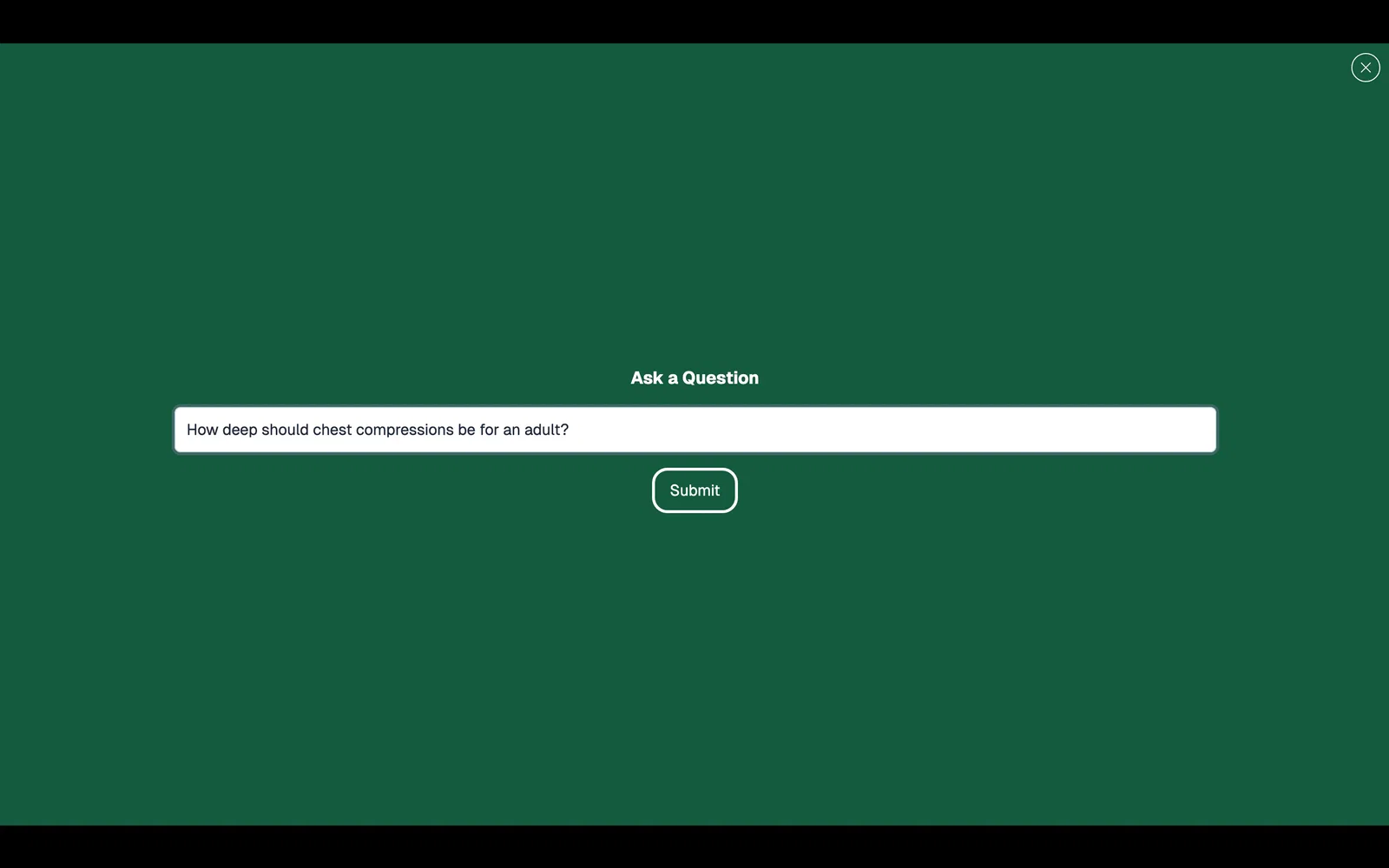
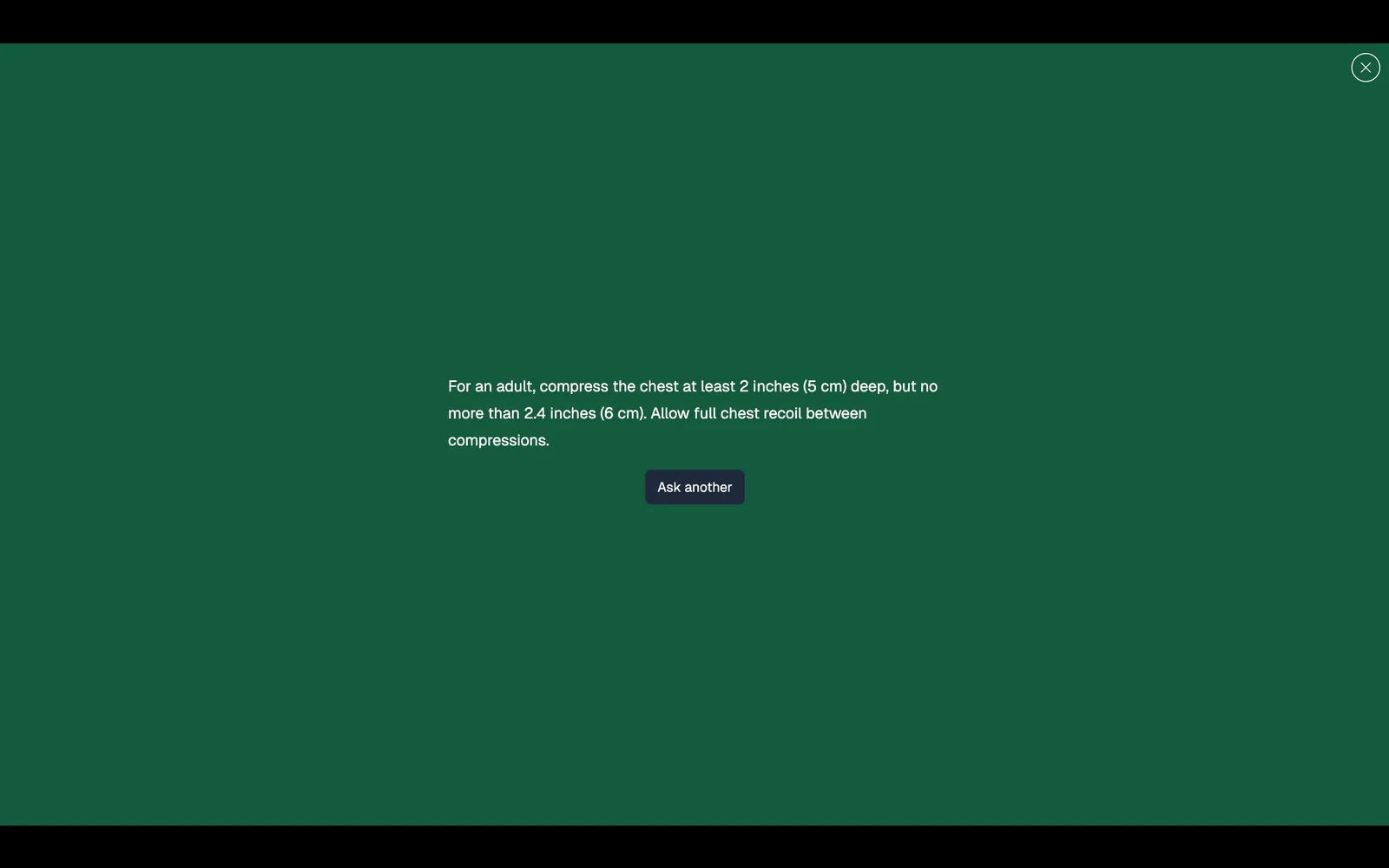
Today, Ask ChatGPT runs on Mindstamp's own OpenAI access, so you do not connect an OpenAI account or enter an API key. One condition applies: viewers get an answer only on a video that also has Genie AI turned on or an Open Genie AI interaction.
The Ask ChatGPT navigation runs without a click. At the time you choose, it sends a prompt you write to ChatGPT and saves the answer in a variable that other interactions can show. Prompts can include variables you collected earlier. Say a question saves each viewer's job to {{ROLE}}. A prompt such as "Suggest one practice exercise for a {{ROLE}} who just finished a lesson on handling refunds" can fill {{EXERCISE}}, and a text interaction can then show {{EXERCISE}} to that viewer. Variables are on Core and higher plans. See how navigations work, the full list of click actions, and how variables work.
How to connect ChatGPT to your Mindstamp account
The newest link between the two products runs the other way. Since September 2026, ChatGPT, Claude, Cursor, and other MCP clients can connect to Mindstamp through Mindstamp MCP.
- As the organization owner, open AI settings in Mindstamp and select Turn on AI features.
- In ChatGPT, add a custom connector with the address https://app.mindstamp.com/mcp and choose OAuth. Your ChatGPT plan or workspace admin may need to allow custom connectors first.
- Sign in to Mindstamp when ChatGPT asks, and approve the access.
- Ask "List my Mindstamp videos." ChatGPT returns your video titles.
Once connected, ChatGPT can work in your account for you:
- Read videos, transcripts, interactions, views, and question results
- Add questions, buttons, hotspots, and text, set chapters, lead capture, and end screens, and get share links, embed links, and personalized links
Reads work on paid plans. Changes need a plan with API access, which starts at Pro. ChatGPT asks for your confirmation before it publishes a video, changes branding, or deletes anything. The help article on connecting Claude, ChatGPT, or another agent lists the error codes, and the MCP release note has the launch details.
Common questions
Can I embed ChatGPT in a video?
Yes, on a video that also has Genie AI turned on. Give a button or another clickable interaction the Ask ChatGPT click action. The video pauses and a ChatGPT window opens over it. For questions about the video itself, use the Open Genie AI action instead, because ChatGPT does not know what your video says.
What is the difference between Genie AI and Ask ChatGPT?
Genie stays inside your transcript and notes and tells the viewer when it cannot answer. Ask ChatGPT answers from general knowledge and is not limited to your video. Genie also keeps a list of viewer questions for you to review.
Can ChatGPT give me the embed code for a Mindstamp video?
Yes, once you connect ChatGPT through Mindstamp MCP. Ask for a video's share and embed links by title. The links do not bypass the video's access settings, and a draft video needs a signed preview link.
Does Mindstamp send my video content to an AI model?
Only for the AI features you add or use. Genie sends the viewer's question, the transcript, and your notes. Ask ChatGPT sends the question or your prompt to ChatGPT. Mindstamp MCP stays off until the account owner turns on AI features. For details and a written AI data statement for a security review, see how Mindstamp's AI features handle your data.
Where to start
Pick one video that keeps generating the same follow-up questions, such as a product walkthrough or a policy module. Create its transcript, turn on Genie, and add three facts viewers ask about that the video never states. Share it, then open the Genie AI tab after the first week and read the Unanswered list. Add an Ask ChatGPT button only where viewers need general knowledge your video does not try to teach. For the wider picture, read what AI can do for interactive video and how AI and interactive video work together in training and education.