Brett Lindenberg
Update, October 2026: To embed a video in a Constant Contact email, you add a thumbnail that links to the video, because Constant Contact emails do not play video inside the message. Constant Contact's Video block takes a link from a host such as YouTube, Vimeo, or Wistia and shows a thumbnail that opens the video in a new browser tab, according to its guide to inserting a video into a campaign (updated April 2026). For a Mindstamp interactive video, add a still image of the video, link it to the video's Mindstamp share link, and add Constant Contact contact details to that link so the video can greet each recipient by name. Our guide to putting an interactive video in an email has the full steps. The Mindstamp Constant Contact integration now does one job: after an identified viewer finishes watching, Mindstamp creates or updates their Constant Contact contact and adds them to, or removes them from, the lists you pick for that video. The integration is on every Mindstamp plan. We have corrected the three tips below to match how it works today.
With our 2022 announcement that Mindstamp integrates directly with Constant Contact through the Constant Contact API, we're changing how you can use video, and specifically interactive video, in your email marketing.
Many teams use video to engage their audience at every stage of the sales and marketing funnel. From company introductions to detailed product walkthroughs, video can help your prospects, leads, or existing customers understand your key differentiators, your value proposition, or new features. Small Business Rainmaker's 2019 article on six ways video in email improves response rates makes the case for video as a core part of your email marketing strategy.
If you use Constant Contact to drive your email marketing, Mindstamp lets you use interactive video in your campaigns. Here are three ways interactive video can make your campaigns more personal and your follow-up more automatic.
1. Personalize video content with Constant Contact contact details
When you link a Mindstamp interactive video from a Constant Contact email, the link can carry details from the contact record into the video, so each viewer clicks through to a video tailored to them. Constant Contact's dynamic links insert contact details into a URL with variables such as [[firstName]] and [[emailAddress]], or a custom field as [[custom.field_name]]. Add them as parameters on your Mindstamp share link, for example ?name=[[firstName]]&email=[[emailAddress]].
Mindstamp reads those parameters as variables, fills placeholders such as {{NAME}} in the video, and reports the view under that person. With that information you can use Mindstamp variables and personalization, on supported plans, to change the text in buttons, questions, and comments, or use conditional logic to decide whether an interactive element displays at all.
Check two things before you send. Constant Contact notes that dynamic links do not work in previews or test emails, so send the campaign to a small list that includes your own address first. Mindstamp's player reads a plus sign in a link as a space, so test with an address that contains one if your list has them.
2. Update the contact and its lists after the view
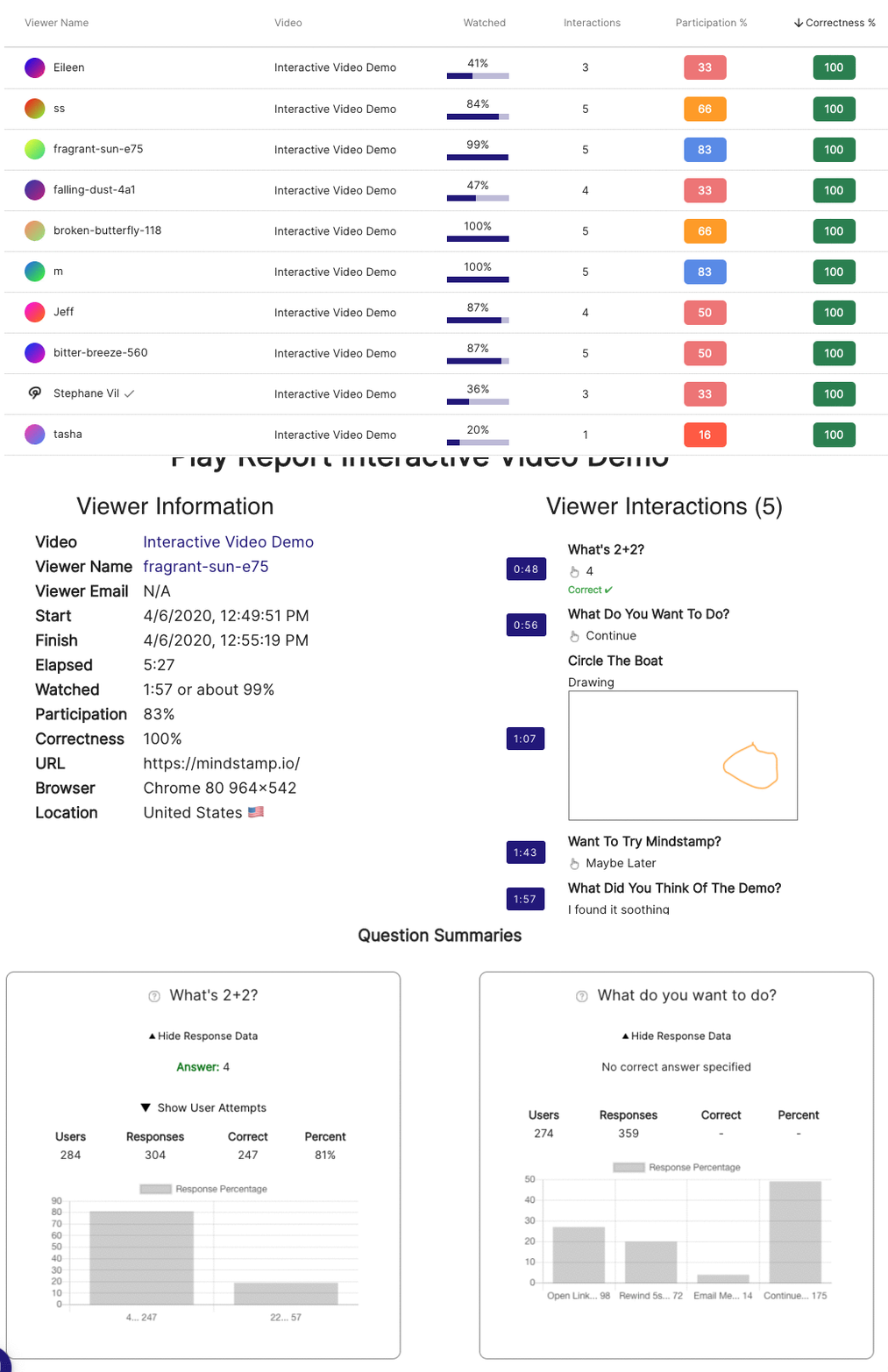
Using the Constant Contact API, Mindstamp records the viewers of your interactive video in Constant Contact. When a viewer who has given a name and email finishes a session, Mindstamp creates the contact if it does not exist, or updates its name if it does, and changes its list memberships as you set for that video. Mindstamp does this during background processing after the view ends, so allow a short delay before you look for the contact.
In 2022 this tip said Mindstamp could also write answers and scores into Constant Contact fields, for example to record that a customer answered every question in your onboarding flow correctly. The current integration does not write fields. To act on a score, send the view to your own system with a webhook or Zapier on supported plans, and update the contact from there.
3. Trigger email workflows from list membership
Lists are where the integration starts your follow-up. In Mindstamp, open Integrations, select Connect on the Constant Contact card, and check that the page shows Connected. If it shows Not Connected, contact Mindstamp support to link your account. Then open the video, select Integrations, select Manage on the Constant Contact card, turn on Sync leads to Constant Contact, and pick lists under Add to Lists and Remove from Lists. Our Constant Contact integration guide has every step. In Constant Contact, a path in the Automation Path Builder can start when a contact subscribes to a list or is added to one, according to its guide to Automation Path Builder triggers. The list change then sends the next email in your campaign.
The list setting applies to every identified viewer of that video. In 2022 we wrote that Mindstamp could add a viewer to a list only after a specific click, for example on a button or hotspot about one product feature. To follow up on one click today, make a short video about that feature, send viewers to it from the button or hotspot with the Switch Video action, and set the lists on that video. Mindstamp records a separate view for each video a viewer reaches, so only the people who chose that path join the list.
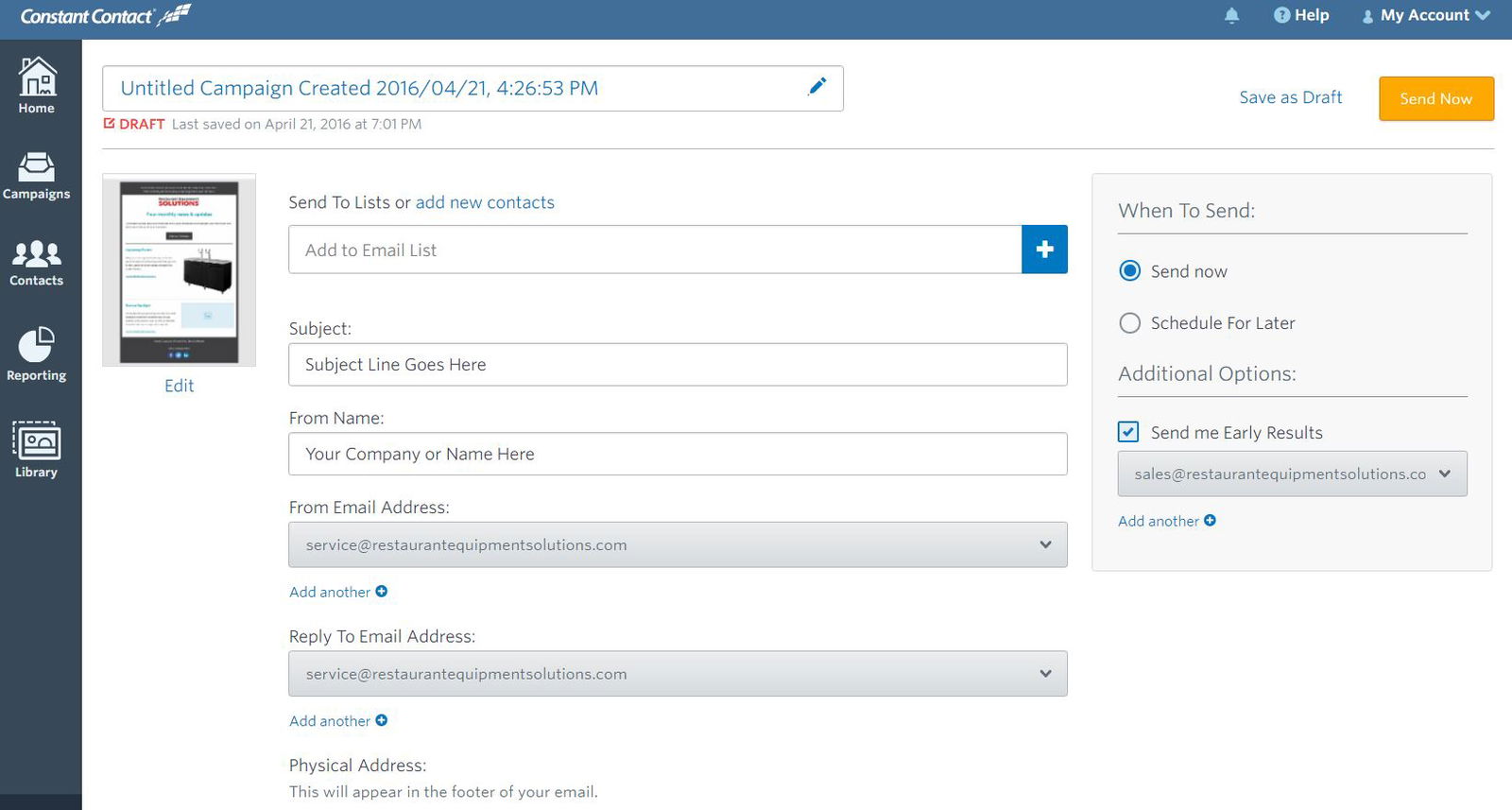
With Mindstamp and Constant Contact, each email can open a personalized interactive video, and each identified viewer lands on the right list for your next email. If your team uses HubSpot instead, the Mindstamp HubSpot integration also sends answers and clicks to the contact record.