Brett Lindenberg
Shoppable video is moving in two directions. In social apps, shopping now sits next to the video: TikTok Shop has sold from in-feed videos and LIVE streams in the US since September 2023, with checkout inside TikTok, and YouTube shows tagged products on long videos, Shorts, and live streams. On brand websites, the product video is turning into something the shopper controls. A shopper taps the product they see, opens its details, picks a size, or answers a question and gets the product that fits, and each tap tells the store what that shopper wanted. For an ecommerce team, the first step toward that future is fixing what a plain product video cannot do.
What challenges do ecommerce teams face with non-interactive product videos?
A plain product video plays the same way for every shopper and reports little beyond plays and watch time. Teams that rely on it run into five problems.
Shoppers cannot act on what they see
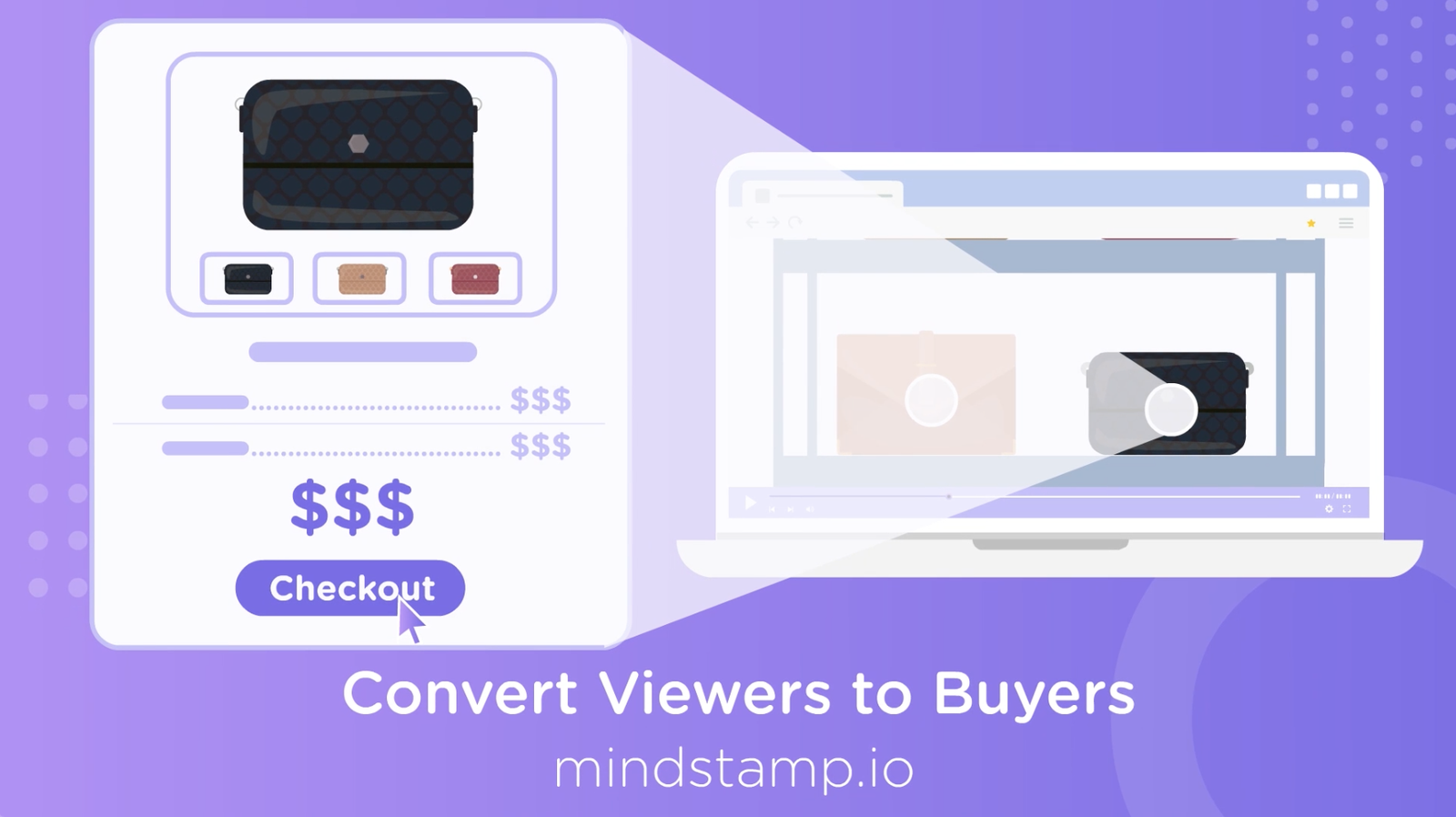
A shopper likes the jacket at 0:40, and the video gives them no way to get it. They pause, scroll to find the product, or search the store, and some give up on the way. A hotspot on the jacket opens its details or adds it to the cart while the video keeps playing.
The call to action comes too late
Product videos often end with a "Shop now" card, and many viewers never get there. Across 8.07 million views of 18,315 Mindstamp videos (2018 to October 2026), the average view played 46.5% of the video, and videos of 2 to 5 minutes averaged 39.2% watched. These are Mindstamp videos, mostly training, marketing, and sales, so read the figures as a pattern and not as a benchmark for all product video. Put each product's action at the moment the product appears, and keep the end card as a second chance.
Every shopper gets the same video
One shopper wants to know about fit and another about care. A third wants to know whether the product works with what they already own. A linear video answers these questions in a fixed order, so each shopper sits through parts they do not need. In an interactive video, the shopper picks: a button for each question, a jump to the scene that answers it, or a short quiz that ends on one product, as in our skin care product quiz.
The team cannot see what interested whom
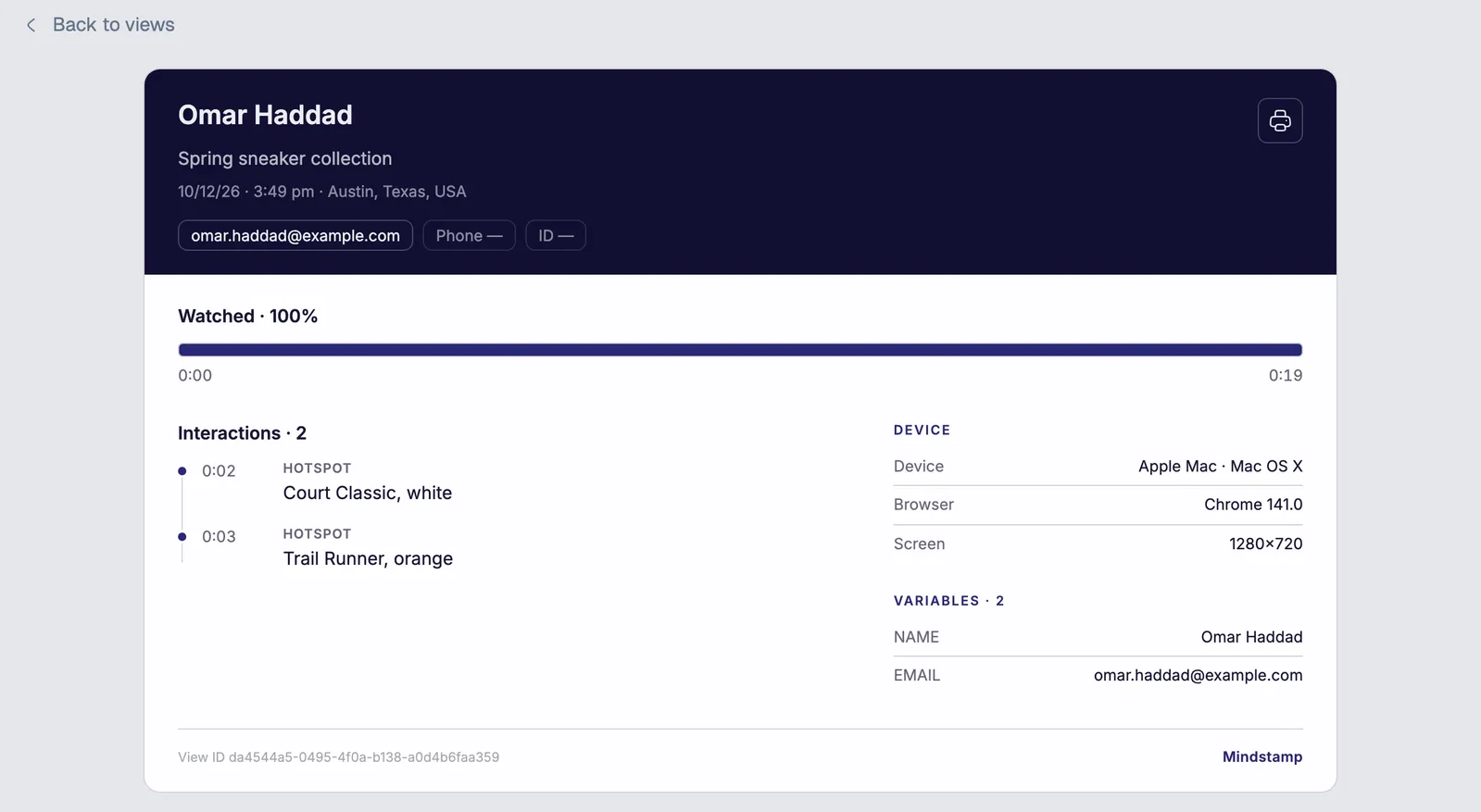
Plays and average watch time show reach. They do not show which product or feature a shopper cared about. Mindstamp saves each click and answer with the shopper who made it and the moment in the video, and its reports show them for every view. You can compare products and follow up on the interest each shopper showed.
Prices, offers, and on-screen text are baked into the file
Text edited into the video goes stale when a price or an offer changes, and each change means a new export. The same text cannot change language without another edit. Put prices, offers, and product names in an overlay on top of the video instead, and you can change them without touching the file (our guide to video overlays shows how). In Mindstamp, translating the interactive text is free on every plan, and protected terms keep product names and SKUs unchanged (video translation).
Where shoppable video is heading
We checked each change below against a primary source in October 2026 and added what it means for your product videos.
Shopping is moving into the apps where people watch
TikTok launched TikTok Shop in the US on September 12, 2023. Its launch announcement lists shopping from tagged products in in-feed videos and LIVE streams, a Shop tab, and checkout inside the app. On YouTube, eligible creators tag products in their videos. Viewers see a Shopping button on long videos, a product sticker on Shorts, and a Shopping icon on live streams. The Shorts sticker sends the viewer to the retailer's website, and YouTube shows product tags only in select countries. If your audience watches in these apps, sell there with each app's own tools. A video file you upload to a social app plays as a flat video, without any interactive layer.
Shopping feeds can close
Amazon launched Inspire, a TikTok-style feed for discovering products inside its shopping app, in December 2022. In February 2025, an Amazon spokesperson told TechCrunch that "Inspire is no longer available." An app can retire a shopping feature, as Amazon did with Inspire. Build on footage you own and a checkout you control, and treat each app's shopping feature as one channel among several.
Online sales keep growing as a share of retail
The US Census Bureau estimates that US e-commerce sales reached $340.2 billion in the second quarter of 2026, seasonally adjusted. That was 17.1% of total retail sales and 12.2% more than in the second quarter of 2025. Each product sold online has to show its size and how it works without the shopper holding it, and a product video can show both.
AI assistants are starting to take orders
On September 29, 2025, Stripe and OpenAI launched Instant Checkout in ChatGPT for US shoppers, starting with Etsy sellers and with Shopify merchants to follow. It runs on the Agentic Commerce Protocol, an open standard for selling through AI agents in which the business stays the merchant of record. Some purchases will now start in a conversation and never touch your product page. We expect the product page to matter most to shoppers who want to inspect a product before they buy, and a video they can click through lets each of them check the detail they care about. Keep product names, variants, and prices accurate in your store, because an in-video cart and an AI checkout both depend on that data.
Personalization is moving from names to choices
In a 2018 Epsilon release about a 2017 online survey of 1,000 consumers aged 18 to 64, 80% of respondents said they were more likely to do business with a company that offers personalized experiences. A greeting with the shopper's name is the simplest form of it. In a shoppable video, the more useful kind starts with what the shopper tells you: an answer to "What will you use it for?" leads to the product that fits, and the store keeps the answer for follow-up. Our video personalization guide covers how to set this up.
What makes a good shoppable video experience?
From the shopper's side, a shoppable video works when buying feels like part of watching. Check each shoppable video against these points:
- A product is clickable only while it is clearly on screen, and a visible cue shows that it can be tapped.
- Shopping stays optional. The video keeps playing unless the shopper chooses to stop.
- Each tap answers the question the shopper has at that moment, such as the size range or how two models differ.
- The cart keeps items while the video plays, and checkout happens on the store the shopper already trusts.
- It works on a phone, with inline playback, captions for muted viewing, and targets large enough for a thumb.
- A shopper who does not know what they need can answer a question and get one recommendation.
Try it in the shoppable recipe video, where you tap a pan, choose a size, and add it to a demo cart, or in the packable jacket video, where hotspots open each feature. For placement rules, read our guide to hotspots in ecommerce product videos. For build steps and checkout options, read interactive shoppable video.
What does enterprise shoppable video require?
At enterprise scale, the work is running hundreds of shoppable videos across stores and regions. Plan for these before you pick a tool:
- Products and variants come from the store, and a named person checks the links whenever products change.
- Each storefront needs its own connection. In Mindstamp, more than one Shopify store per account is quoted.
- Organization owners can lock brand styling with Design Locking, so videos from every team match.
- Shopify carts made in a Mindstamp video carry attributes for the video, the play, and the interaction, so each order shows where it started.
Security reviews, SSO, and contract terms go through Mindstamp's Enterprise plan. Our guide to video ecommerce and choosing a video commerce platform has the full checklist, including live shopping, page speed, and accessibility.
What to build first
- List the product pages that get the most traffic and already have a video.
- For each video, note the seconds when each product is clearly on screen and the question a shopper might have at that moment.
- Add a hotspot over each product and give it one job: show a product card, add the product to the cart, or open the product page. With the Shopify integration, the cart opens in the video and the shopper pays on your store (setup steps).
- Move prices and offers into overlays you can edit.
- Add one question for undecided shoppers that leads to the right product.
- After a few weeks, compare each product's click rate (viewers who clicked, divided by viewers who reached that moment) and count the orders that carry the video's cart attributes. Keep the placements that earn clicks and orders, and move or drop the rest.
Common questions about shoppable video in ecommerce
What is a video hotspot in ecommerce?
A video hotspot is a clickable area over a product in a video. A tap can open the product's details, add it to a cart, or jump to the scene about it. Our hotspot guide covers sizes, timing, and add-to-cart links.
Is shoppable video worth it for a small store?
It can be, if you already have product videos. Most of the work is placing and testing the products, and you can reuse footage you have. Start with one video and measure clicks and orders before you add more.
Will shoppable video replace product pages?
No. A shoppable video sits on the product page or the landing page and sends the shopper to the same cart and checkout. It answers questions that photos and text leave open.
Does live shopping still have a future?
Live shopping continues inside apps such as TikTok, where TikTok Shop sells during LIVE streams, and on brand sites through video commerce platforms. Mindstamp does not stream live video. After a live show, you can add products, chapters, and questions to the recording so it keeps selling on demand.
Can a shoppable video play inside an email?
Not with its interactions. Email apps do not run video players, so send a still image of the video that links to it, and the shopper watches in the browser. Read more in can you embed a video in an email.
To start, open the product page that sells the most and already has a video. Mark the moment each product is clear on screen, make that moment clickable, and compare clicks and orders before you build the next one.
Sources and further reading
- Emplifi, customer experience statistics: a list of customer experience survey figures, many from Emplifi's own research. An earlier version of this article quoted two figures that the page no longer contains, so we removed them.
- invideo, video marketing statistics: a roundup of video marketing figures. An earlier version of this article quoted two 2020 figures that the roundup attributes to HubSpot. The HubSpot page it cites no longer contains them, so we removed them.
- SmarterHQ, personalization statistics roundup: Wunderkind acquired SmarterHQ in 2020, and this address now opens a Wunderkind article. For the 80% personalization figure, see the Epsilon release linked above.