Brett Lindenberg
To drive SaaS customer engagement with interactive video, build each customer video around one decision. Ask what the customer is trying to do, play only the part that helps, and put the next step (a setup task or a call with your team) inside the player. Mindstamp saves each answer and click against the viewer, so your customer success team sees who is stuck and on what. The short demo below is an onboarding check-in that asks what is stopping you and opens the matching help.
What customer engagement means for a SaaS company
For a SaaS company, customer engagement is what customers do after they sign: whether they reach first value, use the features they pay for, respond when you reach out, and renew. Product usage data shows the pattern. It rarely shows the reason an account went quiet, and a video that asks a question can fill that gap.
Customers already expect to learn from video. In Wyzowl's 2026 video marketing survey (266 marketers and consumers, surveyed in late 2025), 63% of consumers said a short video is how they would most like to learn about a product or service, and 57% of video marketers said video had helped them reduce support queries. Yet only 23% of those marketers made customer onboarding videos and 24% made customer service videos, while 69% made social media videos.
Interactive video adds two things to a customer video: the viewer can choose, and you can see the choice. Use it where a customer has to decide something or where your team needs to learn something.
| Moment | What the customer needs | Interactive play | What your team learns |
|---|---|---|---|
| First week | One setup task that matters to them | Ask their first goal, then open that task | Each account's goal and where setup stalls |
| Feature adoption | A feature shown in their own workflow | Branch by role or use case | Which features each account asks about |
| Quiet account | A reason to talk to you | Check-in questions, a recommended next step, and booking in the video | Who is blocked, and on what |
| Support | The fix for their exact problem | A triage question, then only the matching fix | The most common problem and the step where viewers give up |
| Renewal or business review | A summary that applies to them | A personalized link, a rating question, and a booking link | How the account rates the last period before the call |
| Expansion | A way to find what they don't use yet | Let them pick the add-on or use case to explore | Interest by account for the account manager |
Six ways to use interactive video for SaaS customer engagement
1. Start onboarding with the customer's first goal
A general product tour asks a new customer to sit through features they don't need yet. Ask what they came to do first, then show one task. In our first-value onboarding fork, the viewer picks a project plan, a teammate invite, or a deadline, makes one setup choice in that route, and the recap saves both answers. Your onboarding team knows each account's first goal before the kickoff call. For the wider program around this video, see our customer onboarding best practices.
2. Check in with quiet accounts
Usage data tells you an account has gone quiet. A check-in video can ask why. The first version of this post was a guest piece by Andrew Brooks. Brooks described outreach that Mural ran for the customers of a large SaaS company, with one goal: get customers to book a free one-to-one session that reviewed how they used the product. The point was that phone calls and cold email are easy to ignore, even when the offer is free help.
The video Mural built in Mindstamp worked like this:
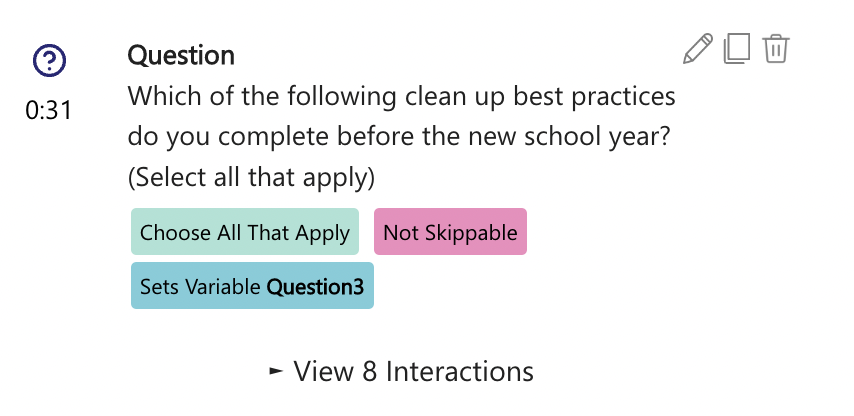
- Questions asked how the customer used the product, which features interested them, whether they used a competing product, and whether they knew certain industry trends. Each answer was a hotspot the viewer clicked to continue.
- Each answer branched to a section on that topic or to a few follow-up questions.
- Variables kept a running score from the answers, and the score chose the next step recommended at the end.
- A button to book a session was available throughout, so a customer who was ready could book without watching to the end.
- The video went out by email and as a link in the product's admin portal, and personalization could put the customer's name in the video title.
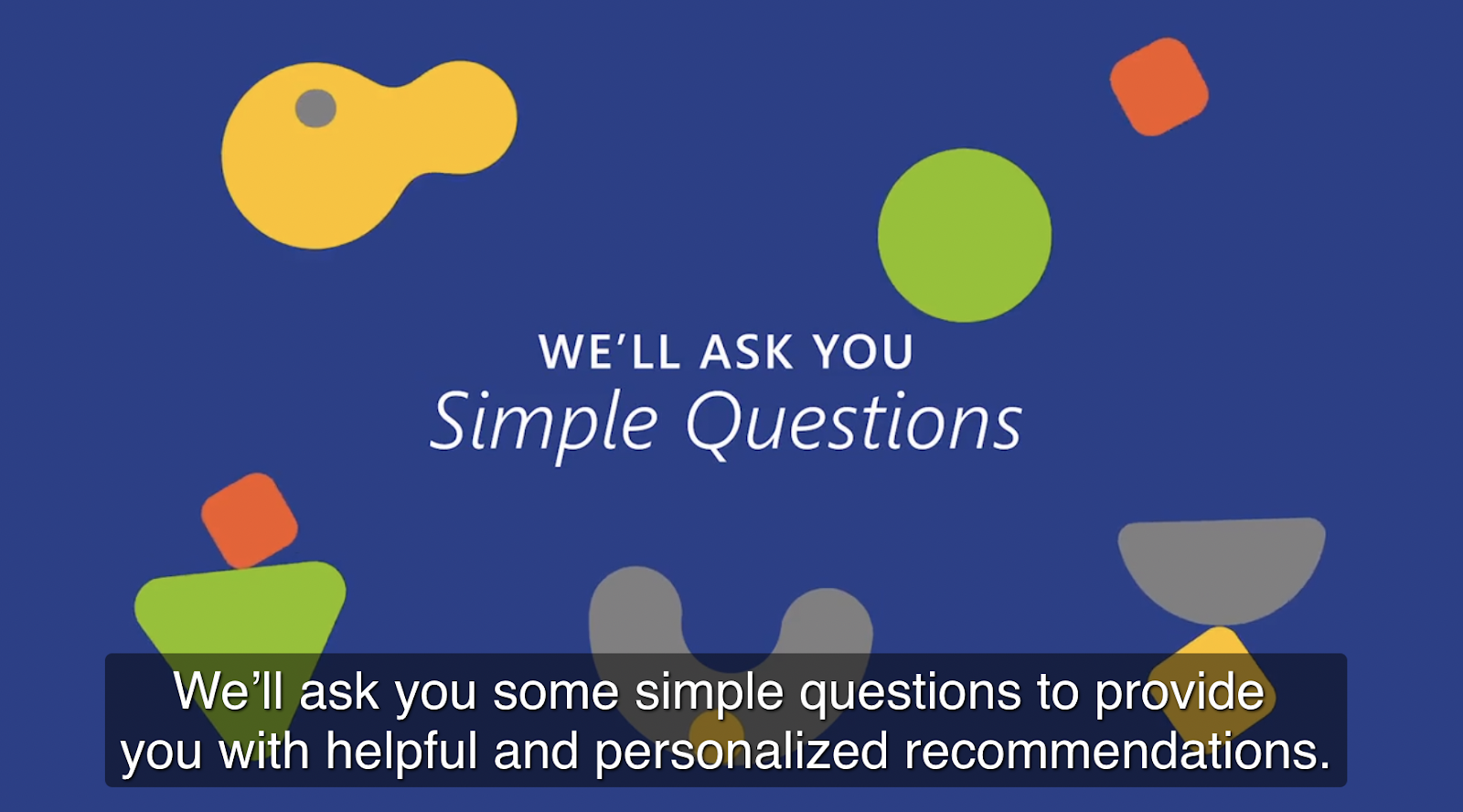
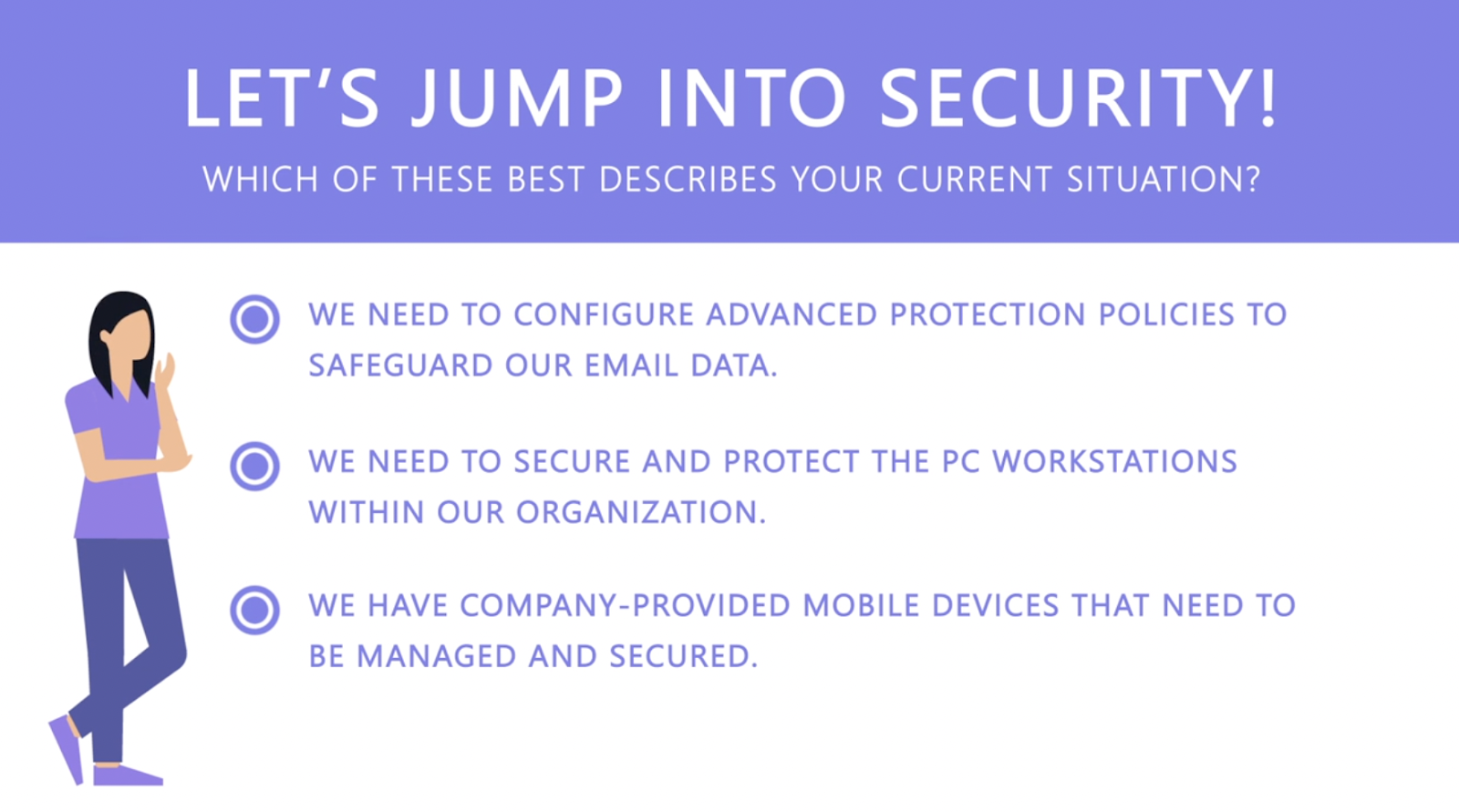
You can build the same check-in today with these interactions:
- Questions or hotspots for the answers.
- Branching to send each answer to its own section.
- Variables to keep the score, and conditional logic (on supported plans) to show the recommendation that matches it.
- Calendar embedding, which opens a Calendly or HubSpot calendar over the video and records the booking against the viewer.
3. Teach a feature where the customer uses it
Feature videos work best inside the product, next to the feature. Embed the video on the page where the feature lives or in its help center article. In a native app, load the share link in a web view; our guide to using videos in mobile apps lists the iOS and Android settings. Pass each user's account ID as a URL parameter (custom_id), and your report shows every view under that user. On supported plans, your page can also listen for player events such as video_end or viewer_interaction and mark an onboarding step done.
Split a long walkthrough by role. An admin and an end user need different parts of the same recording. A question at the start sends each to their part, and the Magic Menu lets them jump to another section later. If viewers have follow-up questions, Genie AI answers them in the player from the video and the material you train it on. The list of questions it gets shows you what the video left out.
4. Triage support questions before they become tickets
Many tickets ask the same few questions in different words. A support video that opens with "Which of these do you see?" can play only the fix for that case. The password reset example asks whether you are locked out, signed in, or helping a teammate, then opens that reset process. Our support use case page covers help center embeds and escalations that carry the viewer's answers to an agent.
The report shows which branch most viewers choose and where they stop watching. A path that many viewers leave early usually marks the step your instructions get wrong.
5. Personalize renewal and business review videos
Before a renewal or quarterly review, send each account a short video that speaks to them. A personalized link fills placeholders such as {{NAME}} or {{COMPANY|your team}} with that recipient's values, and Mindstamp reports the view under that person. You can create links one at a time or upload a CSV; see personalized links from your CRM.
Then add a one-to-five-star rating question about the last quarter. Save the rating to a variable and, on supported plans, use conditional logic to send a low rating to a "What should we fix first?" question and a high rating to the booking link. Your account manager can read the answers before the call.
6. Ask satisfied customers for a testimonial
The same review video can end with an ask for viewers who rated you highly. A video response question lets the customer record a short answer with their camera in the browser, and Mindstamp saves the recording against that viewer. Ask a specific question, such as what changed for their team after the first month, and get written permission before you publish any clip.
How to build a customer engagement video, step by step
- Pick one moment where accounts stall. Use your product data to find it, such as the setup step new accounts skip or the support question you answer most.
- Write the decision before the script. Draft the question and its three or four answers first. Each answer needs its own short segment.
- Keep each path short. Across 8.07 million views of 18,315 Mindstamp videos (2018 to October 2026), videos of one minute or less averaged 59.4% watched, and videos of 2 to 5 minutes averaged 39.2% watched. Wistia's 2026 State of Video report, as summarized by HubSpot, found that people watch about halfway through educational videos under five minutes. Many factors differ between videos, so use these numbers as a rough guide.
- Decide how you will know who watched. Use personalized links for email, a custom ID in your app, or lead capture. Anonymous views still appear in your report, but they can't reach a CRM record. See viewer identity and anonymous viewers.
- Put the next step in the player: a link to the right setting, a calendar, a file, or the next video.
- Send it where the customer already is, in the product or in an email. Email clients can't play interactive video, so put a linked thumbnail in the email. Our post on embedding video in email explains why.
- Read the answers every week and act on them.
How to get video engagement data into your CRM
Mindstamp can send view and answer data to the systems your team works in four ways.
| Route | What arrives | Notes |
|---|---|---|
| HubSpot | Creates or updates the contact. Adds view events (watched percentage, participation, correctness, interaction count, engagement time) and answer events to the timeline. Answers can map to contact properties and update lists. | The viewer must give an email address. On supported plans. |
| Webhooks | View, interaction, and lead payloads sent to your endpoint | Turn on each type per video. Don't depend on delivery order. |
| Zapier | Views, leads, answers, clicks, and completion, passed to other apps | Useful for a task in your customer success tool or a team alert |
| Salesforce | The fields you choose, such as watched percentage, scores, and specific answers, on the object you choose | Salesforce integration is quoted per account; confirm its scope with Mindstamp. |
HubSpot and webhooks send after the viewing session ends: when the viewer reaches the end, closes the page, or stops for about two minutes. Plan for that delay. A CRM workflow that fires the moment someone clicks the email link won't see the answers yet.
Send only the answers that change what your team does. "Chose help with connecting data" can create a task for the onboarding owner. A watch percentage on its own rarely changes anything. For more CRM workflows, see how interactive video drives CRM marketing, and for which numbers to track, see video engagement metrics.
Does interactive video increase customer engagement?
The evidence is thin, and most of it comes from vendors. Video has been a standard way to reach customers for years; Forbes ran "Video Marketing In 2018 Continues To Explode As Way To Reach Customers" in June 2018. The open question is whether letting viewers choose changes what they do next.
- Interactive video is still a minority format. In Wyzowl's 2026 survey, 31% of video marketers used interactive video, and 20% rated it effective.
- The large figures you see quoted mostly come from advertising. Wyzowl's explainer on interactive video cites a "591% lift in user activity" and links it to Innovid's 2016 video ad benchmarks. That figure measures video ads. It tells you nothing about onboarding or support videos.
- Our platform data shows an association that can't prove cause. Across the same 8.07 million views, 85% of views happened on videos where viewers took at least one action. Videos where viewers took more than three actions per view averaged 51.8% watched, compared with 43.9% for videos where viewers took no action. Many factors differ between these videos.
Run your own test. Send the interactive version to half of a new-customer cohort and your current email or video to the other half. Then compare the outcome you care about, such as setup finished in the first week or sessions booked.
Common questions
How can SaaS companies use customer testimonial videos?
Use them where a prospect or customer is deciding, such as on the pricing page or in trial emails. Match the speaker to the viewer by role or company size. With branching, one video can ask "Which best describes your team?" and play the matching customer. Wyzowl's 2026 survey found that 57% of video marketers made testimonial videos. Keep them honest: the FTC's Endorsement Guides, revised in 2023, say an endorsement must reflect the endorser's honest opinion and real experience, and that you must disclose connections such as payment or free service. In August 2024 the FTC also announced a final rule that bans fake reviews and testimonials, including AI-generated ones attributed to people who don't exist.
Can you put an interactive video inside a SaaS product?
Yes. Embed it in your web app with the embed code, or load the share link in a web view in a mobile app. Questions and reporting work as they do in a browser. Pass a user ID in the URL so views are tied to the right person.
How is an interactive video different from an in-app product tour?
Product tour tools, such as Intercom's product tours (checked October 2026), place tooltips, checklists, and step-by-step guides over your live interface. An interactive video teaches with a recording: a person explains why a step matters, and the viewer answers or chooses as they watch. Many teams use both. The tour points at the screen, and the video explains the concept or the decision behind it.
Do customers need an account to watch?
No. Viewers don't need a Mindstamp account. A viewer is anonymous in your report until the video collects or receives a name, email, phone number, or custom ID, and you still see what an anonymous viewer watched, answered, and clicked.
What should a SaaS team look for in interactive video software?
Check that the tool can do these things:
- Identify viewers from a personalized link or from your app.
- Report each viewer's answers and clicks.
- Send that data to your CRM.
- Embed in your product and in a mobile web view.
- Play without a viewer account.
Our comparison of interactive video platforms covers the options.
Start with one stalled step. Find the setup task most new accounts skip, record a short video that asks why and shows the fix for each answer, and send it to the next cohort of new customers. Read their answers after a week. To plan videos for the stages before and after this one, see interactive video across the customer lifecycle, and for uses before the sale, see our guide to interactive video marketing.