Brett Lindenberg
Video ecommerce, also called video commerce, is selling with video at the moment a shopper decides to buy. It comes in five formats: video on the product page, shoppable video with clickable products and a cart, swipe-up vertical feeds, scheduled live shopping shows, and one-to-one video calls with an expert. A practical first step is to take a product video you already have and make the products in it clickable. Before you choose a format or a platform, answer three questions: where do your shoppers watch, whose checkout do they use, and what data does your team need back?
The five formats of video ecommerce
Each format asks something different of the shopper and of your team. Recorded video sells at any hour. Live shows and video calls need staff on a schedule.
| Format | What the shopper does | Fits best when | Example tools |
|---|---|---|---|
| Product page video | Watches a demo next to the price and the buy button | Size, fit, or use is hard to show in photos | Your store's product media, any video host |
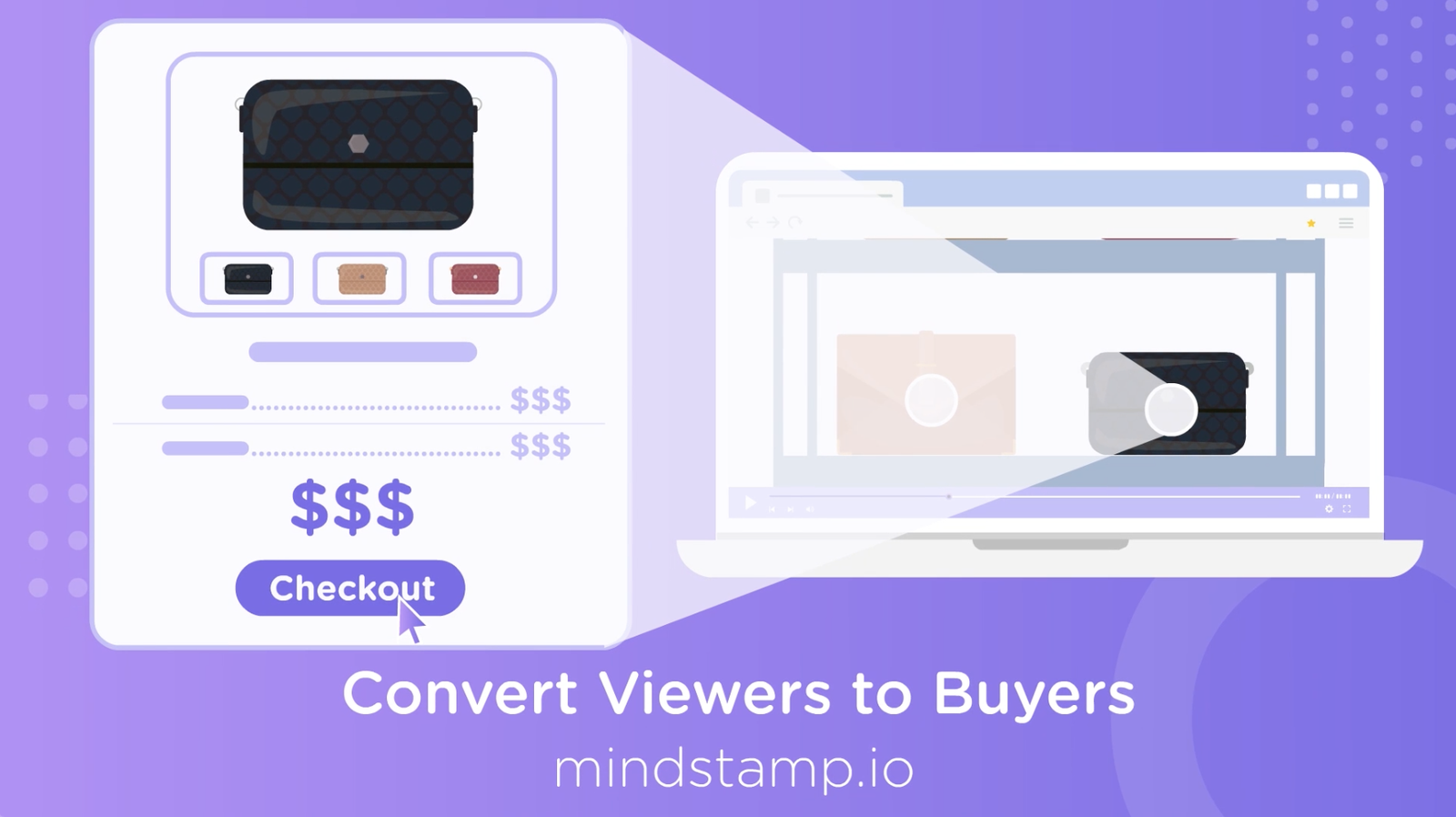
| Shoppable video | Taps a product in the video to see details, pick a variant, or add it to a cart | The product is on screen and someone talks about it | Interactive players such as Mindstamp, video commerce platforms such as Firework and Bambuser |
| Swipe-up vertical feed | Swipes through full-screen vertical clips and taps to shop | Shoppers discover products on their phones | TikTok Shop, YouTube Shorts product stickers, story-style widgets on your site |
| Live shopping | Watches a scheduled show, asks questions in the chat, and buys during the stream | Launches, limited drops, and demos with a lot of questions | TikTok LIVE, Bambuser Live Shopping |
| One-to-one video | Joins a video call with a store expert, at once or at a booked time | Expensive products, or products that need advice | Bambuser Video Consultation, Firework 1:1 Video Chat |
Most teams need one or two of these formats. If your shoppers find you on TikTok, sell there with TikTok's own tools. If they reach your product pages from search, ads, and email, start with shoppable video on those pages. Our guide to interactive shoppable video explains how in-video checkout works in each channel.
What is swipe-up video in ecommerce?
Swipe-up video is full-screen vertical video that a shopper moves through with a thumb. A swipe brings the next clip, and a tap on the product or a shopping button opens it. The phrase comes from Instagram Stories. When Instagram added links to Stories in November 2016, as a test for verified accounts, viewers opened a link by swiping up or tapping "See More". In October 2021, Instagram opened links in Stories to all accounts through the Link sticker.
Today you meet the format in three places:
- TikTok. Since TikTok Shop's US launch on September 12, 2023, shoppers can buy tagged products from in-feed videos and LIVE streams and check out in the app.
- YouTube Shorts. A product sticker shows the first tagged product, and a tap sends the viewer to the retailer's website (YouTube Help).
- Your own site. Video commerce platforms offer story-style feeds. Firework, for example, lists a vertical scrolling layout for mobile browsing among its shoppable video layouts.
How to make a vertical video sell
- Shoot in 9:16 and show the product in the first seconds.
- Assume the sound is off. Video that starts on its own plays muted, so add captions and put the product name on screen.
- Keep tap targets in the middle of the frame, away from the player controls and the edges of the screen.
- Give each clip one product and one action, such as "See sizes".
Mindstamp plays 9:16 video with hotspots, buttons, and questions on it, as the vertical video guide shows. It does not build a swipe feed of many clips. For a feed, use a video commerce platform or the social app's own shopping tools. Use an interactive player when one video needs product taps, a cart, or questions.
What does video scheduling mean in ecommerce?
Schedules come up in three parts of video commerce.
Live shopping shows
A live show has a date and a time, so most of the work happens before it starts. You announce the show, collect reminders, prepare the products, and put someone on the chat. After the show, the recording can keep selling on demand if shoppers can find the product they want in it. Add chapters so a shopper can jump to each product, and put a hotspot on each product when it appears. Mindstamp does not stream live video, but it can add products, chapters, and questions to the recording after the show.
Booked one-to-one video calls
For products that need advice, such as furniture or bikes, some stores let shoppers book a video call with an expert. Bambuser, for example, offers its video consultations as drop-in or pre-booked calls (checked October 2026). A recorded product video can lead to the same booking. In Mindstamp, a "Book a call" button opens your Calendly or HubSpot booking page over the video (setup steps). Mindstamp records the click, and your scheduling tool stores the booking. With calendar embedding and conditional logic on supported plans, you can show the button only to shoppers whose answers call for advice.
Offers with an end date
Sales and launches start and stop on set dates. Keep prices and end dates out of the video file and put them in an overlay you can edit, so the video stays correct after the sale ends. Our guide to video overlays shows how to add a price overlay.
What an ecommerce video player needs
A product video player has to start fast on a phone and let the shopper act on what they see. Check these points whichever player you use:
- Adaptive streaming (HLS) sends the quality that fits each shopper's connection, and lazy loading waits until the shopper scrolls near the player, so the page stays fast.
- Plan for muted playback. Chrome's autoplay policy always allows muted autoplay and allows sound only in set cases, such as after the user has clicked or tapped on the site. On iPhone, Safari plays a video inline only when it has the playsinline attribute, and it pauses autoplaying video that scrolls out of view (WebKit, 2016). A video that starts on its own has to make sense without sound.
- WCAG 2.2 success criterion 1.2.2, at Level A, requires captions for prerecorded audio in synchronized media such as video.
- The shopper can act on a product: tap it, open a product card, and add it to a cart that keeps items while the video plays.
- Your team gets data it can use, such as clicks per product and per shopper, events your analytics can read, and exports.
Store video or a dedicated player?
Your store's own product media is enough for a plain demo. Shopify, for example, accepts MP4, MOV, or WebM files up to 10 minutes long, 1 GB in size, and 4K resolution as product media, or a YouTube or Vimeo link (checked October 2026). Add an interactive player when you need clickable products, a cart inside the video, or a report of what each shopper clicked. To protect page speed in Mindstamp, use the Responsive embed, which loads lazily, or the Popout embed, which loads the player only when the shopper selects it (page speed guide).
Will a product video show in Google video results?
Not from the product page alone. Google's video documentation (last updated December 2025) reserves video results, Video mode, and key moments for watch pages, pages whose main purpose is to show one video. It names a product page with a 360-degree product video as an example of a page that is not a watch page. That page can still appear as a text result and as an image result with a video badge. If you want the video itself to rank, also publish it on its own page with VideoObject structured data, and keep it on the product page for shoppers.
What to look for in a video commerce platform
Write down your channels, your checkout, and the data you need, then ask every vendor the same questions. The table gives Mindstamp's answers so you have a baseline to compare against.
| Question to ask | Why it matters | Mindstamp's answer |
|---|---|---|
| Which formats does it cover? | Live shows and swipe feeds need different tools from on-demand video | On-demand interactive video and playlists. No live streaming and no swipe feed. |
| Does it read your catalog and keep your checkout? | Prices typed by hand go wrong when products change | The Shopify integration is on every plan. Viewers add products and variants to a cart in the video and pay on your Shopify checkout. More than one store per account is quoted. Other stores can use add-to-cart links. |
| Can shoppers do more than tap a product tag? | Undecided shoppers need help to choose | Hotspots, buttons, product cards, questions, and branching. Conditional logic is on Pro and higher plans. |
| Can you tie orders to the video? | Clicks alone do not prove sales | Shopify carts made in Mindstamp carry the attributes Mindstamp Video, Mindstamp Play ID, and Mindstamp Interaction ID (Shopify setup guide). |
| Can your other systems read the data? | Your analytics and CRM need the events | CSV exports, Google Analytics progress events, JavaScript player events on Core and higher, webhooks sent after each session ends, and a REST API on Pro and higher. |
| Does it keep pages fast? | Slow product pages lose shoppers | A lazy-loading Responsive embed, a Popout embed that loads on click, and adaptive streaming. |
| Can every shopper use it? | Keyboard and screen reader users shop too | Keyboard access, screen reader labels, and captions. Mindstamp does not publish a WCAG conformance level or a VPAT. |
| Does it work in other languages? | Each market needs its own words on screen | Translation of the interactive text is free on every plan, and AI dubbing translates the audio. Both cover 57 languages. A dub keeps only the new voice, so you lose the original music and sound effects. Protected terms keep product names and SKUs unchanged. |
| Will it pass procurement? | Enterprise buyers need SSO, a security review, and contract terms | SSO and SAML are scoped per account on Enterprise. Mindstamp has no SOC 2 report or ISO 27001 certification and provides a security statement on request. |
| How does the price grow? | Pricing per view rises with your traffic | Every plan includes unlimited viewers. See pricing for what each plan includes. |
If live shopping or a swipe feed is your main goal, compare video commerce platforms first. Our comparisons of Mindstamp and Firework and Mindstamp and Bambuser show where each one fits.
Video commerce for enterprise and high-growth brands
High-growth stores
Speed matters more than coverage. Start with the products that get the most product page traffic and already have a video. Make each product clickable at the moment it is clear on screen, connect it to your cart, and track two numbers per product: the share of viewers who clicked it, and the orders that came from the video. Add videos once the first ones show which products draw clicks. Our guide to hotspots in ecommerce product videos covers placement and add-to-cart links.
Enterprise retailers and brands
At enterprise scale, the hard part is running video across many products and stores. Plan for these points before you sign:
- Ask how products map to each storefront or region. In Mindstamp, more than one Shopify store per account is quoted.
- Translate the product names and buttons on the video as well as the audio, and protect SKUs and brand names from translation.
- Lock your brand styling. In Mindstamp, organization owners can lock it so that every video from every member stays on brand (Design Locking, April 2026).
- Control where your videos may play. On Core and higher plans, Mindstamp lets you limit embeds to the domains you approve (allowed embed domains).
- Decide which system owns the order record and which owns the video data, then connect them with exports, webhooks, or the API.
- Name the person who tests product links when a product is discontinued or a variant changes.
- Bring your security questionnaire and SSO requirements to the first call. Mindstamp's Enterprise plan covers contract terms, capacity, and scoped SSO.
Video personalization in ecommerce
Video personalization changes what a shopper sees, based on what you know about them or what they tell you. Three kinds work well in a store:
- Words on screen. A link from an email or an ad can carry values such as a first name or a campaign, and the video shows them as text. In Mindstamp, page URL parameters become variables, and a placeholder such as
{{NAME|there}}shows the shopper's name, or the fallback after the bar when the name is missing. Personalization variables are on Core and higher plans. - The product shown. Ask what the shopper needs and show the product that fits. The skin care product quiz asks a few questions, changes a score variable with each answer, and uses conditional logic to recommend one moisturizer.
- The path. Let shoppers pick the use or budget they care about, and send them to the scene for it with video branching.
Keep private data out of links that people can see or forward. For setup, see how to pass page URL parameters into an embedded video and our video personalization guide.
Common questions about video ecommerce
What is video-enabled ecommerce?
It is a store that uses video along the path to purchase: on product pages, in shoppable videos, in live shows, or in video calls. The term covers the same ground as video commerce.
Is video ecommerce the same as selling videos online?
No. Video ecommerce uses video to sell products. When the video is the product, such as a course or a class, you need a paywall. See how interactive paywall videos charge viewers before they watch or continue.
Can I add shopping to a video I already have?
Yes. An interactive player adds clickable products and questions on top of the existing file, so you do not need a new edit. In Mindstamp, YouTube links are for testing only, so upload the file or connect another supported host before you publish.
Do shoppable videos work in social apps?
Inside the feed, only through each app's own shopping tools. A video file you upload to a social app plays there as a flat video. To keep the interactions, share a link to the interactive video, which opens in the app's built-in browser. See shoppable video use cases for the formats that work on your own pages.
To start, pick one product page that already gets traffic and has a video. Choose the format that matches where your shoppers watch, make the products in that video clickable, and check after a few weeks which products drew clicks and orders. Then read where shoppable video in ecommerce is heading before you plan the next step.
Sources and further reading
- Firework, video commerce market size: a vendor's collection of market forecasts for video commerce. The article does not name the research behind its figures, so we do not quote them.
- Simpl Fulfillment, how shoppable videos can boost your ecommerce business: a general introduction to shoppable video from an order fulfillment company.