Brett Lindenberg
To improve employee productivity, find what slows the work before you choose a fix. The usual causes are unclear priorities, work that waits in queues and approvals, constant interruptions, slow tools, missing skills, and long hours, and each one needs a different fix. Set a few specific goals, remove the longest wait in the workflow, protect time for focused work, fix the tools, train only the skills people lack, and have managers coach every week. Then compare output with a baseline you recorded before the change. The short scenario below practices the first step: deciding whether a slowdown is a training problem or a workflow problem.
What employee productivity means and how to measure it
The U.S. Bureau of Labor Statistics measures labor productivity by comparing the growth in output with the growth in hours worked (BLS). Inside a company, use the same idea at team level: useful output per person or per hour, with a quality check so that people do not trade accuracy for speed.
Pick a measure the team already records. Activity counts such as hours online, messages sent, or keystrokes show effort and say little about results. They also feed a trust problem. In Microsoft's 2022 Work Trend Index survey of 20,000 people in 11 countries, 85% of leaders said hybrid work made it hard to be confident that employees were productive, while 87% of employees said they were productive (Microsoft, 2022). A shared output measure gives leaders and employees the same facts to discuss.
| Work | Output measure | Quality check |
|---|---|---|
| Customer support | Tickets resolved per agent hour | Reopened tickets, customer satisfaction |
| Sales | Qualified opportunities per rep, days for a new rep to reach quota | Win rate, discount given |
| Operations and warehouse | Units processed per labor hour | Error rate, safety incidents |
| Finance and administration | Requests closed per week, days from request to approval | Rework, audit findings |
| Creative and project work | Projects delivered by the agreed date | Revision rounds, stakeholder rating |
Record a few weeks of the measure before you change anything. Without that baseline, you cannot tell a real improvement from a quiet month.
Find the bottleneck before you pick a fix
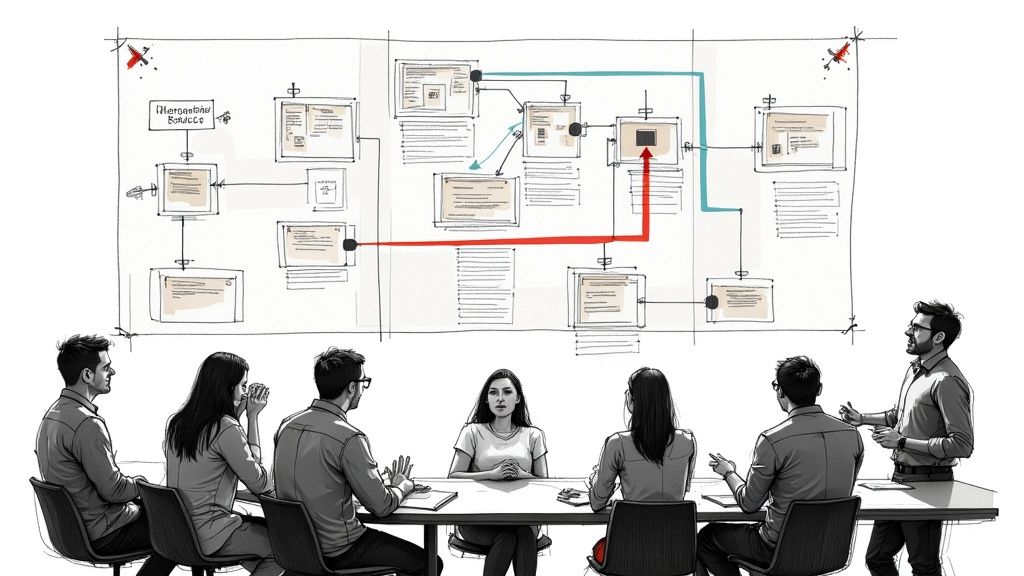
A missed deadline can come from a missing skill, a slow approval, a broken tool, or a person with three jobs. Training fixes only the first. You can diagnose one workflow in a week or two:
- Choose one workflow that matters, such as refund requests or new-customer setup.
- Record when each item enters and leaves each step. Separate the time someone works on an item from the time it waits.
- Sit with one employee while they do the work. Ask them to show the workarounds they use.
- In one-to-one meetings, ask two questions: what slowed you down this week, and what would you remove from your job if you could.
- Sort each cause into one of four groups: skill, workflow, tools, or workload.
In the scenario above, the agents already know the approval rule. Requests wait because nobody owns the shared queue. Another course on the rule would cost time and change nothing. Use the table to match what you see to a likely cause.
| Symptom | Quick test | Likely cause | Fix |
|---|---|---|---|
| Work takes longer than planned | Compare wait time with work time for each step | Workflow: queues and handoffs | One owner per queue, fewer approvals |
| Some people are fast and others slow on the same task | Watch a fast and a slow person do it | Skill: the fast person knows a method the others lack | Short training on that method |
| Many errors and rework | Check whether the errors cluster at one step | Skill or unclear standard at that step | A written standard, then practice on it |
| Everyone complains about the same system | Time the system's slow steps | Tools | Fix, replace, or automate that step |
| Strong performers start to slip | Count their open projects and weekly hours | Workload | Cut or reassign work |
Our guide to a training needs assessment goes deeper on how to tell a skill gap from everything else.
9 ways to improve employee productivity
Start with the way that matches the cause you found.
1. Set fewer, more specific goals
Edwin Locke and Gary Latham summarized 35 years of goal-setting research in 2002. Specific, difficult goals consistently led to higher performance than urging people to do their best, and goals worked better when people also got feedback on their progress (American Psychologist, 2002). Give each person one to three outcomes for the week, written as a number or a finished deliverable, and show progress where the team can see it. Keep a written "not now" list so that new requests do not crowd out the goals.
2. Remove waiting from the workflow
The timestamps from your diagnosis show how long items wait between steps. Find the longest wait and remove its cause:
- Give every shared queue a named owner for each shift or day.
- Set an approval threshold so that small, routine requests need no sign-off.
- Cut handoffs. When one person can finish a request, let them.
- Limit how many items each person has open at once, so work finishes before new work starts.
3. Cut meeting time
In a 1999 experiment with 111 five-person groups, meetings held seated lasted 34% longer than meetings held standing, and they produced no better decisions (Bluedorn, Turban, and Love, Journal of Applied Psychology). List your team's recurring meetings, cancel any that has no decision or agenda, and set the default length to 25 or 50 minutes. Move status updates to a written note or a short recorded video that people can watch when it suits them.
4. Protect time for focused work
Microsoft's 2025 telemetry found that the most interrupted 20% of Microsoft 365 users were interrupted by a meeting, email, or chat every 2 minutes during core work hours, 275 times a day (Microsoft Work Trend Index, June 2025). In a 2008 study, Gloria Mark and colleagues found that people finished interrupted tasks faster and with the same quality, but reported more stress, frustration, time pressure, and effort (CHI 2008). The cost shows up as stress, which output numbers miss. Agree on team focus blocks with no meetings, decide which channel needs a fast reply and which can wait half a day, and let people turn notifications off during those blocks.
5. Fix slow tools and test AI on real tasks
Ask the team which system step they wait on most, then time it. A report that takes minutes to load or a form that asks for the same data twice adds delay to every item. Sometimes the fix is a better tool. For a design team, that can be new software, and Exclusive Addons keeps a list of graphic design tools for designers to compare.
AI assistants can help with some tasks. In a study of 5,172 customer support agents, access to a generative AI assistant raised issues resolved per hour by 15% on average. Less experienced agents improved in both speed and quality. The most experienced agents gained a little speed and lost a little quality (Brynjolfsson, Li, and Raymond, Quarterly Journal of Economics, 2025). Pilot AI on one task, check the quality of its output, and compare results for new and experienced staff before you roll it out.
6. Train for the skill gaps you found
Training raises productivity when the cause is a skill. With Belgian firm-level data, Jozef Konings and Stijn Vanormelingen estimated that a trained worker was 23% more productive than an untrained one, while wages rose only 12% (IZA working paper, 2010; later published in the Review of Economics and Statistics). Teach the one method your fastest people use, in short lessons tied to a single task.
7. Coach weekly and keep feedback on the task
Managers shape how engaged a team is. Gallup reports that managers account for 70% of the variance in team engagement, and that 44% of managers worldwide had ever received management training (Gallup, 2026). Gallup's State of the Global Workplace 2026 report found that 20% of employees worldwide were engaged in 2025, and it estimated the cost of low engagement at about $10 trillion in lost productivity, or 9% of global GDP (Gallup).
A meta-analysis of 607 effect sizes by Avraham Kluger and Angelo DeNisi found that feedback improved performance on average, yet more than one third of feedback interventions lowered it. Feedback worked less well when it drew attention away from the task and toward the person (Psychological Bulletin, 1996). In a short weekly check-in, talk about the work: what is blocked, and which obstacle the manager will remove this week.
8. Keep hours sustainable
Long hours do not add output in proportion. John Pencavel studied records of British munition workers during the First World War. Below 49 hours a week, output rose in step with hours. Above that, each extra hour added less, and output at 70 hours was about the same as at 56 hours. Weeks without a day of rest cut weekly output by about 10% (IZA working paper, 2014; published in the Economic Journal). The data is a century old and comes from factory work, so treat the 49-hour point as a rough guide for office teams. Track weekly hours for the people you rely on most, and cut or reassign work before overtime becomes the plan.
9. Standardize the work that repeats
In a randomized experiment in Indian textile plants, plants that received free consulting on modern management practices raised productivity by 11%, through better quality and efficiency and lower inventory (Bloom and colleagues, Quarterly Journal of Economics, 2013). In an office, the same idea means a checklist for each task that repeats, one written standard for what "done" means, and a daily measure that the team reviews in five minutes.
How training improves productivity, and when it does not
Training works when people do not know how to do the task well. It does nothing for work that waits in a queue or for a person with too much to do. Check the cause first, then build training that changes what people do on the job:
- Tie each lesson to one task and one measure, such as "processes a refund exception without escalating."
- Keep lessons short enough to finish between tasks. Our microlearning strategies cover lesson length and spacing.
- Make people decide during the lesson. A question at the moment a step is taught shows whether they understood it, and a practice scenario shows whether they can apply it.
- Follow up a week later on the points people miss. Our guide on how to retain information better explains why spacing works.
Interactive video handles the decision part inside a training video you already have. These Mindstamp features cover that part:
- Questions pause the video at the step they test and record each learner's answer.
- Repeat Until Correct lets a learner try again after a wrong answer without showing them the right one.
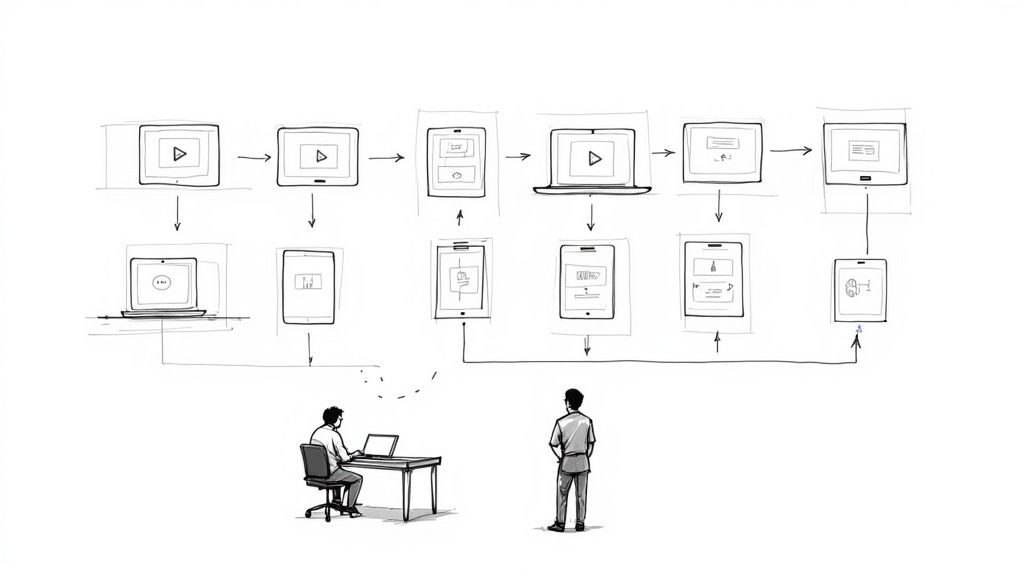
- Branching plays a different scene for each choice, so learners see the result of a decision, as in the queue scenario above.
- The viewer report shows answers, attempts, and paths for each learner.
The report also tells you where the training itself is weak. When most learners miss the question after one step, fix the explanation at that step before you blame the learners. The knowledge gap example walks through that decision. To follow one learner across a course of several videos, see how to track a training course, or keep records with an employee training tracker.
Common questions
How do you measure productivity for roles that are hard to quantify?
Measure delivery and quality instead of activity. For creative and project roles, track how often projects meet the agreed date, how many revision rounds a deliverable needs, and how stakeholders rate the result. Ask stakeholders the same short set of questions before and after a change, so that you compare like with like.
Does remote or hybrid work lower productivity?
A large randomized trial found no drop for hybrid work. In the six-month trial with 1,612 employees at a Chinese technology company, working from home two days a week did not affect performance grades over the next two years of reviews, and it cut quit rates by one third (Bloom, Han, and Liang, Nature, 2024). Fully remote work and other job types can differ, so measure output for your own teams.
How quickly does training improve productivity?
It depends on how often the task happens. Track the output measure over enough repetitions of the task to see a pattern, and expect broad programs to take longer to show results. Compare a trained group with a similar group that has not yet started, as our guide on how to measure training effectiveness explains.
Can points, leaderboards, or contests raise productivity?
They can raise effort on what you measure, lower it on what you do not, and backfire when rankings discourage people. Field experiments with salespeople found all three. Our guide to gamification in sales training covers what those studies found and how to design a fair contest.
How do you get leadership to fund a productivity project?
Propose a pilot on one workflow with a baseline, one fix, and a comparison team. Put the result in money terms, such as agent hours saved or days of new-hire ramp removed. Our guide to calculating training ROI and the training ROI calculator show how to present the numbers.
Start with one workflow
This week, pick the workflow your team complains about most and record when work enters and leaves each step. Next week, find the longest wait and choose the fix that matches its cause. If the cause is a skill, build one short lesson with a question at the step people get wrong, and compare the output measure after a month. See how teams use interactive video for training.
Sources and further reading
- Archie's roundup of employee productivity statistics collects figures from many surveys. Trace each figure to its original source before you quote it.
- Mesmos lists personal habits in the ultimate productivity hacks for 2024.