Brett Lindenberg
A good script does one job for one audience. It says what the viewer should know or do by the end, sounds natural when someone reads it aloud, fits its runtime, and keeps only the lines that move the viewer toward that goal. Most scripts reach that point during revision: you read the draft aloud, time it, cut what does not serve the goal, and test it on someone from the audience. Below are eight tests to run on any draft, four before-and-after rewrites, a one-minute sample script, and the revision passes we use for training and product videos. The short demo below works like a table read: pick the manager's opening line and watch how the employee responds.
What makes a script good
The same tests apply to a film scene and a training video. Run each one on your draft before anyone records it.
| Test | Ask yourself | If it fails |
|---|---|---|
| 1. One goal | Can you finish the sentence "After this video, the viewer will..." in one short line? | Split the topic into two videos, or cut the weaker topic. |
| 2. The audience's words | Would your viewer use these terms? Does the script start from their problem? | Replace internal jargon with the words your audience uses in support tickets, calls, and searches. |
| 3. An opening that earns attention | Do the first two sentences name a problem, a stake, or a promise? | Move the welcome, the logo, and the agenda after the hook, or delete them. |
| 4. Written for the ear | Can a narrator read every sentence aloud without a stumble or a breath in the middle of a clause? | Split sentences longer than 25 words, then read the script aloud again. |
| 5. Picture and sound agree | Does each narration line have a matching visual? Is the on-screen text a short label? | Write the visual column first, then cut on-screen text to a few words. |
| 6. The runtime fits | At about 150 words per minute, does the word count match your target length? | Cut words until the runtime at a natural pace fits. |
| 7. Every scene earns its place | Would the viewer miss this scene if you deleted it? | Delete it, or move the information to a linked page. |
| 8. A clear ending | Does the last line give the viewer one next step? | Replace "thanks for watching" with that step. |
Tests 4 and 5 have support in research on instructional video. A 2016 review by Cynthia Brame in CBE: Life Sciences Education recommends narrating over an animation instead of printing the same words on screen, because printed text and moving images both compete for the eyes. The review also reports that a conversational style leads learners to put in more effort. On the craft side, the BBC Writers scriptwriting glossary sums up the work in three words: "scriptwriting is rewriting."
Before and after: four rewrites
These rewrites come from the kinds of scripts we see most often in training, support, and product videos. The products and people are fictional.
The opening
Before: "Hi, and welcome to this training on our new expense system. In this video, we'll cover what the system is, why we switched, and how to use it."
After: "If a receipt is missing, your expense report comes back to you. Here is how to fix it in under a minute."
The rewrite starts with a problem the viewer already has and makes a promise the video can keep. The agenda is gone because the viewer will see the steps anyway.
Dialogue
Before: "As you know, Sam, the client review is on Thursday, and the draft is late because of the data issue."
After: "The client review is Thursday. What is blocking the draft?"
The first line tells Sam what Sam already knows, so it is exposition aimed at the audience. The BBC Writers glossary warns against this kind of dialogue and points writers to "show, don't tell." The second line states the stakes in five words and gives Sam a question to answer, so the next line can show who Sam is. It is the strongest of the three openings in the demo above. "Why are you always late?" assigns blame, "Try harder tomorrow." gives a vague order, and both stall the scene.
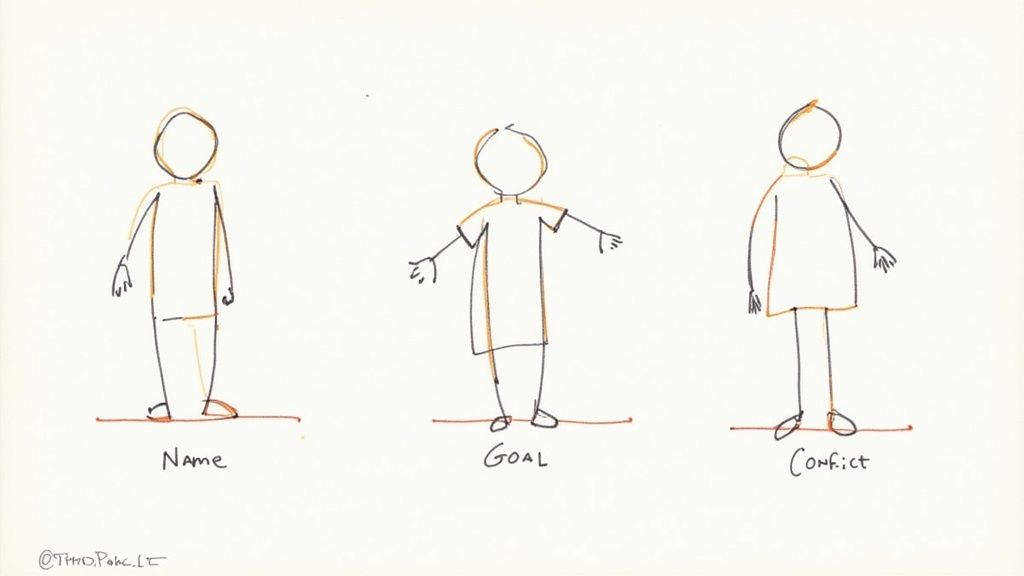
Before you write any dialogue, give each speaker something they want and something in the way. John Yorke's 10 Questions, published by BBC Writers, start from the same place: what the character needs and what obstacles stand in the way. A line of dialogue is good when it moves a speaker toward that want or runs into the obstacle.
Narration and on-screen text
Before: the narrator says "Select Submit to send your report to your manager for approval" while the same sentence appears on screen.
After: the narrator says the same sentence while the screen shows the cursor on the Submit button and a two-word label: "Send for approval."
A full sentence on screen makes viewers read and listen at the same time. A short label points at the thing the narration names and leaves the explaining to the voice.
The ending
Before: "Thanks for watching! If you have any questions, feel free to reach out."
After: "Submit one report with a receipt today. If the app rejects it, the error message names the field to fix."
A good last line names one action. If the video sits on a web page or in a course, put that action on screen as well. Our guide on adding a call to action to videos covers the wording and timing.
A sample script you can copy
Here is a complete one-minute script in the two-column audio/visual (A/V) format, a common layout for training and explainer videos. The Visual column says what the viewer sees. The Audio column holds every word the narrator says. The narration is 132 words, which runs about 53 seconds at 150 words per minute and leaves time for an end card.
| Time | Visual | Audio |
|---|---|---|
| 0:00 to 0:09 | Close-up of a phone notification: "Report returned: receipt missing." | If a receipt is missing, your expense report comes back to you. Here is how to fix it in under a minute. |
| 0:09 to 0:19 | Screen recording of the Reports tab. The returned report has a red flag. | Open the app and tap Reports. Any report that needs a fix shows a red flag. Tap the report, then tap the line with the warning. |
| 0:19 to 0:32 | Screen recording: the camera opens, the user photographs a paper receipt, and the app crops it. | Tap Add receipt and hold your phone over the receipt. The app finds the edges and crops the photo. If the receipt came by email, tap Upload instead and choose the file. |
| 0:32 to 0:41 | The warning clears. The cursor moves to Submit. On-screen label: "Send for approval." | Check that the amount on the receipt matches the line. Then tap Submit. Your manager gets the report again, with the receipt attached. |
| 0:41 to 0:53 | A presenter on camera in the office. | Submit one report with a receipt today. If the app rejects it, the error message names the field to fix. The full expense policy is linked below this video. |
| 0:53 to 1:00 | End card with the title of the expense policy and where to find it. | (Music only.) |
Use a screenplay instead when the video depends on performance: scenes with characters, dialogue, and action. A screenplay uses scene headings such as INT. OFFICE - DAY, action lines in the present tense, character names, and dialogue. To see how produced scripts look on the page, read a few from the BBC Writers script library, which holds more than 1,000 TV, radio, and film scripts. For a fill-in template with notes for training, see our guide to writing training video scripts.
How to revise a script in five passes
Do one kind of revision at a time. When one pass tries to fix structure, wording, and length together, the smaller problems hide the bigger ones.
1. Check the structure
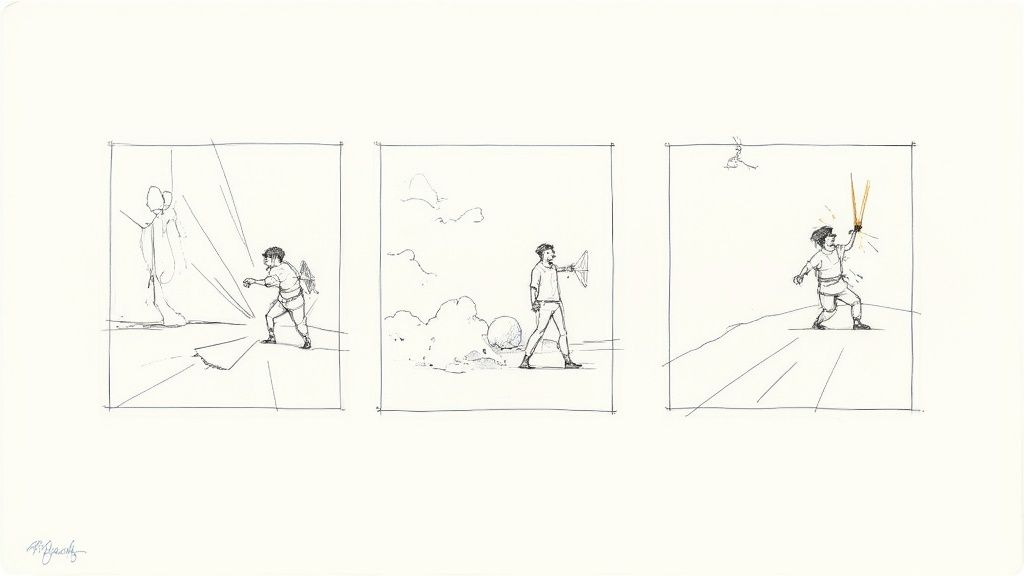
List the script's beats, one line for each, with no dialogue or description. BBC Writers calls this list a beat sheet. Read the list on its own. Each beat should move the viewer closer to the goal from test 1. If two beats do the same job, merge them. If a beat only explains, ask whether the viewer could see it happen instead. Our guide to storytelling in video covers story shapes that work for business video.
2. Read it aloud, then hold a table read
Read the full draft aloud at the pace you expect in the final video. Mark every place where you stumble, run out of breath, or skip a word without noticing. Each mark is a rewrite. For dialogue, ask colleagues to read the parts while you listen and take notes. Lines that looked fine on the page often sound stiff when someone says them.
3. Time it
Count the narration words and divide by your speaking pace. Our free video script timer uses about 150 words per minute for natural training and explainer narration, about 130 for slow, careful reads, and about 170 for brisk marketing reads. It also flags every sentence longer than 25 words. If the runtime at the natural pace is over your target, cut words.
Length matters because attention drops as videos get longer. Guo and colleagues studied 6.9 million video-watching sessions in four edX courses, as summarized in the Brame review. Viewers typically watched close to all of a video shorter than 6 minutes, about half of a 9-to-12-minute video, and about a fifth of a 12-to-40-minute video. The same study found that engagement rose as the narrator's speaking rate rose, so a slow read is a poor way to fill time.
4. Cut what does not serve the goal
Go scene by scene and ask the deletion question from test 7. The usual cuts are background history, a second example that makes the same point, and a feature tour the goal does not need. The Brame review calls this weeding: removing interesting material that does not help the viewer reach the learning goal. Move useful extras to a linked page or a downloadable guide so the video stays short.
5. Test it on the audience
Give the script, or a rough recording, to a few people who match your viewer. Ask one question: what does this video want you to do? If their answer does not match your goal, the script needs another pass. Treat each note as a symptom. A reader who says a character "feels flat" may be reacting to a missing goal, and a reader who is bored in the middle may be reacting to two beats that do the same job. The BBC Writers glossary also tells writers that they do not have to take every note, but they should be ready to change the work.
Writing a script for an interactive video
If viewers will answer questions or choose a path, write those moments into the script. The narration has to set up each decision, and every path needs its own short scene.
- Put a knowledge check right after the line that teaches the idea. Write the question, the answer options, and the feedback line in the script. In Mindstamp, questions pause the video, and you can require an answer before playback continues.
- Write a decision beat as a narration line that names the visible problem and asks for the next action. Our decision beat example compares three versions of that line.
- Give each choice a short scene that shows its result, then return the viewer to the main path. Video branching can jump to another point in the same recording or open a different video, so you can shoot each result as a separate take.
- Write the recap screen. If the video shows the viewer's choice at the end, as the demo above does, that text belongs in the script too.
The first point has research behind it. The Brame review cites studies in which learners who answered questions placed between short video segments scored higher on later tests. To plan the paths before you write, our free branching scenario generator drafts a decision tree with choices and consequences that you can turn into script pages.
Common questions
What is a good script?
A good script has one goal, uses the audience's words, and sounds natural when read aloud. It fits its runtime, matches each line to a visual, and ends with one clear next step. If you can delete a line and the viewer would not miss it, the script is not finished.
How many words is a one-minute script?
About 150 words at a natural narration pace. At the same rate, a 2-minute video needs about 300 words, a 5-minute video about 750 words, and a 10-minute video about 1,500 words. A slow read at 130 words per minute fits fewer words, and a brisk read at 170 words per minute fits more.
How do I write a movie script step by step?
Start with a logline: one or two sentences that name the protagonist, the event that starts the story, and the stakes. Build a beat sheet, then a scene-by-scene outline. Write the draft in screenplay format, then revise it in the passes above. BBC Writers has a free series called Scriptwriting Essentials that goes from first idea to first draft in eight videos. For business video, our step-by-step guide to writing a script covers research, outlines, and drafting.
How do I know if my script is good?
Run the eight tests, read the script aloud, and time it. Then ask someone from your audience what the video wants them to do. If they describe your goal in their own words, the script works.
Where can I find a sample script?
Use the sample above for a one-minute A/V script, and the BBC Writers script library for produced drama. For your own topic, our free training video script generator and explainer video script generator draft scene-by-scene scripts with narration, visuals, and on-screen text. Run the revision passes on the draft before you record. For finished explainers to study, see these examples of explainer videos.
Does a podcast need a word-for-word script?
Narrated parts such as the intro and a solo explanation work best written out in full. Conversations work differently. Fame's guide to planning a podcast recommends that you prepare questions and let the discussion develop from there.
To put this to work today, take your current draft and run the eight tests on it. Then paste the narration into the script timer, cut to your target length, and read the result aloud once more before you book the recording.
Sources and further reading
- Brame, C. J. (2016). Effective educational videos: principles and guidelines for maximizing student learning from video content. CBE: Life Sciences Education, 15(4), es6. Read the article on PubMed Central.
- BBC Writers: scriptwriting glossary, John Yorke's 10 Questions, and the script library.