Brett Lindenberg
Update, October 2026: Mindstamp no longer offers the Panopto import that this 2023 post announced. Panopto is not a source in the New video menu, and the steps below no longer work. To add interactions to a Panopto recording today, upload the video file to Mindstamp or add it from another source on our list of video sources Mindstamp supports. Mindstamp vs. Panopto compares the two products.
You asked, we delivered!
Mindstamp now supports Panopto as a video source!
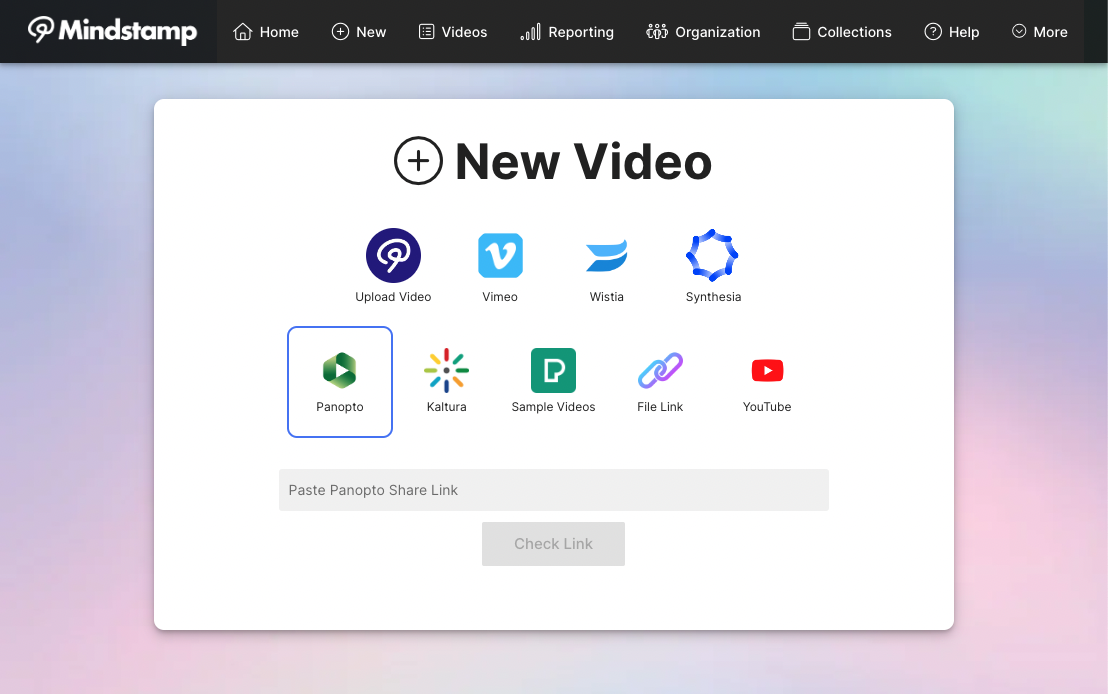
Create a new interactive experience from any Panopto video by pasting a link in Mindstamp.
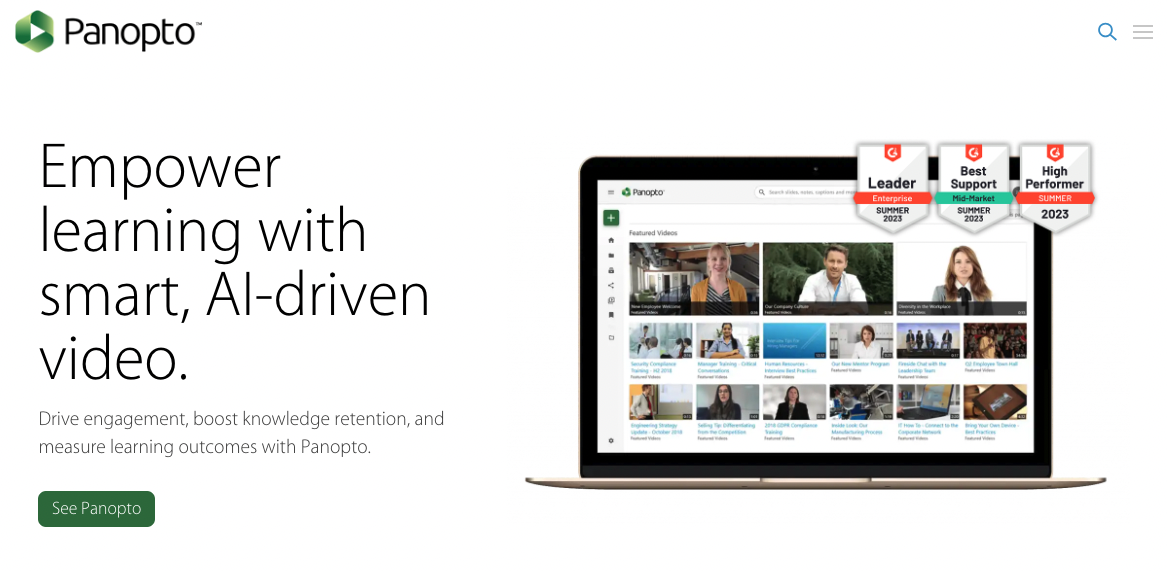
Panopto is a video platform for businesses and universities. Its website describes it as a video content management system and says more than 2,000 customers use it (checked October 2026). Using Panopto, teams create and share on-demand videos securely. Panopto customers can now turn those videos into interactive experiences on Mindstamp to raise engagement and check understanding.
You can add interactive elements on top of the video content:
- buttons and hotspots
- images and text
- questions
- drawings
Together they give each viewer something to do, and Mindstamp records every answer and click against that viewer. In the clip below, a lecture video uses Genie AI to answer a viewer's question from the video's transcript.
In 2023, using a Panopto video in Mindstamp took three steps: copy the share link, select Panopto as the source, and paste the link.
Mindstamp's drag-and-drop editor lets people from all backgrounds create interactive videos that ask viewers to take part. For lecture recordings, see how teams use Mindstamp for higher education lectures.
Want a live demo of the integration, or curious about how interactive video can support your organization's education and training? Request a live demo with one of our team members.