Latest article
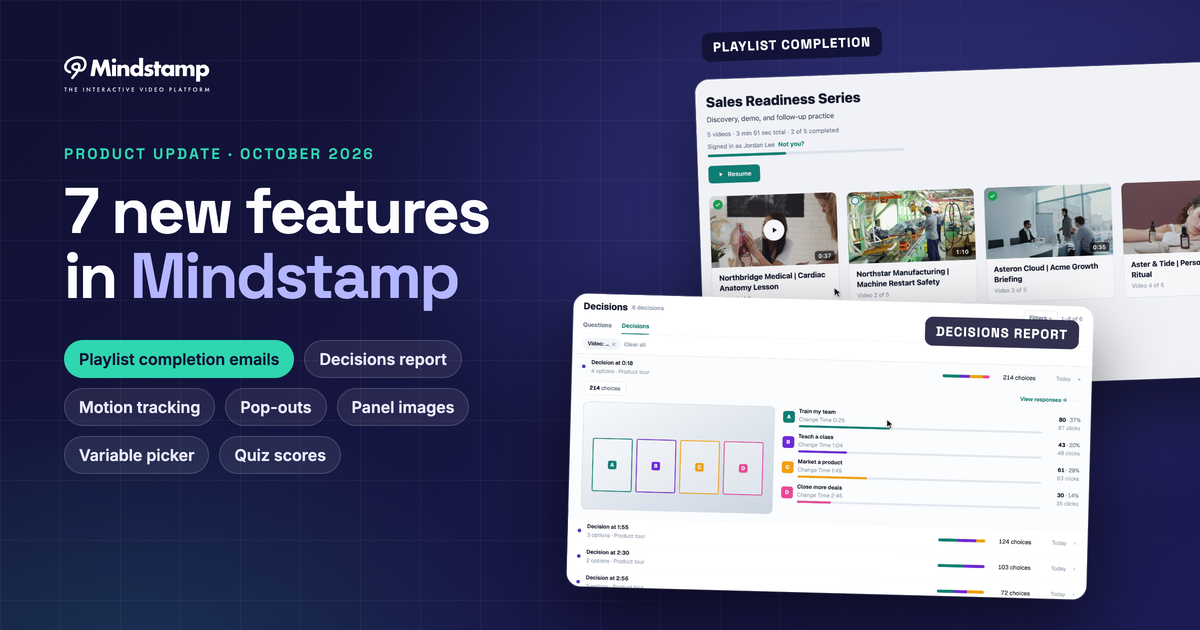
New in Mindstamp: Playlist completion emails, Decisions, pop-outs, and more
Seven new Mindstamp features: playlist sign-in and completion emails, a Decisions report, motion tracking, variables, pop-outs, panel images, and quiz scores.
Mindstamp blog
Strategy, training, and growth writing on making video do more than play.
Articles
Seven new Mindstamp features: playlist sign-in and completion emails, a Decisions report, motion tracking, variables, pop-outs, panel images, and quiz scores.

Issue verified completion certificates, run interactive video without internet, add a custom soundtrack, and connect Mindstamp to AI assistants such as Claude.
More recent posts
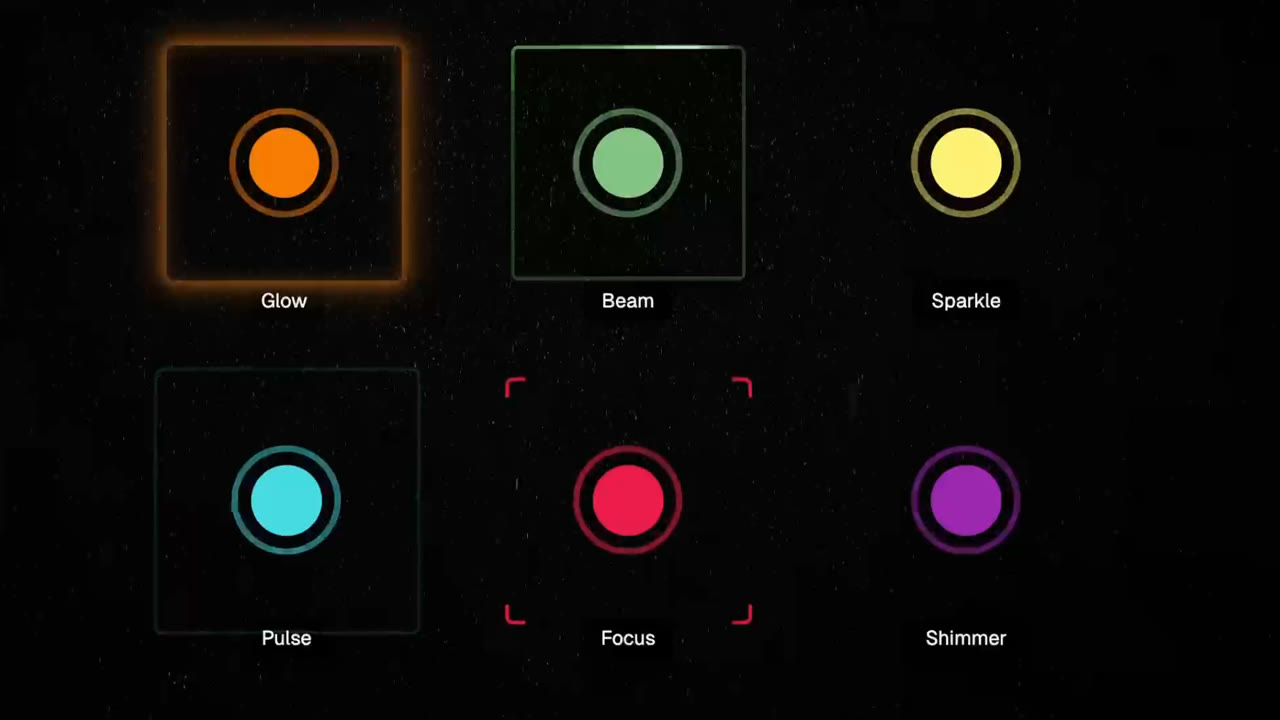
Build clearer interactive videos with Cards, seven animated hotspot effects, Smart Grid alignment, and drag-and-drop interaction timing.
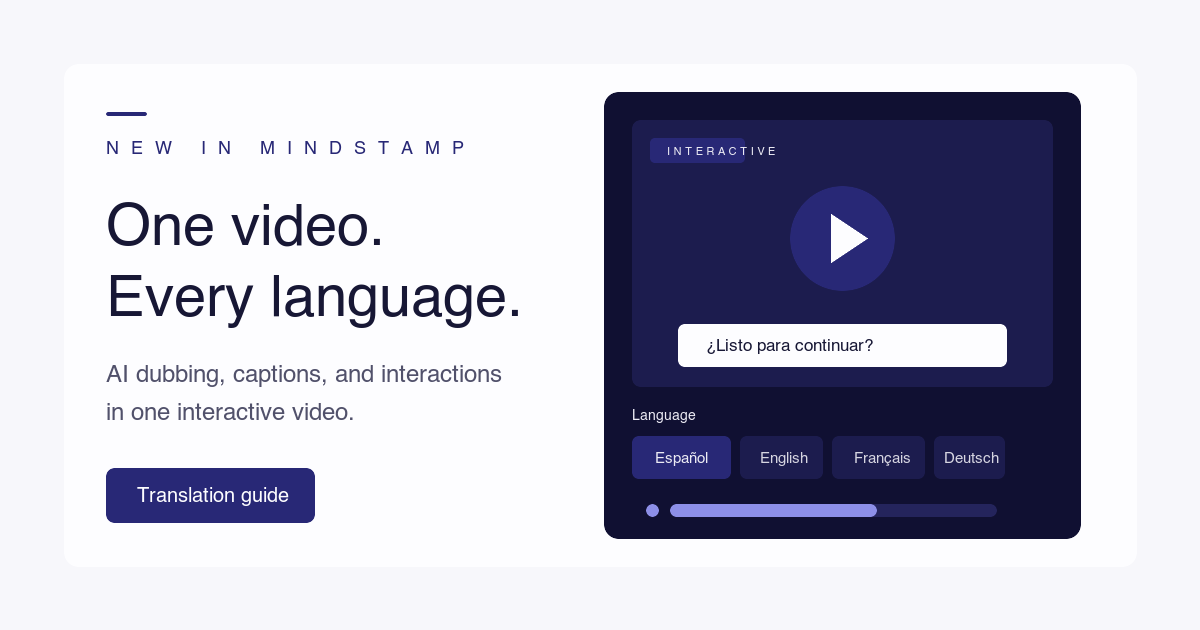
How to translate a video's spoken language, add accurate subtitles, and dub it with AI, including the questions, buttons, and player text of an interactive video.
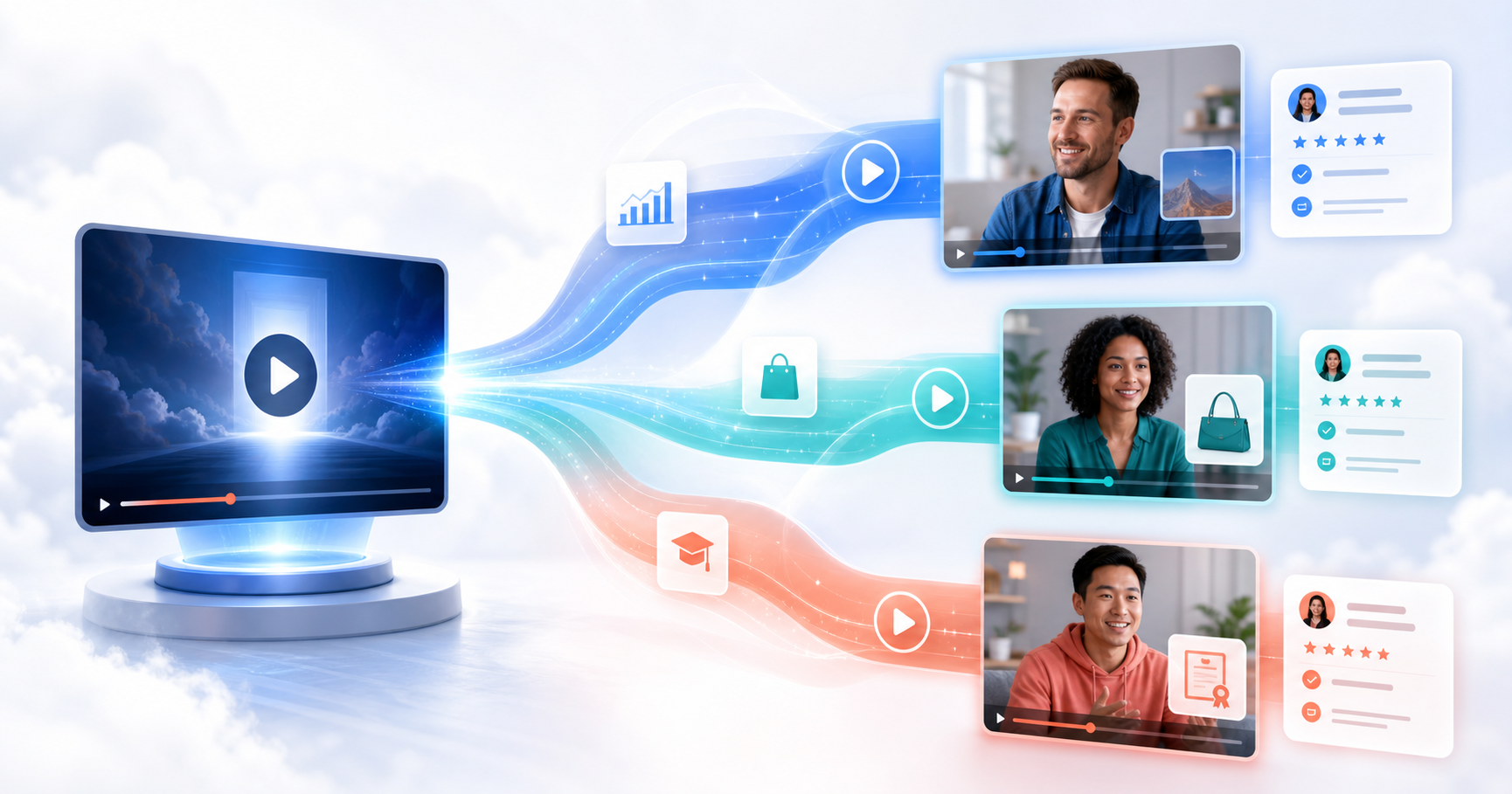
How to write a video sales letter and personalize it for each buyer from one recording, with script and offer guidance, length data, and a build checklist.

A one-page brief for planning an interactive video campaign, six campaign plans with live examples, and the routes that send each viewer's answers to your CRM.
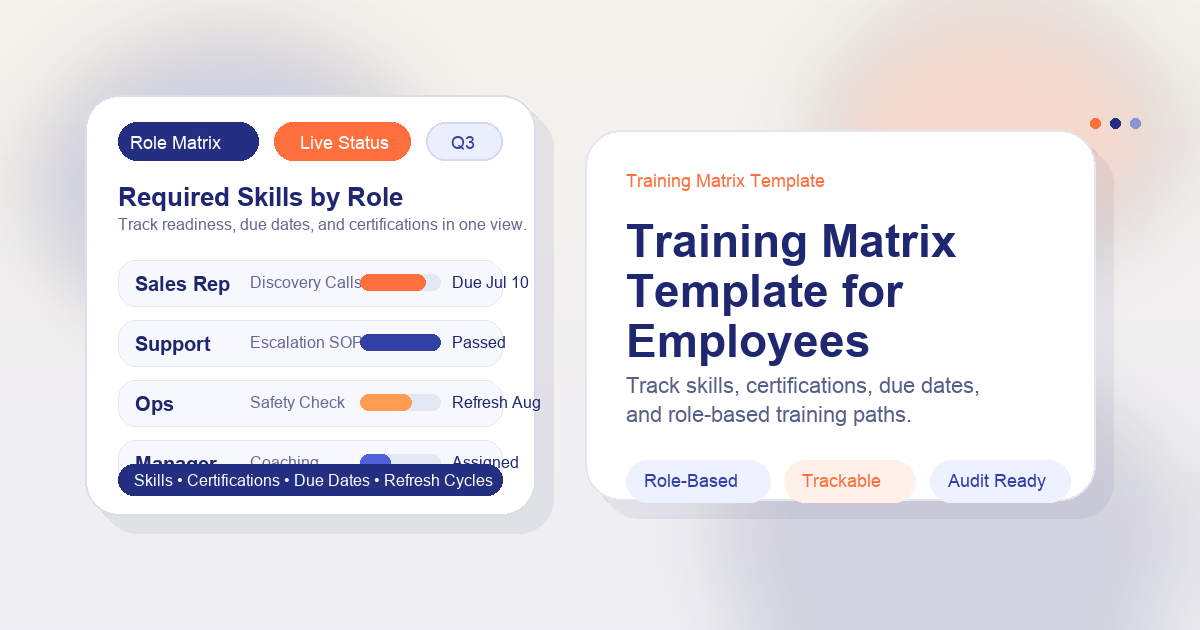
Four training matrix layouts you can copy, what ISO 9001 asks for under competence, and how to keep a role-and-SOP matrix current when procedures change.
A step-by-step method for a corporate training needs assessment, from business result to ranked training plan, with a template, a worked example, and a test for gaps that training cannot fix.

Thumbnail frames, hover tooltips, question breakdowns, completion reports, personalized playlists, and spoken Genie answers: what we shipped in May 2026.

Our April 2026 update: AI voices for questions, folders, a faster uploader, bulk personalized links, design locking, and better AI questions, with notes on what changed since.
Embedding a video means showing a video from YouTube, Vimeo, or another host inside your own page. Learn what the embed code does, how it differs from a link or an upload, and what the host still controls.
Accessible code for image buttons and image links, the size, contrast, and format rules that make them easy to use, and how to add a clickable image to a video.
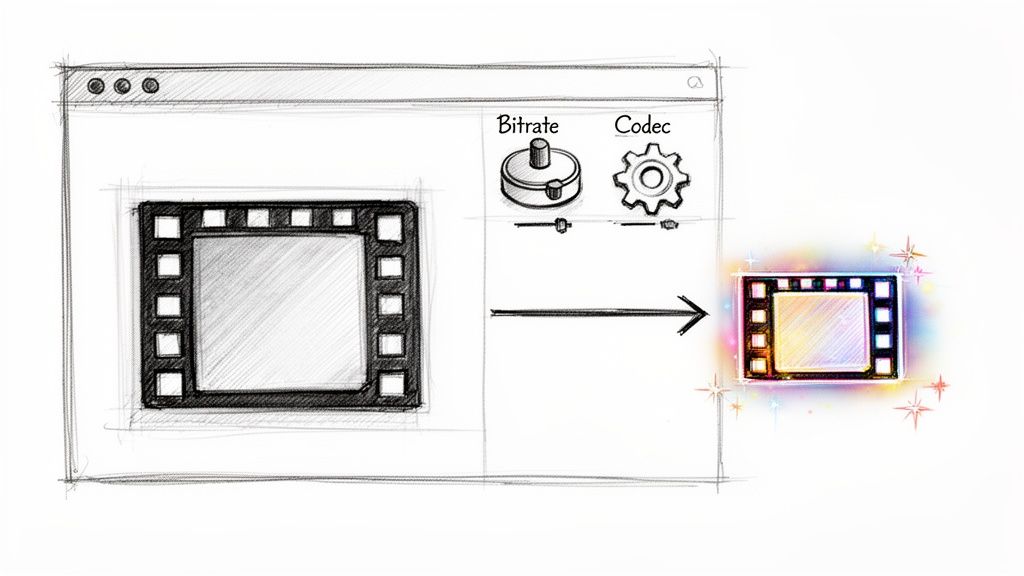
File size is bitrate times length. Here is how to lower each one with free tools, with tested FFmpeg commands and the savings each change gave on a 1080p test clip.
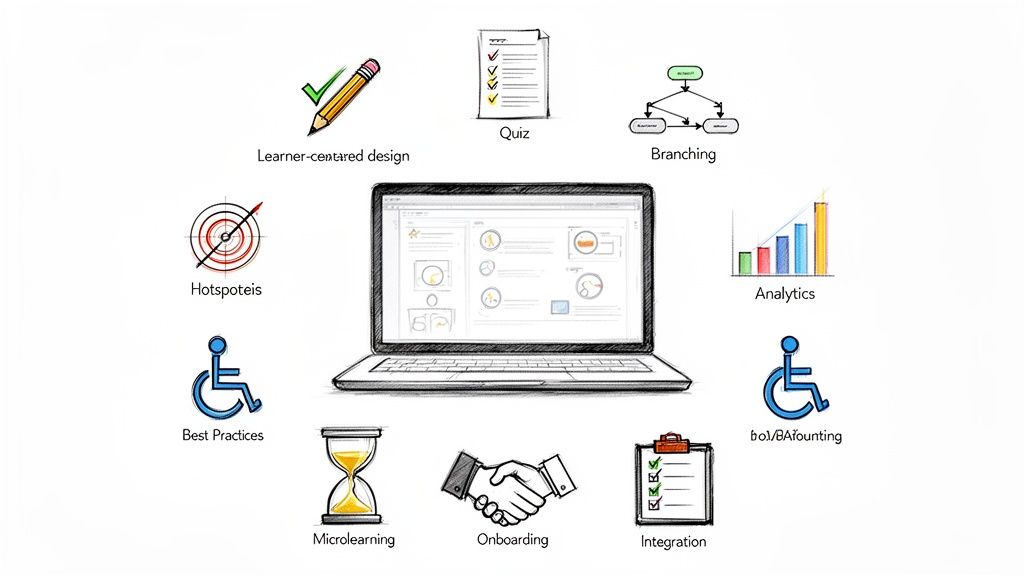
How to plan, run, and follow up on virtual corporate training, with the research behind each practice and a guide for building enablement content without an instructional design background.
Ten LMS platforms for small businesses compared on price, free plans, and best use, with a yearly cost table for 30 learners and a guide to enterprise options.
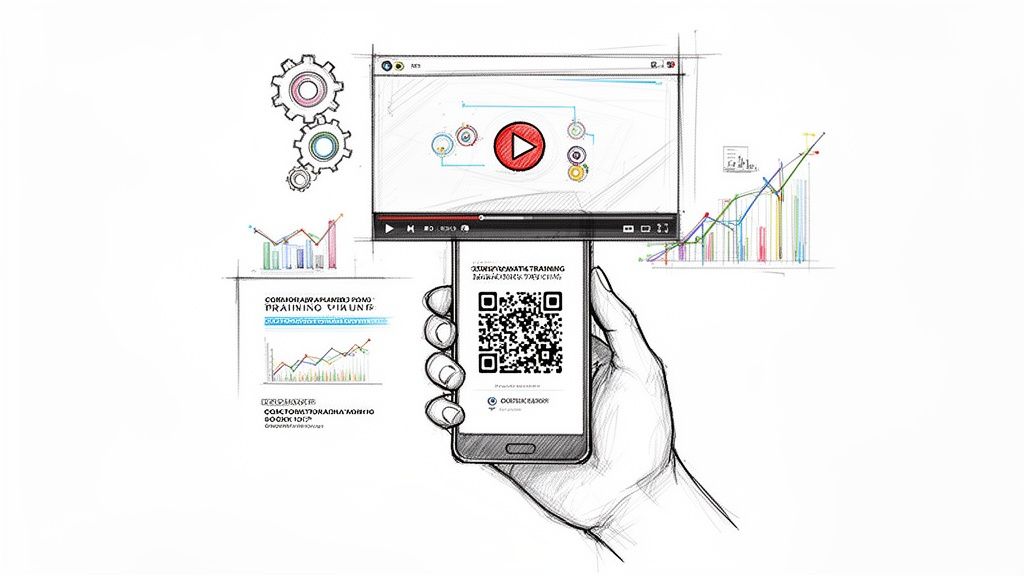
Make the QR code from a share link that plays on a phone and place it where the task happens. Then choose between static and dynamic codes and track who learned what.
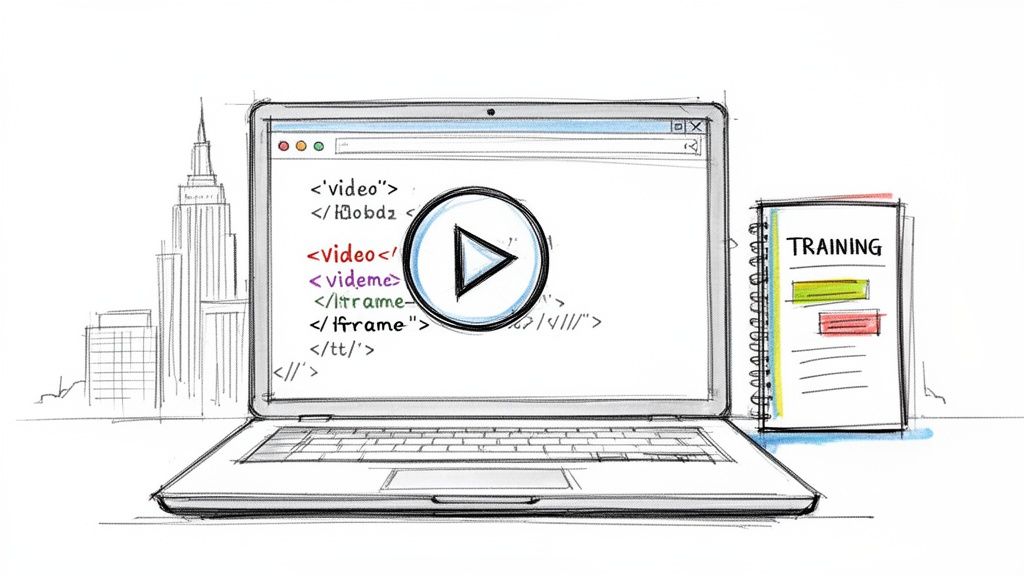
Copy-ready code for the HTML video tag and for YouTube and Vimeo iframes, with captions, autoplay, responsive CSS, and a table of fixes for embeds that will not play.
Twelve online assessment tools for teachers, grouped by job: quiz builders, live games, lesson platforms, standards-based tests, video, and paper scanning, with prices checked in October 2026.

Thirteen habits that make corporate training change what people do at work, from checking that training is the right fix to measuring behavior after launch, with the research behind each one.

Ten ways consumer businesses earn contact details and permission to follow up, from quizzes and lead ads to referrals and in-video forms, plus the rules and metrics that keep them working.
How to copy a Vimeo embed code, what each part of the iframe does, which embed settings your plan allows, and how to fix common embed errors.
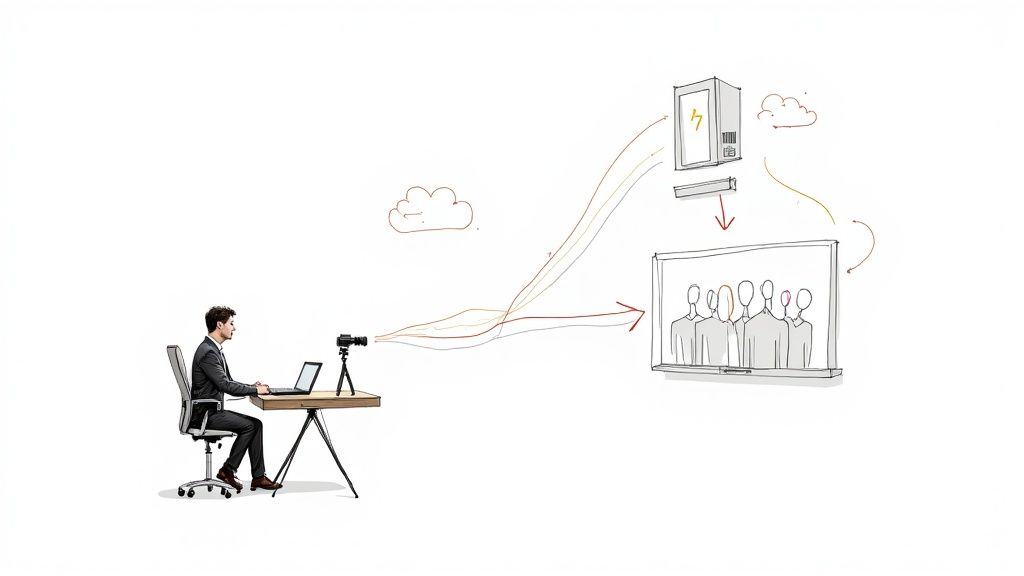
RTMP carries a live feed from your encoder to a streaming platform. Learn how it works, the settings each platform asks for, how to test and secure a stream, and what to do with the recording.
Twelve online teaching and training tools grouped by the job they do, with free plans, list prices, and limits checked on vendor pages in October 2026.
Ten research-backed sales training best practices, a comparison of training methods, a 90-day plan, and what changes for field and global sales teams.
Ten practical ways to improve client engagement, from kickoff to the time between projects, plus the signs of low engagement and how to train the skills behind it.
Match the sales channel to the buyer, price training by seat or license, deliver courses into a company's LMS, and let buyers try a lesson before they pay.
A practical guide to storytelling in corporate training: why stories help learners apply skills, story ideas for common topics, how to write and build a branching training story, and how to measure it.
Seven explainer videos worth studying, including Common Craft's 2007 "RSS in Plain English," three Vyond training series, and a branching support explainer, with what to copy from each and how the main tools compare for L&D teams.
Six steps to build a training quiz that tests the job, a comparison of live quiz tools for workshops, and how to check that learners still remember weeks later.

What formative assessment means, where the idea came from, what the research does and does not show, and how teachers and trainers use it, with examples from classrooms and workplace training.

The research-backed drivers of student engagement in online learning, what an enterprise training platform needs to support them, and a step-by-step plan for an engaging video lesson.

How to write corporate and training video scripts: the two-column A/V format, a template to copy, a training example and a corporate example, timing by word count, and how to script questions and branches.
What customer education covers, what research says about when it builds loyalty, and a seven-step plan to find customer barriers, build lessons, place them, and measure the results.
Verified video marketing examples grouped by tactic, from 6-second micro videos to real-time, personalized, interactive, and B2B campaigns, plus ways to promote a training program.
Twelve formative assessment tools grouped by how you teach, from live quizzes and slide platforms to video questions and forms, with what each free plan leaves out and which ones fit workplace training.
Ten corporate training video examples and what to copy from each, plus how to pick a visual style, how long to make each video, and how to fix the usual problems.
Seven case study video formats, a timed template, interview questions, approval and FTC rules, examples from Slack and Mindstamp customers, and how to make the video interactive.
Seven well-known video ads, the format each one used, and the technique you can copy, plus current specs for YouTube, TikTok, and LinkedIn video ads.

Lead qualification decides which leads get sales time. Learn the stages from MQL to SQL, compare BANT, CHAMP, and MEDDIC, and follow six steps to qualify leads.
Engagement rate is the share of people who took a defined action out of those who could. Learn the formula for social posts, GA4, and training videos, and the four measures that show whether learners engaged.

How to plan, shoot, post, and measure social media video, with each platform's length, shape, and link rules checked in October 2026.
Ten quick checks you can run during workplace training, from pre-assessments to observed practice, with the decision each one supports.
Ten sales enablement strategies with a first step and a metric for each, a 90-day plan to launch or reset enablement, and where interactive practice fits.
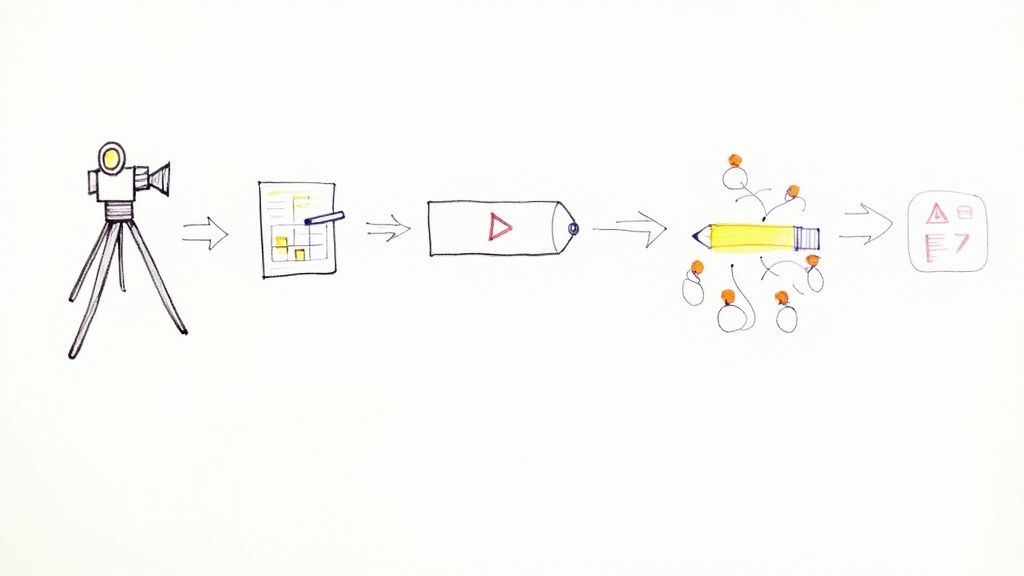
A step-by-step guide to corporate training video production: formats, scripting, recording, in-house versus agency versus AI avatars, scaling, and global distribution.
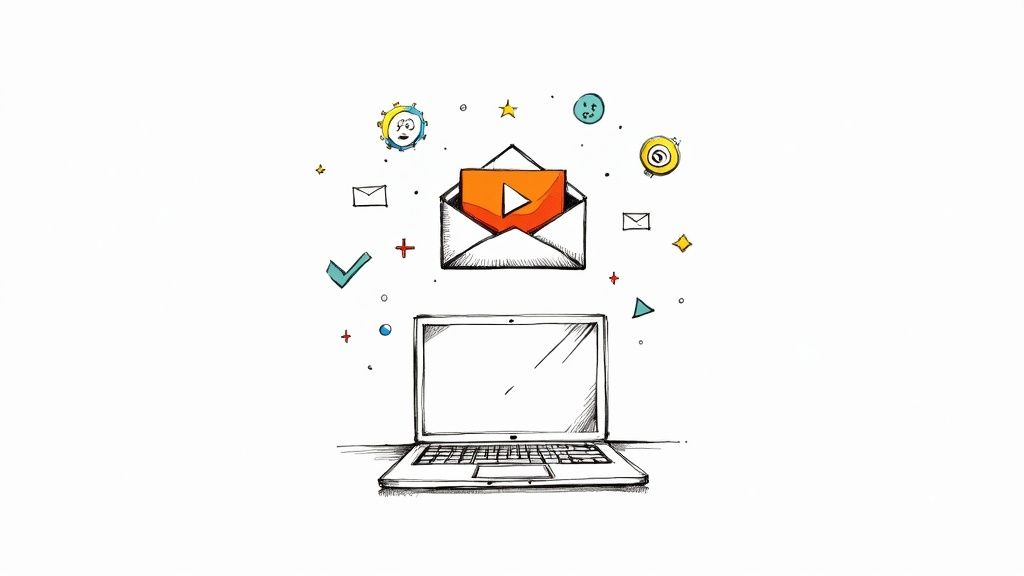
Attach a video only if it fits the 20 MB to 25 MB limit; otherwise send a link. Step-by-step instructions for Gmail, Outlook, iPhone, and Android, plus a linked-thumbnail method and fixes for common problems.
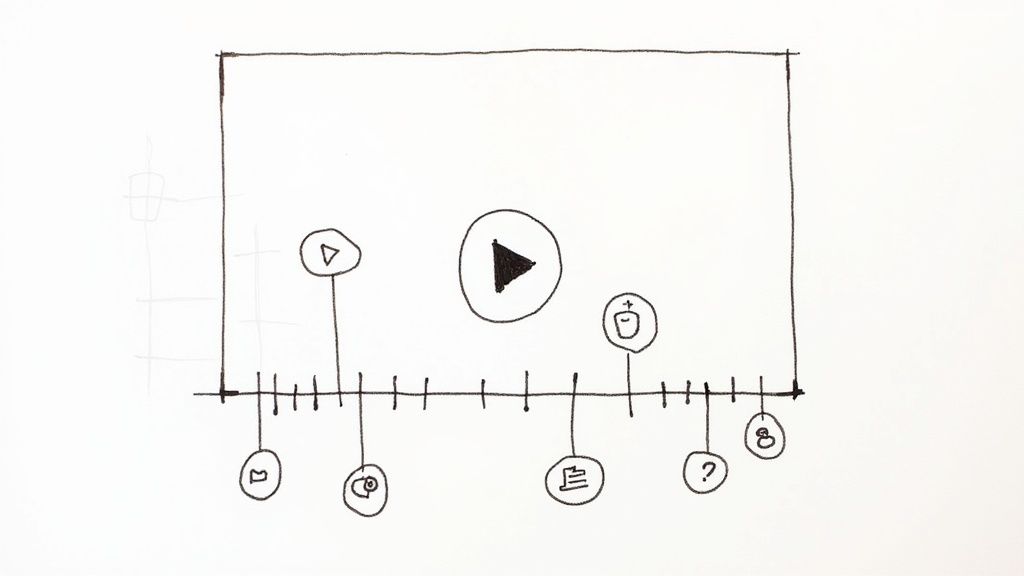
A time stamped video lets viewers jump to the section they need. Add chapters on YouTube, Vimeo, or Mindstamp, link to one moment, and print a date and time on footage.
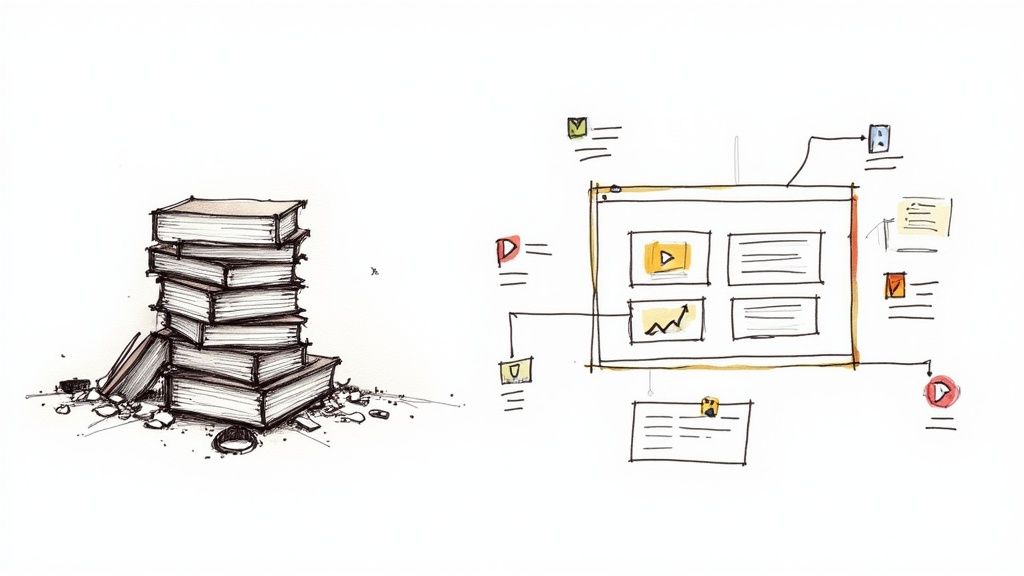
A video content management system stores and streams your training videos; the LMS assigns and tracks the course. See how Kaltura, Panopto, Vimeo, and Microsoft Stream connect to an LMS and what to check before you buy.
Which user engagement metrics to track, how to calculate them, where to find the data, and how to measure engagement in learning platforms, training videos, self-guided demos, and live workshops.
A documented comparison of Wistia and Mindstamp for nontechnical teams: how setup works, where Wistia's learning curve comes from, and how to test both with your own video.

Sample evaluation questions for program evaluation, training by Kirkpatrick level, and simple session feedback forms, plus a checklist for writing stronger ones.
Try it yourself
Add questions, branching, and a call to action to a video you already have.