Picture this: your new hires are forced to sit through a one-size-fits-all training video. It's supposed to be for everyone—sales, engineering, HR, the works—but because it's for everyone, it really connects with no one. This is the unfortunate reality of most corporate training, and it's a strategy that's completely missing the mark with today's workforce.
Why Generic Training Videos Are a Dead End
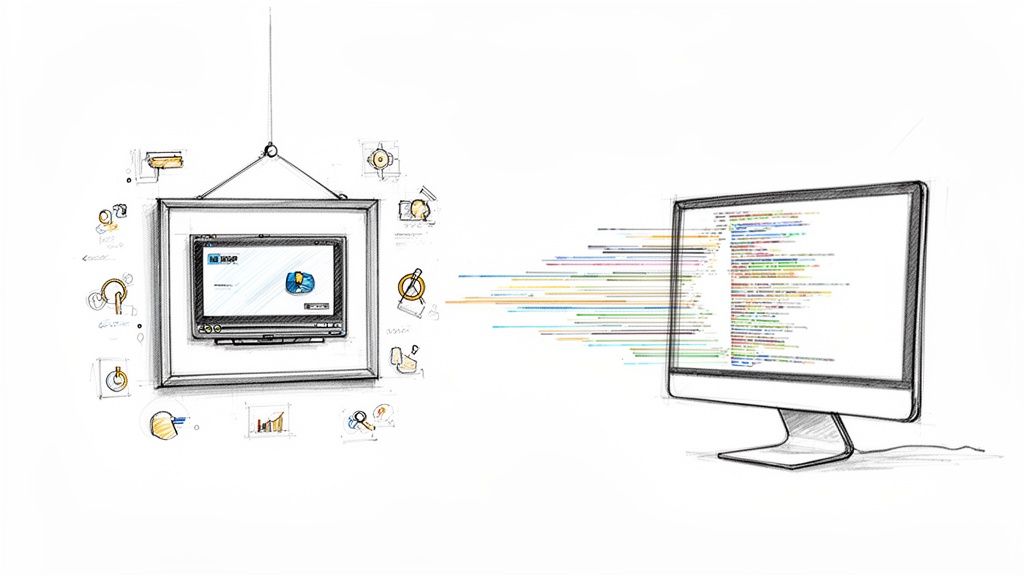
The old-school way of doing corporate training feels a lot like a pre-recorded lecture in a giant, empty hall. The content is static, the delivery is flat, and every single employee gets the exact same information dump, no matter their role, their experience, or what they actually need to learn. It’s a direct path to zoned-out employees, forgotten information, and a training budget that might as well have been shredded.
Let’s be honest, people today expect content that actually speaks to them. When training feels disconnected from what they do day-to-day, their attention is gone in a flash. It’s just passive viewing, which does next to nothing for building real skills or ensuring information retention. There’s no way to check if they're getting it or fill in any knowledge gaps. The result? Critical info gets missed, mistakes happen on the job, and you're stuck footing the bill for re-training.
The Big Shift to Personalized Learning
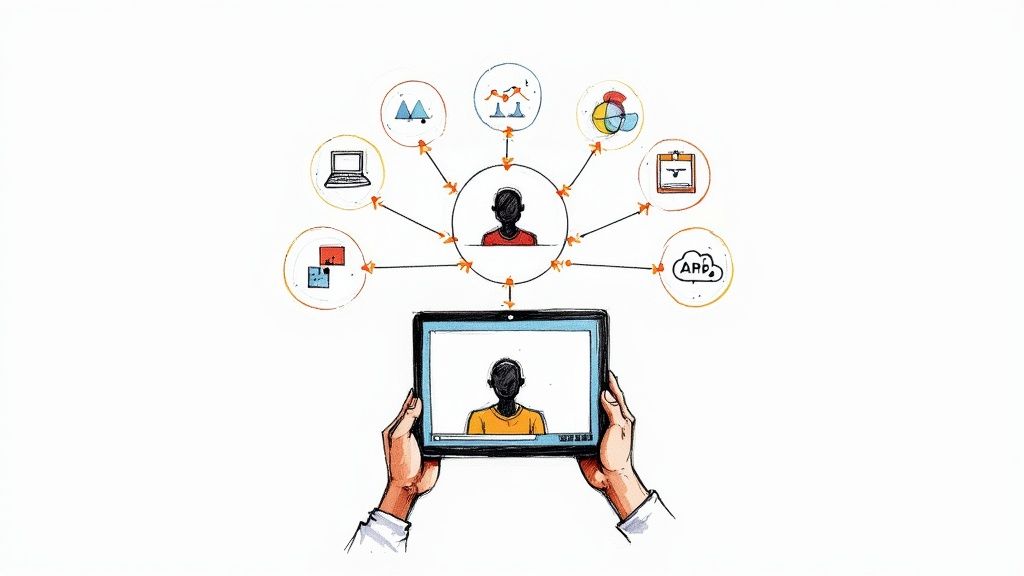
The answer isn't just making shinier videos; it's a total change in approach. Instead of that stuffy, broadcast-style lecture, think of it more like a one-on-one coaching session. That's the feeling you get with video personalization software. It flips the script, turning a passive viewing slog into an active, tailored learning experience for each employee. This tech is the tool that finally solves the biggest headaches in corporate training and development.
When you make content relevant to someone's specific role, you're not just throwing information at them; you're building a real connection. That personal touch is what separates training that gets checked off a list from training that actually works.
A Smarter Way to Train
Platforms like Mindstamp are leading this charge, leaving the one-size-fits-all model in the dust. As an interactive video platform, Mindstamp gives learning and development (L&D) pros the power to build focused training modules that click with every employee. How? By allowing you to create engaging, interactive learning and training content that feels like it was made just for them.
The difference is night and day. Here's what happens:
- Engagement Skyrockets: When a training video greets an employee by name or shows them scenarios from their own department, you have their full attention. Instantly.
- Knowledge Actually Sticks: Interactive elements like in-video questions and branching paths demand active participation. This is the secret to boosting information retention and real comprehension.
- Training Gets Way More Efficient: Personalized paths let employees zero in on what they need to learn and skip what they already know. It completely streamlines the learning process.
In the end, video personalization software isn't just a shiny new toy. It's a strategic investment in building a smarter, more engaged, and more capable workforce.
Exploring the Core Features for Corporate Training
To really get what makes video personalization software a must-have for L&D, you have to look under the hood. The features we're about to cover are what turn a standard, one-way video into a hands-on learning tool. These aren't just bells and whistles; they’re the engine that drives a more engaging and effective corporate training experience.
At its heart, personalization is all about making the video interactive. It’s the difference between listening to a lecture and actually participating in a workshop. The goal is to move beyond a simple play button and give employees a way to engage directly with the training content on screen.
When you turn a one-way broadcast into a two-way conversation, the material is far more likely to stick. That's the first critical step in building a training journey that truly resonates with your team.
From Passive Viewing to Active Participation
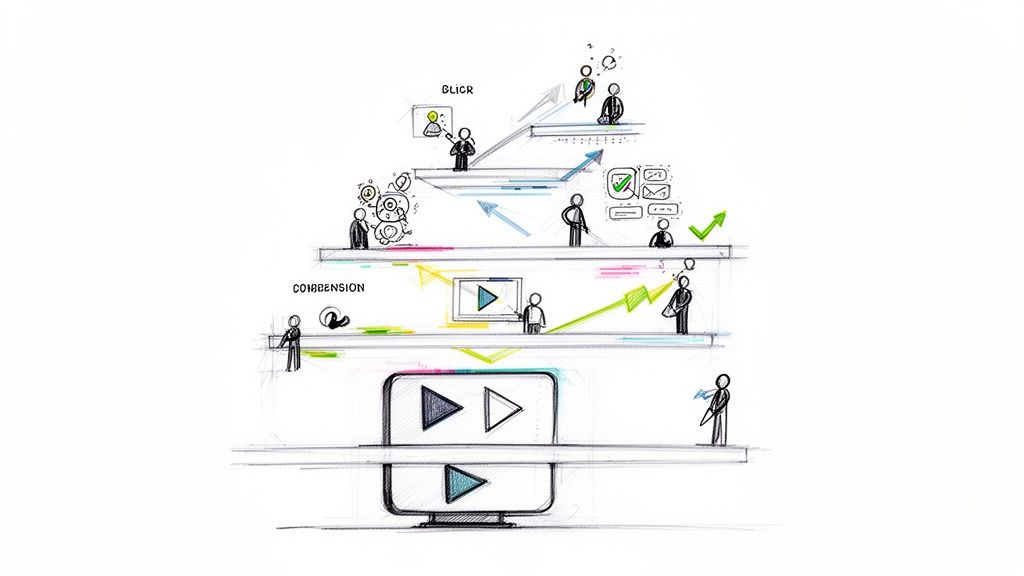
The quickest way these platforms bring training content to life is through interactive elements. Think of these as clickable layers on top of the video that ask the viewer to do something, transforming them from a passive observer into an active learner.
- Clickable Hotspots: These are specific areas in the video frame that a user can click on. Tapping a hotspot might reveal extra info, open a PDF, or link to another training module. For example, in a safety video, you could place hotspots on different pieces of equipment. A new hire can then explore the procedures for only the tools relevant to their job.
- In-Video Questions: Why wait for a quiz at the end? You can drop questions—multiple choice, open-ended, or even polls—right into the video at key moments. This checks for understanding in real-time and reinforces important concepts before moving on. Get it right, and they see a confirmation. Get it wrong, and the video can prompt them to re-watch the last section.
This is all about shifting from a generic, passive experience to one that sparks genuine engagement and improves learning outcomes.
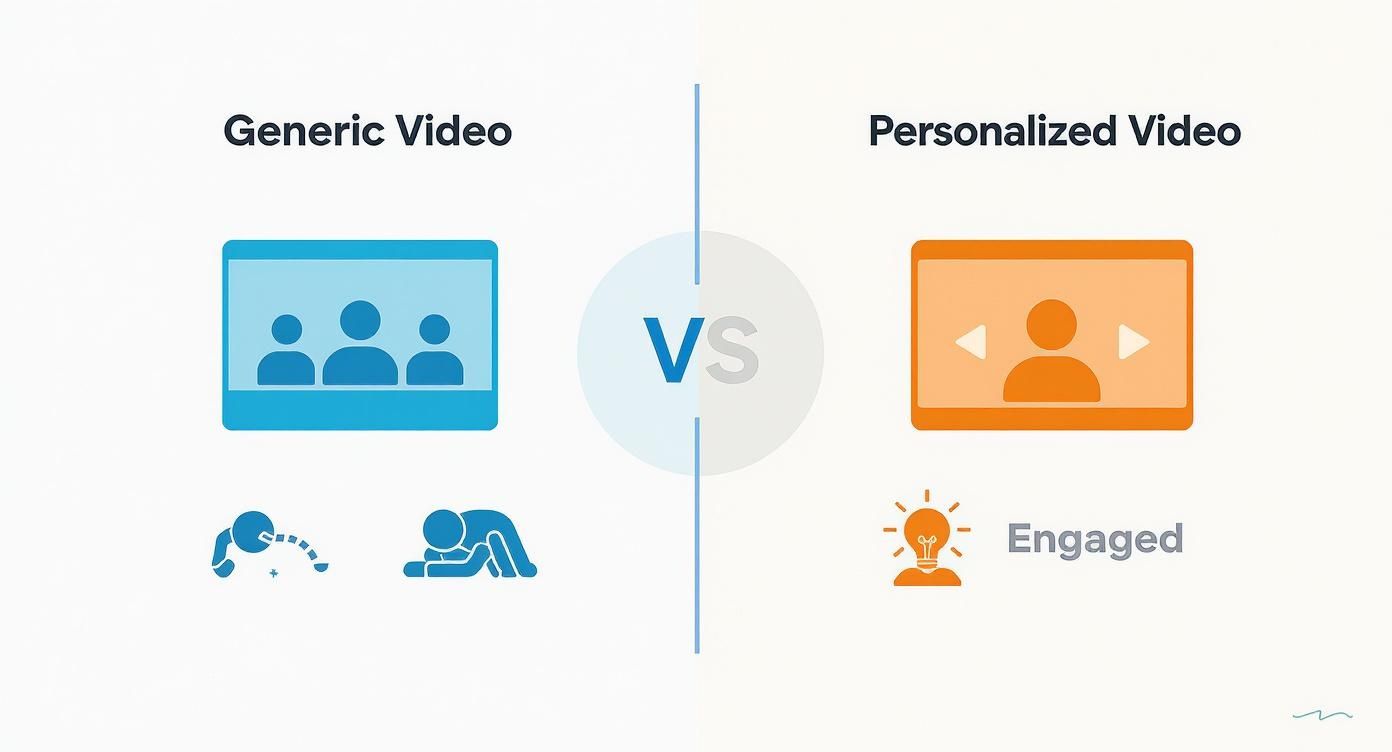
As you can see, the difference is stark. One approach broadcasts to a disengaged crowd, while the other creates a direct, one-to-one connection with the learner, which is essential for effective training.
Key Features of Modern Video Personalization Software
To see how these abstract concepts play out in a real-world L&D setting, let's break down the essential features and their direct applications in corporate training.
| Feature | Description | Application in Corporate Training |
|---|---|---|
| Interactive Elements | Clickable overlays like hotspots, buttons, and in-video questions that prompt viewer action. | A new hire clicks on a piece of machinery in a safety video to pull up its specific operating manual without leaving the training. |
| Dynamic Branching | The video's path changes based on the viewer's choices, creating unique, relevant journeys for each person. | A manager and a junior employee watch the same leadership video but are routed to different scenarios based on their role selection at the start. |
| Data Insertion | Variables pull in viewer data (like name or department) and display it directly in the video's text or audio. | An onboarding video greets a new employee by name and references their specific team, making the welcome feel personal and direct. |
| Analytics & Reporting | Tracks every click, answer, and path taken, providing deep insights into engagement and comprehension. | L&D teams can see exactly where employees struggle in a compliance module, identifying sections that need clarification or improvement. |
| Integrations | Connects with other platforms like CRMs, LMSs, and marketing automation tools to share data seamlessly. | An employee's video quiz results are automatically sent to the company's Learning Management System (LMS) to update their training record. |
These features work together to create a learning environment that is not only more engaging but also far more efficient and measurable for any L&D program.
Creating Unique Learning Paths with Branching Logic
Beyond simple clicks, dynamic branching is where the magic really happens for corporate training. This is the feature that creates truly adaptive learning experiences. Branching logic allows the video’s story to change based on a user's inputs, like their answers to questions or choices they make.
Imagine a compliance training video that asks an employee for their department. If they select "Sales," the video automatically jumps to a section with examples and policies relevant to client interactions. If they choose "HR," they see content about employee data privacy. Every minute of training becomes relevant, which keeps the learner locked in.
Dynamic branching transforms a linear video into a "choose your own adventure" for learning. It respects the employee's time by delivering only the most pertinent information, which dramatically increases the efficiency and impact of the training.
This is what allows one master video to serve as a custom training tool for many different roles, saving L&D teams a massive amount of time and effort. You can learn more about the different methods of video personalization and how they fit different training scenarios.
The Power of Simple Data Insertion
Finally, don't ever underestimate the impact of simple personalization through data insertion. This feature uses variables to pull in data—like a trainee's name, title, or start date—and place it right into the video's text or even its audio narration.
Hearing your own name in a welcome video or seeing your department mentioned in a case study creates an instant connection. It's a small touch that makes the training feel less like a corporate mandate and more like a personal message. That psychological buy-in is huge for making the learning experience memorable and effective.
How Personalized Video Training Actually Moves the Needle
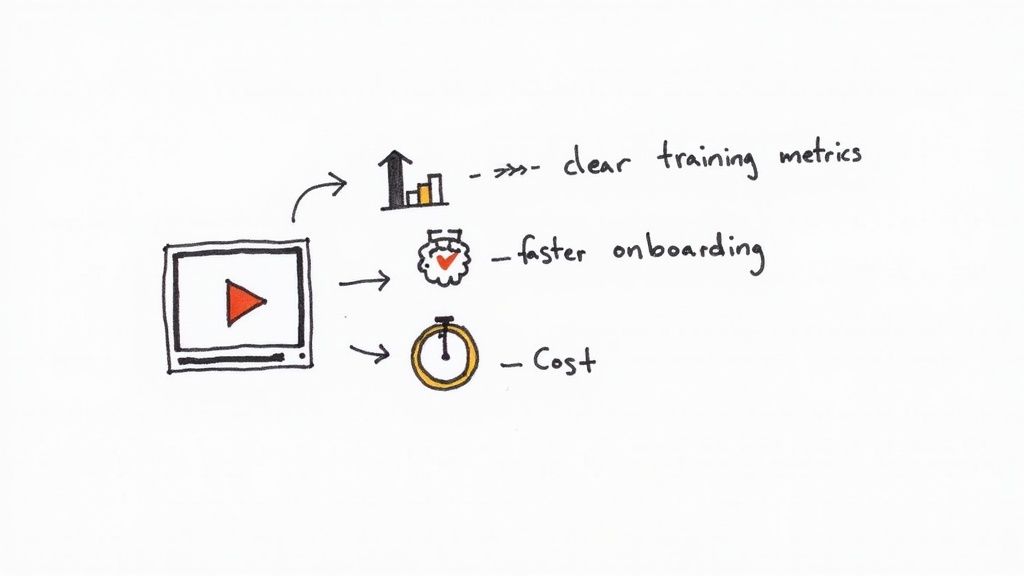
Alright, let's get down to brass tacks. It’s one thing to talk about cool features, but what really matters are the results. The real magic of video personalization software is how it delivers tangible, measurable improvements to your corporate training programs. This isn't just about making training videos less boring; it's a strategic shift that directly impacts your bottom line by changing how people learn and retain crucial information.
Think of it like this: traditional, one-size-fits-all training is like a lecture hall. Everyone gets the same information, regardless of their role or experience. Personalization, on the other hand, is like getting a one-on-one tutor who knows exactly what you need to learn. The difference in results is night and day.
Get New Hires Up to Speed—Faster
One of the first places you'll see a big win is in your onboarding process. Instead of making every new hire sit through the same marathon training session, you can create adaptive learning paths that let them focus on what’s relevant to them. A new sales rep can skip the deep dive on engineering protocols and jump right into the product training they actually need to do their job.
This is where features like dynamic branching really shine. A simple question at the start of a video—like "Which department are you joining?"—can send that employee down a completely customized learning path. Every minute they spend in training is a minute spent on useful content. That means they become productive faster, which directly cuts down on the costs tied to long ramp-up periods.
Personalization is efficiency in action. By cutting the fluff from each employee's training, you’re not just saving time—you’re showing that you respect their existing knowledge and specific role.
Make Sure the Information Actually Sticks
Let's be honest, most people zone out during passive video training. Interactive elements flip the script, turning passive viewing into active learning, which is the key to making knowledge stick. When an employee has to answer an in-video question or click a hotspot to get more details, they're actively engaged with the material. They’re thinking, not just watching.
This active participation leads directly to better performance on the job. Imagine a complex safety training video that pauses and asks, "What is the first step in this emergency shutdown procedure?" A correct answer reinforces the protocol. An incorrect one can trigger a quick loop back to the relevant section for a refresher. This instant feedback loop ensures they truly understand the material before they ever face that situation in real life, which can dramatically reduce costly mistakes.
Nail Your Compliance Training and Cut Costs
For mandatory compliance or certification training, video personalization software is a game-changer. It gives you an airtight way to ensure and document that your team actually understands the material. The detailed analytics you get go way beyond simple completion rates; they offer a crystal-clear picture of each employee's comprehension.
- Audit-Ready Records: The analytics can prove that an employee didn't just watch a compliance video but also answered key questions correctly. That creates a defensible record of their training.
- Fix Content That Isn't Working: If you notice a specific policy question that almost everyone gets wrong, you know exactly where your training needs to be clearer. This helps you refine the content and cut down on follow-up sessions.
- Scale Without the Headaches: A single, well-designed personalized video can deliver consistent, top-notch training to thousands of employees anywhere in the world. This massively reduces the logistical costs of in-person training—no more travel, venues, or scheduling nightmares.
Choosing the Right Video Personalization Platform
Picking the right video personalization software isn't just a tech purchase—it's a strategic move that will shape your corporate training for years. As a Learning and Development (L&D) leader, you're not just buying a tool; you're finding a partner. The best platforms don't just have flashy features; they get the unique challenges of training a workforce, integrate cleanly with your existing systems, and grow right along with you.
First thing’s first: put yourself in your instructional designers' shoes. Is the platform actually easy to use? A clunky, complicated interface becomes a major bottleneck, killing creativity and slowing down content creation. You want software that feels intuitive for non-technical folks, letting your L&D team do what they do best: build great learning experiences, not fight with technology.
This is all about adoption. If your team genuinely enjoys using the platform, they'll explore its full potential. That means more engaging, more effective training modules across the board.
Key Evaluation Criteria for L&D
As you start comparing options, a few things should jump to the top of your list. These are the details that separate a simple video player from a true corporate training solution.
Seamless LMS Integration: This one’s a dealbreaker. Your video platform has to play nice with your current Learning Management System (LMS). Look for rock-solid support for standards like SCORM or a flexible API that allows data to flow both ways. The goal is to drop personalized video right into your courses and have quiz scores and completion data automatically feed back to the LMS. This keeps all your training records in one clean, accurate place.
Robust and Actionable Analytics: Forget simple view counts. You need data that tells a story. The right software shows you exactly how employees are interacting with the content—which answers they pick, what paths they take, and where they lose interest. This is gold for spotting knowledge gaps and making your training content better.
Think of analytics as your feedback loop. If 30% of employees consistently get a specific compliance question wrong, the platform isn't just flagging failures. It’s pointing a giant arrow at the exact part of your training that needs a tune-up.
Questions to Ask During a Vendor Demo
The demo is your chance to get past the slick sales pitch and see how the platform holds up in the real world. Come prepared with pointed questions that get to the heart of implementation and day-to-day use for your L&D team.
Drill down into three key areas: scalability, support, and security. What happens when you need to roll out a company-wide training initiative overnight? Ask how the platform handles a massive spike in users. What does their customer support really look like? Get specifics on the onboarding process and what kind of help you can expect six months down the line. And finally, dig into their security protocols—you need to know your company and employee data is locked down tight.
To help you navigate these conversations and compare platforms effectively, we've put together a checklist. Use this to structure your demos and ensure you're covering all the bases that are critical for a successful L&D implementation.
Evaluation Checklist for Video Personalization Software
| Evaluation Criterion | Key Questions to Ask | Why It Matters for Training |
|---|---|---|
| User Interface (UI) & Ease of Use | Can my instructional designers create content without technical help? How steep is the learning curve? | A complex UI creates bottlenecks and discourages adoption. Your L&D team should focus on pedagogy, not software engineering. |
| LMS & Tech Stack Integration | Does it support SCORM/xAPI? How robust is the API for custom integrations? Can it sync completion data automatically? | Prevents data silos. Ensures training activity is tracked centrally, making compliance and progress reporting seamless and accurate. |
| Analytics and Reporting | What specific engagement metrics are tracked? Can I see individual learner paths? Are reports exportable? | Actionable data helps you identify ineffective content and prove training ROI. It moves you from guessing to knowing what works. |
| Scalability and Performance | How does the platform handle thousands of simultaneous users? What is the video hosting and delivery infrastructure? | Your platform must perform reliably during peak training periods, like new hire onboarding or mandatory company-wide courses. |
| Support and Onboarding | What does the implementation process look like? Is dedicated support included? What are the support hours and channels? | A strong support partner ensures a smooth rollout and helps you maximize the value of your investment long-term. |
| Security and Compliance | How is our data protected? Is the platform compliant with GDPR, CCPA, or other relevant regulations? | Non-negotiable for protecting sensitive corporate and employee information. A security breach can have serious consequences. |
This checklist isn't exhaustive, but it provides a solid framework for making an informed, strategic decision. Choosing a platform like Mindstamp means you’re investing in a solution built with the demands of corporate training in mind.
By making ease of use, deep integration, and insightful analytics your top priorities, you'll find a partner that not only solves today's training challenges but also supports your company’s growth for years to come.
Integrating Personalized Video Into Your Training Programs
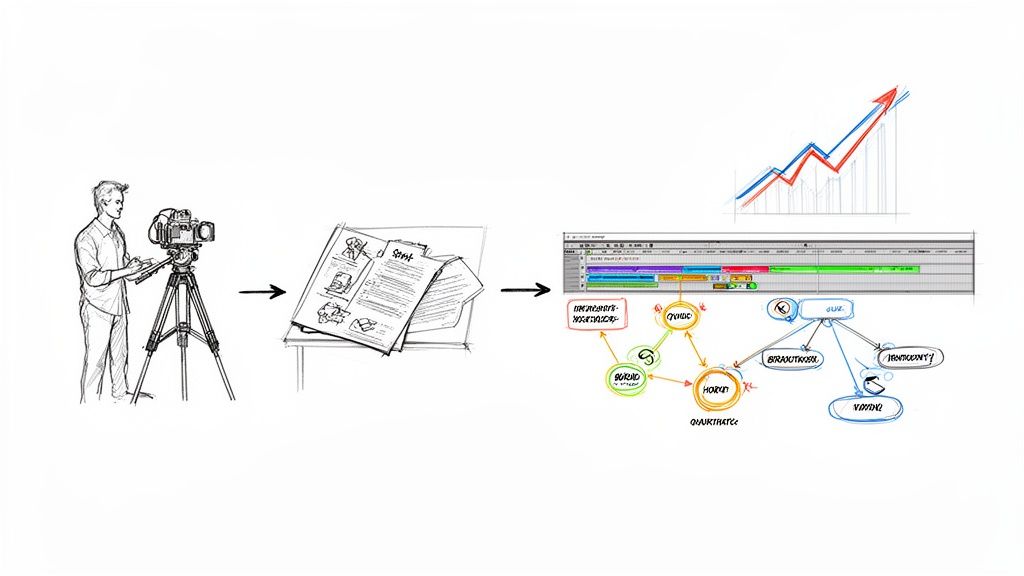
Rolling out any new tech successfully is about having a smart game plan, not just flipping a switch. When it comes to video personalization software, the best way to get started is by breaking the process down into manageable steps. The idea is to move from the initial "what if" stage to full-scale adoption without a hitch, proving the value and building excitement along the way.
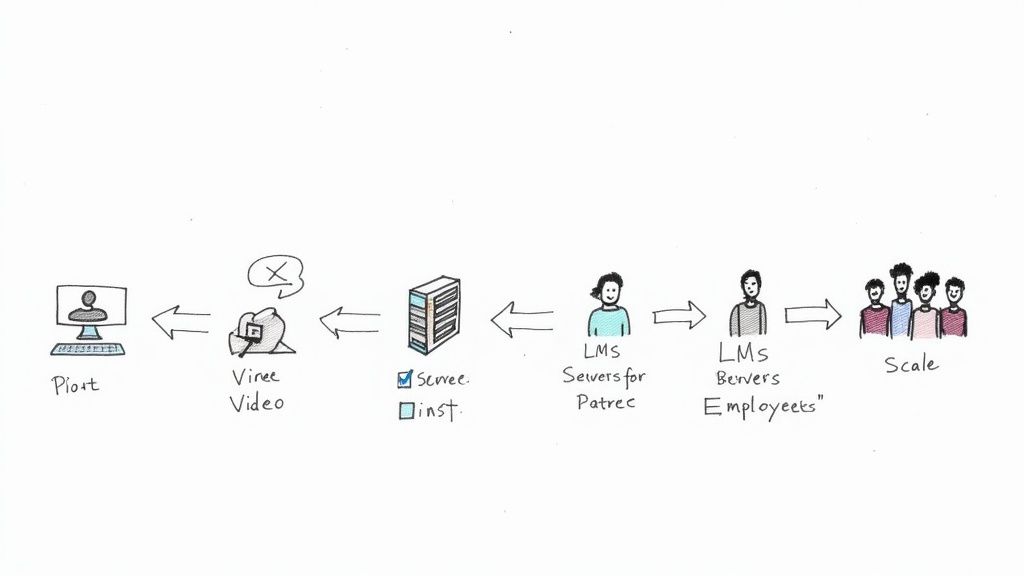
Forget about a huge, company-wide mandate right off the bat. The real key to success is starting small with a focused pilot program. This gives you a controlled space to test your approach, get critical feedback, and gather undeniable proof that this approach works. It’s all about minimizing risk while you learn, which paves the way for a much smoother company-wide rollout later on.
The first move? Pinpoint a single, high-impact training use case. This will be your proving ground—the place where the software’s benefits can shine.
Start with a High-Impact Pilot Program
Before you think about a full deployment, launch a pilot program in one department that has a clear and pressing training need. This is your chance to fine-tune the process and collect some powerful success stories to share with leadership.
Some of the best candidates for a pilot program are usually:
- New Hire Onboarding: This is something you do over and over again, and it’s a high-volume process where a personal touch can make an instant difference. Imagine a welcome video for a new sales hire that greets them by name and points out the specific tools they’ll be using. That’s a powerful first impression.
- Compliance Training: Let’s be honest, these courses can be a bit dry. But what if you added interactive questions or role-specific scenarios? Suddenly, the material becomes more engaging, and you can see a real jump in comprehension—with clear data showing who has mastered the content.
The goal is to pick an area where you can quickly measure a positive change, whether that's seeing new employees get up to speed faster or watching quiz scores climb in a critical compliance module.
Overcoming Common Implementation Hurdles
As you get going, two challenges almost always pop up: getting everyone on board and avoiding a content creation logjam. If you see them coming, you can tackle them head-on.
Getting buy-in from leadership and department heads is absolutely crucial. And the data from your pilot program? That’s your secret weapon. Show them the hard numbers—concrete metrics that prove how personalized video boosted engagement or knowledge retention. Frame the investment not as a software cost, but as a direct solution to real business headaches like employee turnover or compliance risks.
The best way to get support is to stop talking about "what it is" and start showing "what it does." Demonstrate how interactive, personalized training directly creates a more skilled, efficient, and plugged-in workforce.
The other big hurdle is the fear that you'll suddenly have to create a mountain of new video content. You don't. Your team doesn’t need to start from scratch. A lot of your existing video library can be given a new lease on life by adding interactive and personalized layers.
An interactive video platform like Mindstamp is built to work with what you already have, turning your static videos into dynamic learning experiences without having to reshoot everything. To get even more out of your existing library, check out our guide on how to create interactive videos for practical tips on layering engagement onto your content.
By starting with a focused pilot and planning for the usual roadblocks, you can create a smooth path to bringing video personalization software into your training ecosystem, driving quick adoption and showing its value from day one.
The Future of AI in Personalized Corporate Learning
The world of corporate training is on the verge of another huge leap forward, with artificial intelligence leading the charge. While we've seen how video personalization software can remake training today, AI is poised to automate and elevate the entire process to a level that was once pure science fiction. It’s moving past simply inserting a name into a video and toward creating learning environments that are truly dynamic, responsive, and even predictive.
Imagine an AI engine that doesn’t just personalize a welcome message but crafts an entire learning path for a new hire on the fly. By looking at their role, past experience, and maybe even pre-assessment results, the AI could assemble a completely custom video curriculum from a library of micro-learning modules. This shifts the model from a "choose your own adventure" to a "personally guided tour," where the system anticipates what the learner needs next and serves it up seamlessly.
Hyper-Personalization at Scale
This evolution is all about AI's ability to crunch massive amounts of data and make smart decisions. The ultimate goal is to create hyper-personalized learning paths that adapt not just when a course begins, but from moment to moment.
For example, what if an AI-powered platform notices a learner is stumbling on a specific concept, maybe by flagging repeated incorrect quiz answers? It could instantly insert a short, explanatory video clip to clear things up. This real-time adjustment makes sure no one gets left behind, closing skill gaps the second they appear. This kind of proactive support is a huge part of the future of AI in training and education.
The next generation of video personalization software won't just follow instructions; it will anticipate needs. AI will act as a co-pilot for L&D teams, identifying potential learning hurdles and proactively paving a smoother path for every employee.
Proactive Skill Development and AI Feedback
Beyond just shuffling content, AI is also set to completely change how we handle feedback. Instead of waiting for a manager's review, an employee could get instant, AI-generated critiques on their work right inside a video—say, on their response to an open-ended scenario question. This immediate feedback loop is a game-changer for accelerating skill development.
This kind of intelligent automation is exactly why the market is blowing up. The global personalization software market was valued at USD 860.3 million in 2022 and is on track to hit USD 4.39 billion by 2030. That's not just growth; it's a massive industry-wide pivot toward smarter, AI-driven tools. For any forward-thinking L&D team, investing in a platform that's ready for this future isn't just a good idea—it's a strategic necessity.
Frequently Asked Questions
Jumping into new tech for your corporate training always brings up a few questions. We get it. Here, we’ll tackle the most common things Learning and Development (L&D) pros ask when they're looking at video personalization software.
We'll cover everything from how hard it is to actually make these interactive videos to integrating with your current systems and proving it all works.
How Difficult Is It to Create Personalized Training Videos?
You might think you need a team of video editors and developers, but that’s not the case anymore. Modern video personalization software like Mindstamp is built for L&D teams, not technical wizards.
It’s all about intuitive, drag-and-drop interfaces. You just upload the training videos you already have and start layering on interactive elements like questions, buttons, and branching paths. Adding personal touches—like a viewer's name or department—is as simple as using variables that pull from your employee data. It's surprisingly straightforward to create engaging and interactive learning content.
Can This Software Integrate With Our Current LMS?
Yes, and this is a big one. Solid integration is a core feature of any good platform. Most are designed to play nicely with popular Learning Management Systems (LMS) using standards like SCORM or through APIs. This means the personalized video experience slips right into your existing training ecosystem without a fuss.
This lets you drop interactive videos directly into the courses your team already uses. Even better, it sends completion data and quiz scores right back to the LMS automatically. Your training records stay clean, centralized, and accurate, giving everyone a consistent learning experience.
What Kind of Analytics Can We Expect to See?
The analytics go way beyond just counting views. You get a deep dive into how each learner is actually engaging with the material. You can see exactly which parts of a video they watched, how they answered in-video questions, and which learning paths they took.
This kind of granular data is like having a window into where people are getting stuck or soaring. If you see that 20% of your team keeps getting the same compliance question wrong, that’s a flashing red light telling you that part of the training needs a rework. It’s concrete data that helps you prove your training is actually working.
Is This Type of Software Only for Large Corporations?
Not at all. While big companies love it for its scalability, video personalization software is a game-changer for businesses of all sizes. Flexible pricing and user-friendly tools make it totally accessible for small and mid-sized companies that want to deliver seriously effective training.
For smaller L&D teams, being able to create engaging, reusable, and consistent training videos delivers a massive return on investment. It lets a lean team roll out onboarding and skill-building programs that can go head-to-head with what the big guys are doing.
Ready to stop giving one-size-fits-all lectures and start creating training that actually connects? With Mindstamp, you can easily build interactive videos that make learning stick and deliver results you can measure. Discover how Mindstamp can elevate your training programs today.