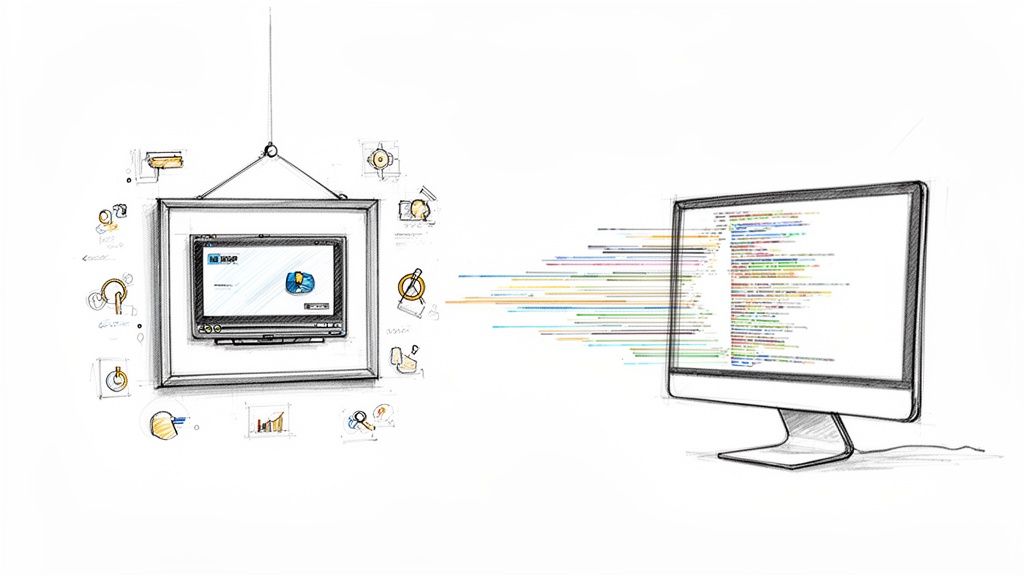
Personalized video is a strategy that ditches the old one-size-fits-all approach to corporate training. Instead, it uses employee data to create custom-tailored video content that speaks directly to each individual. This is a game-changer for learning and development, transforming generic, snooze-worthy modules into relevant, engaging learning experiences that address an employee's specific role, department, and needs.
Why Generic Training No Longer Works
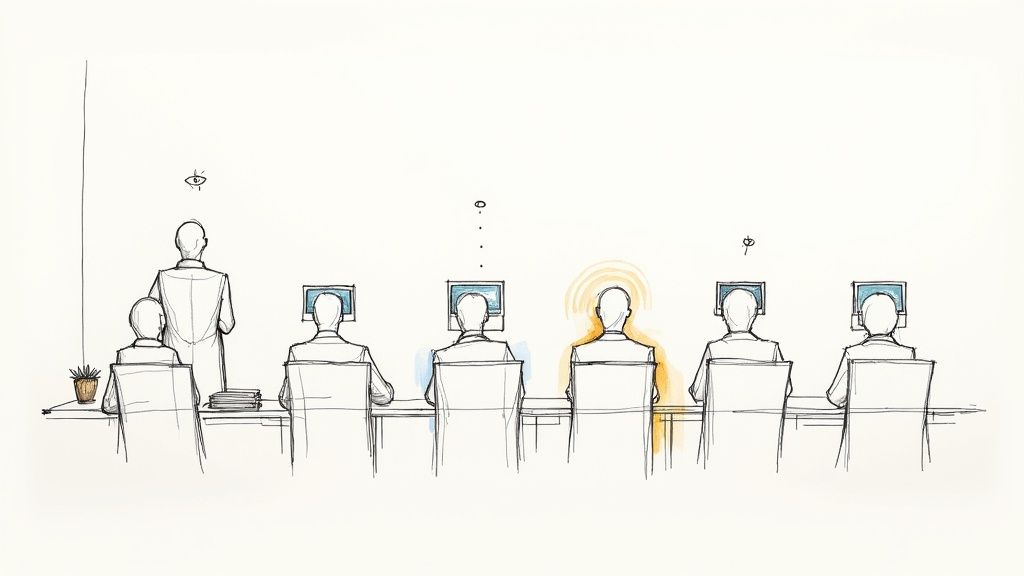
Let’s be honest—that standard, cookie-cutter training video is failing your team. In a world where we’re constantly bombarded with information, generic content just can't hold anyone's attention, let alone teach them critical skills. This leads to a vicious cycle of disengagement where employees just click through modules to get them done, without actually absorbing anything. We call it training fatigue.
The root of the problem is a total lack of relevance. When a brand-new salesperson, a senior engineer, and a marketing intern all have to watch the exact same onboarding video, the message gets completely diluted. Each of them has unique learning needs, different knowledge gaps, and specific career goals that a single, static video could never hope to address.
The Cost of Disengagement
This disconnect isn't just a minor annoyance; it hits your business performance and employee morale right where it hurts. When training feels impersonal and irrelevant, your team just won't see the point.
- Poor Knowledge Retention: People naturally tune out when content doesn't apply to them. That means lower comprehension and a failure to apply those skills on the job.
- Wasted L&D Resources: Think of all the time and money poured into creating training materials that just don't hit the mark and fail to achieve their learning goals.
- Increased Employee Turnover: A weak onboarding and development experience makes new hires feel undervalued and disconnected from day one, which is a major contributor to high turnover rates.
This is exactly where personalized video comes in as a powerful, strategic solution for corporate training and development. Instead of broadcasting a single message out to the masses, it creates a genuine one-to-one learning connection.
Personalized videos are not just a gimmick; they are a direct response to the demand for more relevant and respectful communication. They show employees that their individual roles and learning journeys are understood and valued by the organization.
Shifting from Mass Communication to Meaningful Connection
Imagine a new hire getting a welcome video that greets them by name and maps out their specific goals for the first 30 days. Or picture a compliance video that presents scenarios directly related to their department's unique day-to-day risks. That’s the power of personalization in a corporate setting. For a deeper look, you can explore our dedicated article on what is personalized learning.
By using data points you already have—like an employee’s name, job title, or even their progress in a learning path—you can make training feel more like a personal conversation. This simple shift is a powerful antidote to training fatigue. It builds an environment where people are actually motivated to learn, which paves the way for real knowledge retention and skill development. It turns training from a box-checking exercise into a genuinely valuable experience.
The Real ROI of Personalized Corporate Training
Investing in corporate training can often feel like a shot in the dark. You set a budget, roll out the content, and just hope it all translates into better performance on the ground. But with personalized video, that return on investment (ROI) stops being a hope and starts becoming a measurable, predictable outcome. The focus shifts from just ticking off training modules to driving real, tangible business results.
Think of it this way: a generic training video is like handing a single, standard-issue wrench to an entire construction crew. It doesn't matter if they're electricians, plumbers, or carpenters—everyone gets the same tool. It’s clunky and frustrating. Personalized training, on the other hand, is like giving each worker the exact tool they need for their specific job. The impact on their effectiveness and speed is immediate.
From Cost Center to Productivity Driver
Personalized training completely reframes your Learning and Development (L&D) budget. It's no longer just a necessary cost center; it's a direct investment in your team's productivity. When employees get training that speaks directly to their roles, their challenges, and their goals, the difference is night and day.
- Faster, More Effective Onboarding: Imagine a new hire receiving a welcome video that not only uses their name but also clearly outlines their specific 30-day goals. They feel seen and connected from day one. This tailored approach drastically cuts down ramp-up time, turning them into productive contributors much faster.
- Measurable Skill Improvement: By personalizing learning paths, you can surgically target specific skill gaps. A sales rep who struggles with a particular product can get training focused only on that, leading to a direct and observable bump in their performance metrics.
- Sky-High Course Completion Rates: Engagement soars when content feels relevant. Employees are far more likely to finish a training module that actually helps them with their daily tasks. This boosts completion rates and, more importantly, ensures that critical information is actually being absorbed.
This direct line between tailored content and improved performance is where the real value is hiding. If you're looking to put some hard numbers behind this, a good ROI calculator can be a huge help in projecting the potential gains.
Investing in personalized training isn't just about making employees feel good; it's the most efficient strategy for closing skill gaps, boosting productivity, and directly impacting your bottom line.
Quantifying the Impact on Employee Engagement
The link between personalization and positive business outcomes isn't just theory; it's backed by some pretty compelling data. While a lot of research focuses on external marketing, the same principles apply just as powerfully to your internal audience—your employees.
One recent report found that personalized videos are 3 to 4 times more likely to foster positive behaviors like trust, loyalty, and feeling valued when compared to generic content. That means a personalized training video is significantly more effective at building a stronger, more committed workforce. You can dig into more of these insights in the 2025 video marketing trends report.
This heightened sense of being valued translates directly into lower employee turnover and higher long-term loyalty. When a company invests in an individual's specific development path, that employee is far more likely to invest their career right back into the company.
The Bottom Line Benefits
Ultimately, using personalized video in your corporate training creates a powerful, self-sustaining loop of success. Engaged learners become highly skilled employees. Skilled employees drive better business results. And those better results justify even more investment in targeted, effective training.
By moving beyond the old one-size-fits-all model, you’re building a learning culture that is not only more efficient but profoundly more impactful. You stop just "training" people and start building a more capable, productive, and loyal team—one personalized video at a time.
Building Your Personalized Video Training Strategy
Moving from idea to execution is where personalized video really starts to shine. Building a solid strategy isn't about trying to do everything at once. It's about starting with a clear, focused plan you can build on. This is your playbook for turning a concept into a high-impact training program that actually works.
Think of it like creating a custom workout plan. You wouldn't hand a marathon runner the same routine as a powerlifter. You first have to understand their specific goals, their current fitness level, and what keeps them motivated. The exact same logic applies here.
Start with Clear Training Objectives
Before you even think about hitting 'record,' you need to define what success looks like. What specific business outcome are you aiming for? Fuzzy goals like "improve skills" just won't cut it. You have to get specific.
- For New Hires: Is the goal to slash ramp-up time by 20% within the first quarter?
- For Sales Teams: Are you trying to boost proficiency on a new product to drive a 10% increase in cross-sells?
- For Leadership Development: Do you want to see a 15% improvement in team retention rates among program participants?
These sharp, measurable objectives become your North Star. They guide every single decision you make—from the data you gather to the content you create—and make sure your personalized video efforts are tied directly to real business value.
Segment Your Audience for Maximum Impact
Once you know where you're going, you need to understand who you're taking with you. One of the biggest mistakes in corporate training is lumping all employees into one generic bucket. True personalization starts with smart audience segmentation.
Your learners are not all the same. A brand-new hire in the IT department has completely different needs than a seasoned manager in the marketing division.
The heart of a great personalized video strategy is knowing that relevance is a moving target. What’s critical for one employee might be white noise to another. That makes audience segmentation the most important first step.
Start by dividing your employees into logical groups based on their roles, needs, and where they are in their career journey. Some common segments include:
- New Hires: Need to get up to speed on company culture, core processes, and their initial job tasks.
- Sales Teams: Require constant updates on products, competitors, and new sales techniques.
- Emerging Leaders: Need training on management skills, strategic thinking, and motivating their teams.
- Tenured Employees: Might be looking for advanced skill development or just need their annual compliance refreshers.
This segmentation process allows you to tailor your messaging and content with surgical precision. You can be sure that every video speaks directly to its intended audience, making the training feel like it was made just for them.
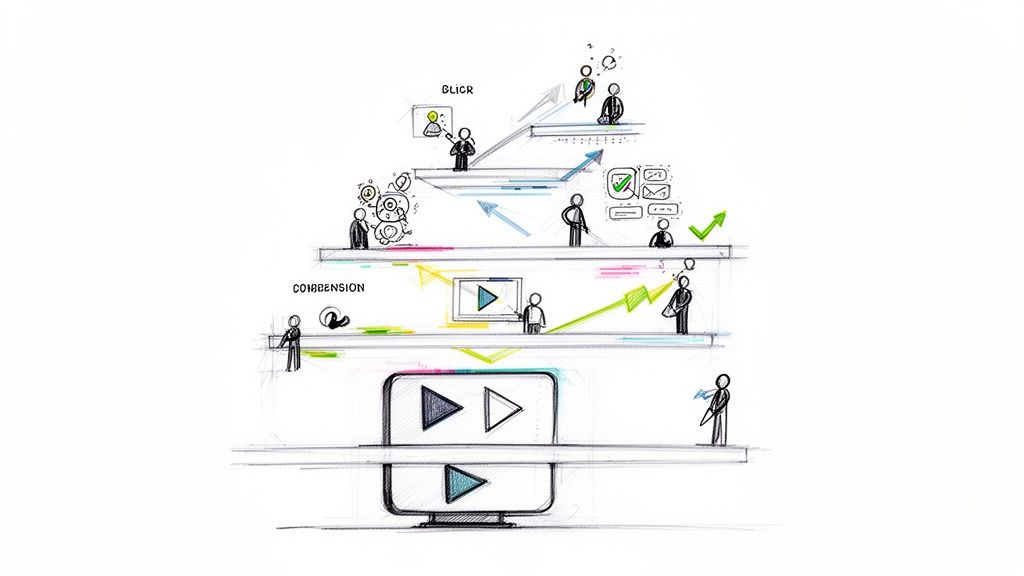
As this visual shows, this tailored approach is what leads to better business outcomes.
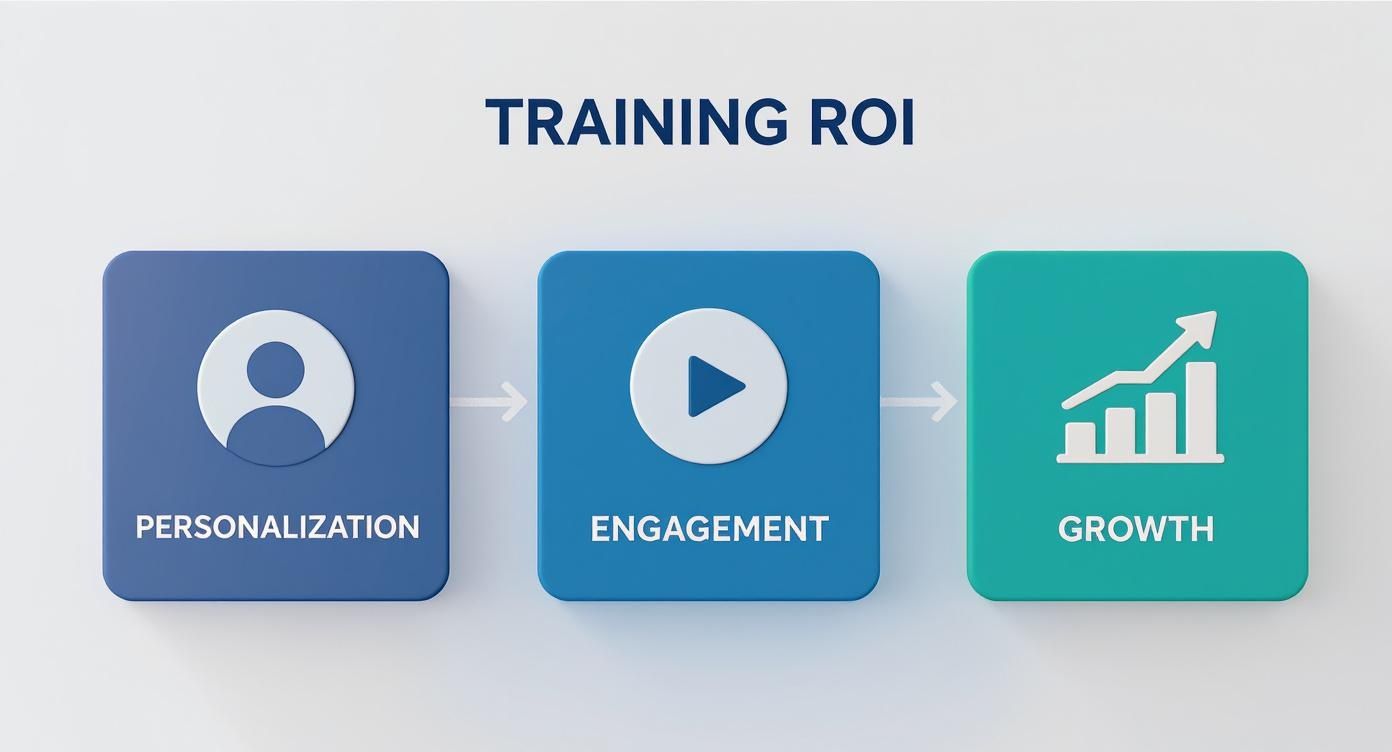
The flow is simple: personalization creates deeper engagement, which in turn fuels measurable growth and a much stronger return on your training investment.
Identify and Manage Key Data Points
With your goals locked in and your audience segmented, it’s time to figure out which data points will bring your personalization to life. The trick is to focus on data that gives you the most bang for your buck without overcomplicating things. Start simple.
A few powerful variables can make all the difference:
- Employee Name: The easiest and most effective way to grab someone's attention.
- Job Title/Role: Lets you frame content within the context of their actual responsibilities.
- Department: Helps you tailor scenarios and examples that reflect their daily work.
- Performance Metrics: For more advanced training paths, you can use past performance data to suggest specific training modules that will help them grow.
Of course, data security is non-negotiable. Modern platforms like Mindstamp are built to handle this securely, often integrating with your existing HR systems to pull data just for video rendering without storing sensitive personal info permanently.
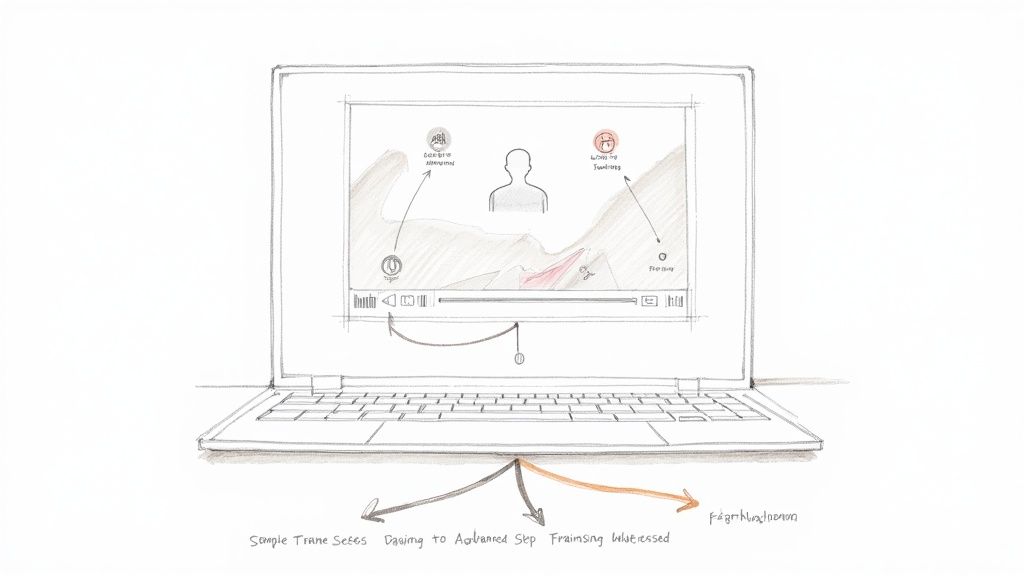
The level of personalization you can achieve depends on the data you have available. As you get more comfortable, you can move from basic name drops to creating truly dynamic and adaptive training experiences.
Here's a look at how that progression works.
Table: Personalization Levels in Corporate Training
| Personalization Level | Examples | Data Required | Impact |
|---|---|---|---|
| Basic | "Hi, {{firstName}}!" | First name | Grabs immediate attention and makes the viewer feel seen. |
| Role-Based | "...as a {{jobTitle}}, you'll focus on..." | First name, job title, department | Increases relevance by connecting training directly to the viewer's daily responsibilities. |
| Contextual | "Since your team, {{teamName}}, just hit its {{quarterlyGoal}}..." | Name, role, team name, recent performance data (e.g., quarterly goal) | Deeply personal and timely, showing the training is aware of the viewer's recent context. |
| Adaptive | Presenting different video paths based on a viewer's answer to an in-video compliance question. | Name, role, in-video interaction data (e.g., quiz answers) | Creates an active learning experience that adapts in real-time to the viewer's knowledge. |
Starting with basic personalization builds confidence and shows immediate results, while moving toward adaptive experiences unlocks the full potential of interactive video for training.
Scripting for Variables and Adaptive Storyboards
Finally, it’s time to write. When you're scripting for personalized video, you aren't creating one static script. You're building a flexible template with placeholders—or variables—for your data points.
For instance, a script might read: "Hi, {{firstName}}. Welcome to the {{department}} team! In your role as {{jobTitle}}, your first 30 days will focus on..."
But you can go way beyond simple text replacements by creating adaptive storyboards. These are branching narratives that can change based on viewer input or existing data. Imagine a compliance video that presents a tricky scenario. Based on how the viewer answers a question, they're shown one of two different outcomes.
This interactivity turns passive viewing into active learning, which is the whole point of using personalized video for training in the first place.
Putting Your Strategy into Action with Interactive Tools
A solid strategy is your blueprint, but execution is where the magic really happens. The good news? You don't need a team of developers or weeks of production to bring a sophisticated personalized video program to life anymore. Interactive video platforms like Mindstamp are built to put these powerful tools directly into the hands of L&D and training professionals.
Think of these platforms as the bridge between your training goals and your learners. They provide all the features needed to turn a one-way, static video into a dynamic, two-way conversation. This is where you graduate from theory to building tangible, engaging training that actually sticks.
Bringing a Compliance Module to Life
Let's walk through a classic—and critical—corporate training scenario: the annual compliance module. We all know the drill. It's usually a passive, one-size-fits-all video that employees click through just to check a box. With an interactive platform, we can completely overhaul that experience to drive genuine understanding.
The first step is adding a simple but incredibly effective layer of personalization. By tying into your employee data, the video can open with a direct address: “Hi, {{firstName}}. Let’s review the key compliance updates for the {{department}} team.” That small touch immediately signals that the content is relevant to them, grabbing their attention from the very first second.
Building Adaptive Learning with Branching Logic
The real power of interactive tools comes from creating adaptive learning journeys. Instead of forcing everyone down the same linear path, you can build branching logic that responds to a learner's input in real time. This is a game-changer for assessing and reinforcing knowledge.
The goal of interactive training isn't just to present information; it's to create a feedback loop that adapts to the learner's understanding. This turns passive viewing into an active, responsive learning process that ensures comprehension.
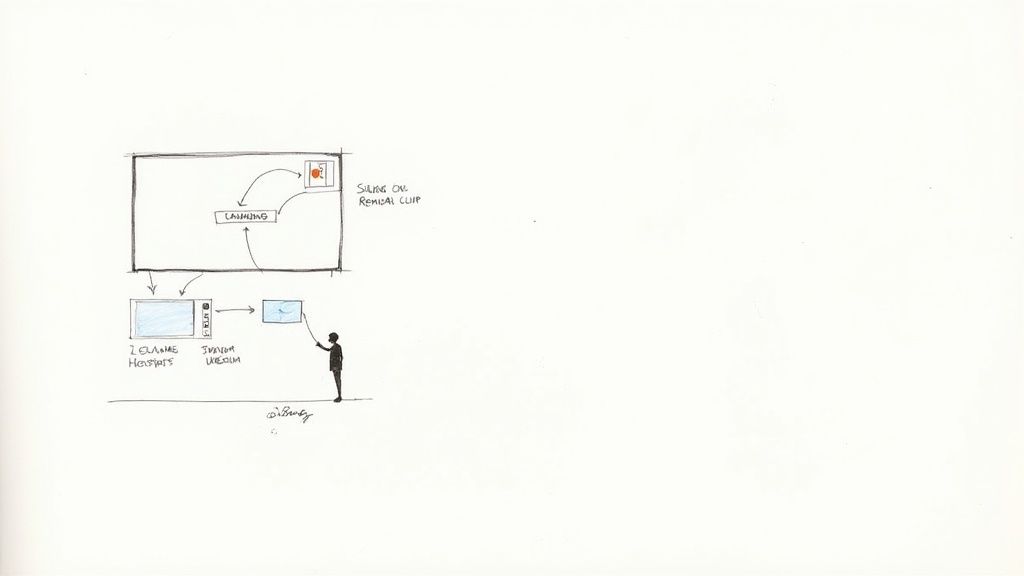
Imagine your compliance video presents a tricky ethical scenario. After the scene, an in-video question pops up asking the employee what they should do next. Their answer determines where the video goes.
- Correct Answer: If they choose the right option, the video moves on to the next module, maybe with a quick message reinforcing why their choice was correct.
- Incorrect Answer: If they get it wrong, the platform can automatically route them to a short remedial clip. This video can explain the nuance they missed, providing immediate, targeted feedback when it's most valuable.
This kind of branching logic ensures that every employee reaches the same level of mastery, but the path they take is tailored to their specific knowledge gaps. It’s an incredibly efficient and effective way to guarantee comprehension of critical information. To see how these features come together, check out our guide on how to create interactive video experiences from the ground up.
Deepening Engagement with In-Video Elements
Beyond just branching, interactive platforms let you embed all sorts of clickable elements directly into the video player. This transforms the video from a simple screen into a rich, resource-filled environment.
These elements give learners the chance for self-directed exploration without ever derailing the main content.
Examples of Interactive Elements
- Clickable Hotspots: You can place an invisible "hotspot" over a specific term or object. When a learner clicks it, a pop-up can appear with a definition, a link to a relevant policy document, or a helpful diagram.
- Embedded Buttons: A button can appear at the end of a section linking directly to a more detailed FAQ page or an external resource, giving curious learners an easy way to dive deeper.
- In-Video Navigation: For longer training, you can add a clickable chapter menu. This lets employees jump to the sections most relevant to them or easily revisit topics they want to review.
By putting these tools to work, you empower your team to build training that doesn't just talk at employees but engages with them. It’s a fundamental shift that helps create a learning culture that is more effective, efficient, and genuinely valued by everyone on the team.
How to Measure and Optimize Training Effectiveness
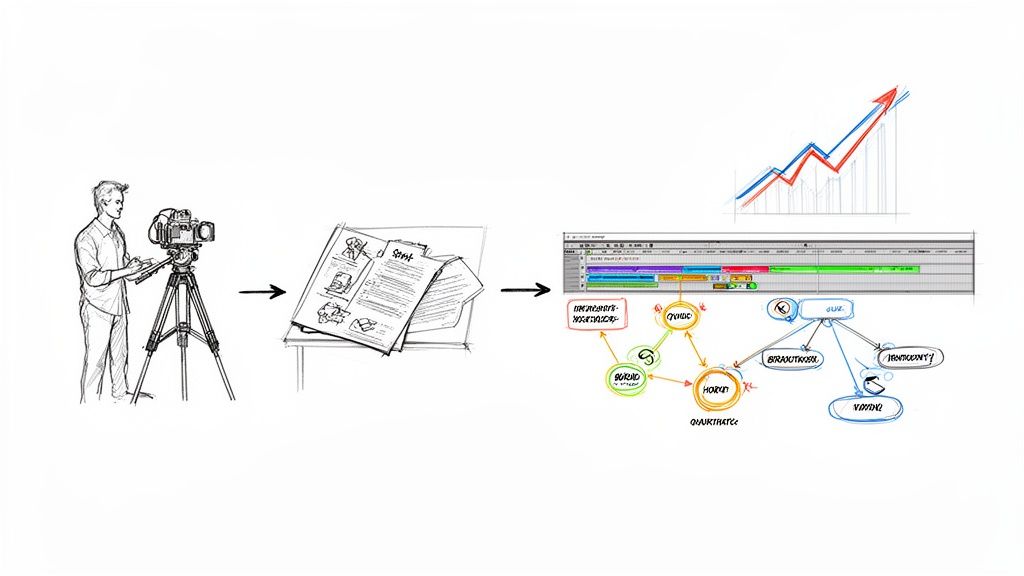
Once you hit "publish" on your personalized training videos, the real work begins. A great L&D strategy isn't a one-and-done deal; it's a living, breathing feedback loop where data from your team's interactions helps you make every piece of content better than the last. This means going way beyond simple vanity metrics like view counts and digging into analytics that actually tell you if people are learning.
Think of yourself as a personal trainer. You wouldn't just count your client's reps and call it a day, right? You'd watch their form, ask how they're feeling, and track their strength over time. It's the same idea here. We need to look at how learners are engaging with the content, not just if they pressed play.
Moving Beyond Simple View Counts
In personalized training, a "view" is just the opening scene. The real story unfolds when you look at the specific actions people take inside the video. This is where platforms like Mindstamp are a game-changer, giving you detailed analytics that paint a crystal-clear picture of what's working and what's falling flat.
These deeper metrics are where you find the gold:
- Viewer Heatmaps: These are fantastic. They visually show you exactly which parts of a video are being watched, re-watched, or completely skipped. See a hotspot where everyone is re-watching a segment? That's a sign that the topic is complex and might need a simpler explanation. See a huge drop-off point? That section is probably boring or irrelevant.
- Quiz and Poll Responses: This is the most direct way to check for understanding. If 70% of your sales team gets a key product question wrong, you've just found a critical knowledge gap that needs to be fixed, fast.
- Click-Through Rates on Interactive Elements: Are people clicking on those buttons, hotspots, or helpful links you added? Tracking this shows you who's actively engaging with the resources. If nobody's clicking "Download the Policy PDF," maybe the button isn't obvious enough, or they don't see the value.
A successful training program isn't static. It’s a dynamic system that evolves based on what real users are telling you through their actions. When you learn to read these analytics, you stop guessing and start building a precise, data-driven strategy for improvement.
Interpreting Data to Refine Your Content
Okay, so you have all this great data. Now what? It's time to turn those insights into action. This is how you close the feedback loop, using what you’ve learned to make your L&D program smarter and more effective with every new video. To get the full picture, you have to connect training activities to real business results. While the link below discusses marketing, learning how to measure marketing ROI effectively and applying those same principles to internal training is crucial.
This logic is why training and development is increasingly seen as a direct driver of business success. For a complete rundown of the metrics you should be tracking, check out our guide on how to measure training effectiveness.
Creating a Powerful Optimization Cycle
Your optimization process should be systematic, not random. Based on what your data is telling you, you can make targeted fixes to your content.
Here are a few examples:
- Heatmap shows a big drop-off? Chop that section down or toss in a quick question to pull viewers back in.
- Quiz reveals a common mistake? Film a short follow-up video explaining the concept correctly. Then, use branching logic to automatically show it to anyone who gets the question wrong.
- A clickable resource is being ignored? Make the button bigger and brighter, or add a quick voice-over in the video telling people why they should click it.
This cycle of measure, interpret, and refine is what keeps your training content from going stale. It adapts to what your team needs, plugs knowledge gaps as they pop up, and ultimately delivers a much bigger return on your investment. The data backs this up, too—engagement with interactive content has jumped by 200% since 2021, proving that people are hungry for more dynamic learning.
Got Questions About Personalized Video Training?
Jumping into a modern training strategy is exciting, but it almost always comes with a few questions. When you're looking at something as powerful as personalized video for your team's learning, it's smart to tackle those practical hurdles and potential "what ifs" right from the start.
This section is all about giving you direct, clear answers to the most common concerns we hear from L&D managers. Let's demystify the process and get you feeling confident about building a training approach that actually connects with your people.
How Much Technical Skill Do I Actually Need?
One of the biggest myths out there is that you need a background in coding or video engineering to make personalized training videos. Let's clear that up right now: you absolutely do not need to be a developer to pull this off.
Modern interactive video platforms like Mindstamp were built specifically for L&D pros, marketers, and educators—not programmers. The entire experience is designed to be intuitive.
The real magic of today's tools is that they do all the heavy lifting behind the scenes. That frees you up to focus on what you're best at: creating fantastic, effective learning content that your team will love.
The workflow is usually pretty simple:
- Upload Your Base Video: Start with a standard video file, the same way you would anywhere else.
- Use the Visual Editor: This is where the fun happens. You'll add personalization tags (like
{{firstName}}or{{department}}) and interactive elements like quizzes or buttons using a simple drag-and-drop interface. No code in sight. - Publish and Go: The platform handles all the data integration and rendering automatically, serving up a unique experience for every single viewer.
Is This Just for Huge Companies with Big Budgets?
Not at all. This is another common misconception that keeps a lot of great teams from getting started. The truth is, personalized video technology is incredibly scalable, which makes it a surprisingly cost-effective solution for businesses of all sizes.
Think about a smaller company struggling with new-hire turnover. A simple personalized onboarding video can make a new employee feel seen and valued from day one, which has a real, direct impact on retention. You don't need a massive enterprise to see a massive return.
And the ROI isn't just about warm-and-fuzzy feelings; it's about saving time and resources. By automating parts of your training and making it stickier, you cut down on repeat sessions and the need for constant instructor oversight. That makes personalized video a smart financial move, no matter your budget.
What About Data Privacy with Employee Information?
This is a big one, and it should be. Security is priority number one when you're handling any employee data. Any reputable platform is built with data protection at its core, ensuring compliance with strict regulations like GDPR.
The process is designed to be secure from the ground up. These platforms typically integrate with your existing HR or learning management systems (LMS) to securely pull only the specific data points needed—like a name or job title—in real-time, just for that individual viewer.
Crucially, that personal info isn't permanently baked into the video file itself. It’s used on the fly to create the personalized experience for that one specific viewing session. Always take a look at a platform's security and compliance policies to make sure they're a perfect match for your company's standards.
Can We Plug This into Our Existing LMS?
Absolutely. The whole point of a tool like Mindstamp is to upgrade your current training ecosystem, not to force you to rip and replace it. Seamless integration is a must-have for any modern interactive video platform.
Most platforms give you simple embed codes that let you drop a personalized video right into your existing LMS courses. Many also support common learning standards like SCORM and xAPI.
This ensures that all the important learner activity—from quiz scores to completion rates—is tracked right inside the system your team already knows and uses. You get to add a powerful new layer of personalization and interactivity to your current setup without blowing up your established workflows.
Ready to transform your corporate training from a one-size-fits-all module into an engaging, personalized experience? With Mindstamp, you can easily create interactive videos that capture attention, improve knowledge retention, and deliver measurable results.