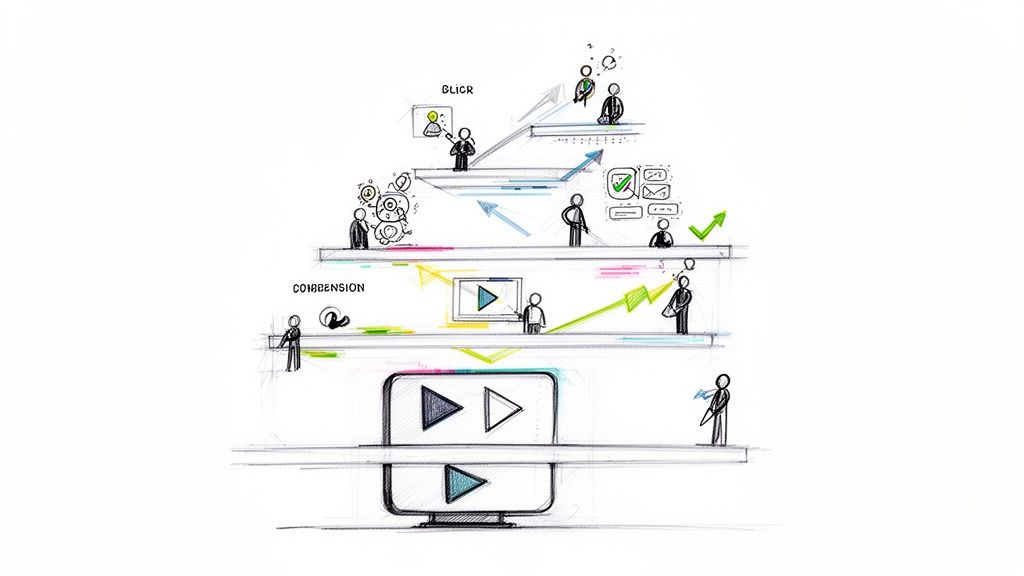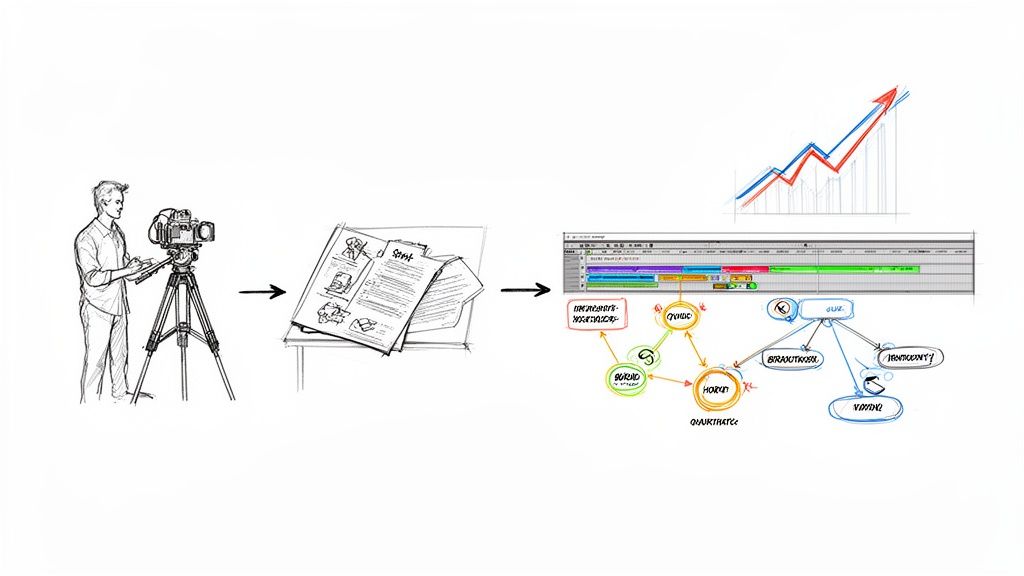
At its core, an internal communication video is created to share information, teach a skill, or build culture inside an organization. Specifically for corporate training and development, it's a powerful tool to move beyond text-heavy emails or dense manuals. Instead of just presenting information, these videos use visuals and sound to create engaging, interactive learning and training content that is far more memorable. They're perfect for everything from onboarding new hires to complex software tutorials and ongoing skill development.
Why Video Is Reshaping Corporate Training and Development
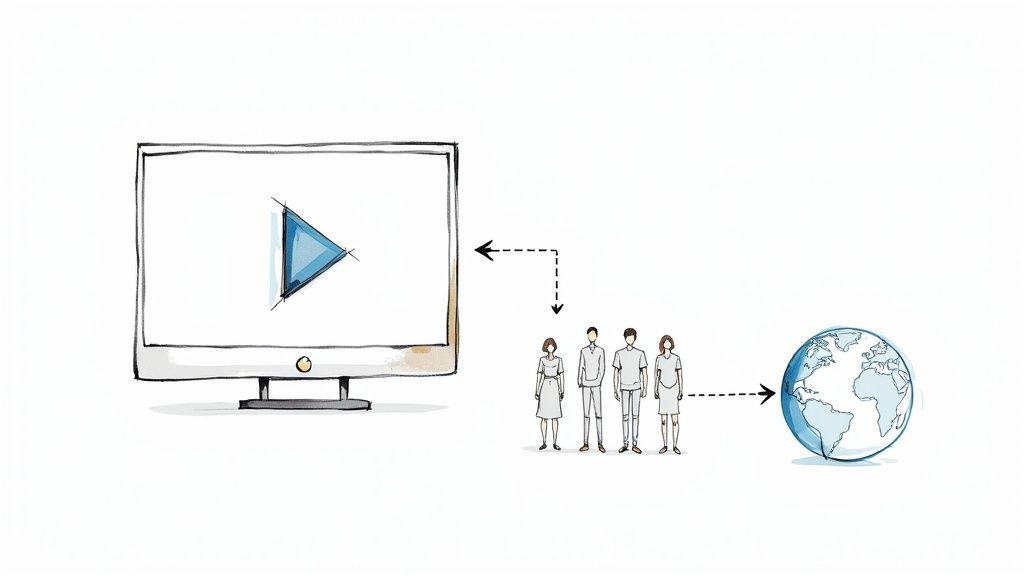
Let's be honest: traditional training manuals and slide decks are often where employee engagement goes to die. They can deliver information, sure, but they rarely create a genuine learning experience that sticks. This is exactly why so many modern businesses are turning to internal communication videos as their go-to tool for corporate training and development.
Video doesn’t just deliver information; it brings it to life. It transforms passive reading into active observation, letting employees see a complex process in action instead of just reading a dry description. It's the difference between reading a blueprint and watching a master builder construct a house—one is theoretical, the other is practical, measurable, and far more memorable.
The Power of Visual Storytelling in Learning
Visual storytelling is the secret sauce of effective corporate training. When an employee can watch a task being performed correctly or see a company value demonstrated through a real-world scenario, the lesson just clicks. This approach helps build a real emotional connection to the material, turning abstract concepts into concrete skills.
The pandemic really accelerated this shift. As companies scrambled to adapt to new ways of working, internal communication videos saw a huge spike in adoption for training, onboarding, and keeping everyone's skills sharp.
By delivering information in a consistent, visually compelling format, video ensures every employee receives the same high-quality training, regardless of their location. This scalability is a total game-changer for global and remote teams.
This move toward video is part of a bigger trend: the urgent need to upskill the workforce and adapt to new technologies. You can learn more about the importance of upskilling your staff with expert training.
Key Advantages for Training and Development
Ultimately, video isn't just a "nice-to-have" training tool anymore; it’s a strategic asset for building a smarter, more capable team. When you embrace video, you create a much more effective learning environment. If you're looking to build a plan, our guide to internal video communications strategy is a great place to start.
Here are a few of the biggest benefits:
- Improved Knowledge Retention: People retain an incredible 95% of a message when they watch it in a video, compared to only 10% when they read it in text. That's a massive difference in training effectiveness.
- Enhanced Consistency: Video guarantees that every single employee gets the exact same training message, every time. No more inconsistencies from different live presenters or outdated documents.
- On-Demand Accessibility: Employees can watch training materials whenever and wherever they need them. This is huge for promoting self-paced learning and accommodating busy schedules.
Putting Training Videos into Practice
So, we’ve covered the "why" behind using video for training. But what does this look like in the real world? Let's move from theory to action and look at how smart companies are using internal videos to solve real business problems. This isn't just about hitting record; it's about strategically using video to build a team that's more skilled, aligned, and confident.
By walking through a few key scenarios, Learning & Development leaders can start to see a clear path for weaving video into their own strategies. The goal is to tackle tangible challenges, from closing skill gaps and boosting knowledge retention to simply making sure everyone is on the same page.
Building a Consistent Onboarding Experience
Let's face it, the first few weeks for a new hire are a total whirlwind of names, processes, and culture. This is where a solid video strategy is a game-changer. Instead of hoping every manager delivers the same core message, a polished welcome video from the CEO or a series of interactive introductory modules ensures every single person gets the same warm welcome and critical info.
This approach is non-negotiable for remote or hybrid teams. A new hire in a satellite office should have the exact same foundational experience as someone sitting at headquarters. Onboarding videos make this happen by becoming the single source of truth for company history, core values, and essential procedures.
Plus, these videos respect your new hire's time. Offering on-demand modules lets them learn at their own pace. They can rewatch that tricky section on the benefits portal as many times as they need without feeling like they're holding up a live presenter.
Creating a Library of On-Demand Software Tutorials
Few things kill productivity faster than getting stuck on a simple software task. Instead of pulling a teammate away from their work for a quick "how-to," a library of short, focused software tutorials empowers people to find their own answers. This is a perfect use for microlearning, where you break down big topics into bite-sized, 2-5 minute videos.
Imagine an employee needs to run a specific report in Salesforce or figure out a new feature in Asana. A quick search on the company intranet pops up a screen-capture video walking them through the exact steps. It's so much more effective than scrolling through a dense PDF.
These on-demand resources are also incredibly efficient. They cut down on IT support tickets and give employees the autonomy to solve their own problems, which leads to a more self-sufficient and capable team.
Delivering Memorable Safety and Compliance Training
Safety and compliance training is mandatory, but it has a reputation for being dry and easy to forget. Video can completely flip that script. It’s been proven that visual demonstrations are way more effective for retaining procedural information than just text. In fact, research shows that viewers retain 95% of a message from a video, compared to just 10% from reading text.
Think about it. A video can:
- Demonstrate the right way to operate machinery, leaving zero room for interpretation.
- Simulate emergency procedures, helping employees build muscle memory for how to react under pressure.
- Illustrate data security rules with relatable scenarios, making abstract policies feel concrete and relevant.
When you present this crucial information in an engaging, visual way, comprehension and follow-through go way up. This doesn't just protect the company from liability—it keeps your people safe. When the stakes are high, video ensures the message lands loud, clear, and stays with them.
Your Playbook for Creating Effective Training Videos
Making compelling training videos for your team doesn't require a Hollywood-sized budget. It just takes a smart, repeatable process. Think of it like building a house: you need a solid blueprint before you start, careful construction during the build, and the right finishing touches to make it move-in ready.
The same logic holds true for video. A well-planned video is always more effective than an expensive one that misses the mark. By breaking the workflow into three core phases—pre-production, production, and post-production—you can create professional-quality training content that is clear, engaging, and actually hits your learning goals.
Pre-Production: Planning Your Video Blueprint
This is easily the most critical phase. It's where you lay the foundation for a successful project. Rushing this stage is like trying to build that house without a blueprint; you'll just waste time, burn through resources, and end up with a shaky final product. The goal here is to define exactly what the video needs to do and how it’s going to do it.
Start by nailing down your learning objectives. What, specifically, should an employee know or be able to do after watching? Be precise. "Learn the new software" is vague. A much better objective is, "Demonstrate how to create and export a monthly report using the new software." Clear objectives like this will guide every single decision you make from here on out.
Next up is the script. Scripting for training isn't about writing an Oscar-worthy screenplay; it's about creating clarity and consistency.
- Write for the Ear: Use simple, conversational language. A great trick is to read your script out loud to catch any awkward phrasing.
- Focus on One Idea: Each video should tackle a single, focused topic. If you're dealing with a broad subject, break it down into a series of shorter microlearning videos.
- Include Visual Cues: Make notes right in your script for where you’ll need to show a screen recording, a specific action, or a graphic. This makes the actual filming day go so much smoother.
The whole point of pre-production is to eliminate guesswork. You want the entire team aligned before a single frame is recorded.
Production: Bringing Your Vision to Life
With a solid plan in your back pocket, the production phase becomes way more manageable. And you don't need fancy equipment to get great results! Modern smartphones shoot fantastic video, and a few simple techniques can elevate your quality in a big way.
Focus on two key elements: lighting and audio. Viewers will forgive a slightly grainy video, but they absolutely will not tolerate bad sound. An inexpensive lavalier microphone can make a world of difference in audio clarity. For lighting, natural light from a window is often your best bet. Just position the subject facing the light source to avoid any harsh shadows.
A simple tripod is your best friend. Shaky, handheld footage looks unprofessional and can be really distracting for the learner. Stability is one of those small details that makes a huge impact on the final product.
The following graphic helps visualize how different types of training videos—from onboarding new hires to essential compliance training—all fit into a comprehensive internal communication strategy.
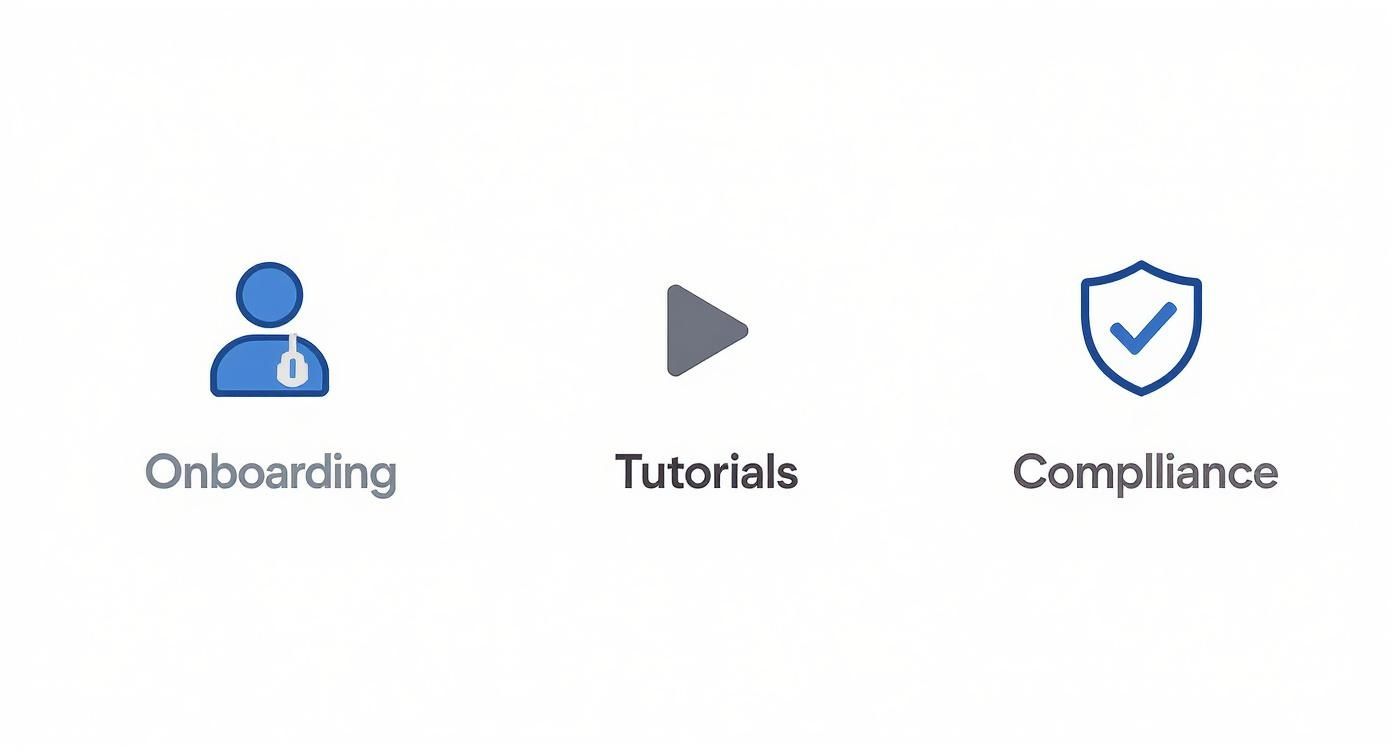
This just goes to show that each type of training video serves a distinct but connected purpose in an employee's journey, all working together to build a well-informed and capable team.
Post-Production: Polishing and Perfecting Your Content
Once filming is a wrap, it's time for post-production. This is where you assemble the raw footage, add your branding, and polish the final video. There are tons of user-friendly editing tools out there that don't have a steep learning curve. The key is to keep it simple and professional.
To streamline the process, a simple table can help map out the entire production workflow, ensuring no step is missed.
Three-Phase Video Production Workflow for Training Content
| Phase | Key Activities | Pro Tip for Training Content |
|---|---|---|
| Pre-Production | Define learning objectives, write the script, create a storyboard or shot list, schedule talent and locations. | Script for clarity, not creativity. Use simple language and read it aloud to ensure it sounds natural and is easy to follow. |
| Production | Film the core content, record voiceovers, capture B-roll footage and screen recordings. | Prioritize clean audio over perfect video. A $20 lavalier mic will improve quality more than a $2,000 camera. |
| Post-Production | Edit footage, add graphics and branding, incorporate music and sound effects, add captions and subtitles. | Keep edits clean and concise. Cut any fluff to respect the viewer's time and maintain focus on the learning objectives. |
This structured approach transforms video creation from a daunting task into a manageable project with predictable, high-quality outcomes.
Your final editing checklist should cover a few key things:
- Trimming the Footage: Cut out any mistakes, long pauses, or unnecessary bits to keep the video concise.
- Adding Branding: Include your company logo and use brand colors for titles and text overlays to create a consistent look.
- Incorporating B-Roll: Add supplemental footage—like screen recordings or shots of the process being described—to keep the visuals interesting.
- Including Captions: Always add subtitles to make your content accessible to all employees, including those who are hearing-impaired or watching without sound.
By following a structured workflow, you can consistently create an effective employee training video that not only educates your team but actually keeps them engaged.
Turning Passive Viewers into Active Learners
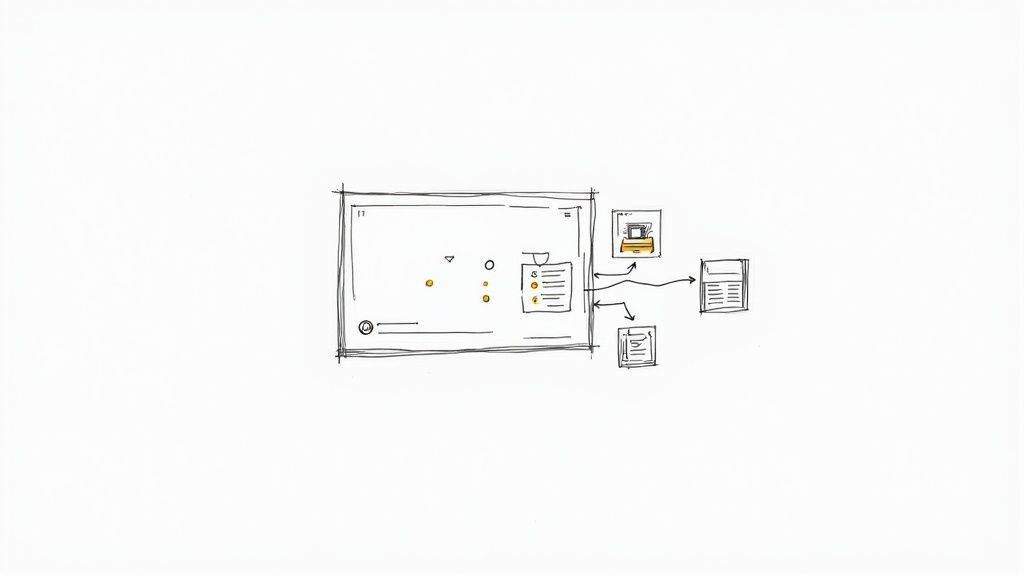
What if your training videos felt less like a one-way lecture and more like a hands-on workshop? That’s the real potential hiding inside your content. Moving from a passive "sit-and-watch" experience to an active learning tool is how you unlock genuine knowledge retention and engagement. Platforms like Mindstamp are built specifically to create this kind of engaging, interactive learning and training content.
Traditional videos just ask employees to watch and absorb. Interactive video, on the other hand, invites them to participate. It flips the script from a monologue to a dialogue, making sure the viewer isn’t just listening but is actively thinking and applying information as they go.
This is the perfect answer to viewer fatigue. By dropping in interactive elements, you break up that passive consumption and pull the learner’s attention back in at just the right moments. The whole experience just becomes more dynamic.
From Monologue to Dialogue: Features That Drive Engagement
The goal of any internal communication video for training isn't just to be seen—it's to be understood and remembered. This is where specific interactive features, like those in Mindstamp, really make a difference. They create touchpoints that encourage learners to lean in and get their hands dirty with the content.
These aren't just fancy bells and whistles; they create a rich learning environment that can even adapt to the user. To make sure your training videos hit the mark, it's essential to use effective tools to boost employee engagement and turn those passive viewers into active participants.
Here are a few core elements that build an active learning experience:
- Embedded Questions: Pop in multiple-choice, open-ended, or survey questions right on the video timeline. This is a simple but powerful way to check for comprehension on the spot, giving L&D teams an instant read on what’s landing and what isn’t.
- Clickable Hotspots: Make any object or area in your video clickable. A hotspot can reveal extra text, open a link to a detailed PDF, or even launch another short video for more context—all without derailing the main training.
- Personalized Learning Paths: Use branching logic to build a "choose your own adventure" style of training. Based on an employee's answer to a question, you can send them to different parts of the video that are most relevant to their specific knowledge gaps or job role.
The Mindstamp Advantage: Building Smarter Training
Using a dedicated interactive video platform like Mindstamp lets you pull all these elements together into a training program that’s not just cohesive, but also completely measurable. It’s designed to make creating this kind of sophisticated, interactive content surprisingly straightforward.
Imagine a compliance video where an employee has to nail a safety question before they can move on. Or an onboarding video where a new hire can click on different team members to learn about their roles. This is active, self-directed learning in action.
This approach does a lot more than just keep people from nodding off; it fundamentally improves learning outcomes. When an employee has to physically click, type, or make a choice, their brain processes the material on a much deeper level. Active participation has been shown to dramatically boost information retention compared to just passively listening.
Plus, all this interactivity provides invaluable, real-time feedback for both the learner and the company.
- For the Employee: They get immediate confirmation if they're on the right track or are gently guided to review material they might have missed.
- For the Company: L&D managers get detailed analytics showing which concepts are clicking with the team and which parts of the training might be causing confusion, allowing them to constantly improve the content.
By turning a standard internal communication video into a two-way conversation, you create a powerful feedback loop. You’re not just boosting knowledge retention; you’re keeping your team fully invested and ensuring your training dollars deliver real, measurable results.
How to Measure Your Training Video ROI
So, you've created a killer internal training video. That's a huge win, but the real question is: is it actually working? Answering that with hard data, not just a gut feeling, is what separates a decent training program from a truly great one.
To get a real handle on the impact your video is having, you have to look past simple vanity metrics. It’s time to shift your focus from "how many people watched it?" to "did the right people actually learn the right things?" This is where platforms like Mindstamp come in, turning your video from a passive asset into a tool that gives you measurable insights into performance. It’s all about connecting the dots between your content and real, tangible business outcomes.
Moving Beyond View Counts
Let's be honest, view counts can be deceiving. A high number looks great on a report, but it doesn't tell you if your team watched the whole thing, if they actually understood the material, or if they just clicked play and zoned out after 30 seconds. To get a true sense of whether your training is landing, you need to track metrics that show genuine engagement and comprehension.
And this isn't just a hunch; it's becoming a top priority for businesses everywhere. A recent report found that 71% of internal communicators now track employee engagement as a key performance indicator, and 60% are monitoring interactions like click-through rates. The trend is clear: data-driven proof is the new standard for internal content. You can check out more on internal communication trends over at tryane.com.
To get the real story, focus on these key metrics:
- Completion Rates: This is one of the big ones. A high completion rate is a fantastic sign that your content is compelling and relevant enough to keep an employee locked in from start to finish.
- Viewer Heatmaps: These are incredibly cool visual tools. They show you exactly which parts of your video are being watched, re-watched, or completely skipped over. Heatmaps are your secret weapon for spotting confusing sections that need a second look or dull spots that are causing people to drop off.
- Quiz and Question Scores: By embedding questions right into your video, you can check for understanding on the fly. This data tells you not just if they watched, but if they actually got it.
Connecting Data to Business Outcomes
Ultimately, the goal of measuring your training video is to prove its value to the company. When you can connect your engagement data to concrete business results, you build an airtight case for your video strategy. This is how the Learning & Development function transforms from a simple cost center into a strategic partner that actively drives performance.
The real power of video analytics is in translating engagement data into a compelling story about business impact. It's about showing leadership that your training videos aren't just being watched—they're making the company safer, more efficient, and more profitable.
For example, imagine you roll out a new software tutorial. You can directly correlate high completion rates and passing quiz scores with a noticeable drop in IT support tickets for that specific tool. That's a clear win. In the same way, you can link the completion of safety training videos directly to a reduction in workplace incidents. Want to dive deeper? We have a detailed guide on how to properly calculate the ROI on your training initiatives.
By zeroing in on these tangible outcomes—things like faster onboarding, better compliance, and improved job performance—you can show the undeniable return on investment for your internal video program. This is how you secure buy-in for future projects and get the resources you need to keep making your content even better.
Common Questions About Training Videos
As learning and development teams start digging into video, a few practical questions always seem to pop up. Getting the logistics right—from production to making sure people actually watch—is the key to building a video training program that works. Let's walk through some of the most common questions and give you some straightforward answers.
The goal here is to get past any roadblocks so you can start creating content that builds a more skilled and informed team.
How Can We Create Professional Videos On A Small Budget?
Good news: you absolutely do not need a Hollywood-style studio to create effective training content. The quality of your information is way more important than the cost of your camera. Today's tools put professional-looking video well within reach for any team.
Start with the basics you probably already have: a modern smartphone, a simple tripod to keep things steady, and an inexpensive microphone. Clear audio is non-negotiable. Viewers will forgive video that isn't perfect, but they will click away instantly if the sound is terrible. For lighting, just position your subject near a window for soft, natural light—it's often better than expensive artificial lights anyway.
Focus your energy on the value and clarity of your content. A well-explained tutorial shot on a phone is infinitely more effective than a confusing, high-budget production.
From there, low-cost or free editing software can add the final professional touches, like simple titles, your company logo, and consistent branding to tie it all together.
What Is The Ideal Length For A Training Video?
The best training videos respect the employee's time. For single-topic tutorials or quick explainers, the sweet spot is generally between two and seven minutes. This microlearning approach fits how people consume information today and massively increases the chances they'll finish the video.
When you're tackling more complex subjects, like a full onboarding program or a multi-part compliance module, fight the urge to create one long video. It's so much more effective to break the content down into a series of short, digestible modules.
- A 30-minute topic is much better as five 6-minute videos.
- Each video should focus on one specific learning objective.
- This structure lets employees learn at their own pace and easily jump back to a specific section if they need a refresher.
Using an interactive video platform like Mindstamp also lets you add chapters or a clickable table of contents. This makes even longer content easy to navigate, empowering employees to jump directly to the information they need most.
How Do We Ensure Employees Actually Watch The Videos?
Creating great content is only half the battle. Getting people to watch it is the other half. Engagement starts with providing genuinely useful information, but a smart distribution strategy is what gets it in front of the right people.
First, share your training videos on the channels your team already uses every day, like Slack, Microsoft Teams, or your company intranet. Next, communicate the "why." Don't just post a link; explain how the training will benefit them directly—whether it's saving them time, helping them master a new tool, or making their job safer.
Making the content interactive is a fantastic way to hold attention. By embedding questions or clickable elements, you require active participation rather than just passive viewing. Finally, use analytics to see where viewership drops off. This data is gold for improving future videos and making sure your training is actually being consumed, not just assigned.
How Can We Train A Globally Distributed Team With Video?
Video is the perfect medium for training global teams. It cuts across geographical and linguistic barriers better than anything else. The trick is to design your content with a global audience in mind from the very beginning.
Lean into strong visual demonstrations instead of relying too heavily on text or spoken narration. A well-filmed screen recording of a software process, for example, is universally understandable. When you do write scripts, use simple, clear language and consciously avoid cultural idioms or slang that might not translate well.
To really maximize accessibility, use AI-powered tools to quickly generate accurate subtitles and captions in multiple languages. For critical training, you can even create dubbed audio tracks. This ensures that every single team member, no matter their location or native language, gets the same high-quality, consistent learning experience. It's how you foster a truly unified global team.
Ready to transform your passive training videos into active learning experiences? With Mindstamp, you can easily add questions, hotspots, and personalized learning paths to keep your employees engaged and measure what they’ve learned. Start creating more effective training content today.