What’s new
What’s new in Mindstamp.
See the latest Mindstamp features, interactions, reporting improvements, and integrations as they ship.
Latest releases
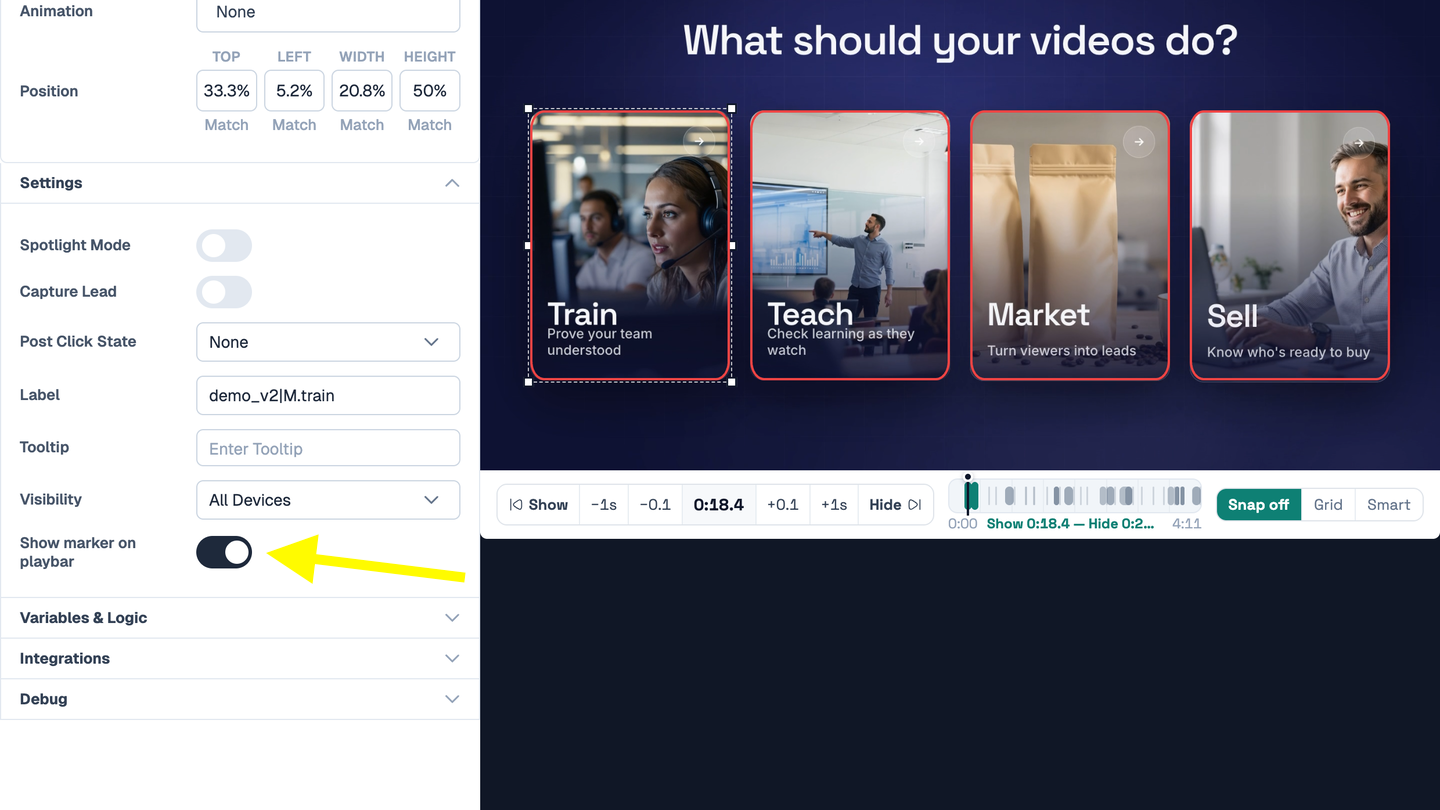
Hide a Marker on the Playbar
Choose which interactions show a marker on the playbar, one interaction at a time.
Read →Background Images for Player Panels
Put an image behind questions, messages, Genie, the Guide, lead capture, and other player panels.
Read →Playlist Sign-In + Completion Emails
Learners sign in to a playlist so their progress follows them, and you get an email when they finish.
Read →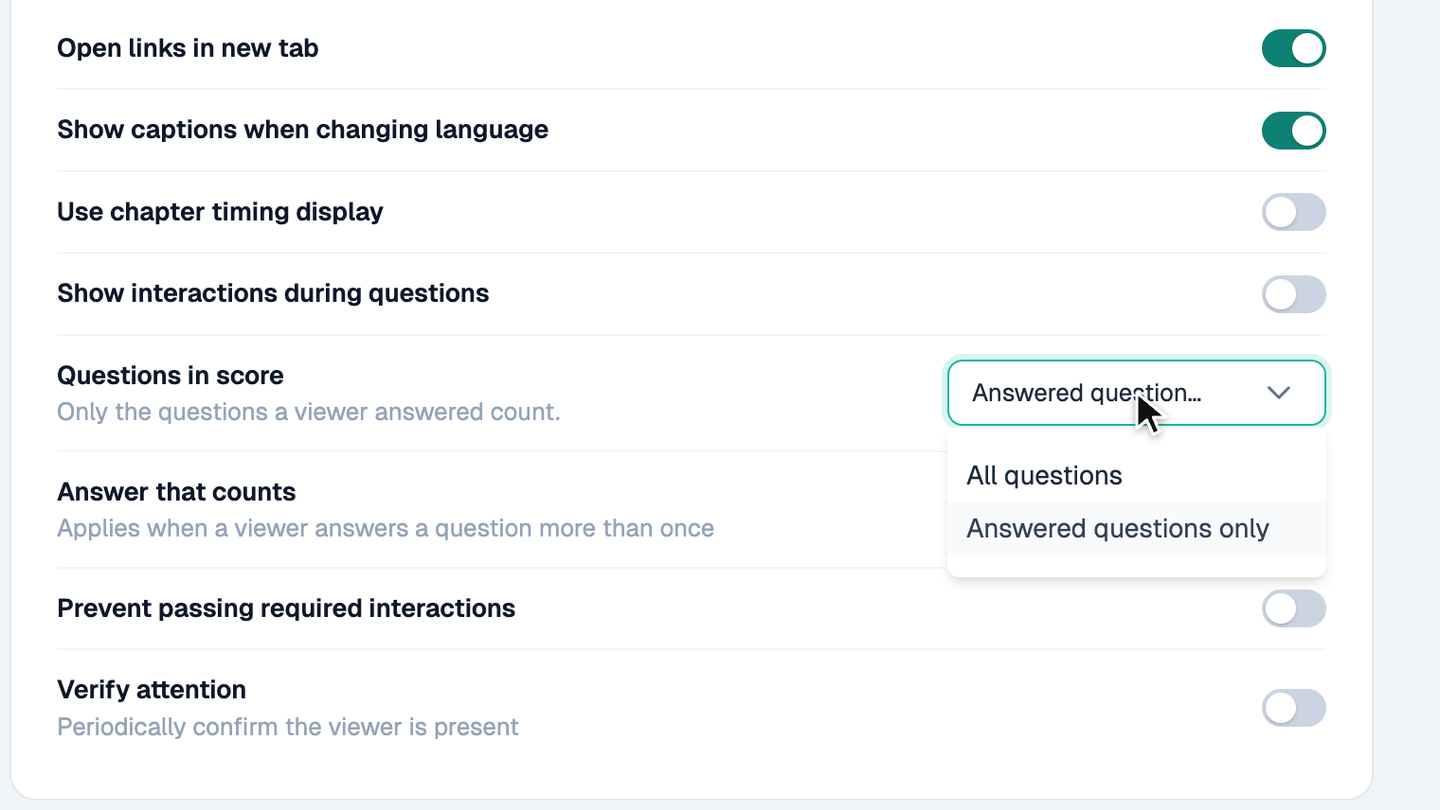
Choose How Quiz Scores Count
Quiz scores can now count every question on a video, not only the ones a viewer answered.
Read →Pop-outs + Per-Item Styling
Open a panel of buttons, text, and images when a viewer clicks, then close it and keep watching.
Read →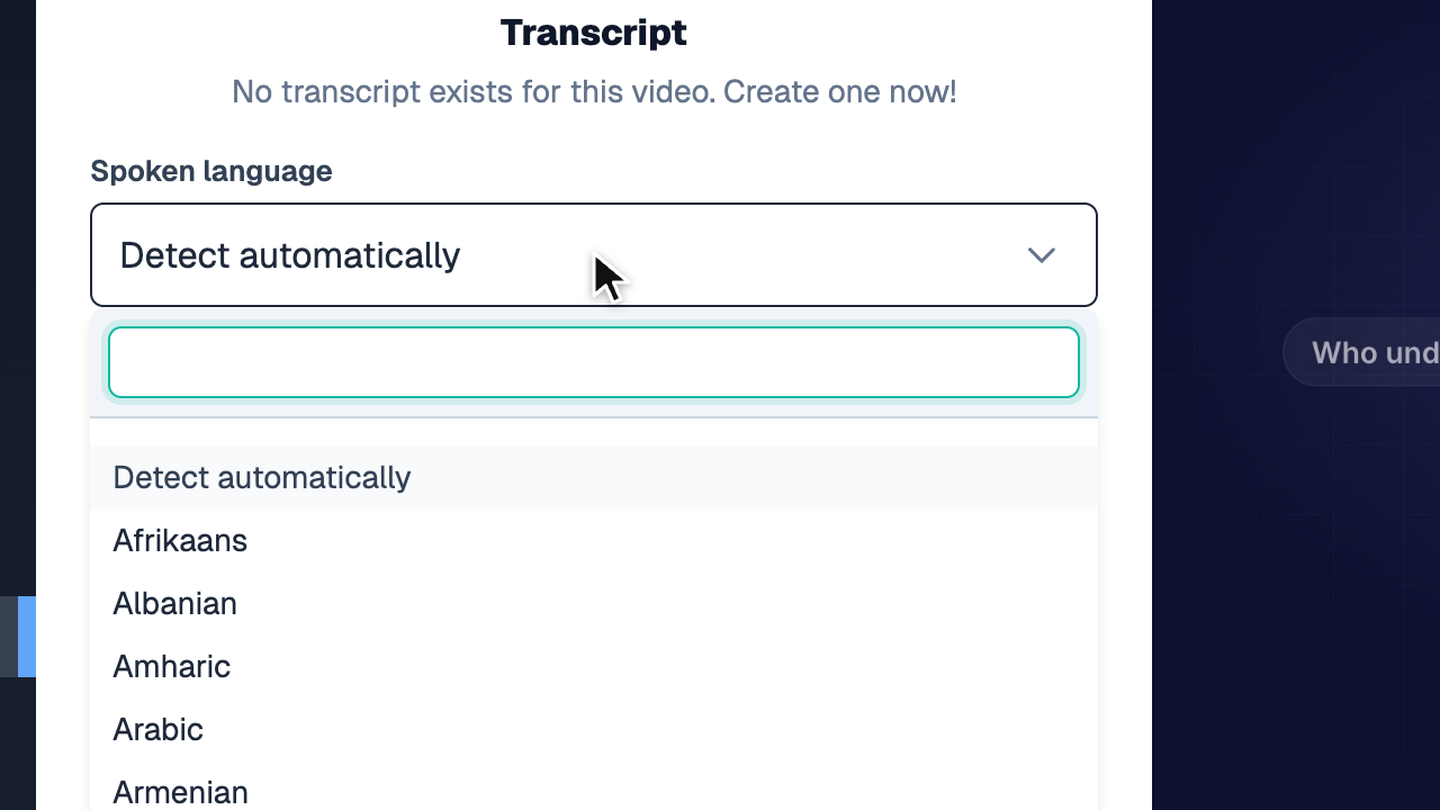
Choose the Spoken Language for Transcripts
Pick the language spoken in your video, so transcripts and captions come back in that language.
Read →Variable Picker + Fallback Text
Type {{ in a text field to pick a variable from a list, and add fallback text for viewers with no value.
Read →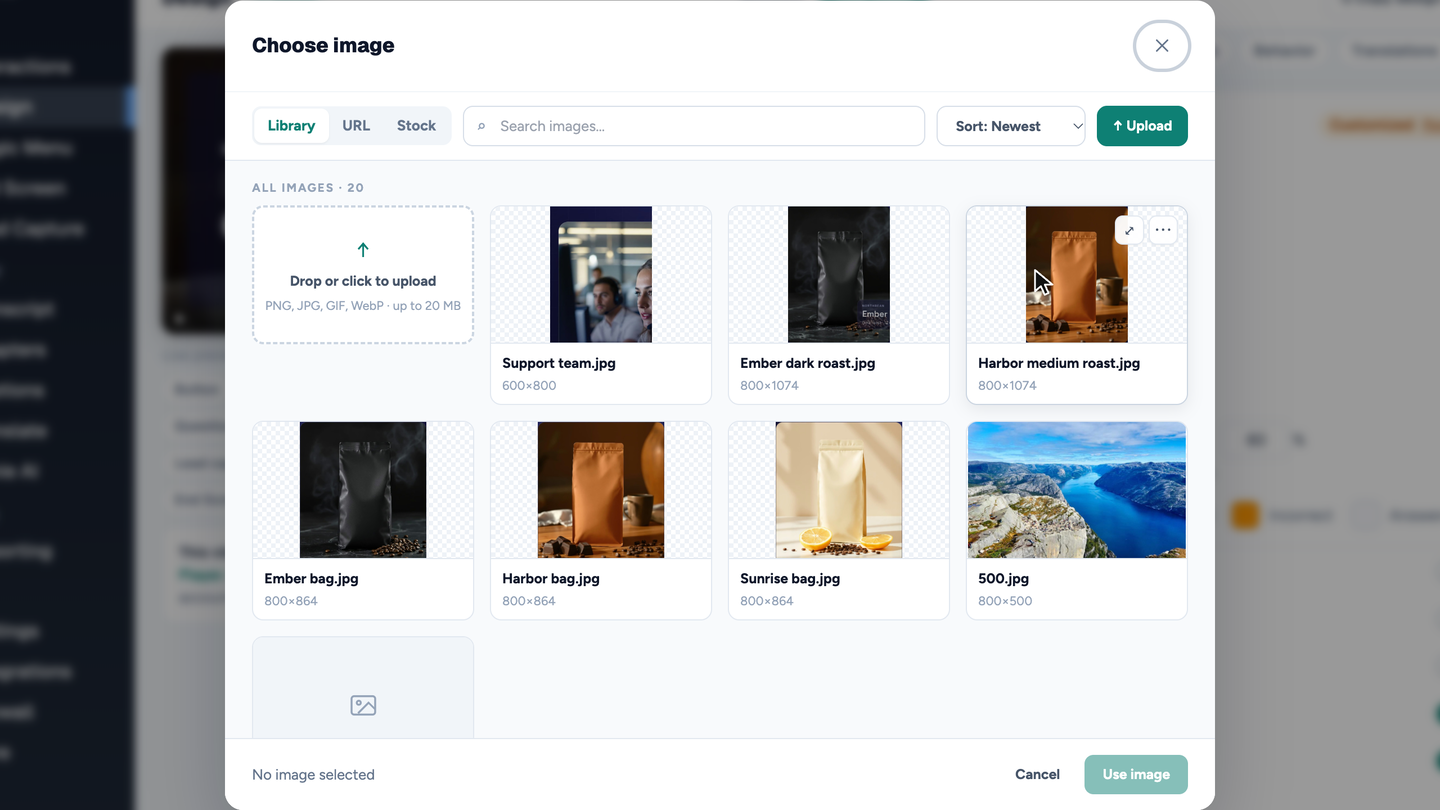
A Faster Image Picker
Find, upload, and reuse images in one picker with Library, URL, and Stock tabs.
Read →Hotspot Motion Tracking
Make a hotspot follow a moving object in your video.
Read →Decisions Report
See which option viewers choose when your video gives them a choice.
Read →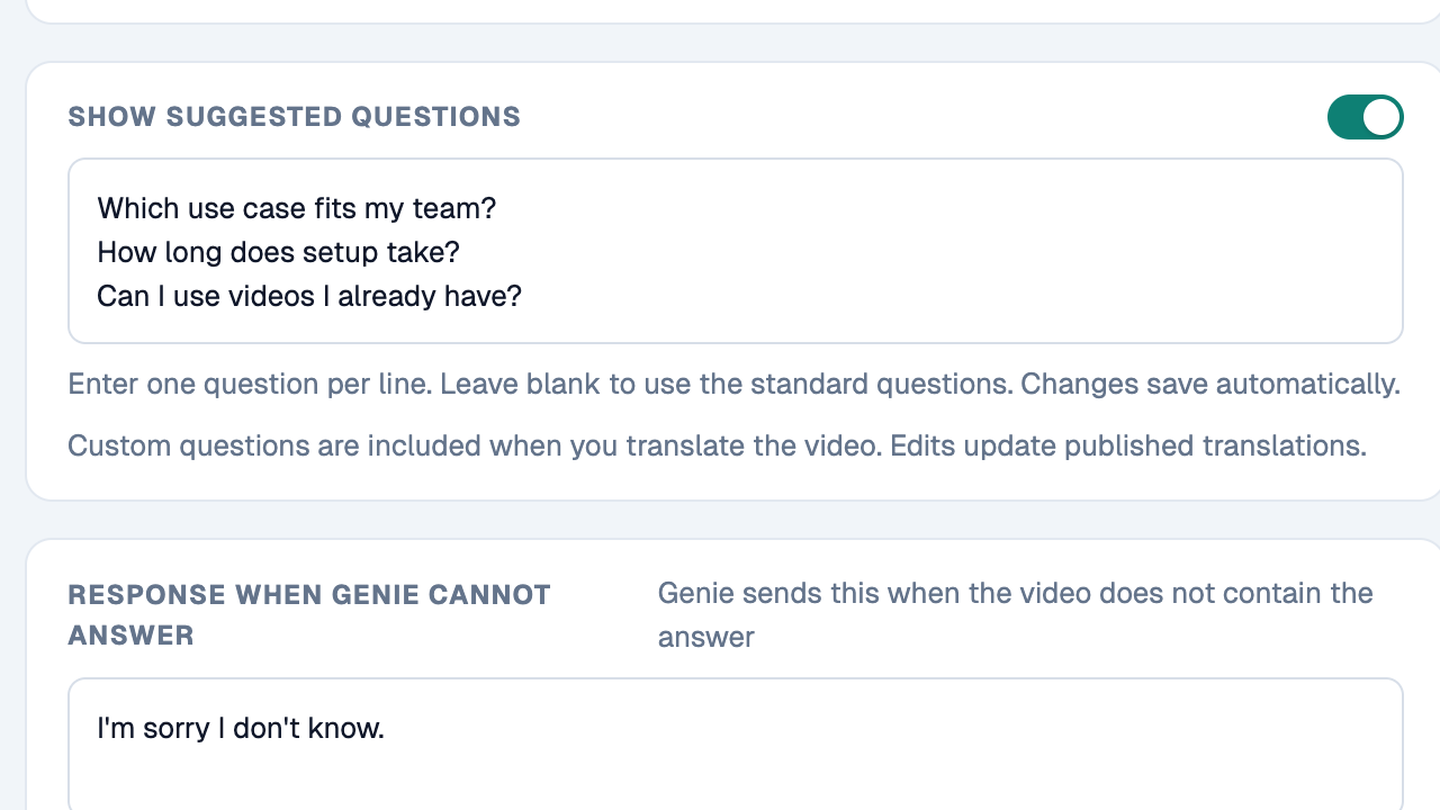
Genie Suggested Questions
Show viewers a few questions they can ask Genie, in their own language.
Read →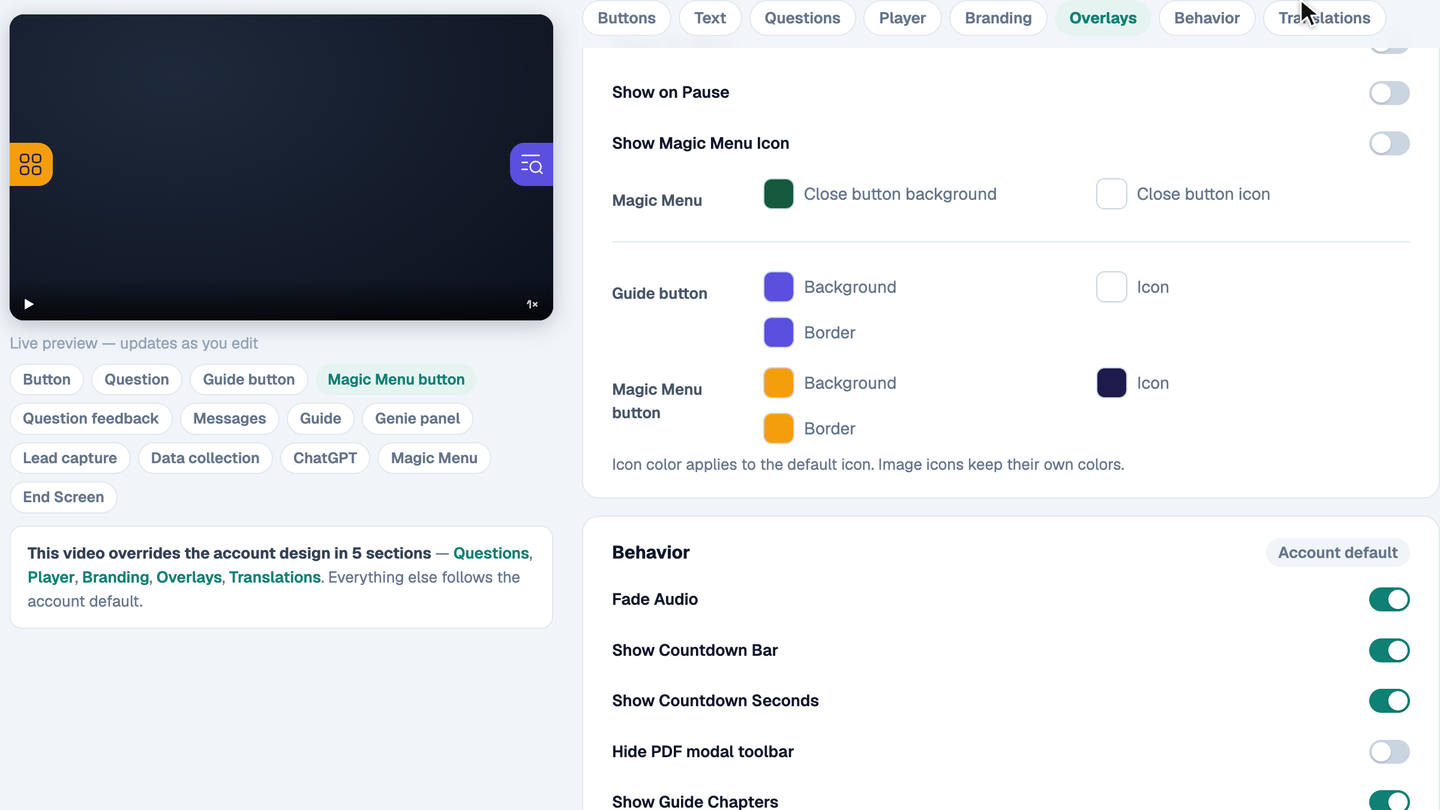
Separate Colors for Each Player Panel
Give the Guide button, Magic Menu button, Genie, lead capture, and other panels their own colors.
Read →Custom Completion Certificates
Design a completion certificate in Mindstamp and set the rules that a viewer must meet to earn it. Eligible viewers can download a personalized PDF from the video.
Read →MCP Server + Agent Tools
Connect an AI assistant to Mindstamp through our MCP server. Your agent can find videos, add or remove interactions, update video settings, and review results. Available actions follow your plan and Mindstamp permissions.
Read →Offline Mode
Download an interactive video package that runs without an internet connection. Its videos, interactions, branches, questions, and captions continue to work at trade shows, conferences, and field locations.
Read →Hotspot Attention Effects
Give any hotspot motion: Glow, Beam, Pulse, Sparkle, Focus, or Shimmer. Each effect picks up your accent color automatically.
Read →Smart Grid + Timeline Editing
Smart Grid snaps interactions into alignment as you drag. The new timeline strip beneath the video lets you set exactly when each interaction shows and hides, while previewing everything in place.
Read →Interactive Video Cards
Reveal a custom info, media, or product card the moment a viewer clicks: text, an image, and up to two actions. Cards resize for desktop and mobile on their own.
Read →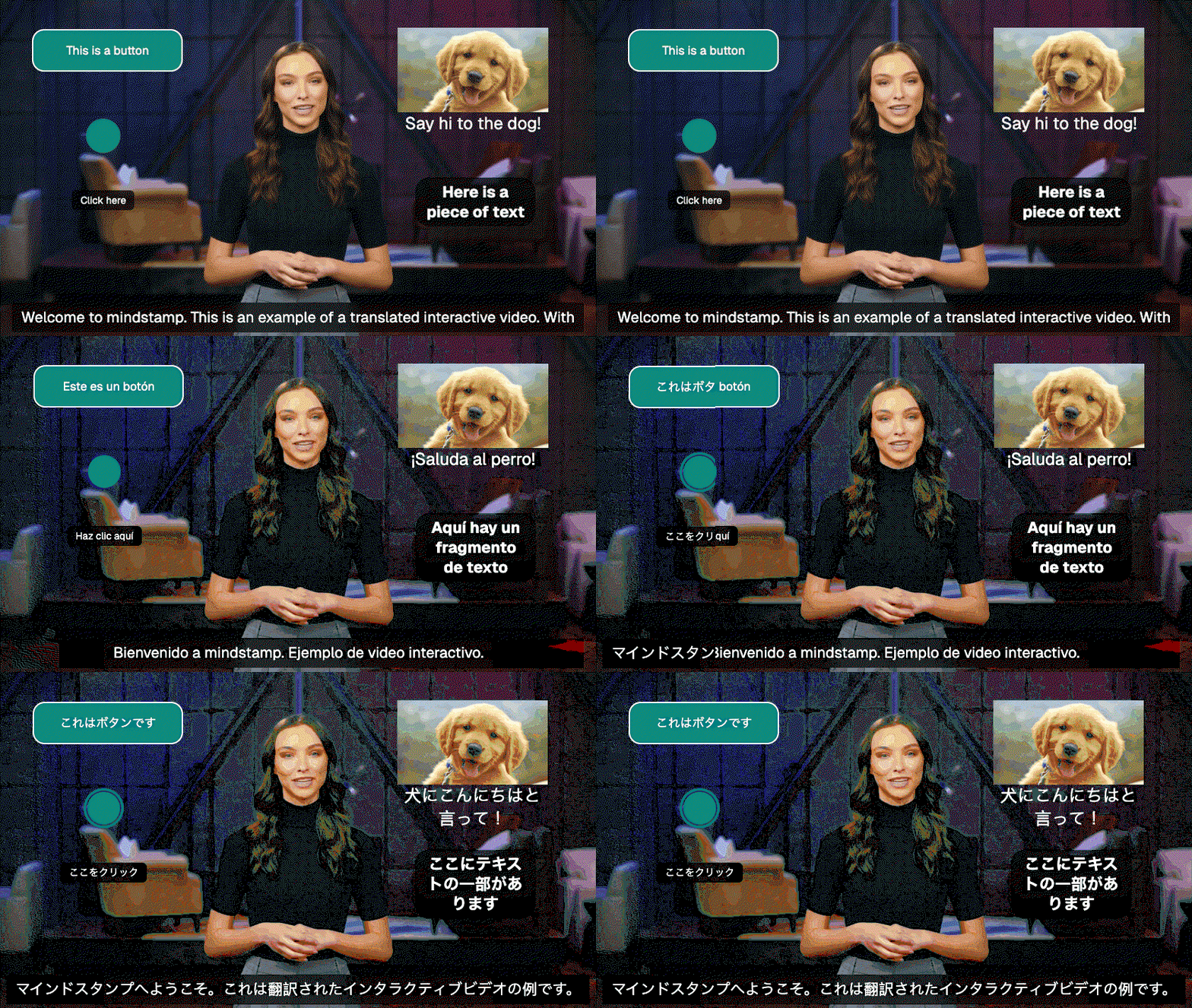
AI Dubbing & Translations
Translate any video into other languages in one click — voice audio, captions, and your interactions all come along.
Read →Custom Audio Soundtracks
Layer background music and audio tracks over any video, with full control over timing and volume.
Read →Completion Email Alerts
Get an email the moment a viewer completes a video, and export completion reports with per-viewer scores.
Read →Folders
Organize your library with nested folders and move videos between them as your workspace grows.
Read →Spoken Messages & AI Voices
Choose from 10 lifelike AI voices to read questions, answers, and messages aloud — and let viewers talk back to Genie with their voice.
Read →Bulk Personalization
Upload a spreadsheet and generate thousands of personalized viewing links from a single template.
Read →Hover Tooltips
Add tooltips to buttons, hotspots, text, and images that give viewers context before they click.
Read →Prevent Passing Required Interactions
Lock the timeline so viewers cannot skip past required interactions.
Read →Personalized Playlists
Playlist links now carry viewer names, emails, and custom variables across every video in the playlist.
Read →Design Locking
Organization owners can lock brand styling so every video from every member stays on brand.
Read →HTML Editor + Icon Picker
Format text interactions with a full HTML editor and drop in icons for extra polish.
Read →Thumbnail Selector
Pick the perfect thumbnail from generated frames of your uploaded video.
Read →Interaction Warnings
Mindstamp now flags misconfigured interactions — invalid jumps, unpublished branching destinations, and more — before your viewers hit them.
Read →8-Hour Video Support
Upload videos up to 8 hours long — up from the previous 6-hour limit.
Read →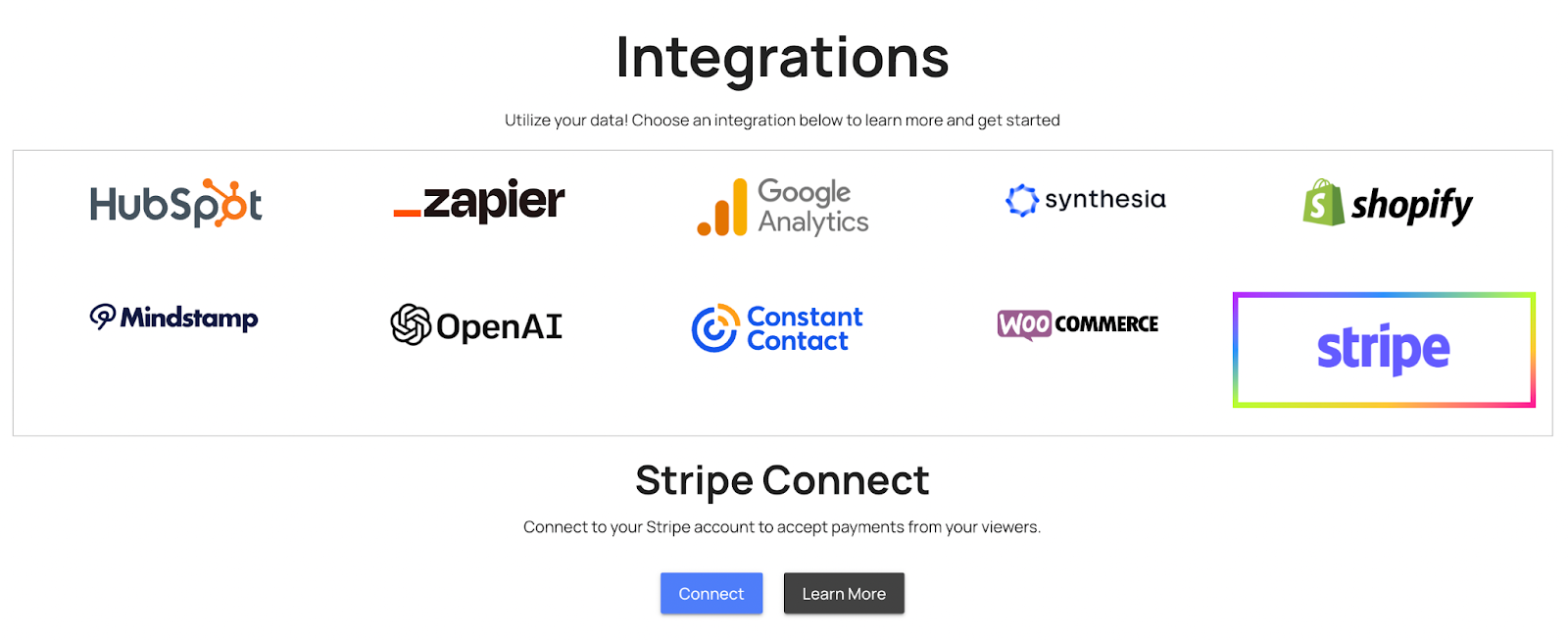
New on Mindstamp: Paywall: Sell Your Videos!
Add a paywall to charge viewers for access to a video.
Read →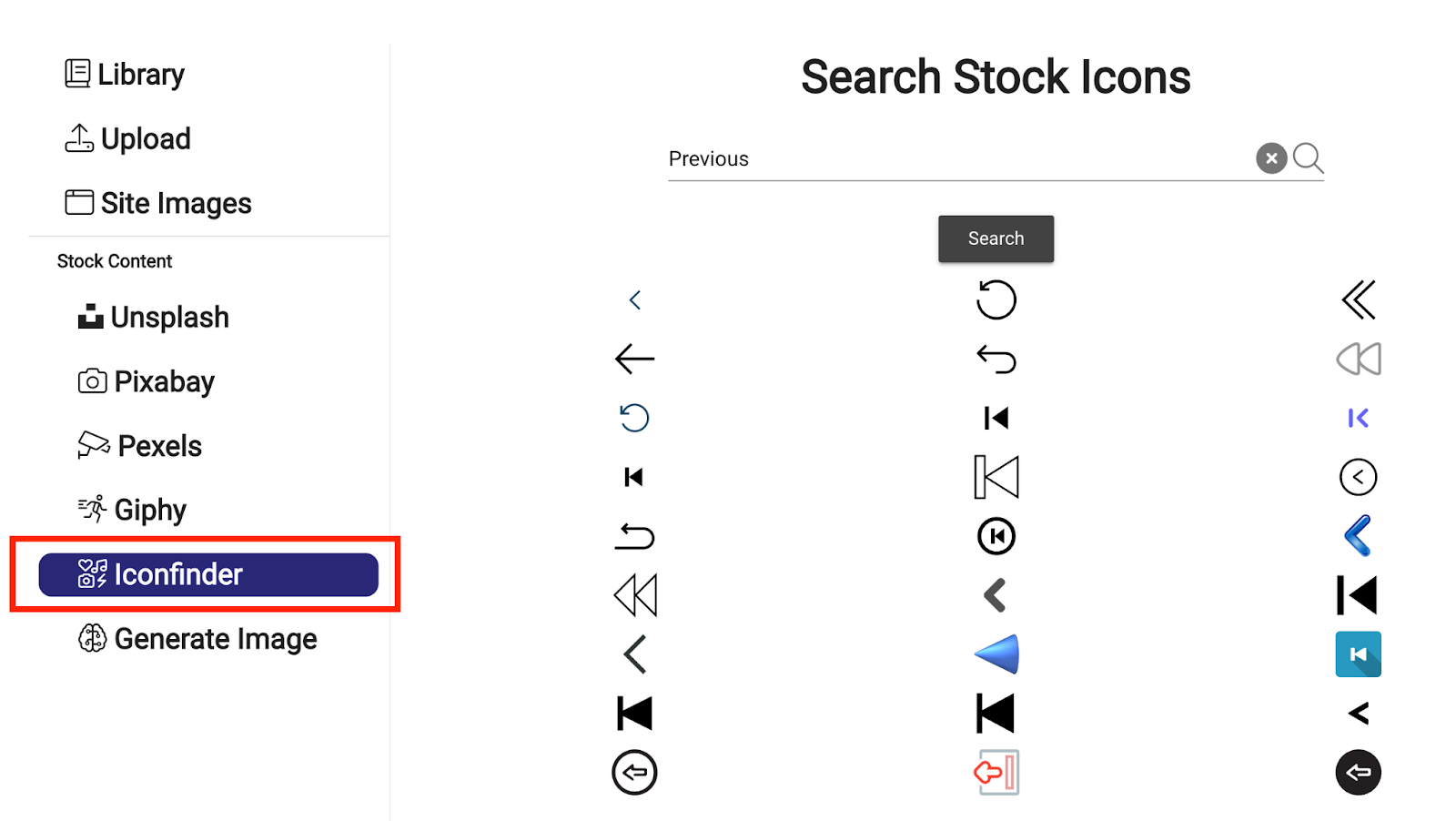
New: IconFinder Integration!
Use our new IconFinder integration to quickly find + use icons and imagery within your video!
Read →Start building
Try it on a video you already have
Add the first interaction and see what it reports back.