Improvement
Choose the Spoken Language for Transcripts
Pick the language spoken in your video, so transcripts and captions come back in that language.
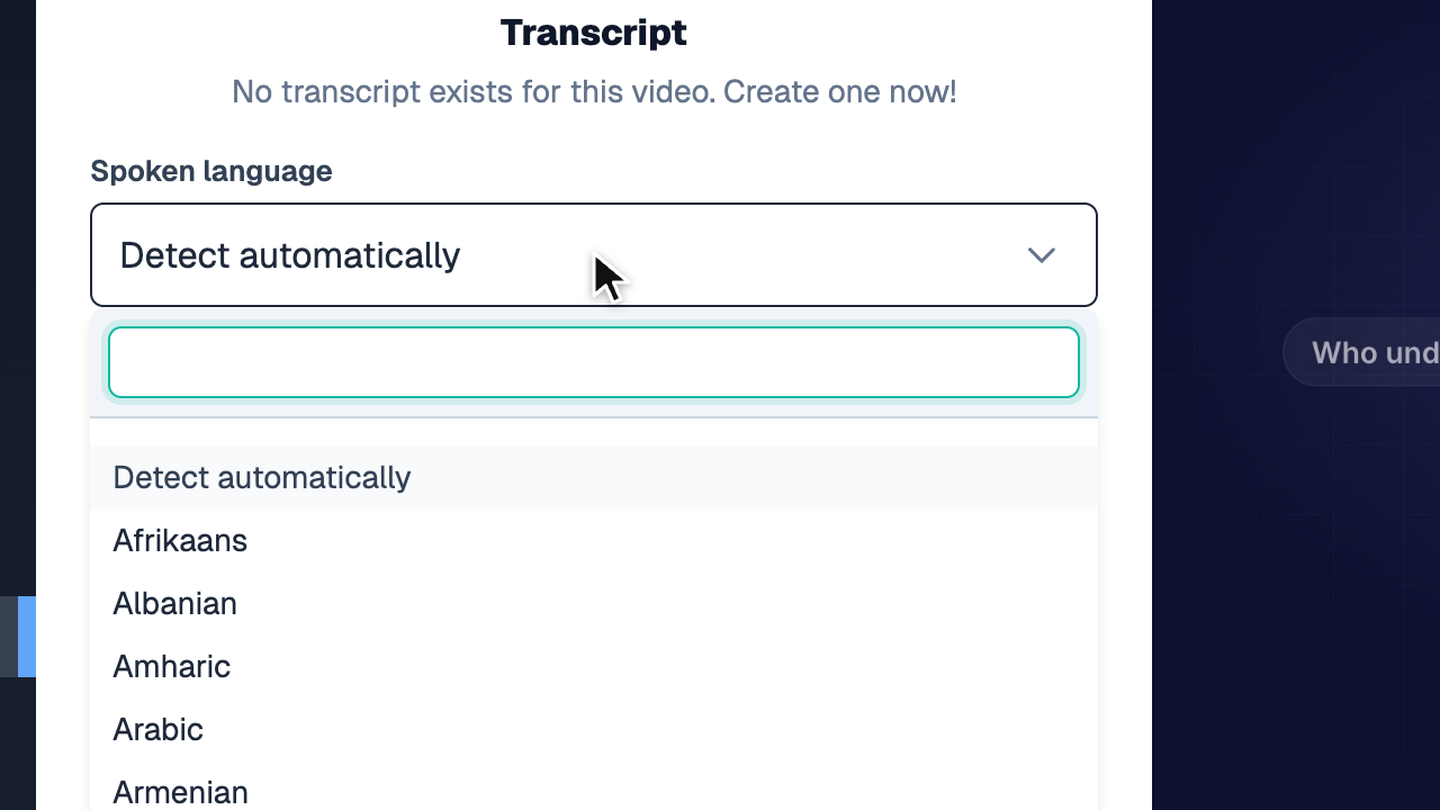
Open Transcript and choose one of about 100 languages under Spoken language, or keep Detect automatically. Chinese, Vietnamese, and other languages now transcribe in their own script.
Generated captions get the correct language name in the player's caption menu.
Try it yourself
Put this in one of your videos
Add questions, branching, and a call to action to a video you already have.