Engage
Ask viewers to click, answer, choose, or submit information while they watch.
- Questions and responses
- Buttons and hotspots
- Forms and submissions
Interactive video platform
Add questions, buttons, and calls to action to any video - then see exactly what every viewer watched, understood, and did.



Ask viewers to click, answer, choose, or submit information while they watch.
Show different content based on each viewer’s answers, clicks, or known data.
See what each viewer watched, clicked, answered, and completed.
Choose a use case to see the interaction and the report it creates.
Training
Ask questions while learners watch, give feedback after each answer, and see results by learner.
See how teams use choices, questions, forms, and calls to action.
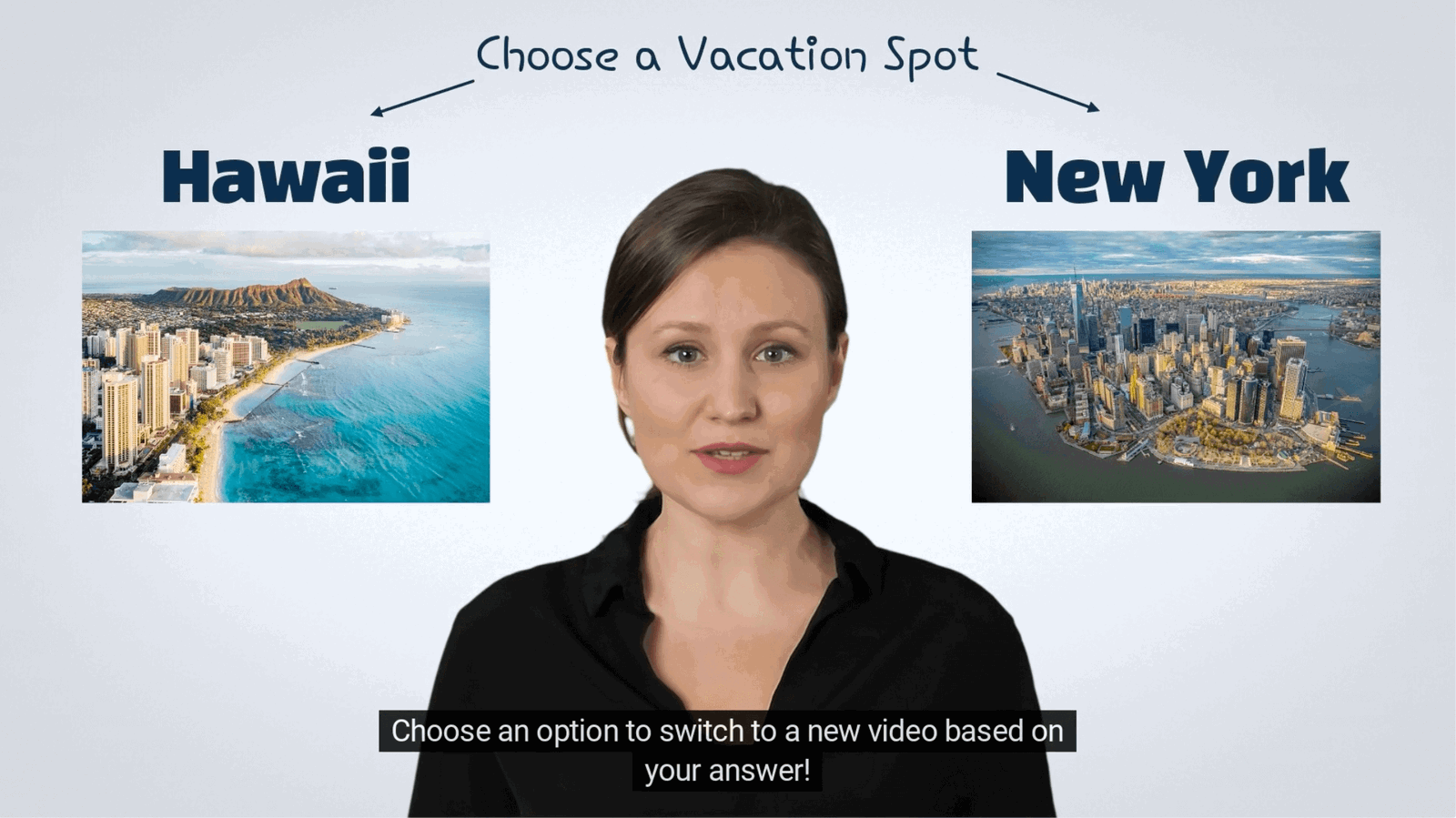
Send viewers to different scenes based on what they choose.

Check understanding with questions, feedback, and recorded answers.
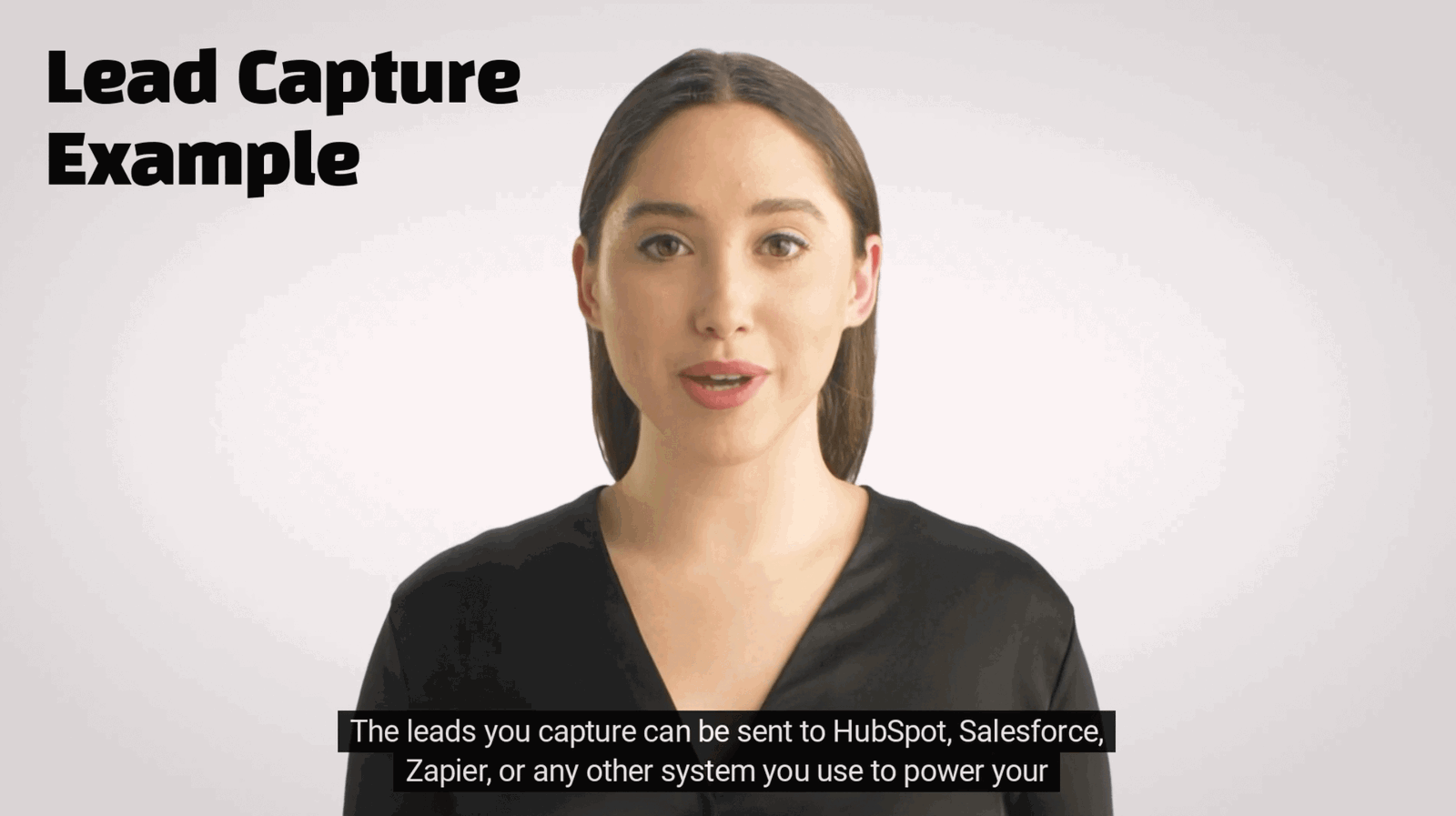
Collect a viewer’s name and email inside the video.
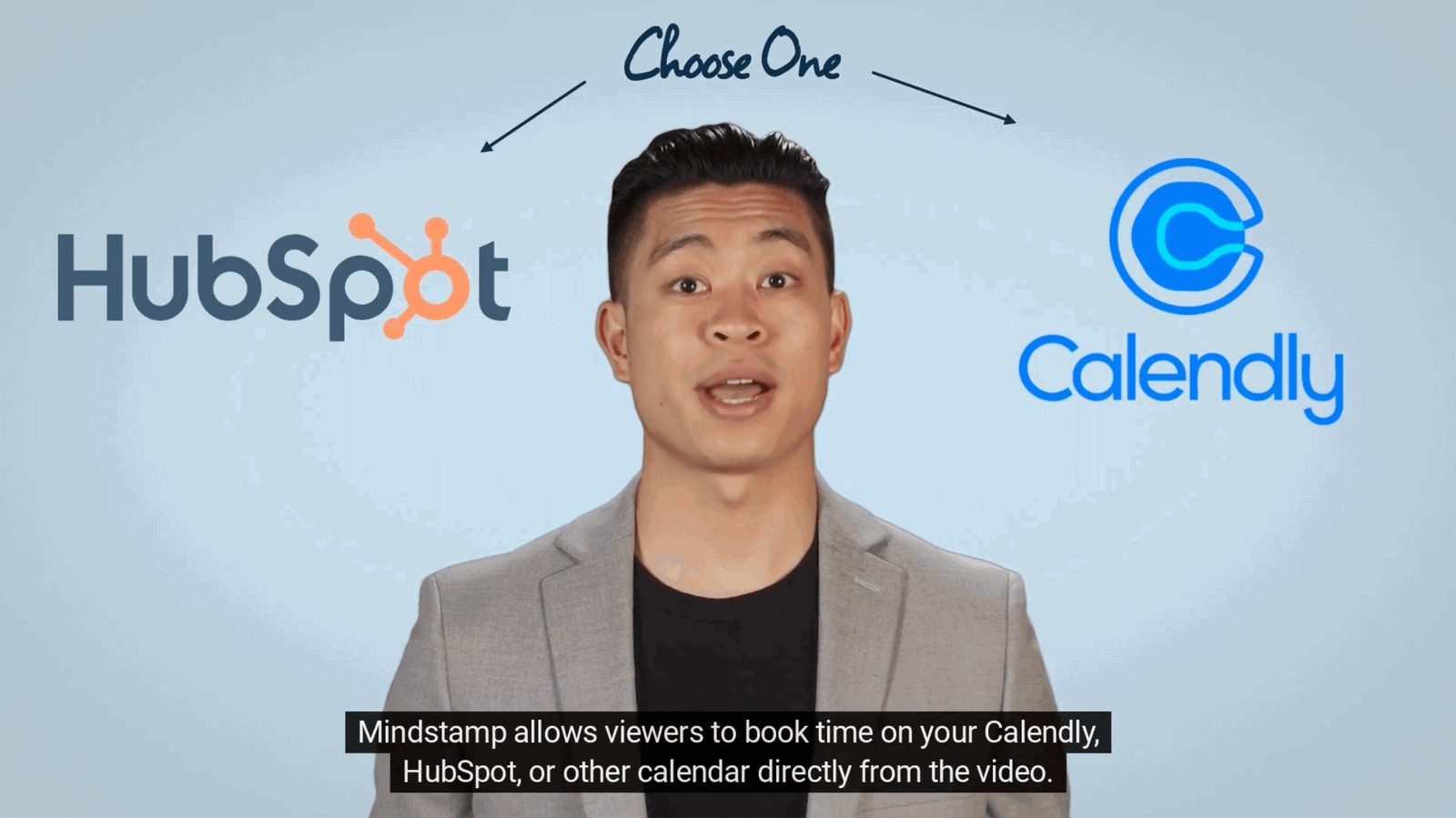
Let viewers book a meeting without leaving the video.

Recommend a product from the answers a viewer gives.
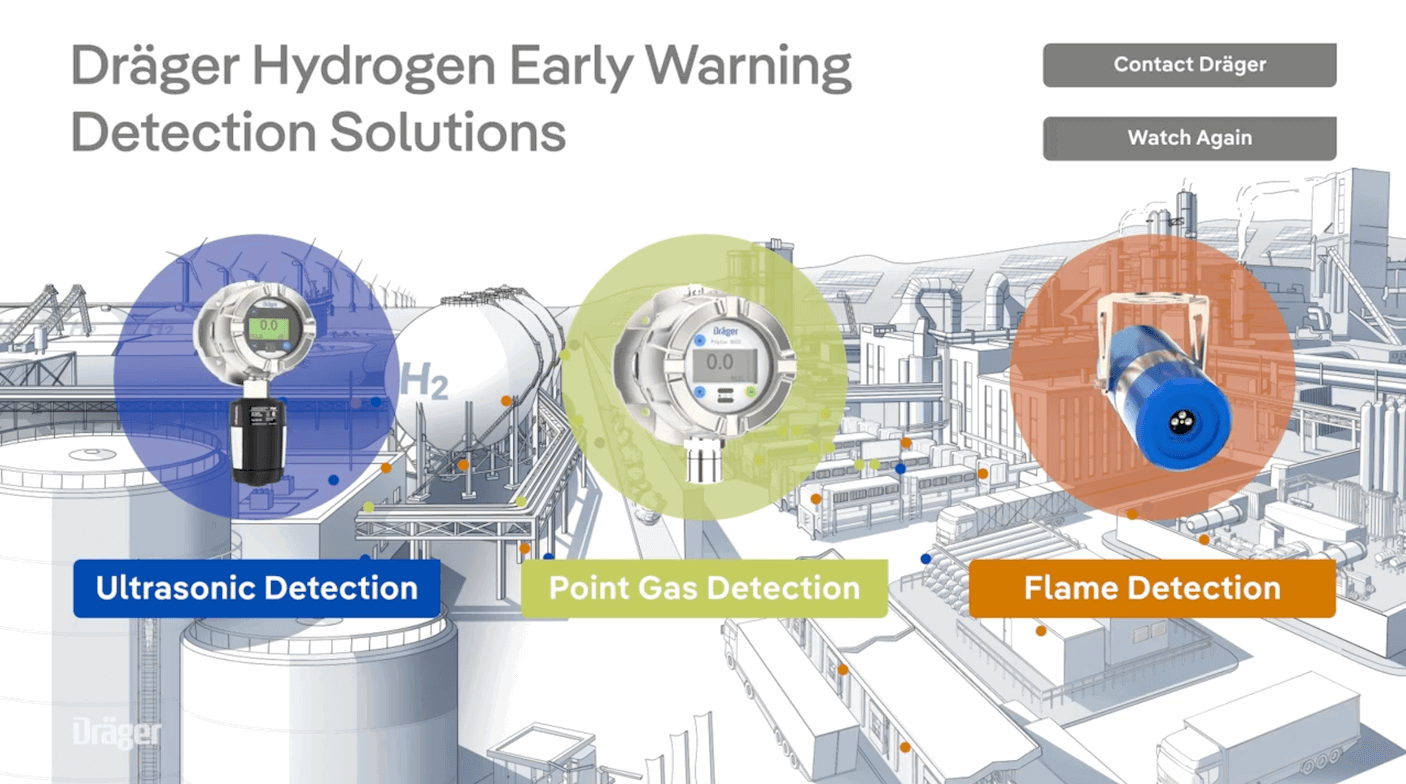
Use branching, hotspots, and downloads to teach a procedure.
Wall of love
“We've recently switched to Mindstamp from another platform and couldn't be happier! The editing process for adding interactive button and hotspots is simple and intuitive.”
“My goal was to create a video presentation with a Q&A section that allows viewers to click on which option they want, and when they click it jumps to a different section of the video. Mindstamp was the ONLY service I could find that could do this for a 30+ minute video without costing a fortune.”
“We use Mindstamp to supplement one of our training programs, and it provides great value to our colleagues who participate! From an administrative perspective, it's easy to set up and deliver high-quality content.”
“It's fantastic software, intuitive at the user interface level, extremely easy to use, has many customizable options and everything in the platform works flawlessly.”
“The support has been incredible and the platform itself is simply the best we've used. You really have the ability to customize things the way you envision them and the software has been reliable and effortless.”
“An excellent and enjoyable experience so far. Excellent feedback received from our national and international cohort of users.”
Read all reviews on Capterra →Read all reviews on G2 →Read customer stories →
Add them inside the video.
Assess
Ask multiple-choice, free-response, rating, audio, video, and drawing questions inside the video.
Link
Add clickable buttons for links, downloads, navigation, and calls to action.
Click
Make any area of the video clickable to reveal information, open a link, or trigger another action.
Capture
Collect names, email addresses, and form responses inside the video.
Navigate
Send viewers to different parts of the video based on what they choose.
Adapt
Show different text, buttons, recommendations, or content based on what you know about the viewer.
Control
Control what happens next based on viewer answers and actions.
Answer
Let viewers ask questions about the video and get answers from an AI assistant.
Import video from supported platforms and send results to your CRM, analytics tools, or API.
Video in
 Vimeo
Vimeo YouTube
 Wistia
 Synthesia
+ HeyGen, Kaltura, Amazon S3, JW Player

Data out
 HubSpot
 Salesforce
 Zapier
 Google Analytics
+ Meta Pixel, ClickFunnels, Google Sheets, Webhooks, REST API
The report
Most video tools count plays. Mindstamp shows what each person watched, answered, and did.
Standard video analytics
1,284 plays
A play count does not tell you who watched, what they chose, or what they did next.
Mindstamp viewer report1,284 viewers
+ 1,281 more viewers
FAQ
No. Interactions sit on top of the video you already have. Mindstamp keeps the original file unchanged.
Yes. Bring in videos from your library or hosting platform, then add interactive elements without recreating the content.
No. Viewers can open an interactive video from a shared link or embedded page without creating an account.
Yes. Collect contact details, answers, clicks, choices, and completion data inside the video, then send the data to your other tools.
Yes. Connect Mindstamp to video sources, CRM systems, analytics tools, calendars, forms, and data workflows.
View data in each per-view report, export it as a CSV, use the REST API, or send it to your CRM and automation tools.
Yes. SSO and SAML can be scoped and implemented for an Enterprise account. Bring your identity provider and procurement requirements to the first call. The quote states the implementation and delivery terms.
Add interactions to a video you already have, then see what each viewer watched and did.