Skip what they know
Let an experienced viewer jump past material they have completed.
Move through the video
Send viewers to any timecode from a button, hotspot, or answer. Move forward to skip or back to review.
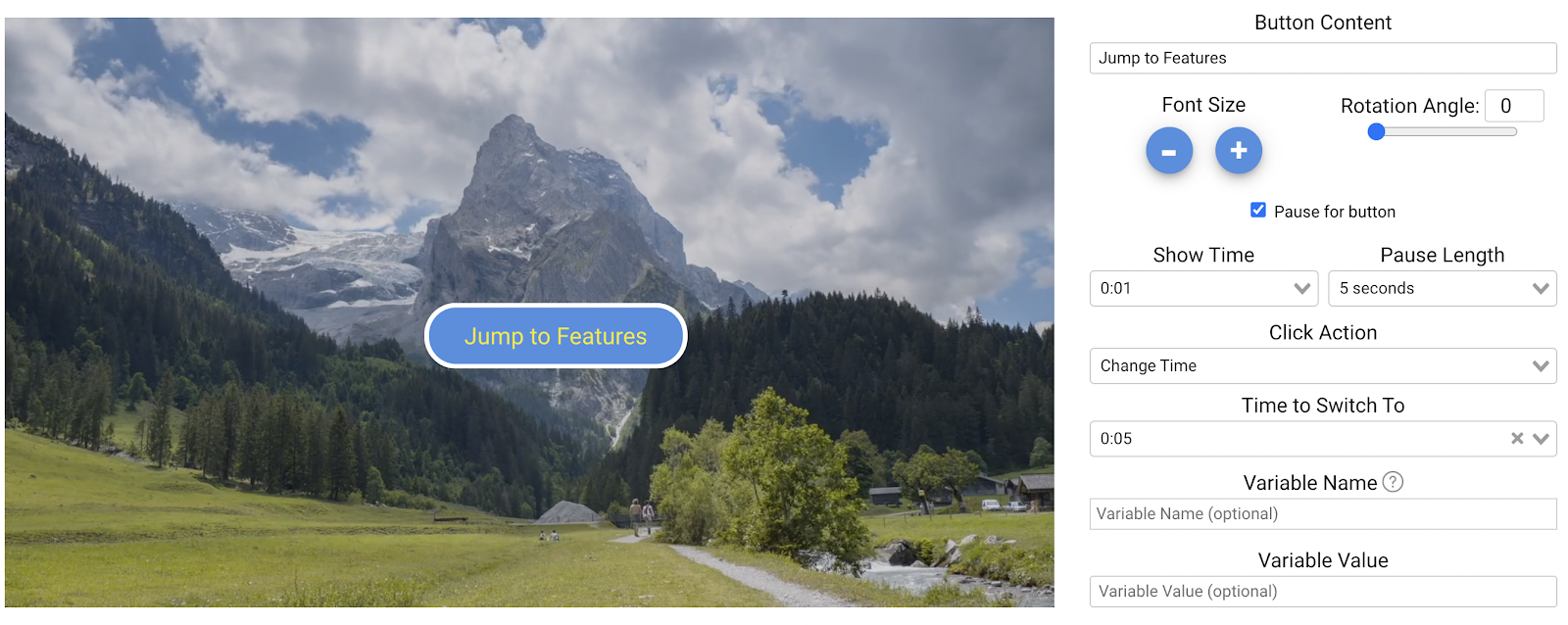
What it does
The same recording can be short for someone who knows it and thorough for someone who does not.
Let an experienced viewer jump past material they have completed.
Send a wrong answer back to the exact explanation.
A set of time jumps is how a table of contents inside a video is made.
In practice
Menus, review loops, and skip-ahead paths.
What gets reported
Every interaction on the timeline is recorded against the viewer who used it.
Standard video analytics
412 plays
A play count does not tell you who watched, or what they did at this moment in the video.
Viewer report · Change time412 viewers
+ 409 more viewers
Related
These combine on one timeline. Most videos use three or four together.
Chain videos into an ordered playlist so a multi-part program runs as one experience with one report.
Let viewers search inside the video and jump straight to the point where the answer is.
Let viewers choose their next scene in a training scenario, product demo, or support video, then review the paths they take.
Add a short video that plays inside the main video at the moment you choose, then returns the viewer to where they were.
Control colors, logo, and player styling so the interactive experience matches your product.
Open a Calendly or HubSpot calendar as an interaction, so the meeting is taken at the moment the buyer decides.
Questions
Yes. Conditional logic can move the viewer without a click.
No. The path each viewer took is exactly what gets recorded.
Try it on one video
Let the people who already know the first two minutes past them.