Your colors and logo
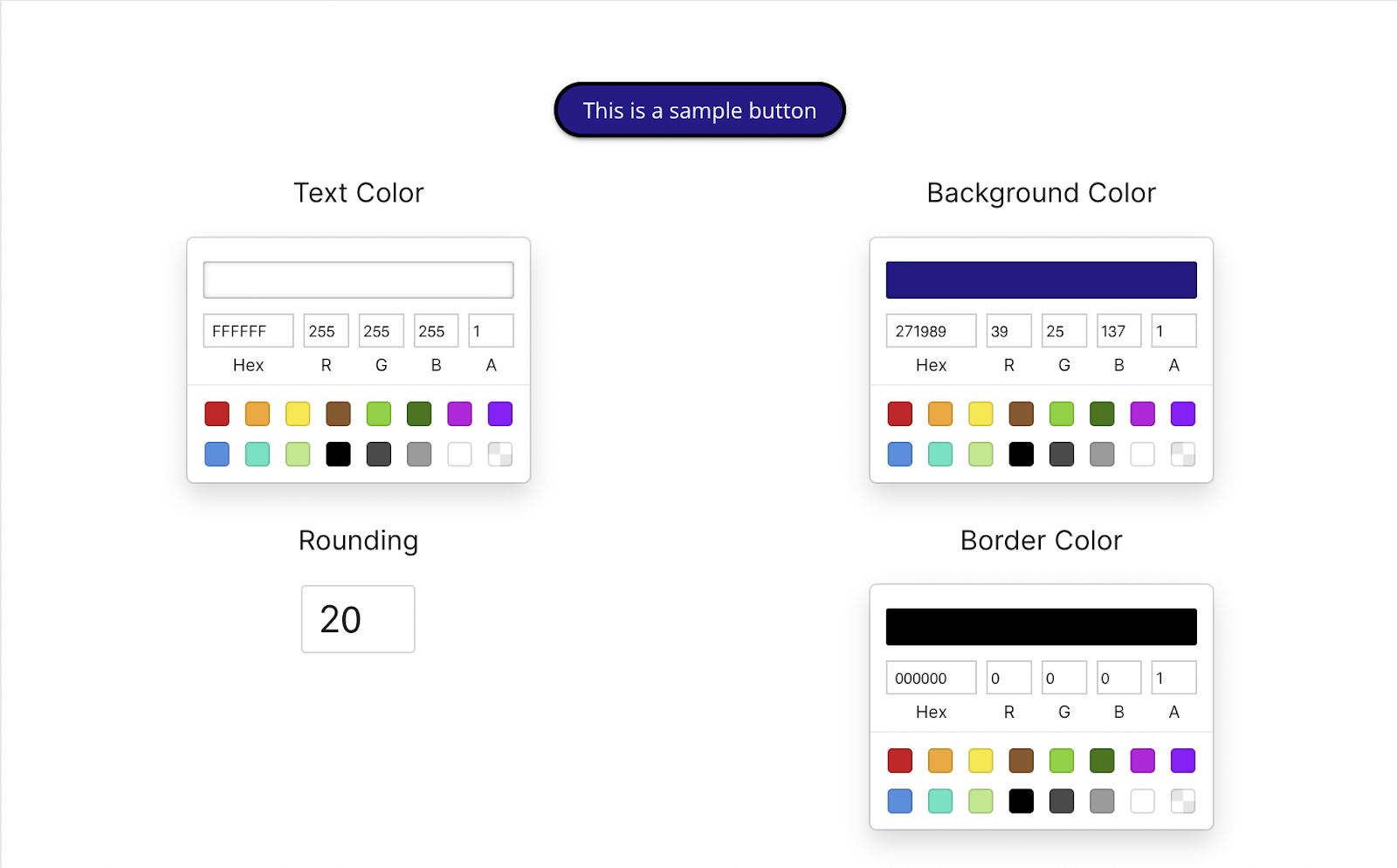
Apply your colors, type, logo, and player controls across the experience.
Personalize and brand
Control colors, logo, and player styling so the interactive experience matches your product.
What it does
Use the same visual system across the video player, interactions, and surrounding page.
Apply your colors, type, logo, and player controls across the experience.
Use the same styling on a site, in an LMS, or in email.
Branded interactions match the product and the page around the video.
In practice
Anywhere the video sits next to your own interface.
What gets reported
Every interaction on the timeline is recorded against the viewer who used it.
Standard video analytics
412 plays
A play count does not tell you who watched, or what they did at this moment in the video.
Viewer report · Branding412 viewers
+ 409 more viewers
Related
These combine on one timeline. Most videos use three or four together.
Generate a certificate when a viewer completes the video and meets its passing score.
Group viewers to manage access, reporting, and results by team, cohort, or client.
Render viewer and account details into the video at play time, so one recording addresses every recipient individually.
Open a Calendly or HubSpot calendar as an interaction, so the meeting is taken at the moment the buyer decides.
Ask for contact details before the video starts, at a chosen moment, or after a specific interaction. The viewer stays on the video page.
Send viewers to any timecode from a button, hotspot, or answer. Move forward to skip or back to review.
Questions
Yes. Agencies and teams with several product brands can set different styles.
Yes. Questions, buttons, and overlays take the same styling as the player.
Try it on one video
Set the colors once and every interactive video inherits them.