Click to the moment
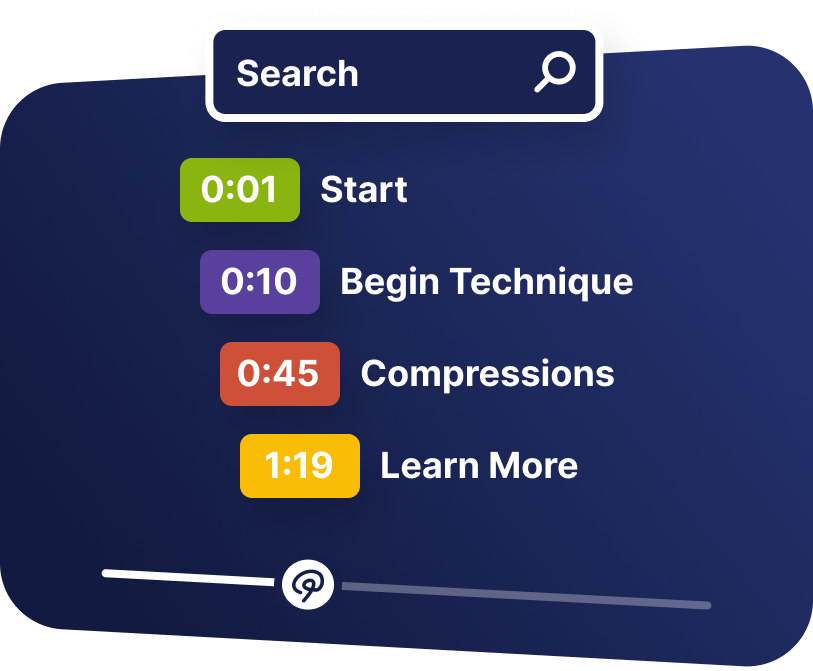
Selecting a line moves the playhead there, so finding a phrase means finding a timecode.
Move through the video
Generate a transcript that viewers can read, search, and click to jump to the exact moment a phrase was said.
What it does
Text is searchable, skimmable, and accessible in ways video is not.
Selecting a line moves the playhead there, so finding a phrase means finding a timecode.
Viewers can judge whether the video answers their question without playing it.
A readable transcript sits alongside captions for people who need or prefer text.
In practice
Reference content and anything people quote from.
What gets reported
Every interaction on the timeline is recorded against the viewer who used it.
Standard video analytics
412 plays
A play count does not tell you who watched, or what they did at this moment in the video.
Viewer report · Transcripts412 viewers
+ 409 more viewers
Related
These combine on one timeline. Most videos use three or four together.
Break a recording into named, searchable chapters so viewers can see the structure and jump straight to a section.
Show, hide, and reroute interactions based on what the viewer answered, clicked, or brought with them from your data.
Pause, skip, rewind, or jump to another video when an answer, condition, or viewer action calls for it.
Add clickable buttons that open links, jump the timeline, capture a lead, or start a branch at any moment you choose.
Place a clear call to action at the moment the video gives the viewer a reason to act.
Viewers add a comment at any moment in the video. Mindstamp saves each comment with its timecode in that viewer’s report.
Questions
Yes, and they can be edited afterwards so names and terminology come out right.
No. Captions run in the player; a transcript is readable and searchable beside it.
Try it on one video
Make the recording searchable and see what people look for.