Pen, circle, and text
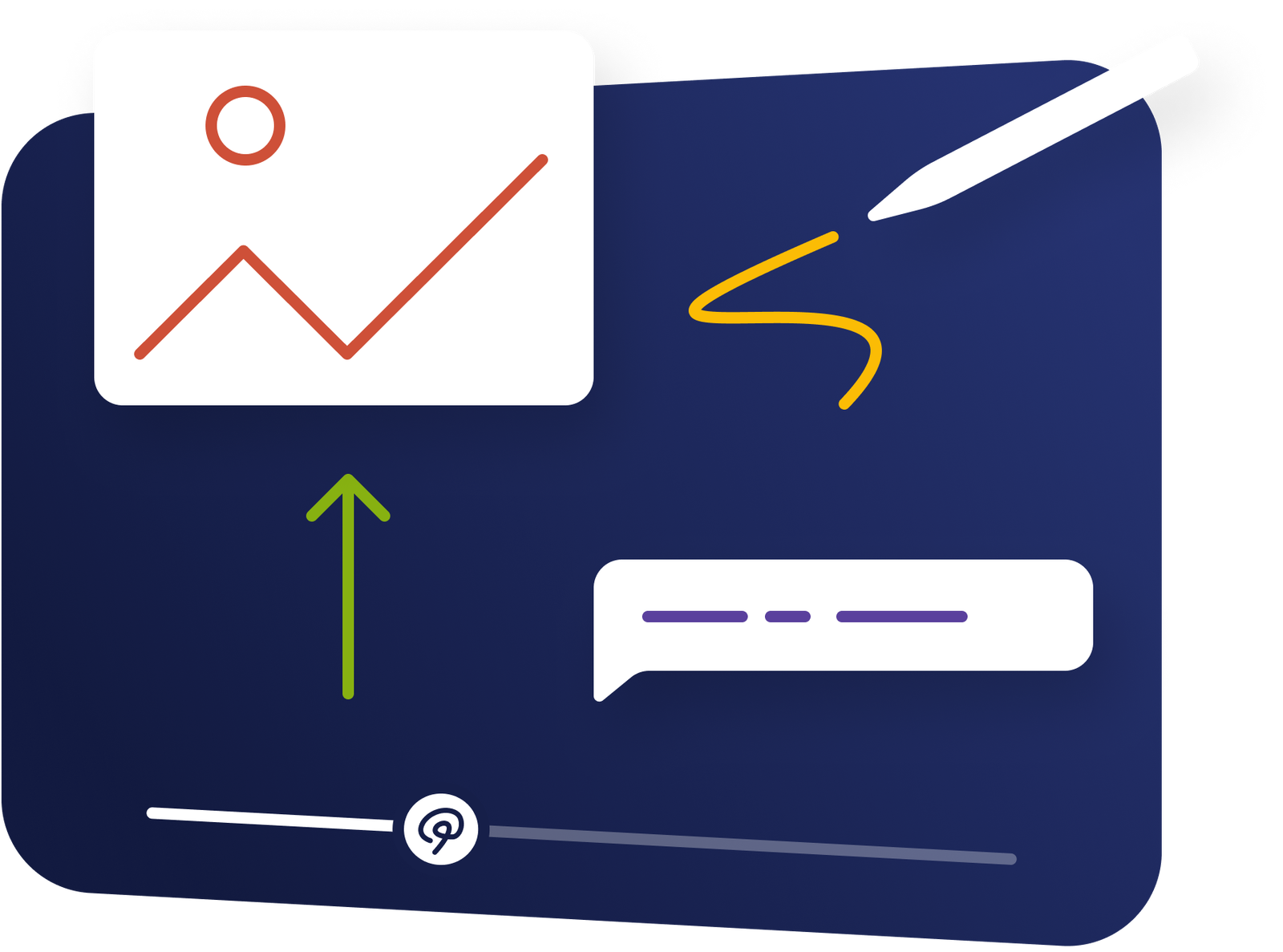
Draw freehand, add circles, and type labels in the color you pick. Move or resize each mark before you save.
Direct attention
Circle a detail, mark it freehand, or add a text label. The video pauses on that frame with your drawing on top, so viewers look where you point.
What it does
Directing attention with words is slow and unreliable. A circle on the frame shows the spot at once.
Draw freehand, add circles, and type labels in the color you pick. Move or resize each mark before you save.
Annotations sit on top of the existing file, so the source file stays unchanged.
The video pauses while the drawing shows, for 5 to 60 seconds or until the viewer clicks, then plays on.
In practice
Busy interfaces, complex equipment, and detailed visuals.
What gets reported
Every interaction on the timeline is recorded against the viewer who used it.
Standard video analytics
412 plays
A play count does not tell you who watched, or what they did at this moment in the video.
Viewer report · Drawings412 viewers
+ 409 more viewers
Related
These combine on one timeline. Most videos use three or four together.
Viewers add a comment at any moment in the video. Mindstamp saves each comment with its timecode in that viewer’s report.
Overlay diagrams, product shots, charts, or logos on the timeline. Make them clickable when needed.
Add clickable buttons that open links, jump the timeline, capture a lead, or start a branch at any moment you choose.
Place a clear call to action at the moment the video gives the viewer a reason to act.
Break a recording into named, searchable chapters so viewers can see the structure and jump straight to a section.
Show, hide, and reroute interactions based on what the viewer answered, clicked, or brought with them from your data.
Questions
No. This is you annotating the video; a drawing question is the viewer drawing their own answer.
A click closes the drawing and plays the video. To make part of the frame open a link or start a branch, add a hotspot over it.
Try it on one video
Circle a hard-to-find control and measure the change in support questions.