Captures delivery
Review tone, clarity, confidence, and the content of the answer.
Ask viewers to record a video response inside the experience so you can assess their answer and delivery.
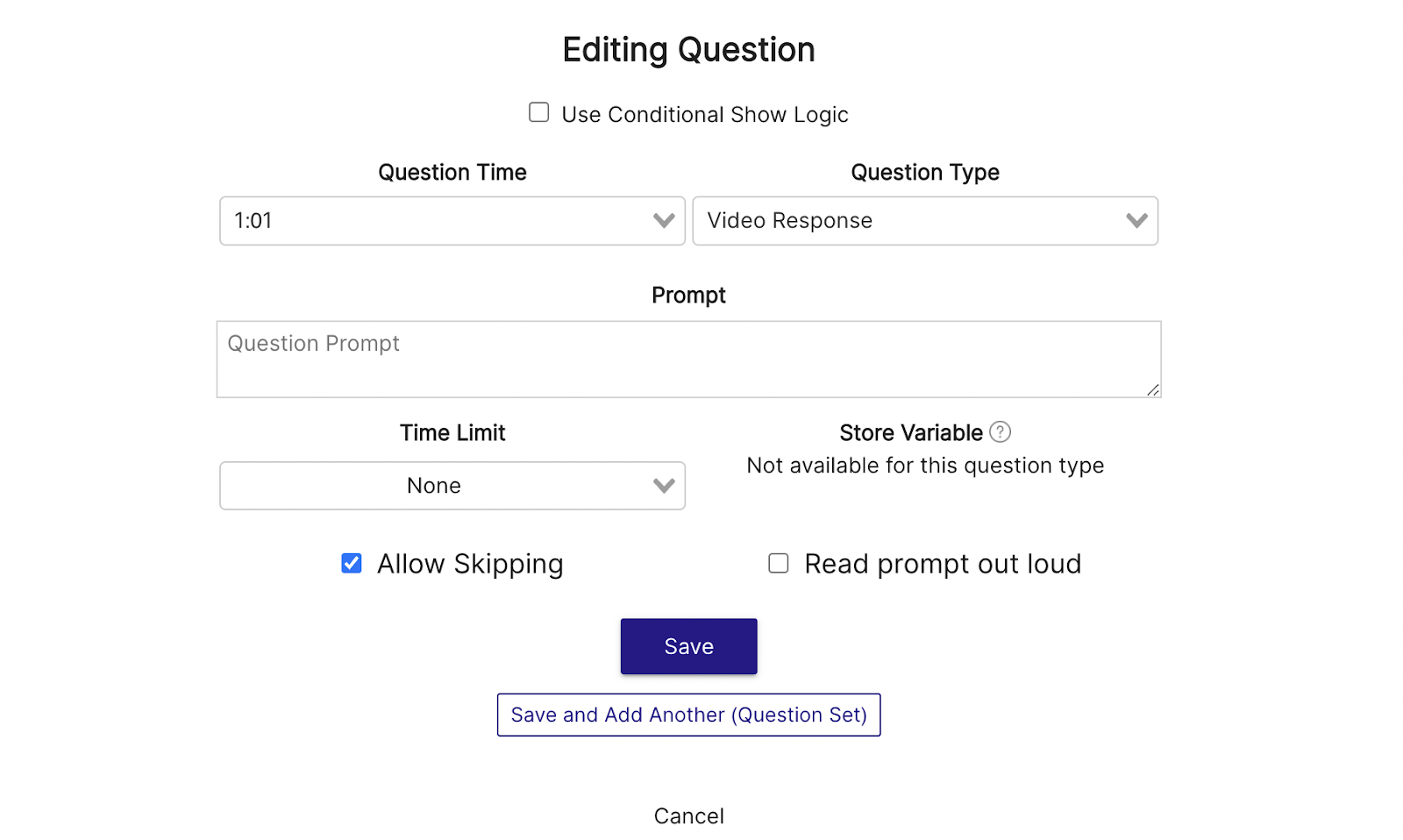
A video answer shows how someone delivers a pitch or performs a procedure.
Review tone, clarity, confidence, and the content of the answer.
Asynchronous, so assessment does not need a calendar slot for every participant.
Each recording sits against the viewer, ready to review or compare over time.
Assess practice, pitch, pronunciation, or other work that you would usually review live.
Every interaction on the timeline is recorded against the viewer who used it.
Standard video analytics
412 plays
A play count does not tell you who watched, or what they did at this moment in the video.
Viewer report · Video questions412 viewers
+ 409 more viewers
These combine on one timeline. Most videos use three or four together.
Let viewers select each option that applies, then score the full response set.
Set the correct response on any question so Mindstamp scores it automatically and reports who passed.
Collect a real date from the viewer inside the video, in a format that stays usable downstream.
Ask viewers to circle, mark, or annotate directly on the frame, and keep the drawing as their submitted answer.
Give viewers a dropdown when there are too many options to show as buttons, and keep the frame clean.
Ask an open question inside the video and collect typed answers against each viewer, no form page required.
No. Recording happens in the browser after the viewer grants camera access.
In your account, attached to the viewer who submitted them, and exportable.
Replace one scheduled assessment call with a question inside a recording.