What’s new
New on Mindstamp: Paywall: Sell Your Videos!
Add a paywall to charge viewers for access to a video.
Video Paywall - Sell Videos Online
Add a paywall to charge viewers for access to a video.
Set a price, choose when the paywall appears, and share the video link.
Book a demo for help getting started, or follow these steps to start now:
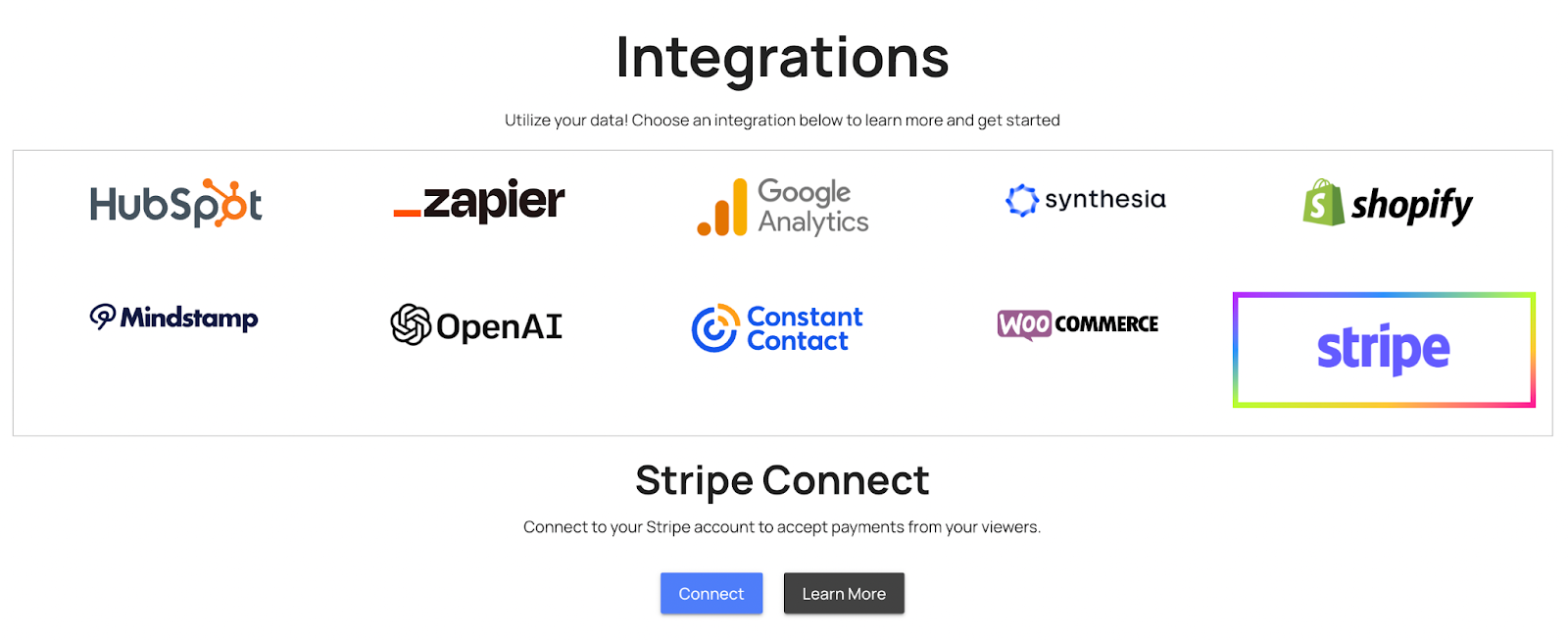
First, connect your Stripe Account on the Integrations Page :
*If you don't have a Stripe account, you can create one for free in just a few minutes!
Next, open the Mindstamp video you want to sell. Click Settings and then open the Monetization tab:
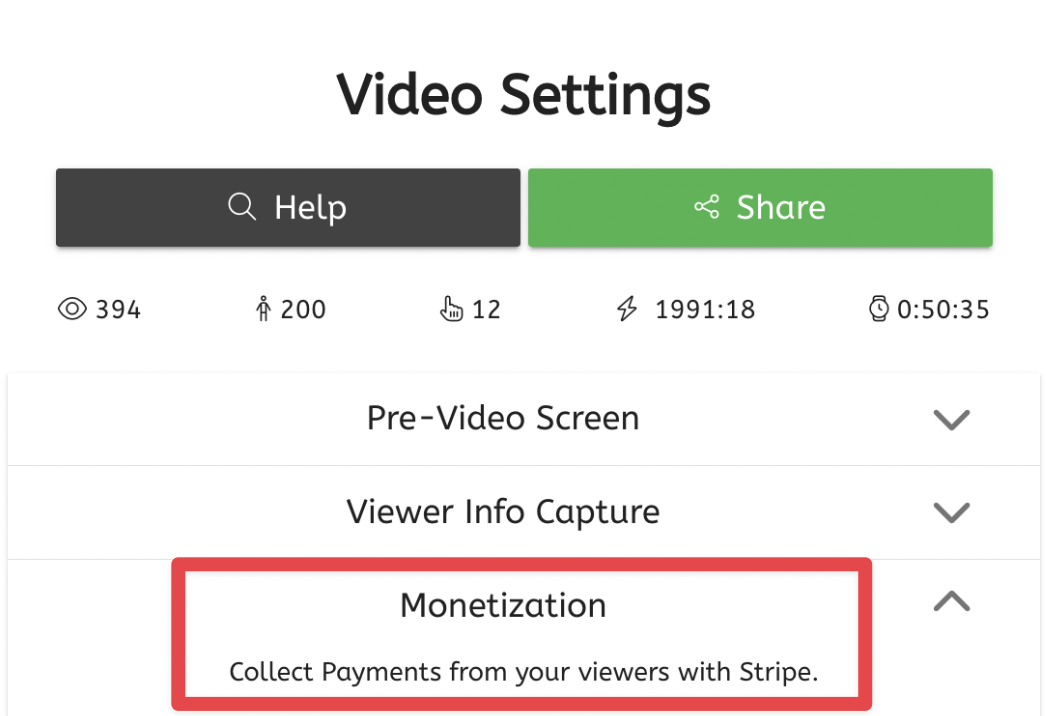
Here you can set your price, choose your currency, and choose when a viewer should have to pay to continue watching.
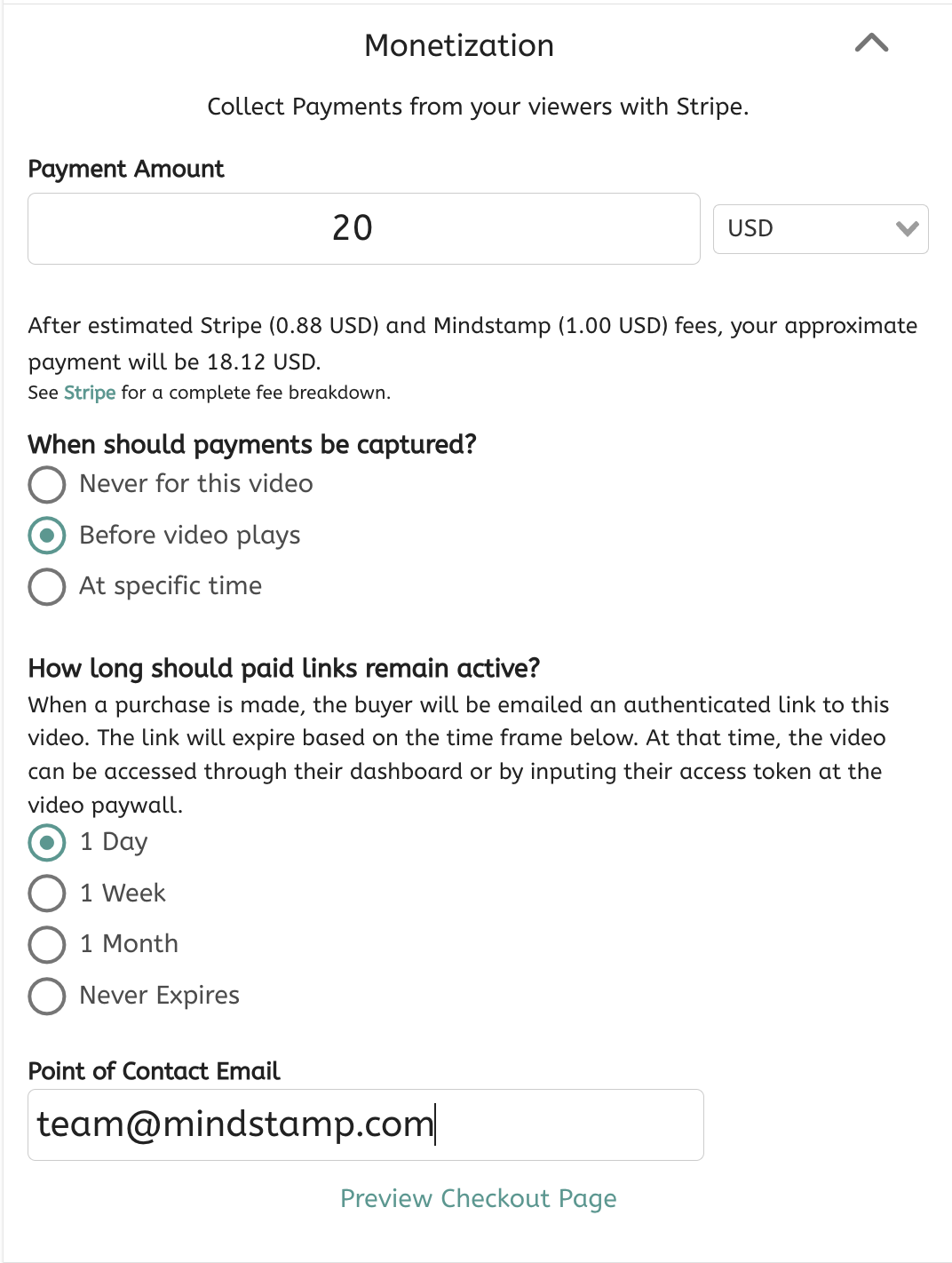
You can also choose an expiration date for the purchase, as well as provide an email for viewer questions and refund requests.
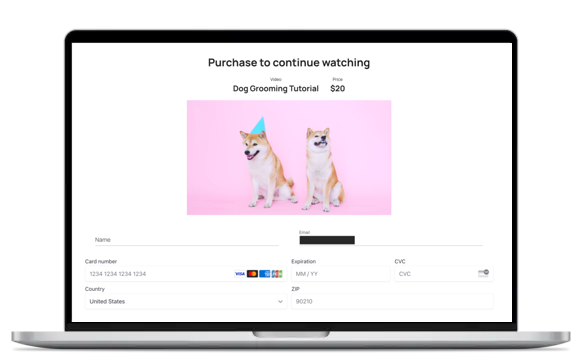
Viewers will see the purchase prompt at the point you chose and must pay to continue:
Start a free trial or book a demo to set up a paid video.
Try the integration
Mindstamp makes it easy to create engaging, interactive content in seconds. Try it for free today.
Try it yourself
Put this in one of your videos
Add questions, branching, and a call to action to a video you already have.